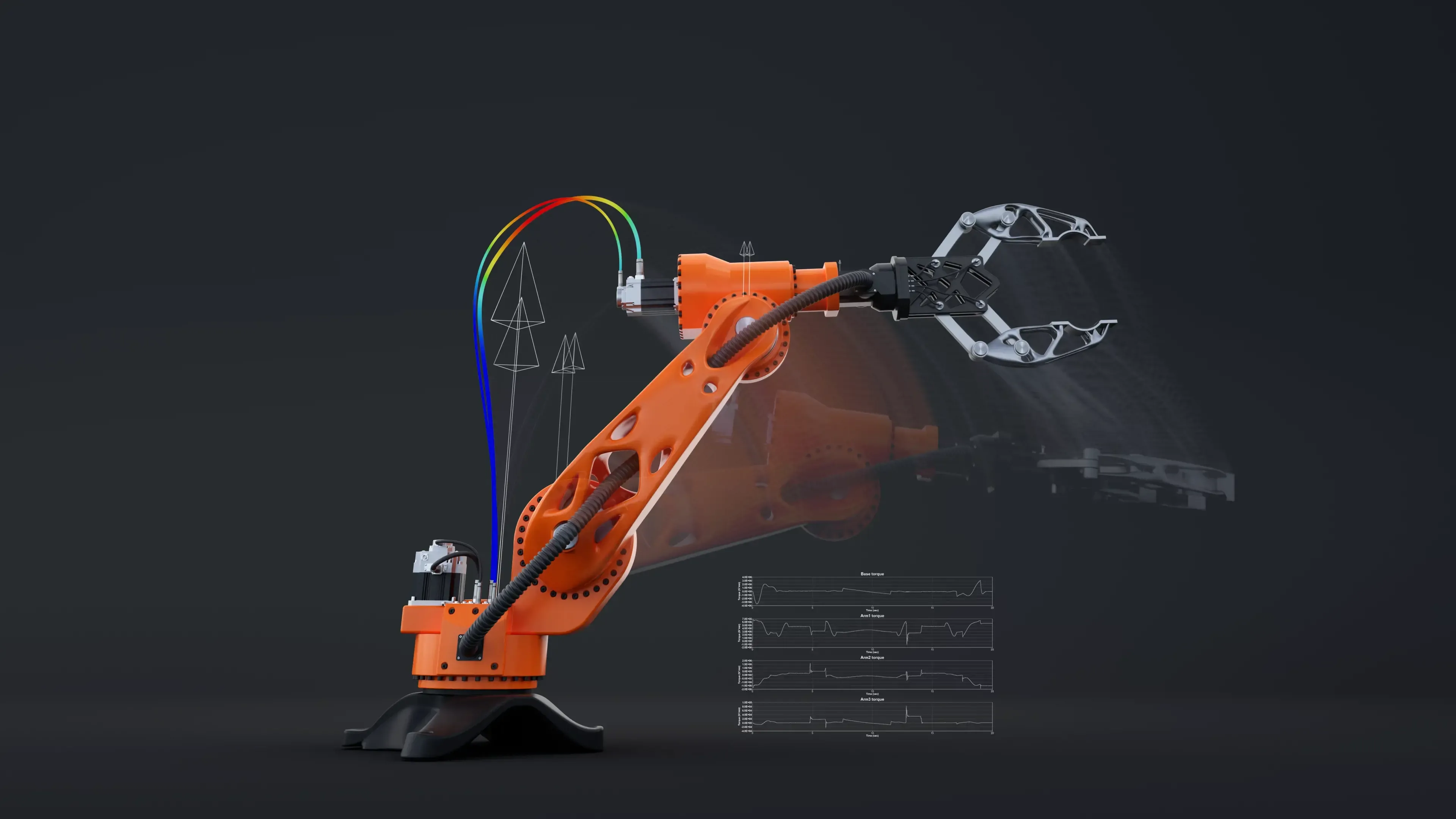
Authorized Altair Channel Partner · Now Part of Siemens
Altair Engineering Software
Simulation, optimization, electromagnetics, manufacturing and data analytics from one portfolio, licensed through flexible Altair Units. TrueInsight helps you choose the right Altair tools, license them efficiently and put them to work on real projects.
Overview
What Is Altair?
Altair develops engineering simulation, design exploration, high-performance computing and data analytics software. Its tools let engineers predict how a product will perform, find the lightest design that still meets its targets, confirm it can be manufactured and connect the results to business decisions.
The portfolio spans structural analysis, optimization, manufacturing process simulation, electronics, electromagnetics, CFD and data analytics. For most teams, the value is not a single tool. It is how the right applications connect into a workflow that is faster to run, easier to standardize and easier to scale across projects. Not sure where to start? The CAE Solution Finder matches your challenge to the right Altair tool.
- Finite Element Analysis, Crash and Topology Optimization With HyperWorks
- Simulation-Driven Design and Manufacturing Simulation With Inspire
- Electromagnetics With Feko and Flux, Power Electronics With PSIM
- Data Preparation, Machine Learning and Real-Time Analytics With RapidMiner
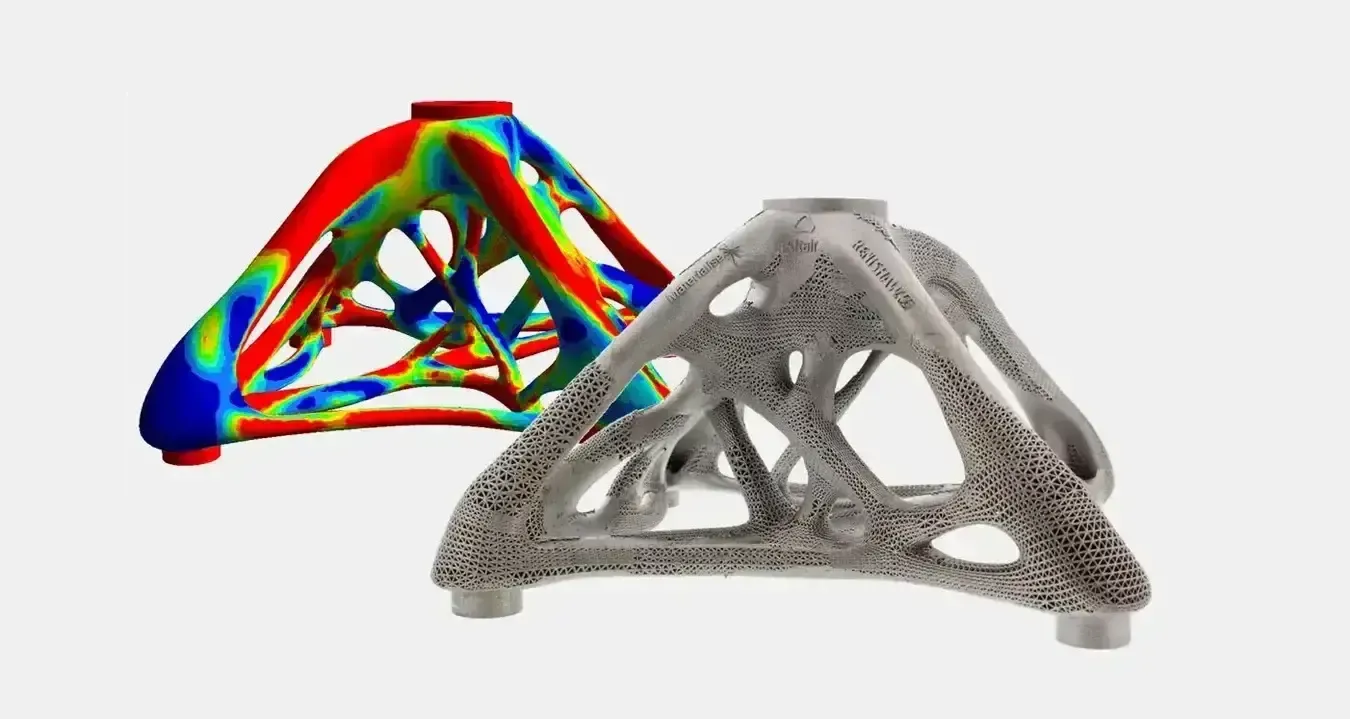 Optimized Node · Printed Part
Industry Update
Altair Is Now Part of Siemens
Siemens completed its acquisition of Altair Engineering in March 2025, bringing Altair’s simulation, HPC and data analytics software into the Siemens Digital Industries Software portfolio alongside NX, Teamcenter and Simcenter.
Altair products continue to be developed and supported. Since the June 2026 release most simulation tools carry the Simcenter brand, so you will see names such as Simcenter HyperMesh, Simcenter SimSolid and Simcenter Feko next to the original Altair names. Over time, Siemens is expected to connect these tools more tightly with its CAD, PLM and simulation portfolio, creating more unified engineering workflows.
- Existing Altair Licenses and Products Remain Supported
- Altair Units Licensing Continues for the Altair Portfolio
- TrueInsight Remains Your Partner for Licensing, Training and Support
- One Partner for Both Altair and Siemens Software

- Oct 2024Acquisition AnnouncedSiemens agrees to acquire Altair to expand its simulation and AI portfolio.
- Mar 2025Acquisition CompletedAltair becomes part of Siemens Digital Industries Software.
- Jun 2026Simcenter BrandingWith the June 2026 release, most former Altair simulation tools carry the Simcenter name, such as Simcenter HyperMesh 2026.1.
Altair HyperWorks
Altair HyperWorks Simulation Platform
HyperWorks is Altair’s flagship CAE platform: pre-processing, structural and multiphysics solvers, optimization and AI in one environment, all on one Altair Units license.
Explore Altair HyperWorks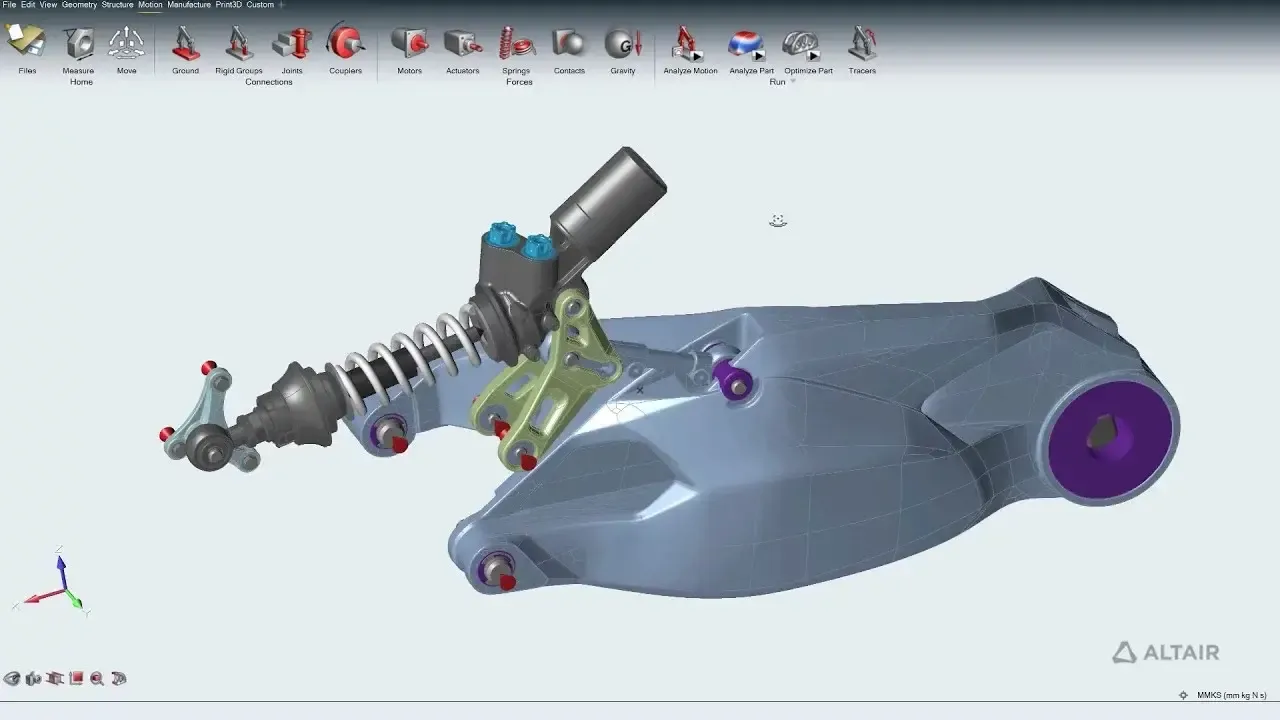
CAE Platform
Altair HyperWorks
Model, solve, optimize and review structural and multiphysics problems in one environment on one Altair Units license.
Explore HyperWorks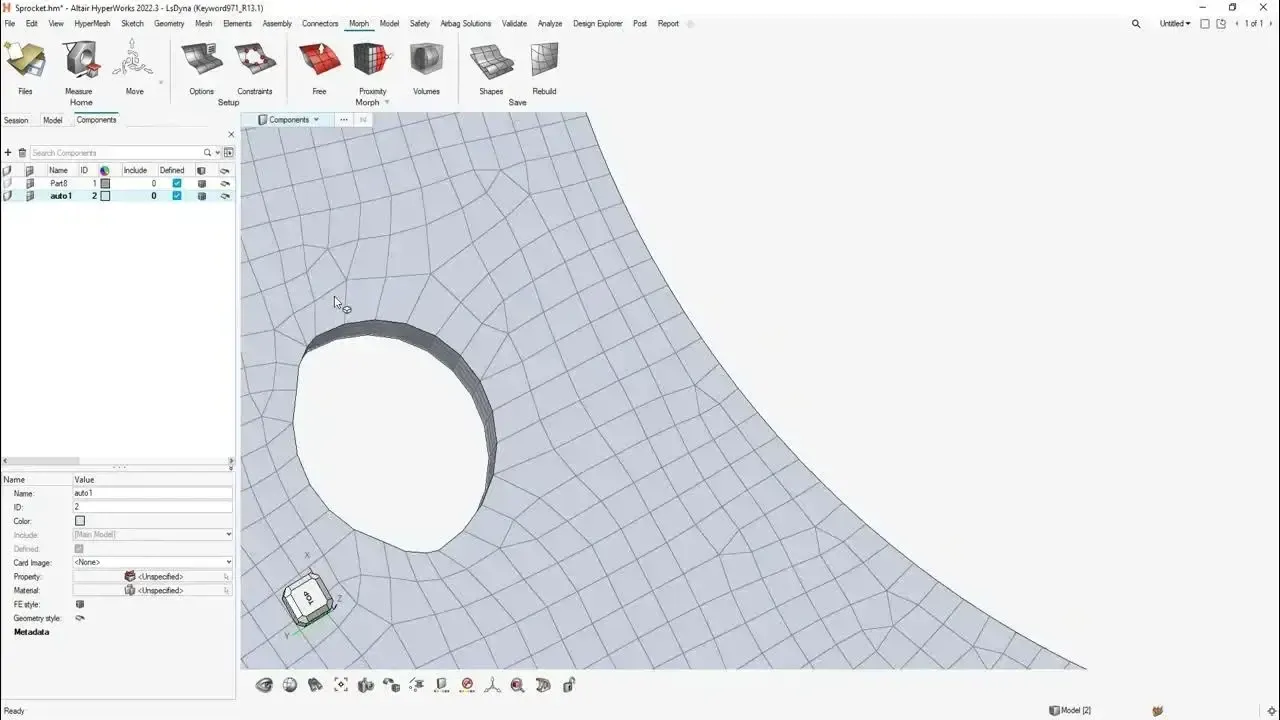
FEA Pre-Processing
Altair HyperMesh
The industry-leading finite element pre-processor for geometry cleanup, high-quality meshing and solver-neutral model setup.
Explore HyperMesh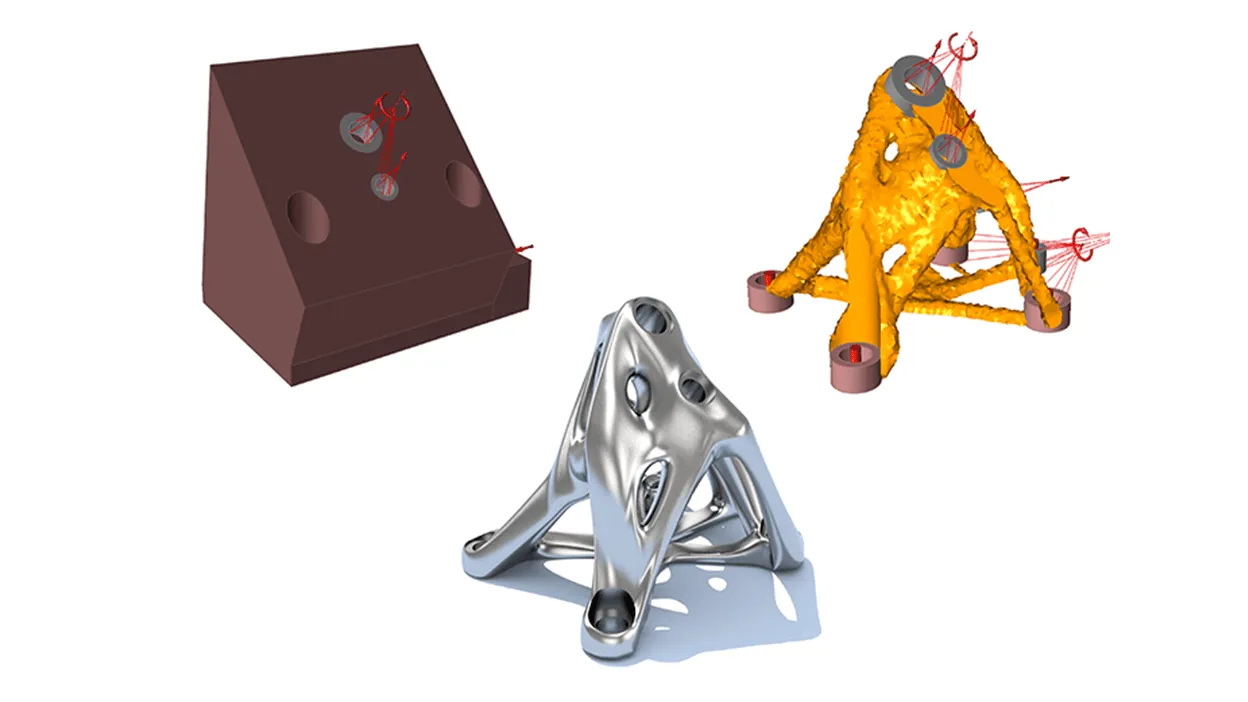
Solver & Optimization
OptiStruct
Linear and nonlinear structures, NVH and durability, plus the topology, size and shape optimization OptiStruct is known for.
OptiStruct Details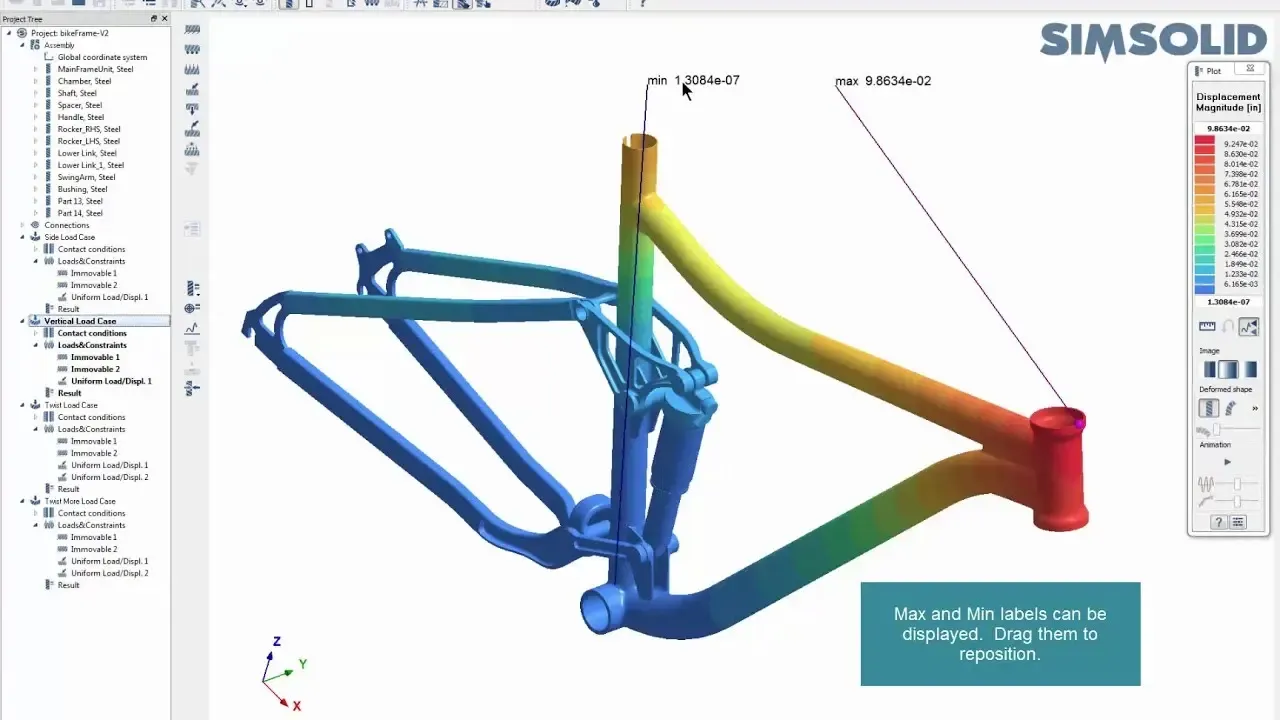
Meshless FEA
SimSolid
Structural analysis directly on CAD assemblies, with no geometry simplification or meshing, for same-day design answers.
SimSolid Details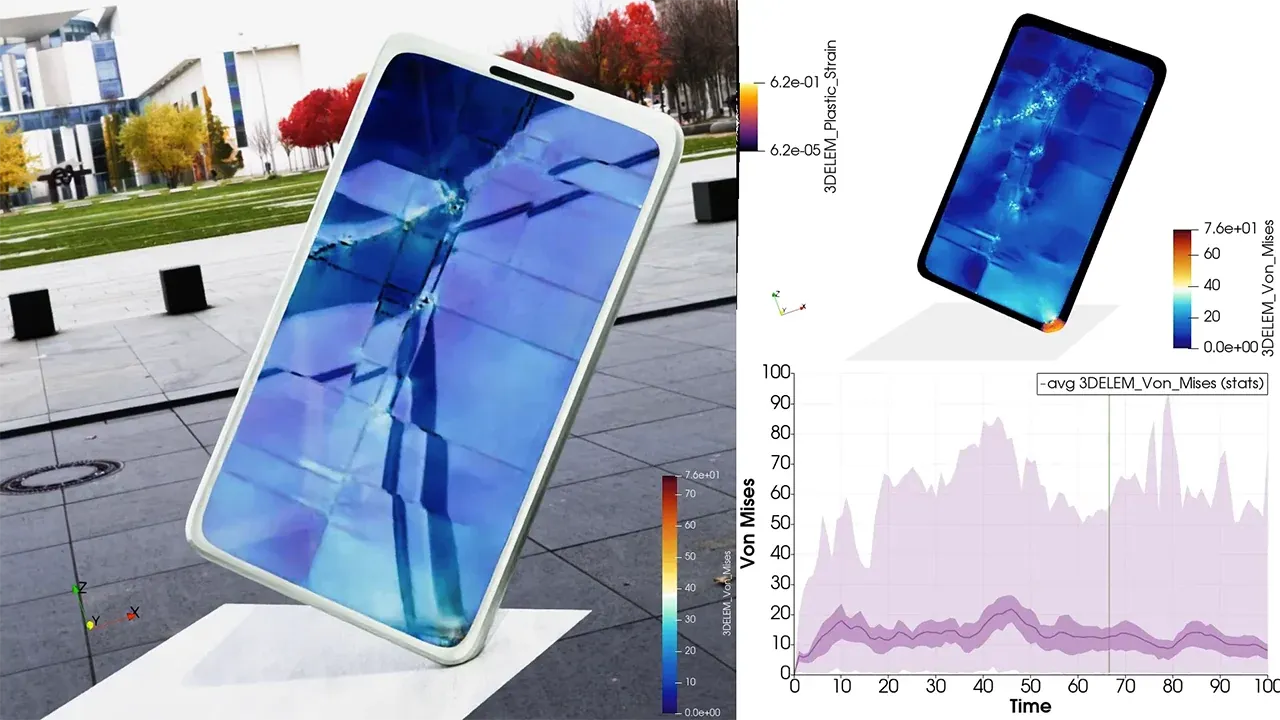
Explicit Dynamics
Radioss
Crash, drop and impact events where contacts, large deformation and material failure decide the outcome.
Radioss Details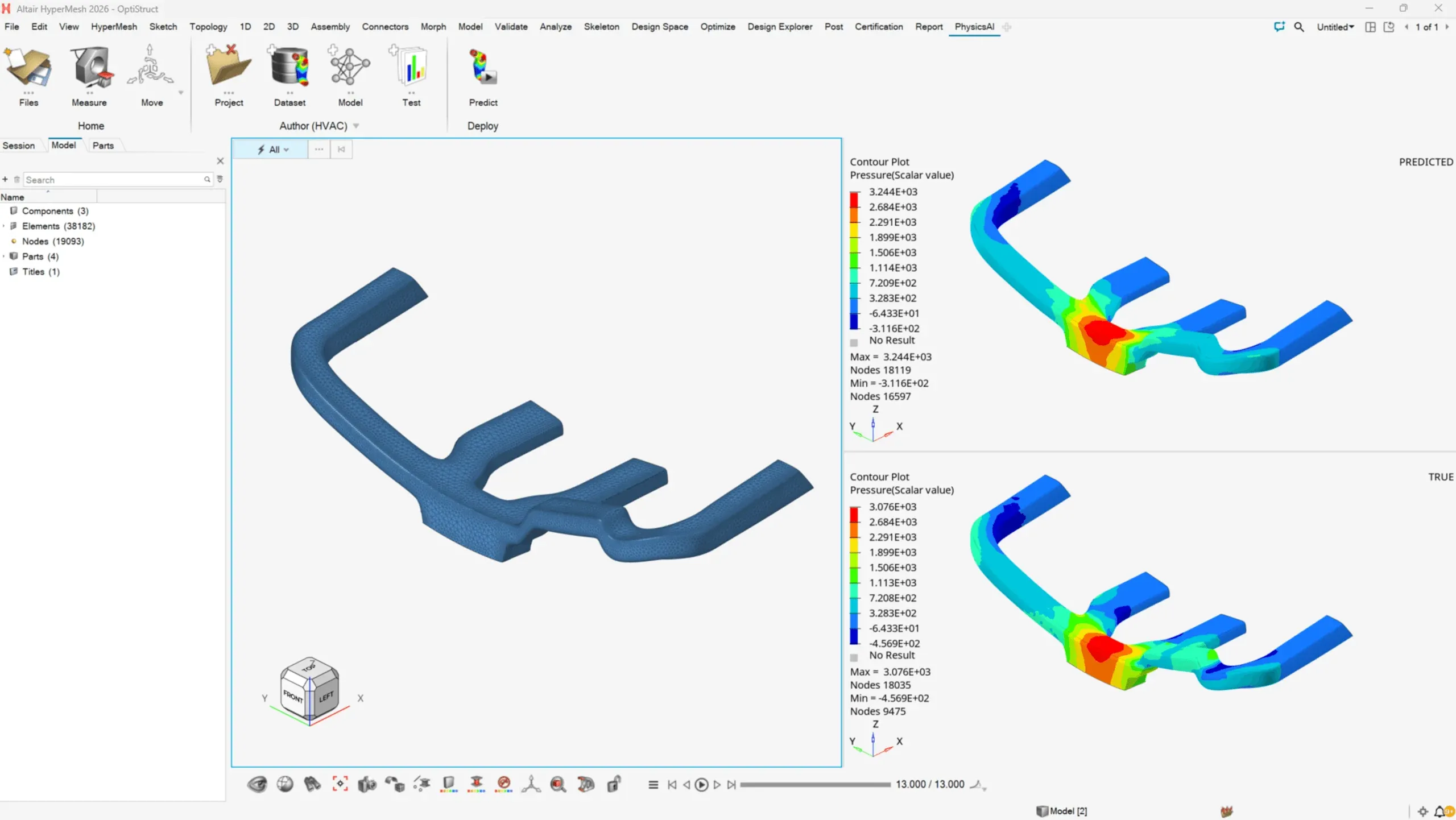
AI-Driven Simulation
PhysicsAI
Geometric deep learning that predicts simulation results in seconds by training on your historical models.
PhysicsAI DetailsAlso in HyperWorks: SimLab for process-driven multiphysics setup and HyperStudy for design exploration and optimization across any solver (see our HyperStudy and PSIM tutorial). For explicit dynamics in action, read Simulating the Impact of a Mike Tyson Punch.
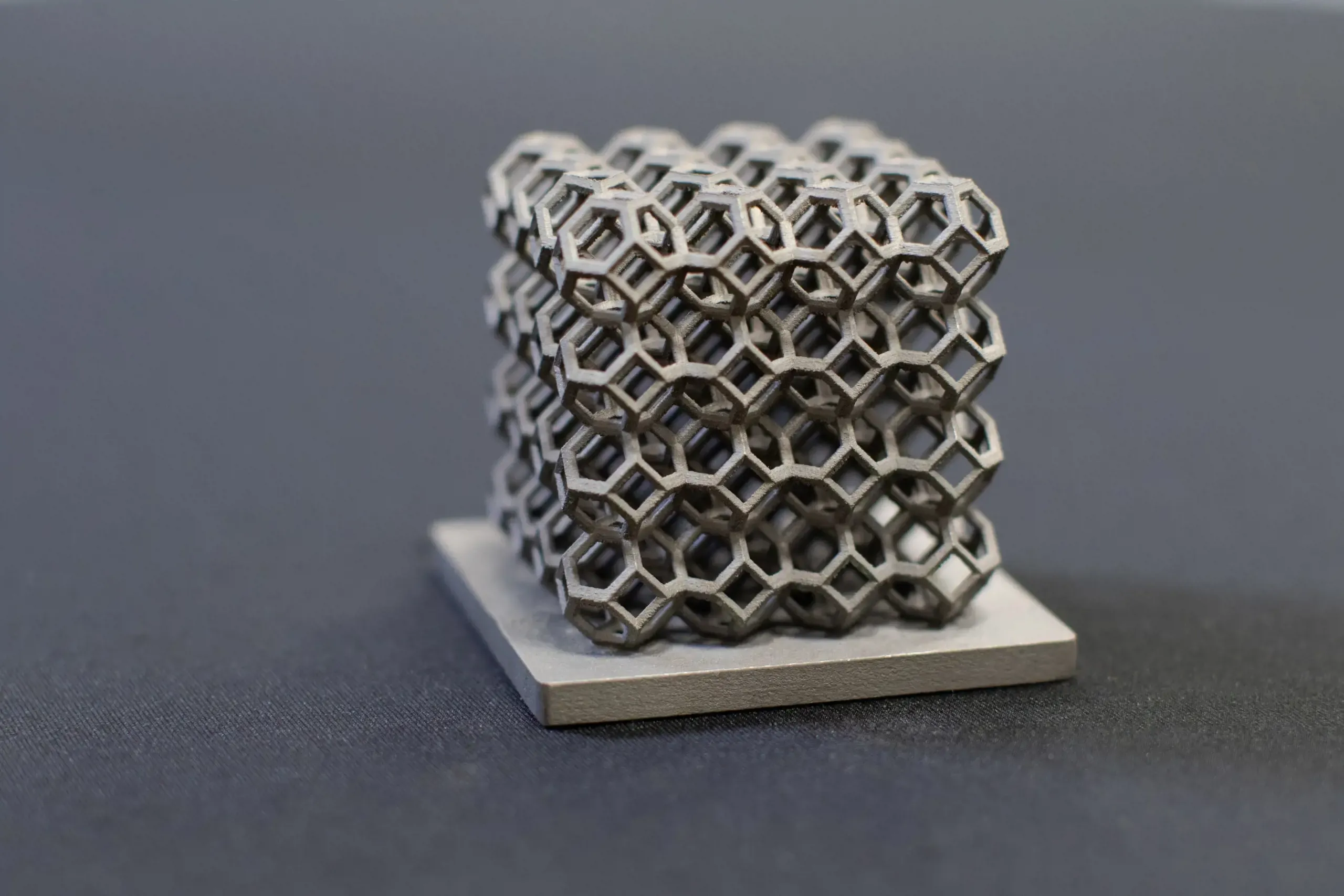
One License, Every Physics
From First Concept to Flight-Ready Hardware
Structures, crash, fluids, electromagnetics, manufacturing and data all run on one pool of Altair Units, so your team picks the right solver for each problem instead of the one it happens to own a seat for.
Design & Manufacturing
Design and Manufacturing: The Inspire Family
Inspire puts simulation in the hands of designers and manufacturing engineers, from the first concept sketch to the casting, molding, forming or printing process that makes the part.
Altair Inspire
Simulation-Driven Design With Inspire
Altair Inspire brings design, simulation and topology optimization into one environment, so engineers can find load paths, lightweight parts and validate concepts before detailed CAD. Inspire Structures extends it with fast structural checks for early, frequent iterations.
Inspire 2026.1 can even optimize with a porosity constraint from Inspire Cast. Read what’s new in Inspire 2026.1.
- Topology Optimization, Lattices and Implicit Modeling for Additive and Cast Parts
- Fast Structural and Motion Analysis Built for Designers
- Manufacturing Constraints That Keep Optimized Concepts Buildable
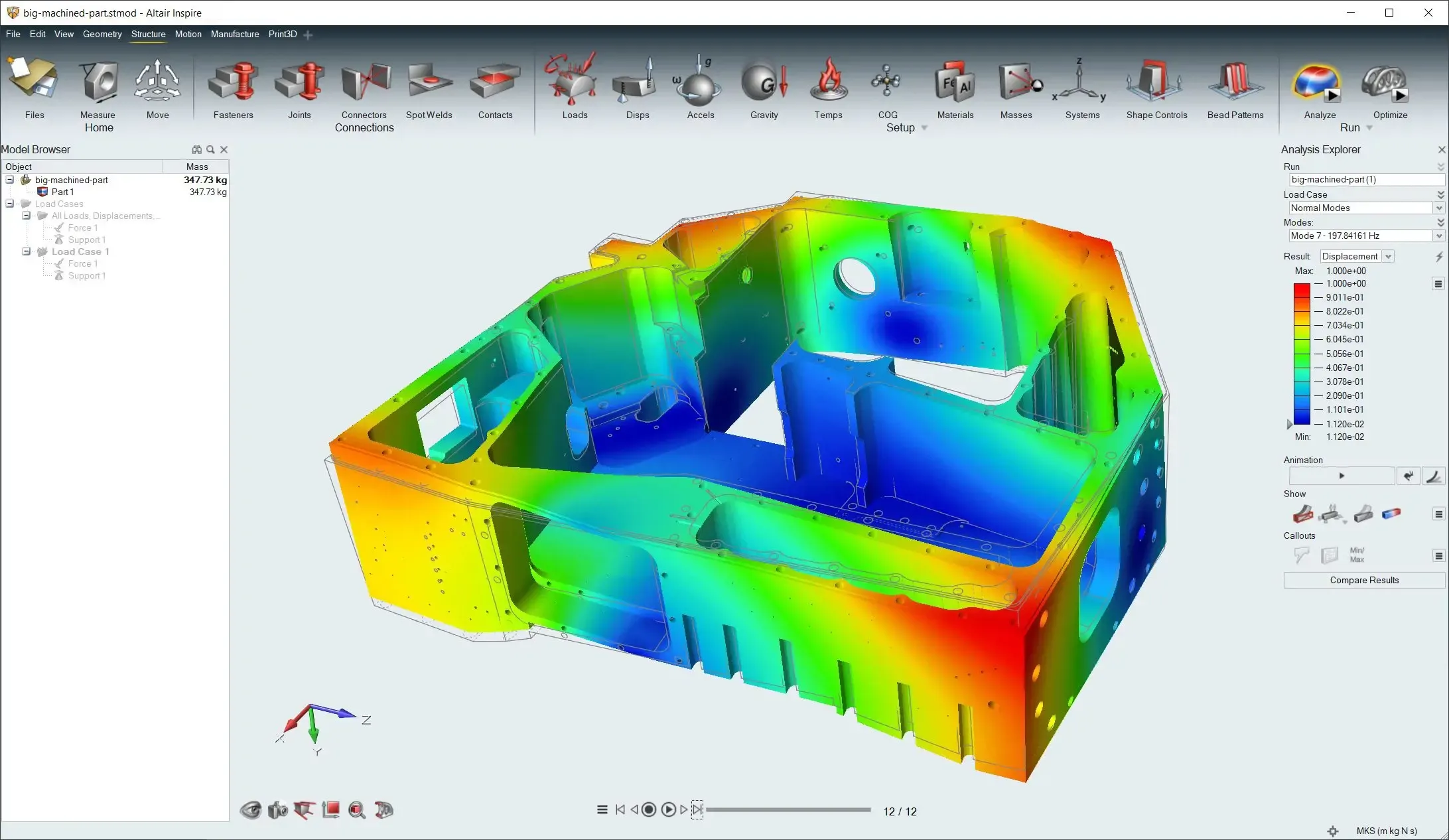 Inspire · Housing Stress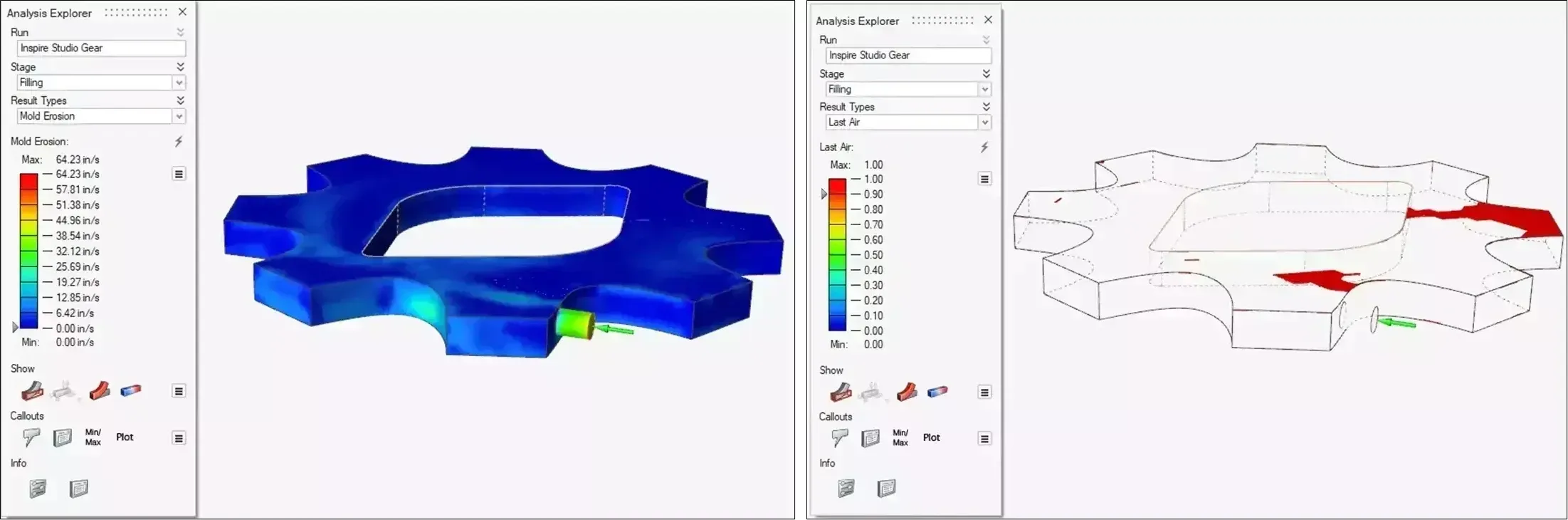
Casting
Inspire Cast
Mold filling and solidification simulation that exposes porosity and defects before tooling is cut.
Inspire Cast Details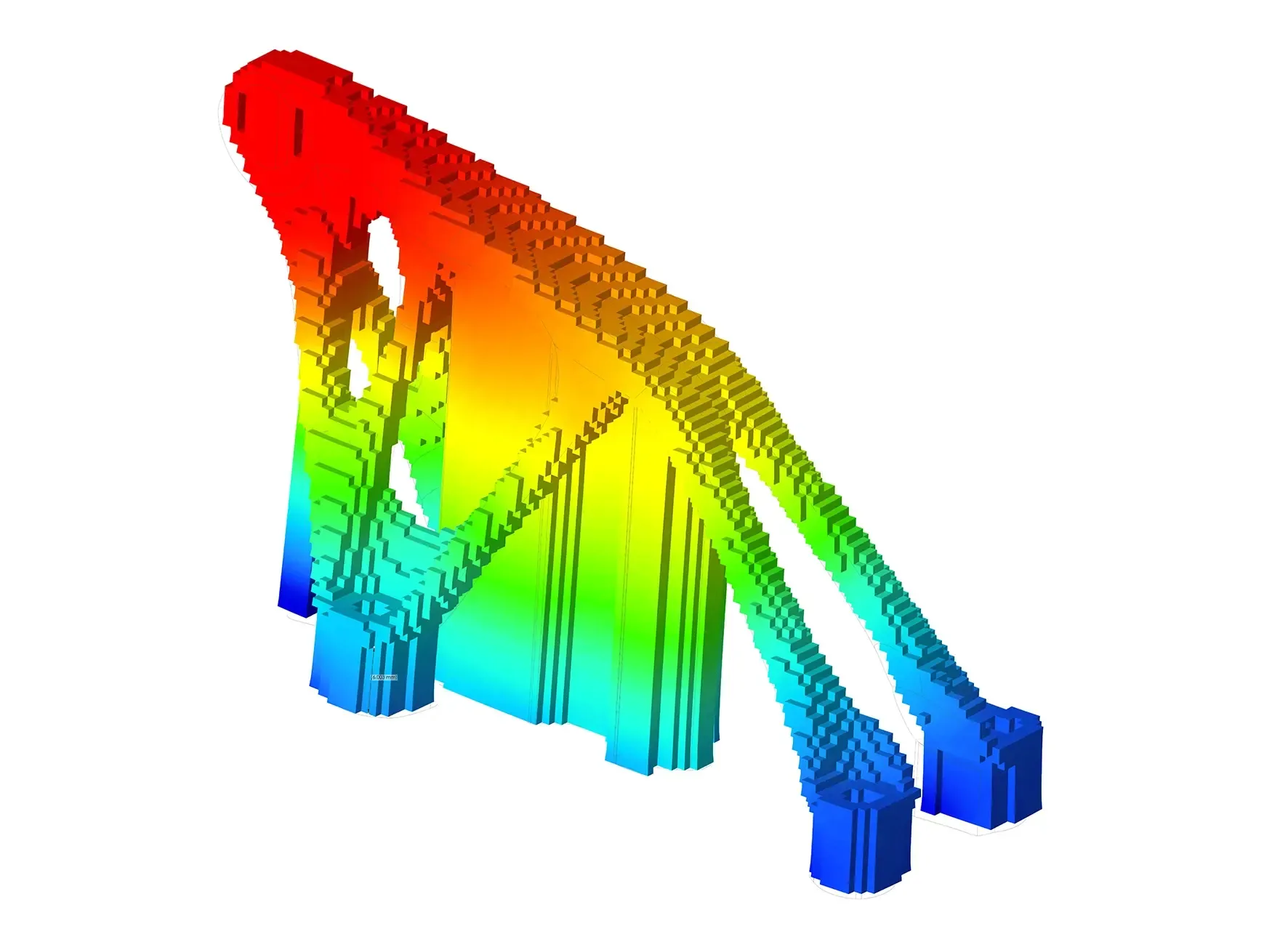
Additive Manufacturing
Inspire Print3D
Build simulation that predicts distortion, residual stress and support needs for metal and polymer printing.
Inspire Print3D Details
Injection Molding
Inspire Mold
Filling, packing and cooling analysis that shortens tooling iterations and catches quality issues early.
Inspire Mold Details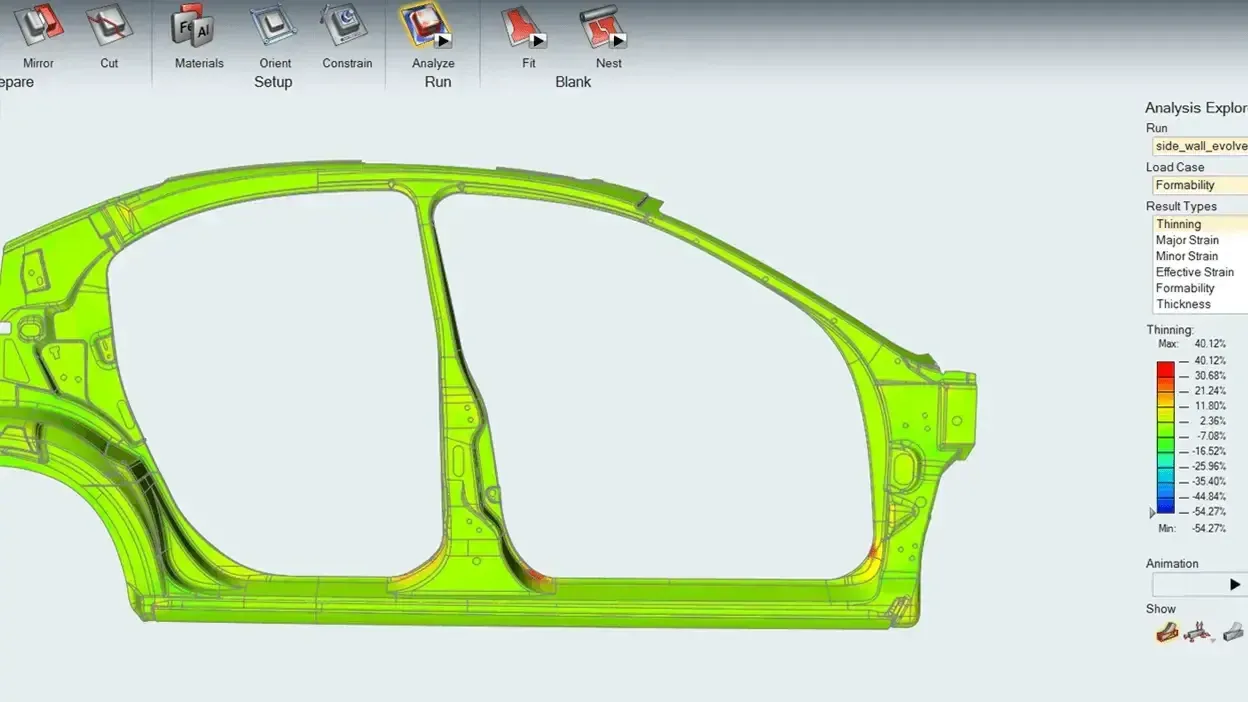
Sheet Metal Forming
Inspire Form
Stamping and formability simulation that flags cracking and thinning before die tryout.
Inspire Form Details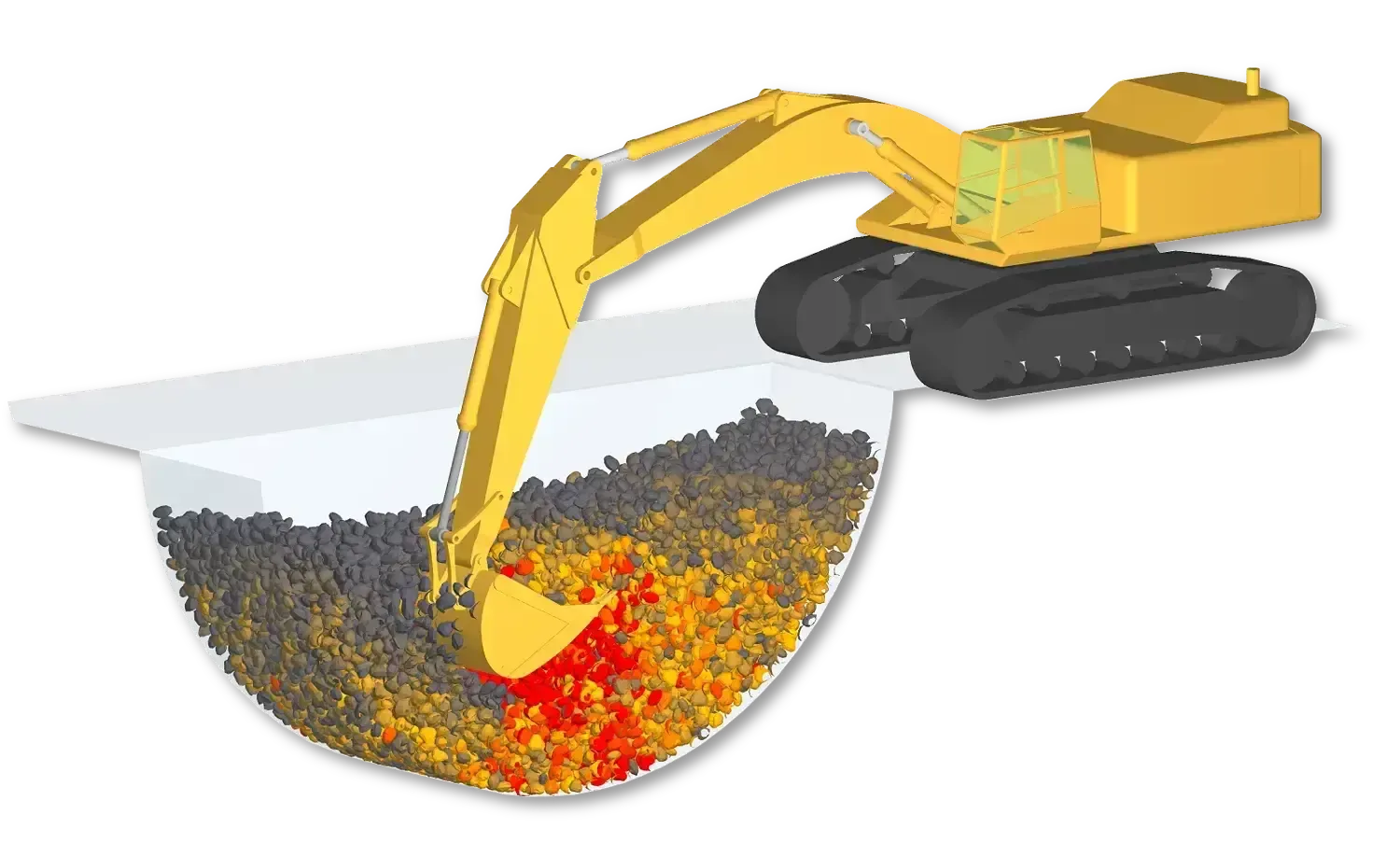
Bulk Materials
EDEM
Discrete element simulation of granular and particulate materials: flow, mixing, wear and equipment loads.
EDEM Details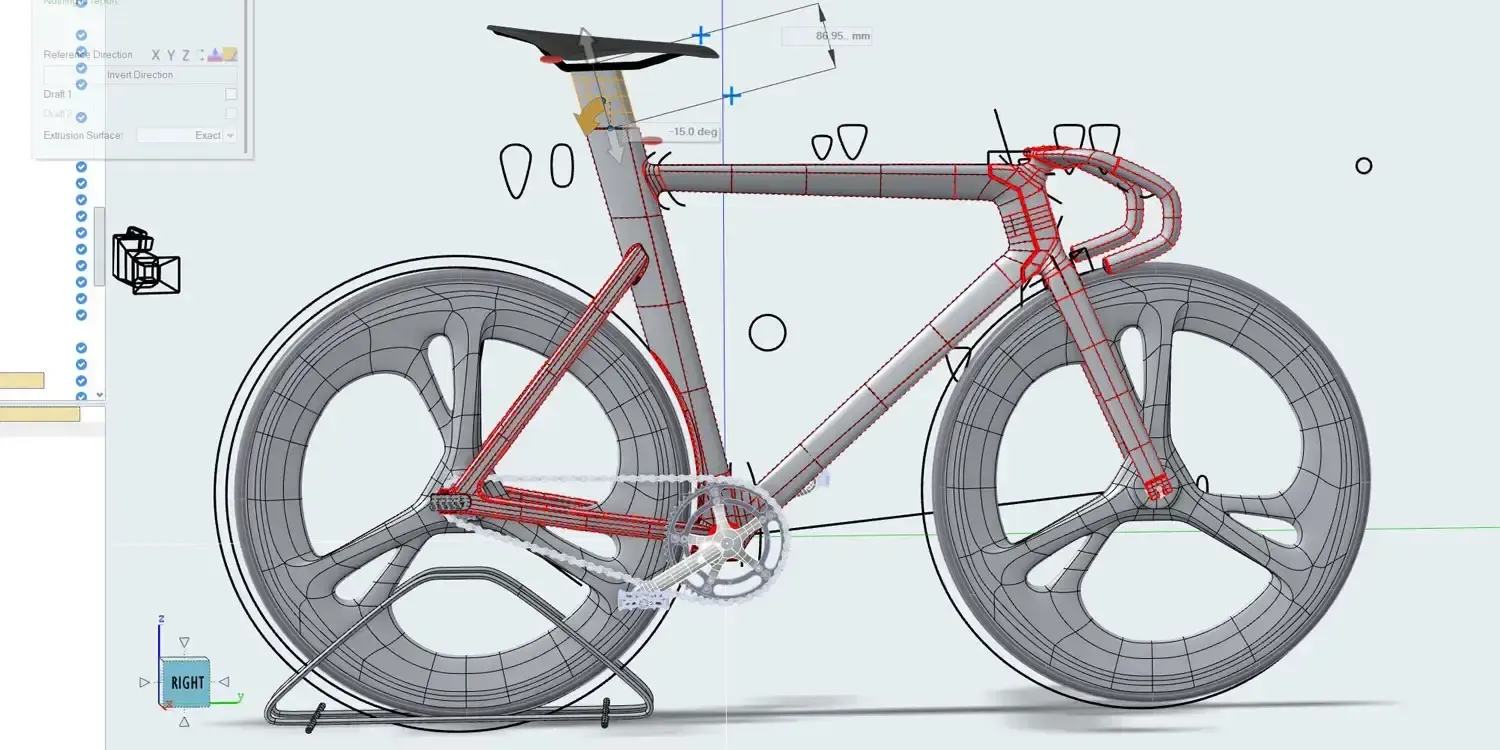
Industrial Design
Inspire Studio
Concept modeling, surfacing and rendering that communicate design intent long before detailed CAD.
Inspire Studio DetailsThe family also includes Inspire Extrude for polymer and metal extrusion and Inspire PolyFoam for polyurethane foam filling.
Electromagnetics & Electronics
Electromagnetics and Electronics: Feko, Flux and PSIM
From antenna placement on an airframe to the motor, inverter and control loop inside an EV drive, Altair covers the full electrical side of product development.

High-Frequency Electromagnetics
Feko
Antenna design and placement, EMC/EMI, scattering and radar cross section, with WinProp for radio propagation and coverage planning.
Feko Details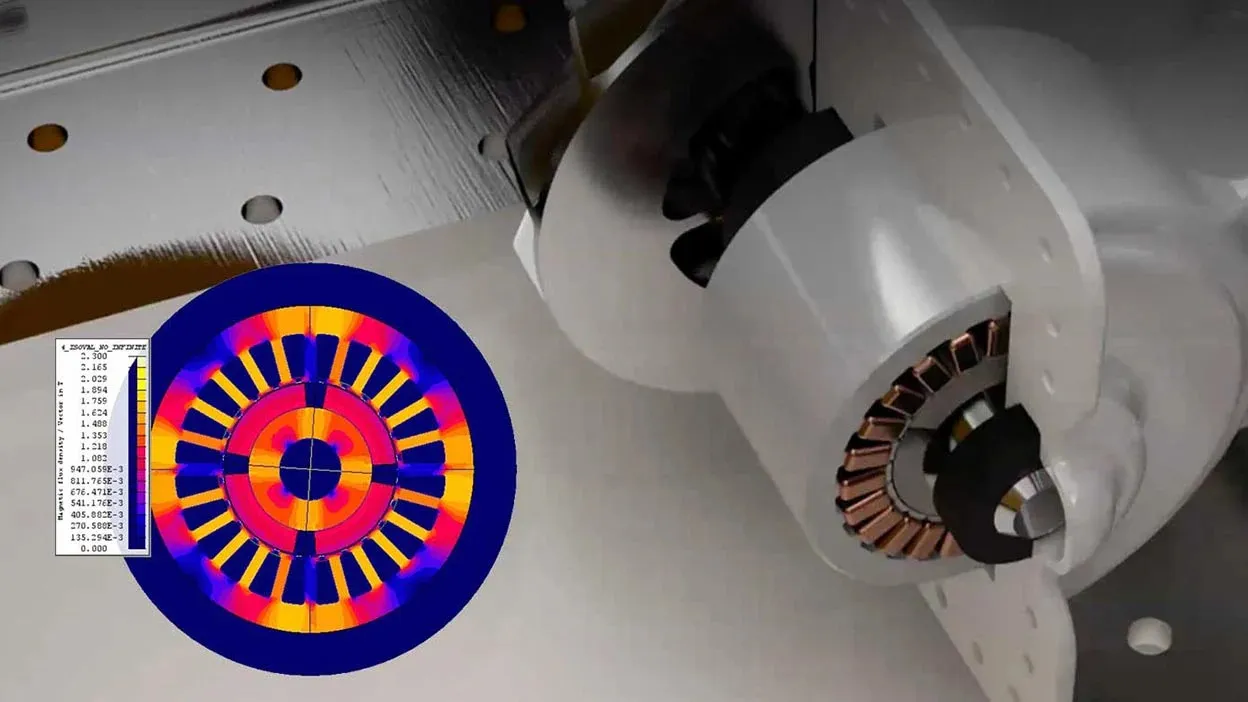
Low-Frequency Electromagnetics
Flux
Electric motors, transformers, actuators and sensors, with magnetic, thermal and circuit effects in one model.
Flux Details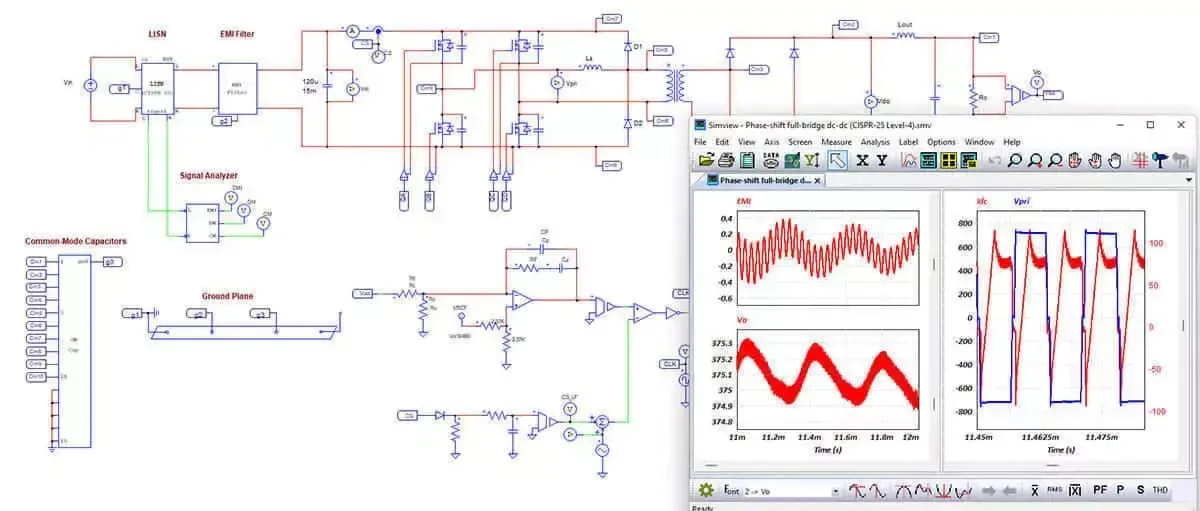
Power Electronics
PSIM
Converters, inverters and motor drives, with control-loop design and fast, stable switching simulation.
PSIM DetailsElectronics and Systems Tools
Round out the electrical workflow with PCB verification, control design, embedded code generation and system simulation. See how HyperStudy and PSIM optimize circuit design or how parametric geometry speeds up antenna studies in Simcenter Feko.
- PollEx PCB layout viewing, verification and DFM checks that catch layout issues before build.
- SmartCtrl Control-loop design and tuning for power converters, with hand-off to PSIM.
- Embed Model-based embedded development with automatic code generation for microcontrollers.
- Activate 1D block-diagram modeling for multi-domain systems, controls and architecture trade studies.
- Compose Numerical computing and scripting to automate engineering calculations and data processing.
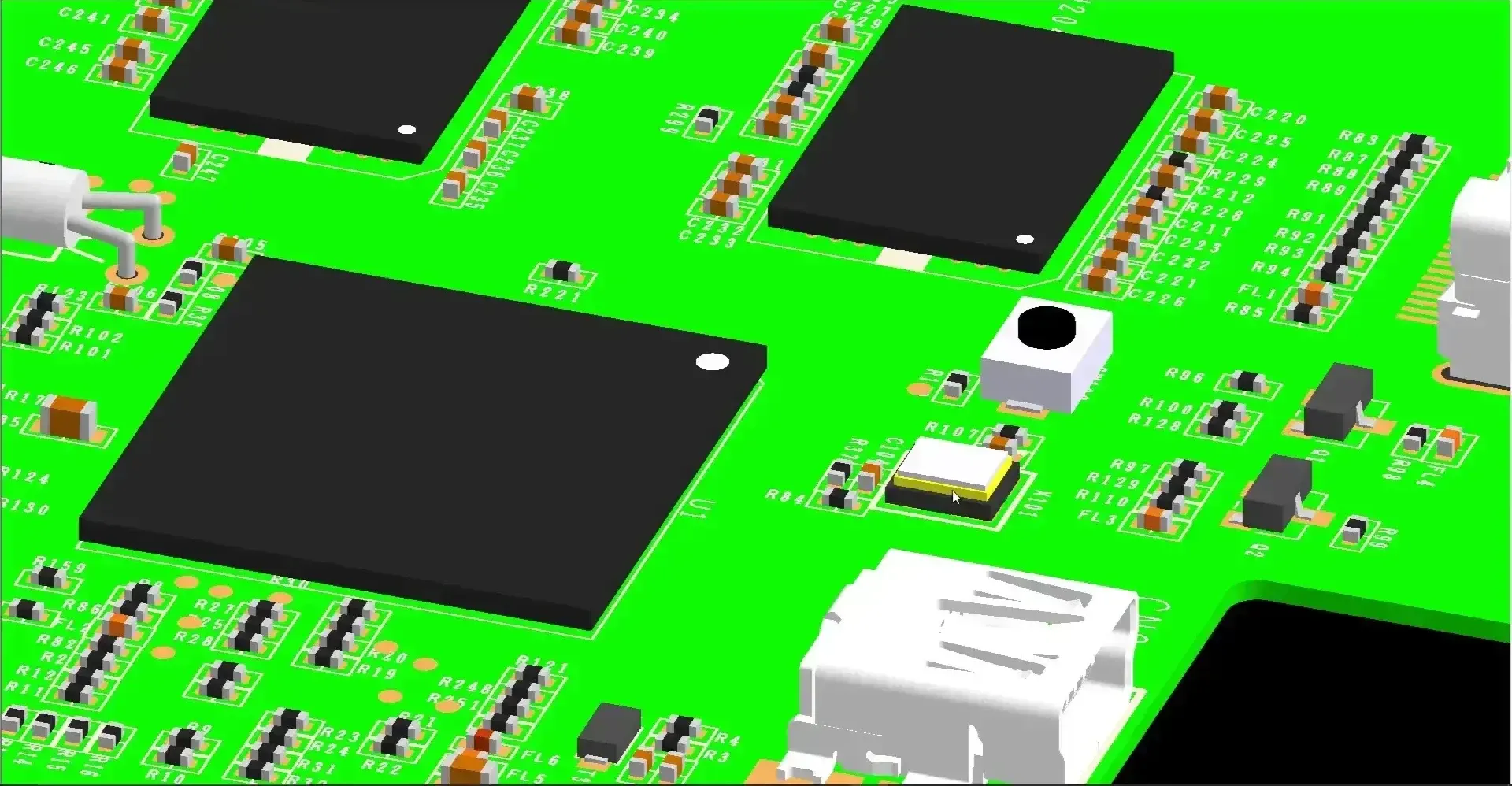 PollEx · PCB Layout
Fluid & Thermal
Fluid and Thermal: Altair CFD, FlightStream and HyperMesh CFD
Flow, cooling and aerodynamics on the same license as your structural tools, so thermal and structural questions can be answered by the same team.
FEA vs CFD: Which Do You Need?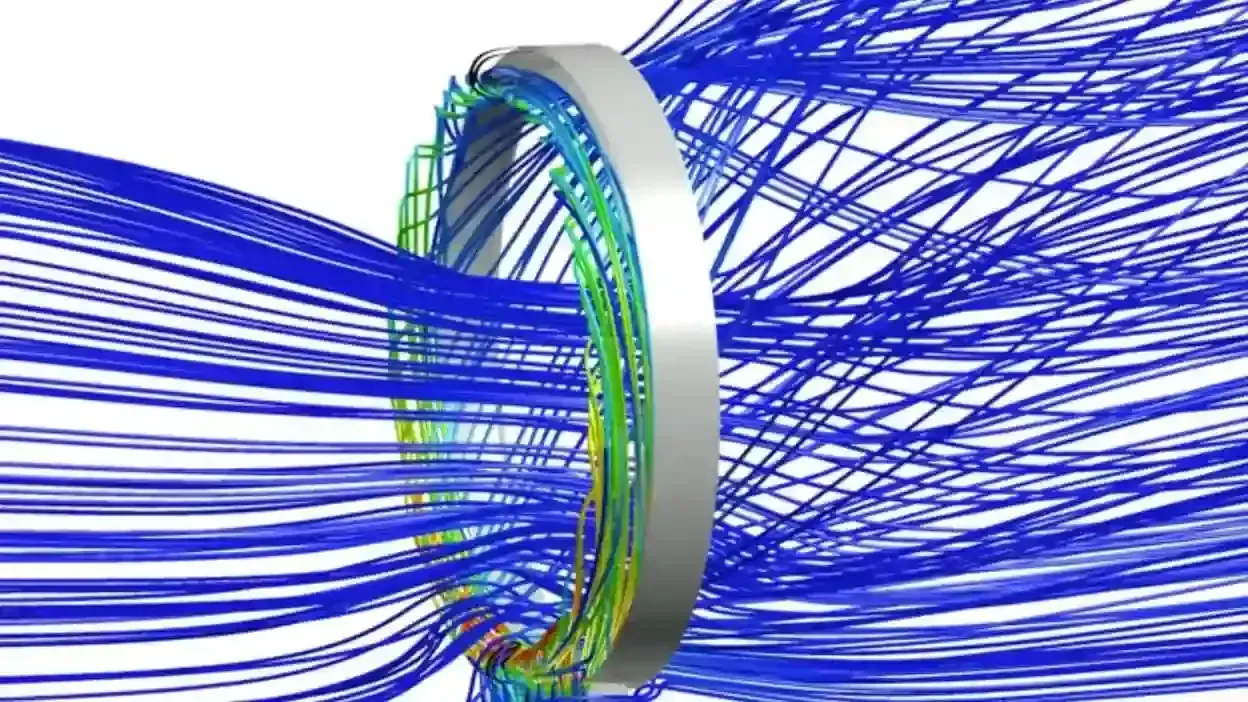
General-Purpose CFD
Altair CFD
Internal and external flow, cooling and conjugate heat transfer, with Navier-Stokes, particle-based and lattice Boltzmann solvers.
Altair CFD Details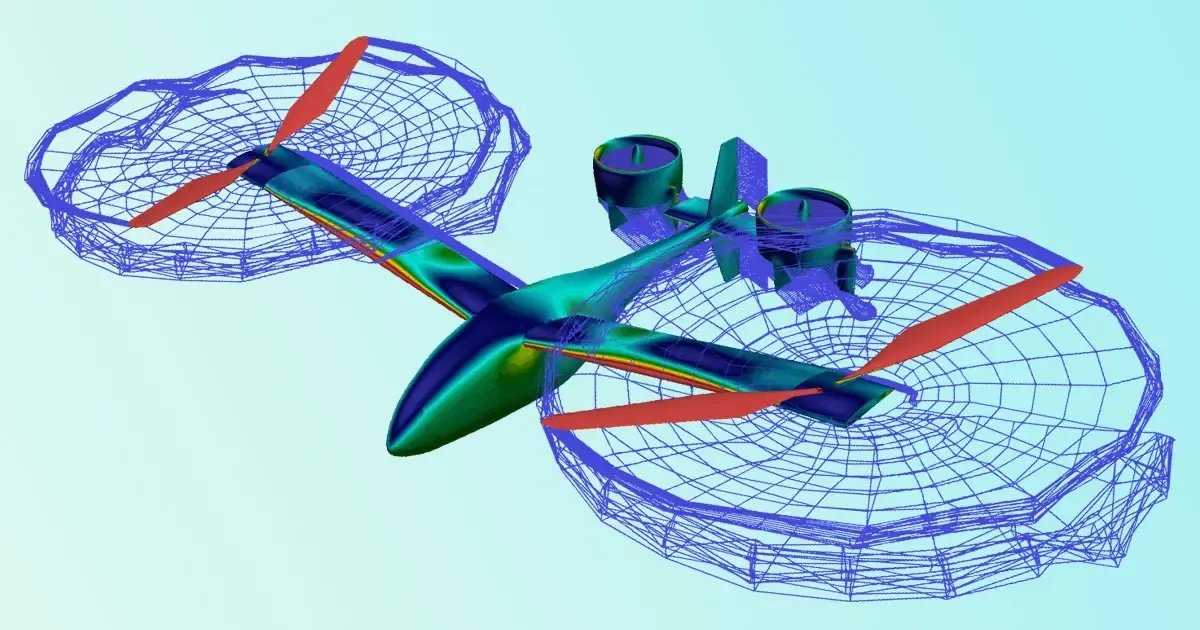
Rapid Aerodynamics
FlightStream
Fast surface-vorticity aerodynamics for aircraft, UAV and propeller concepts, built for early trade studies.
FlightStream Details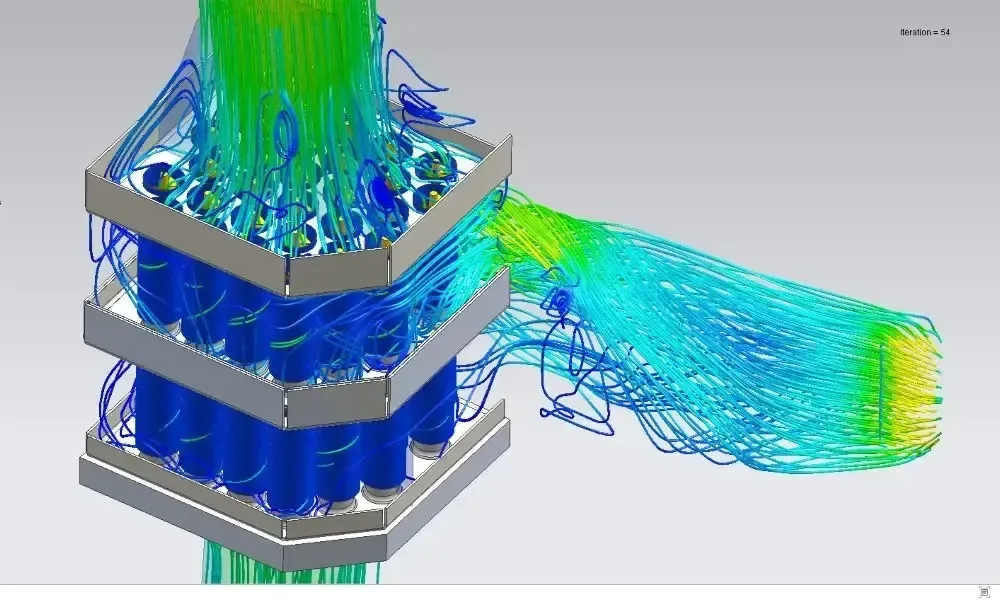
CFD Pre-Processing
HyperMesh CFD
Geometry cleanup, surface wrapping and volume meshing that make flow and thermal setups fast and repeatable.
HyperMesh CFD DetailsData Analytics & AI
Data Analytics and AI: RapidMiner, Monarch and PhysicsAI
Altair’s data tools turn engineering, test and operational data into decisions, and its AI tools turn past simulations into instant predictions for new designs.
- RapidMiner End-to-end data preparation, machine learning and model deployment for engineering and operations teams.
- Monarch No-code extraction of clean, analysis-ready data from PDFs, reports and semi-structured files.
- Panopticon Real-time dashboards for streaming data, built for monitoring and fast operational decisions.
- Knowledge Studio Predictive analytics and machine learning for classification, scoring and forecasting.
- PhysicsAI AI trained on simulation data that predicts physics results in seconds, so you simulate only the best candidates.
Tutorials: using floating traps in RapidMiner Monarch and a step-by-step PhysicsAI walkthrough.
 Panopticon · Live Data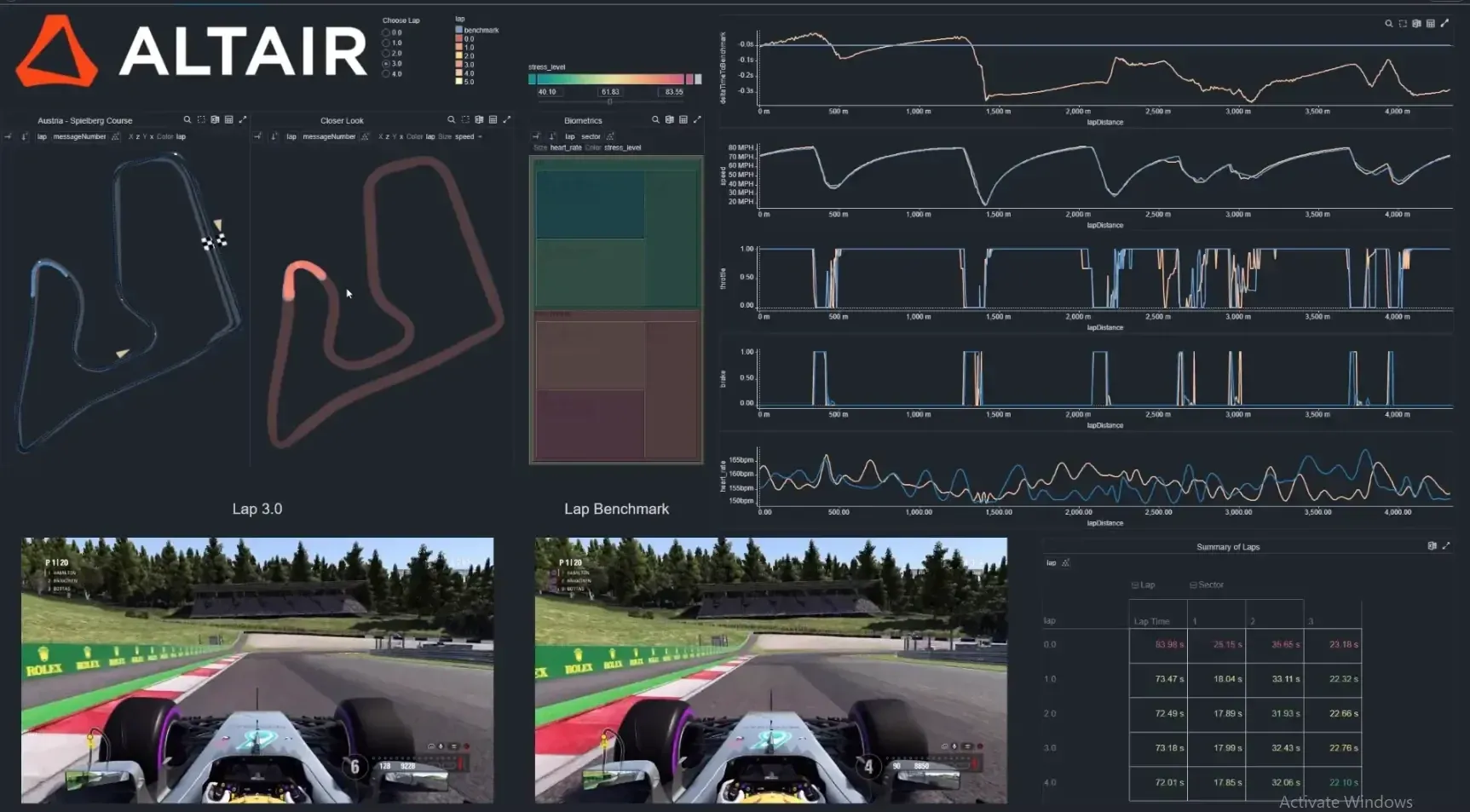
Altair Portfolio
The Complete Altair Software Portfolio
All 31 Altair products TrueInsight licenses and supports, grouped by discipline. Each one opens its profile in our Solution Finder with use cases and related tools.
Open the Solution FinderStructures & Pre-Processing08
- HyperMeshPre- and post-processing for building and managing FE models
- OptiStructStructural analysis and optimization solver
- SimSolidMeshless structural analysis on CAD assemblies
- RadiossExplicit dynamics for crash, impact and nonlinear events
- SimLabProcess-driven multiphysics setup and meshing automation
- HyperStudyDesign exploration, DOE and multi-objective optimization
- InspireSimulation-driven design and topology optimization
- Inspire StructuresEarly structural validation and design refinement
Design & Manufacturing08
- Inspire StudioConcept modeling, surfacing and rendering
- Inspire CastCasting simulation to reduce defects before production
- Inspire Print3DAdditive simulation for distortion and residual stress
- Inspire MoldInjection molding filling, cooling and part quality
- Inspire FormSheet metal forming and stamping feasibility
- Inspire ExtrudeExtrusion simulation for polymer and metal profiles
- Inspire PolyFoamPolyurethane foam filling and expansion
- EDEMDiscrete element method for bulk and particle flow
Electromagnetics & Electronics08
- FekoHigh-frequency EM: antennas, placement, EMC and scattering
- FluxLow-frequency EM: motors, transformers and actuators
- PSIMPower electronics: converters, inverters and drives
- SmartCtrlControl-loop design for power converters
- PollExPCB design viewing, verification and DFM
- EmbedEmbedded systems modeling and code generation
- ActivateMulti-domain 1D system simulation
- ComposeTechnical computing, analysis and scripting
Fluid & Thermal03
Data Analytics & AI05
Looking for Another Altair Tool?
Altair Units also unlock partner applications through the Altair One Marketplace. Tell us what you need to simulate and we’ll confirm the right application and licensing.
Licensing
Flexible Altair Units Licensing
Instead of buying one seat per product, you buy a pool of Altair Units. Engineers draw units when they open an application and return them when they close it, so the same pool can run HyperMesh in the morning and Feko or EDEM in the afternoon.
- Access the Full Altair Portfolio and Partner Applications From One License
- Share Units Across Users, Projects and Disciplines
- Manage Licenses in the Cloud With Altair One or on Your Own License Server
- Start Small and Grow the Pool as Usage Proves Out
Learn more about Altair licensing and support, the Altair One Marketplace and licensing Altair software with an auth code.
One Shared Pool of Altair Units
Units are drawn while an application is open
- HyperMesh
- OptiStruct
- SimSolid
- Radioss
- Inspire
- Inspire Cast
- Feko
- Flux
- PSIM
- Altair CFD
- EDEM
- RapidMiner
Illustrative only · Pool size is set by your quote
Why TrueInsight
Why Buy Altair From TrueInsight
TrueInsight is an authorized Altair channel partner, not just a procurement channel. Our application engineers help you scope the right tools, size an Altair Units pool, install and license the software and train your team on your own models.
Since Siemens acquired Altair, we support both portfolios, so one partner covers HyperWorks and Simcenter, NX and Teamcenter. Need extra capacity? Our FEA, CFD and electromagnetics consulting can run the analysis for you.
- Tool Scoping and Altair Units Sizing Based on Your Real Workflows
- Guided 30-Day Trials on Your Own Geometry
- Installation, License Server and Altair One Setup
- Custom Training and Responsive Support From Engineers
 Application Engineering
- Altair technologies, from HyperMesh and OptiStruct to Feko, Flux and RapidMiner
- 30+
- Less concept topology optimization model build time at L&L Products
- 80%
- Engineering domains: structures, CFD, electromagnetics, electronics, manufacturing, design and data
- 7
- Of Altair Units unlocks the entire HyperWorks portfolio
- 1pool
Applications
Common Altair Software Applications
Where engineering teams put Altair to work, from the first concept to the factory floor and the data that comes back from the field.
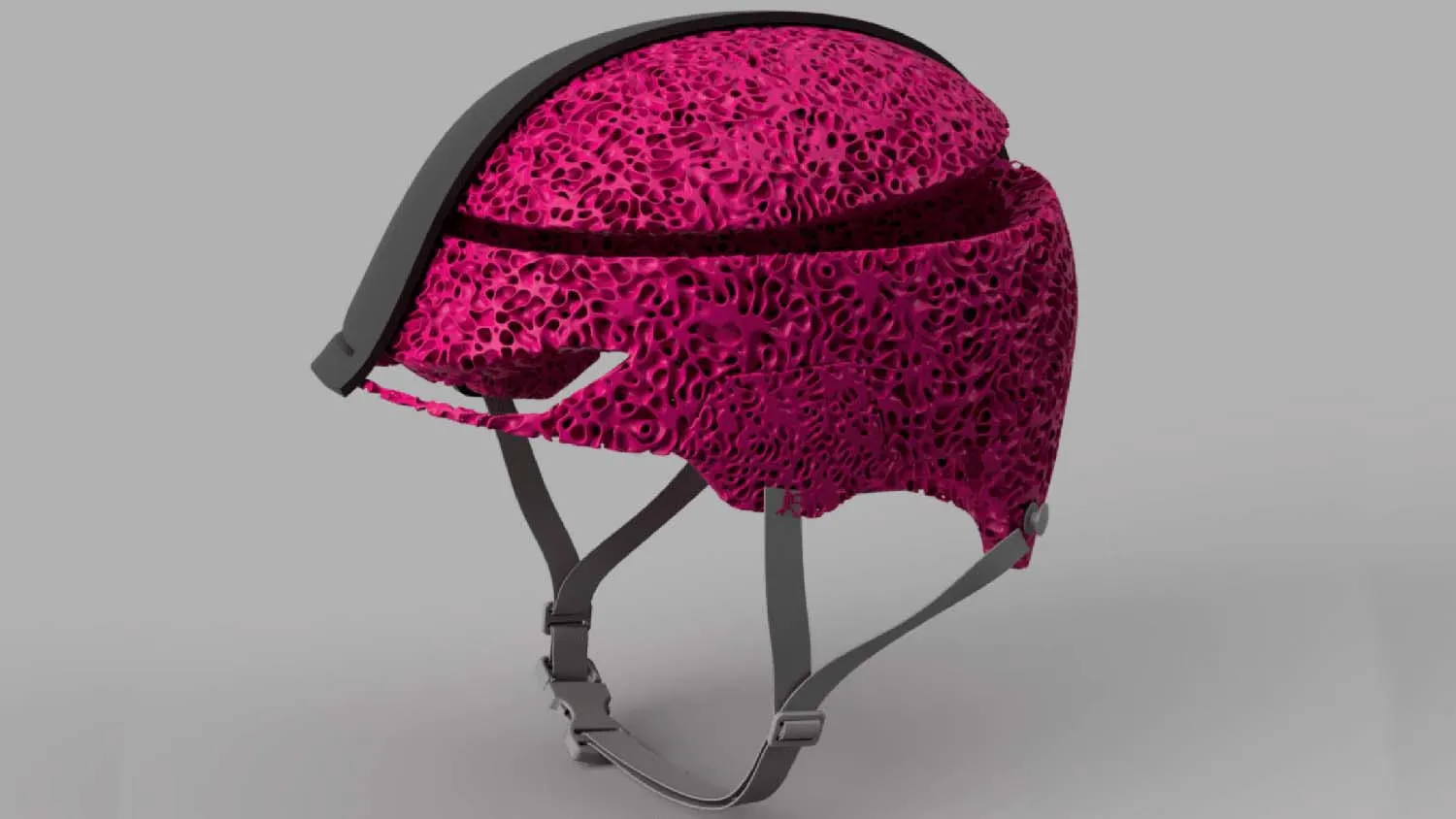
Simulation-Driven Design
Optimize designs early by connecting concept exploration, performance analysis and validation in one workflow.
Explore Tools
Structural & Nonlinear Performance
Evaluate structural integrity under real-world loads, including nonlinear behavior, fatigue and durability.
Explore Tools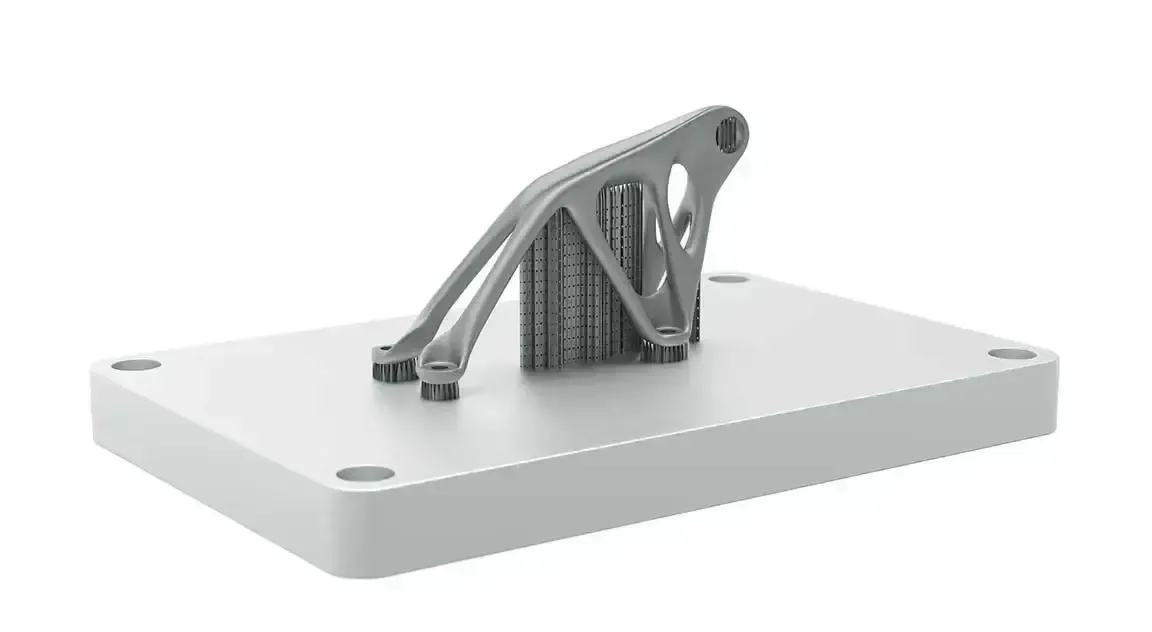
Manufacturing Process Simulation
Find production issues early and reduce risk across casting, molding, forming, additive and assembly.
Explore Tools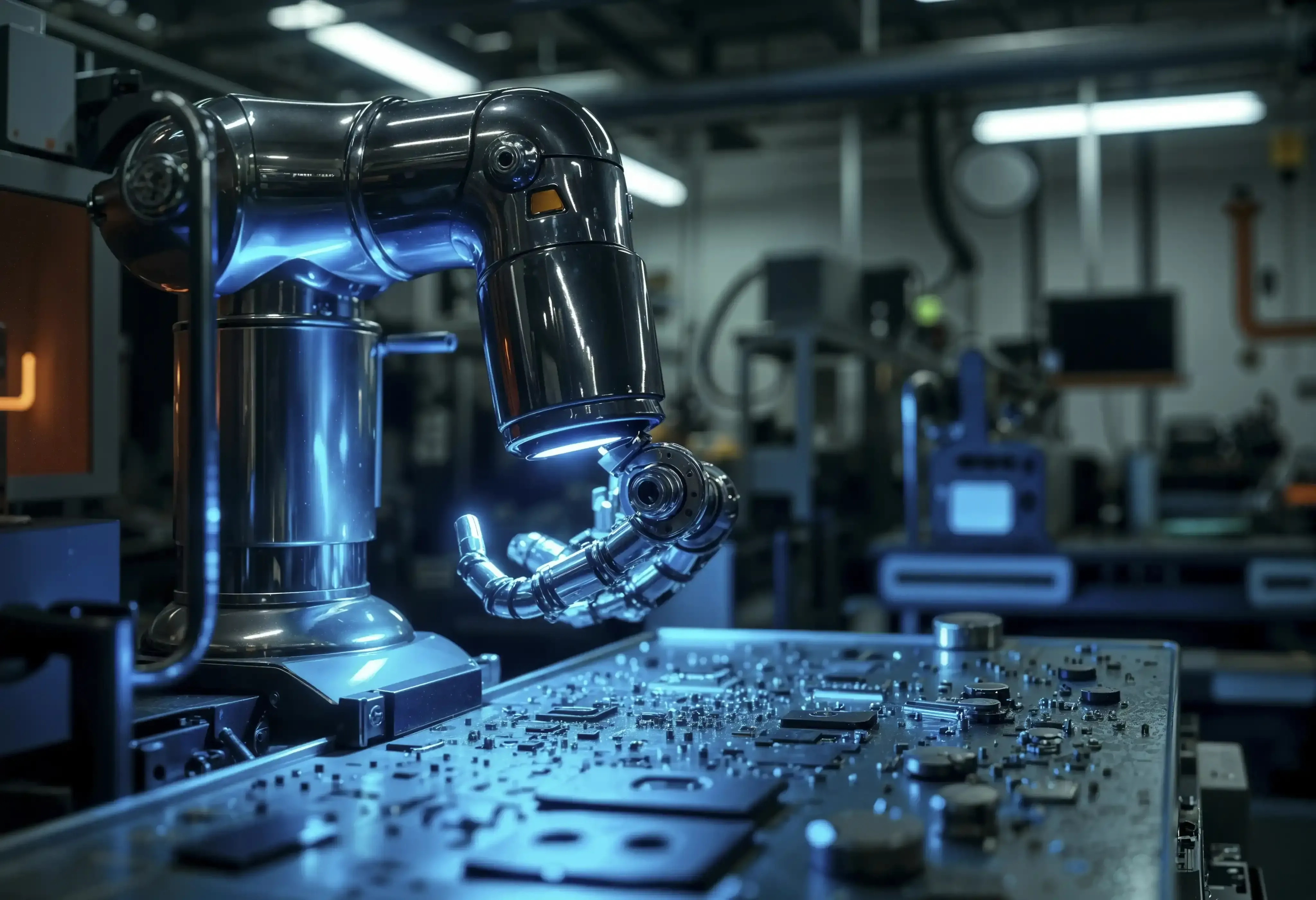
Electronics & Control Systems
Model electronic systems and embedded controls for reliable performance in connected products.
Explore Tools
RF & Electromagnetics
Design antennas and wireless systems and manage electromagnetic compatibility and interference.
Explore Tools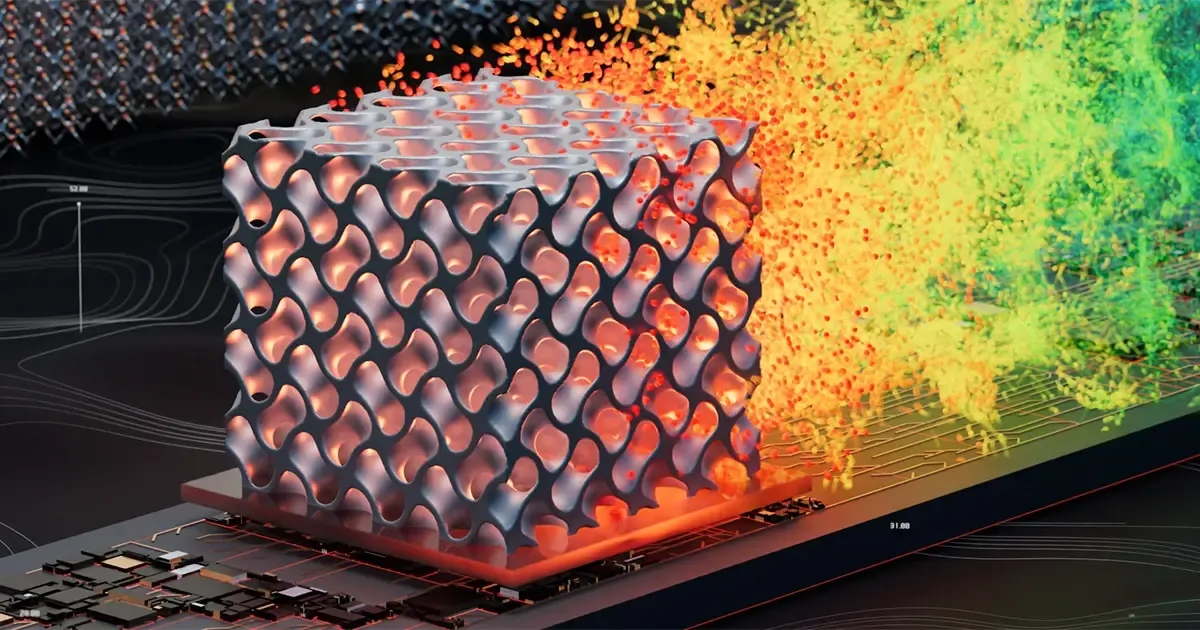
Fluid Flow & Thermal
Analyze airflow, cooling and heat transfer to improve thermal management and fluid performance.
Explore Tools
Data Analytics & AI
Apply analytics and AI to engineering and operational data to uncover insight and speed up design.
Explore ToolsNot Sure Where to Start?
Answer a few questions about your engineering challenge and get matched to the right Altair or Siemens tool.
Use the Solution FinderFrom the Blog
Altair Tutorials and Guides
Hands-on articles from our application engineers on Inspire, Feko, PSIM, Monarch and more.
All Articles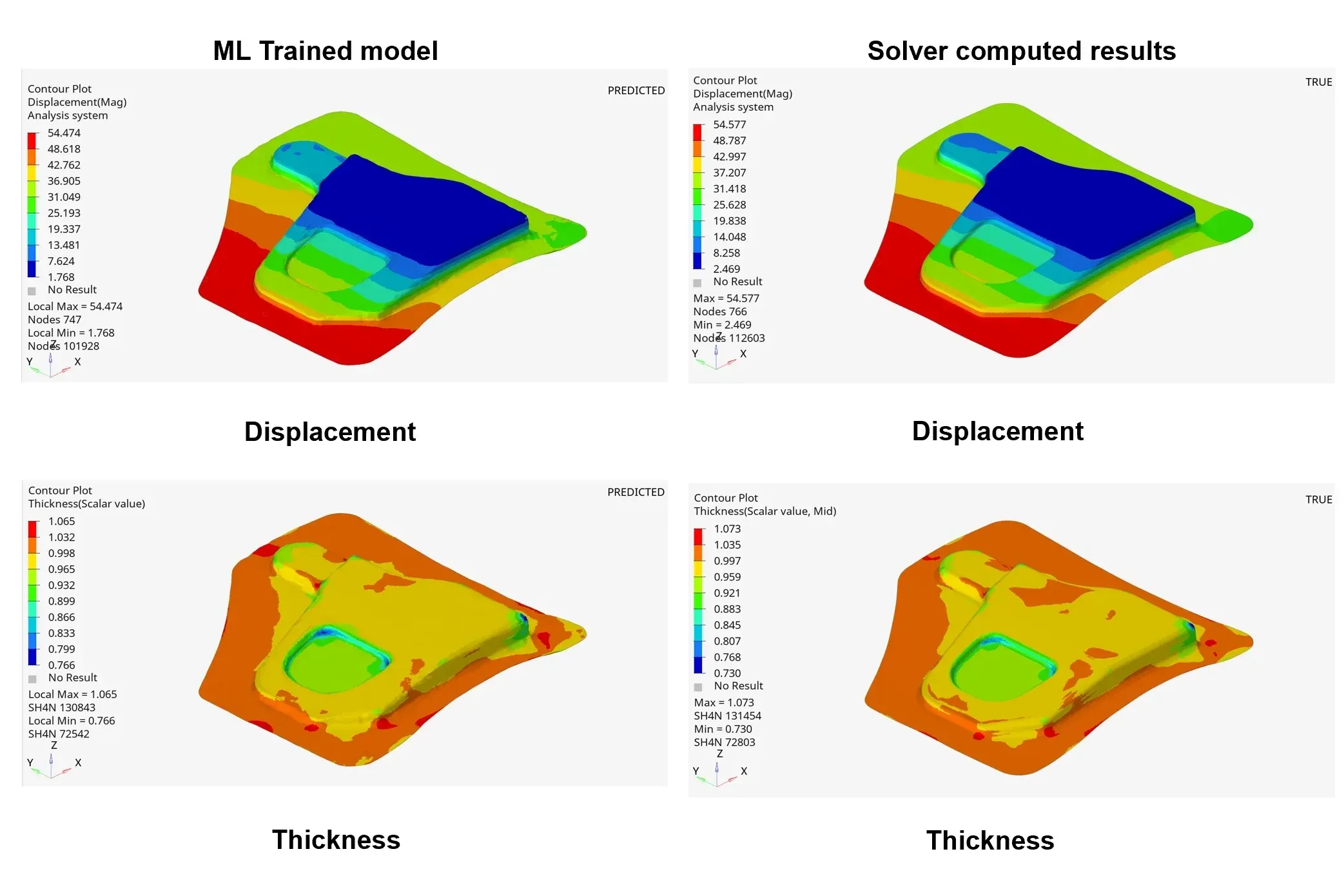
FAQ
Frequently Asked Questions About Altair Software
What Is Altair Software?
Altair software is a portfolio of engineering simulation, design exploration, high-performance computing and data analytics tools. It includes Altair HyperWorks for FEA and CAE, HyperMesh for meshing, Inspire for simulation-driven design and manufacturing, Feko and Flux for electromagnetics, PSIM for power electronics and RapidMiner for data analytics. Teams use it to analyze performance, explore design options, reduce manufacturing risk and connect results to decisions.
Did Siemens Acquire Altair?
Yes. Siemens completed its acquisition of Altair Engineering in March 2025. Altair’s simulation, HPC and data analytics software is now part of the Siemens Digital Industries Software portfolio, and since June 2026 most of its simulation tools carry the Simcenter brand. Existing Altair products continue to be developed and supported, and TrueInsight remains your partner for both Siemens software and Altair.
What Does Altair Engineering Do?
Altair Engineering develops software that helps engineers simulate, optimize and validate products before they are built: structural analysis, crash and impact, optimization, CFD, electromagnetics, manufacturing process simulation and data analytics, all accessible through one Altair Units license.
Who Owns Altair Engineering?
Altair Engineering, founded in Michigan in 1985, has been owned by Siemens since the acquisition closed in March 2025. It operates within Siemens Digital Industries Software alongside NX, Teamcenter and Simcenter.
What Are Altair Units?
Altair Units are a flexible, token-based subscription license. Instead of buying one seat per product, your organization buys a pool of units that engineers draw from when they open any Altair application and return when they close it. One pool can cover HyperMesh, OptiStruct, SimSolid, Inspire, Feko and more. Learn more about Altair licensing and support.
Which Altair Products Does TrueInsight Sell?
All of them. As an authorized Altair channel partner, TrueInsight licenses and supports the full portfolio listed on this page, from HyperWorks, HyperMesh, SimSolid and OptiStruct to Inspire, EDEM, Feko, Flux, PSIM and RapidMiner. Use the Solution Finder to compare tools or talk to an Altair expert.
Do I Need One Altair Tool or a Full Platform?
Most teams start with the tools tied to a current project, such as structural analysis, CFD or manufacturing process simulation, and expand once the workflow is proven. Because Altair Units cover the whole portfolio, adding a discipline later rarely means a new purchase. We help you scope what is necessary and what is optional.
How Do We Choose the Right Altair Products for Our Team?
We start with your use cases, timelines and required outputs, then match the shortest path to adoption, including training and workflow setup, so your first project succeeds quickly.
Can TrueInsight Support Evaluations or Trials?
Yes. We run guided evaluations so you validate fit against your own geometry, performance questions and required deliverables, not just canned demo scenarios. Request an Altair free trial or book an Altair demo.
Do You Offer Onboarding and Training?
Yes. Onboarding can include structured training plus hands-on support for your first project, so the workflow is repeatable for your team. See our engineering services and training.
Do You Provide Ongoing Support After Purchase?
Yes. Our support is focused on responsiveness and practical engineering outcomes: faster troubleshooting, workflow refinement and guidance as usage scales, from application engineers rather than a ticket queue.
Related Pages
Explore Altair Software
Altair HyperWorks PlatformFEA and CAE simulation with HyperMesh, OptiStruct, SimSolid and RadiossGet Started
Ready to Talk About Altair for Your Workflow?
Share what you’re trying to simulate or build, and we’ll recommend the most direct path: tools, licensing, onboarding plan and support level.
- Authorized Siemens & Altair Partner
- Expert Engineering Support
- Licensing Sized to Your Team