Siemens NX · Integrated CAD/CAM/CAE

Siemens NX CAD, CAM and CAE Software

One environment to design, simulate and manufacture complex products, from concept models and freeform surfaces to 5-axis toolpaths, with a digital thread that keeps every change in sync.

Platform
CADCAMCAE
Deployment
Desktop or NX X
PLM Integration
Teamcenter
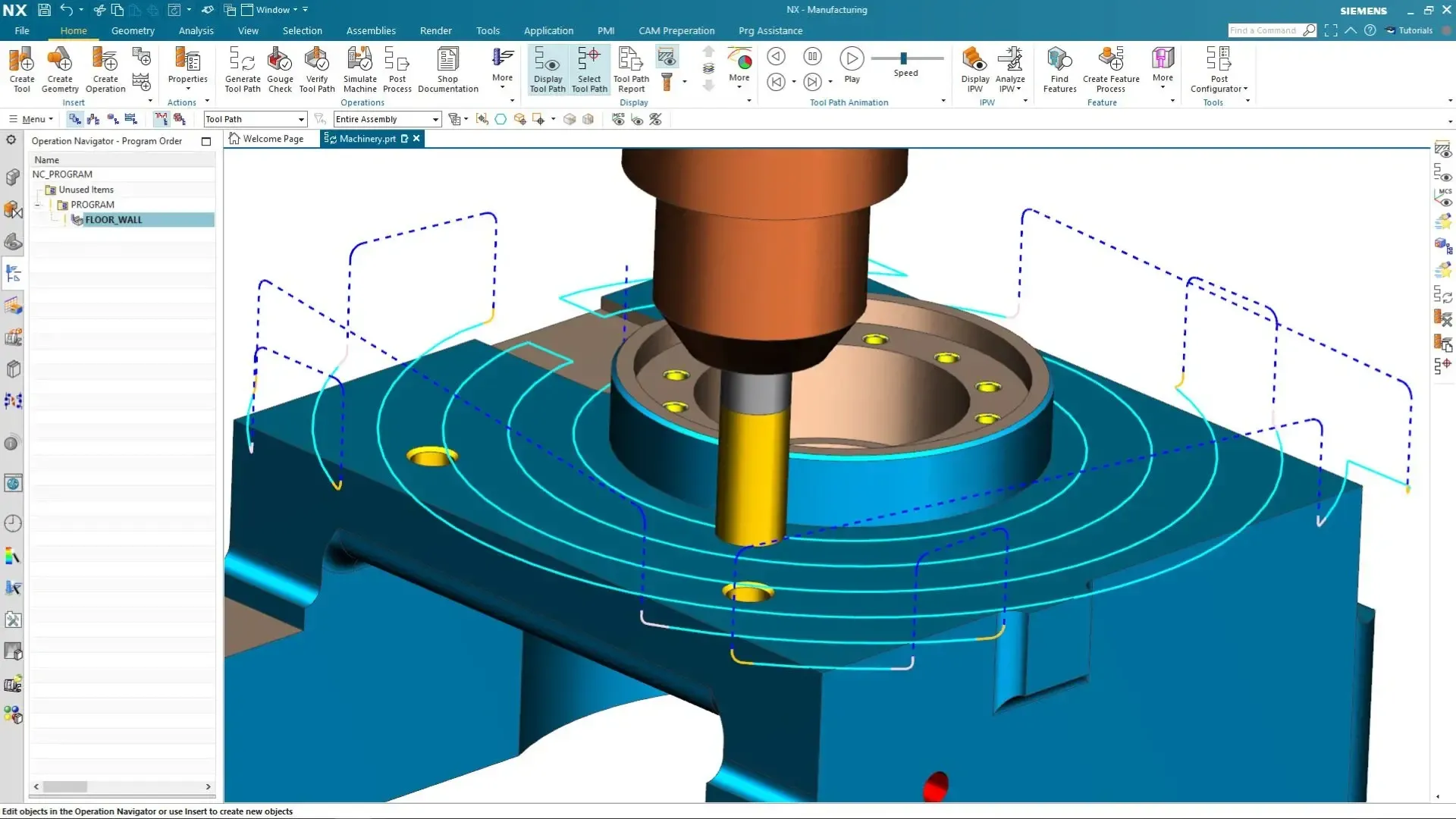
Siemens NX CAM interface with a milling toolpath on a partNX CAM · Milling Toolpath

Overview

What Is Siemens NX?

Siemens NX is an integrated CAD, CAM and CAE platform for engineers and designers working on complex products. It brings 3D modeling, parametric and direct design, simulation, manufacturing programming and lifecycle workflows into a single environment, so one model carries a product from concept to the machine tool.

Unlike standalone CAD tools that hand off to separate CAM and analysis packages, NX keeps design, simulation and manufacturing in one platform. That removes data translation, supports early design validation and enables consistent digital twin and digital thread workflows across every development stage.

NX traces its roots to Unigraphics and SDRC’s I-deas, which were combined into NX in 2002 after SDRC was acquired in 2001. Today it is part of Siemens Designcenter, runs on the Parasolid geometry kernel and ships on a continuous release schedule, so teams get new capability without waiting for big-bang upgrades.

  • Parametric, Synchronous, Convergent and Freeform Modeling in One Workspace
  • Integrated NX CAM for CNC Machining, Additive and Inspection Programming
  • Built-In Simulation With Simcenter, From Design Checks to Full Analysis
  • Native Teamcenter Integration for Data, Revisions and Change
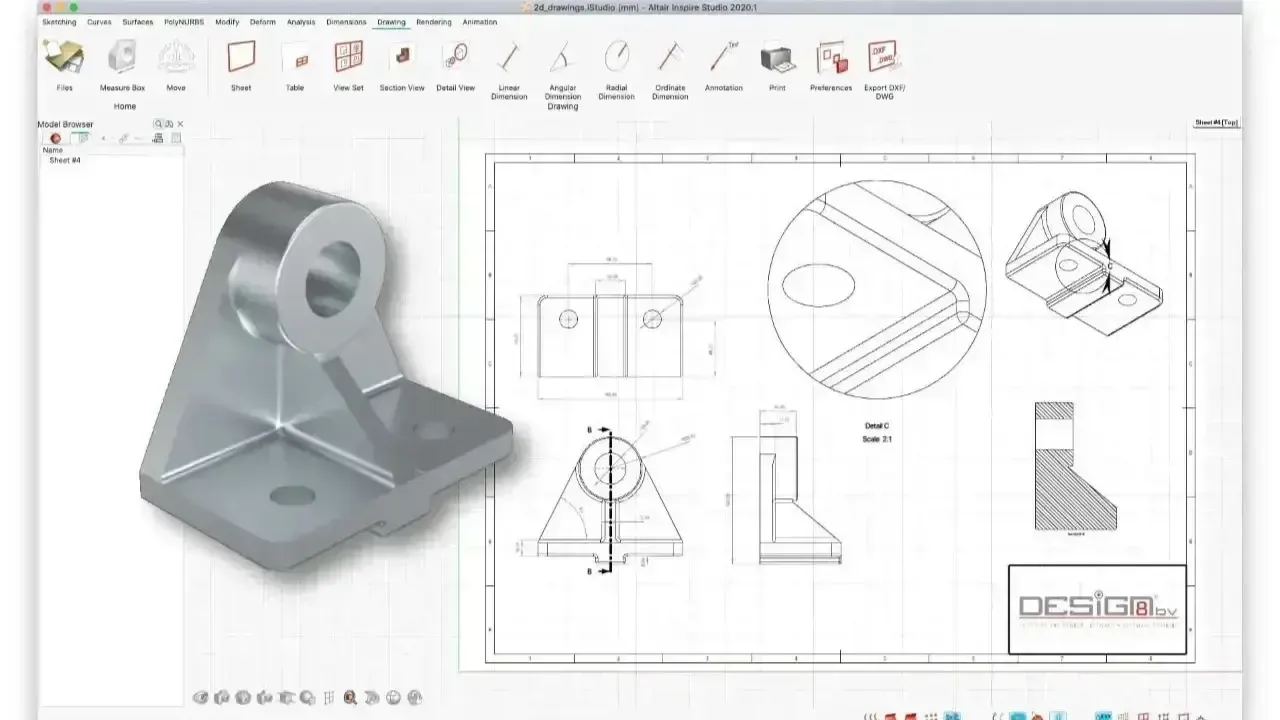
3D bracket model beside its dimensioned manufacturing drawingCAD + CAE · One Model
Design and analysis on one modelCAD · CAM · CAE

Why Choose Siemens NX

Key Capabilities of Siemens NX

End-to-end CAD, CAM and CAE capabilities for complex product development and digital manufacturing, in one platform instead of a chain of point tools.

Integrated CAD, CAM and CAE

Design, simulate and manufacture in one unified environment. NX eliminates data translation errors and supports a seamless digital thread from concept to production.

Hybrid and Flexible Modeling

Combine parametric, direct, surface and facet modeling in one workspace for rapid concepts, late-stage design changes and efficient handling of imported CAD data.

Advanced Simulation and Validation

Validate structural, thermal and motion performance early with integrated tools, reducing physical prototyping and improving design confidence.

Generative Design and Additive

Generative design creates optimized geometry from strength, weight and performance targets, then prepares it for 3D printing without leaving NX.

End-to-End Digital Thread

Changes propagate through drawings, analysis models and toolpaths automatically, keeping an accurate digital twin throughout the product lifecycle.

Enterprise-Scale Collaboration

Mechanical, electrical and manufacturing teams work on the same product data, with large-assembly tools and Teamcenter integration for complex programs.

NX CAD

NX CAD for Product Design

NX CAD covers the full range of mechanical design: solid and sheet metal parts, large assemblies, freeform surfaces, routed systems and production-ready documentation. Engineers choose the modeling approach that fits the task instead of forcing every job through a feature tree.

Synchronous Technology lets you push, pull and edit geometry directly while preserving design intent, which is ideal for concept work, late-stage changes and imported supplier data. Convergent Modeling works with mesh and scan data alongside precise B-rep geometry, so lattices, topology-optimized shapes and 3D scans become first-class design inputs. WAVE inter-part linking and lightweight representations keep very large assemblies responsive.

  • Parametric, Synchronous and Convergent Modeling in the Same Part
  • Freeform and Class-A-Style Surfacing With Continuity Analysis
  • Sheet Metal, Routing, Flexible PCB Design and Drafting in One Environment
  • Product and Manufacturing Information (PMI) for Model-Based Definition
  • Design Copilot, an In-App AI Assistant for How-To Questions
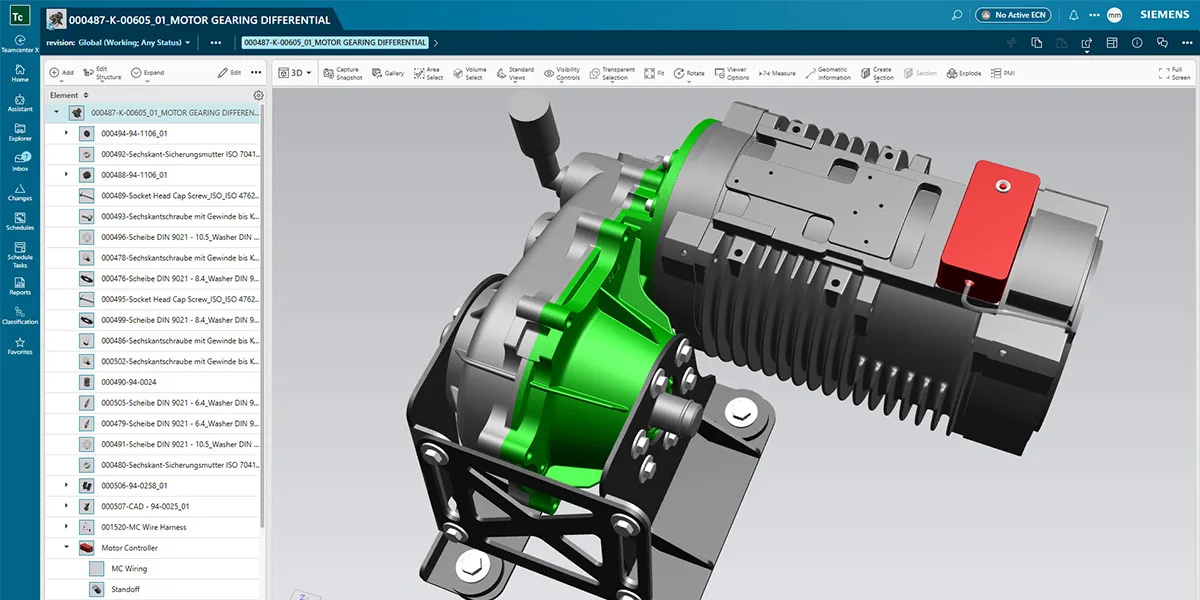
Siemens NX with a Teamcenter structure showing an electric motor gearing differential assemblyNX · Motor Gearbox Assembly
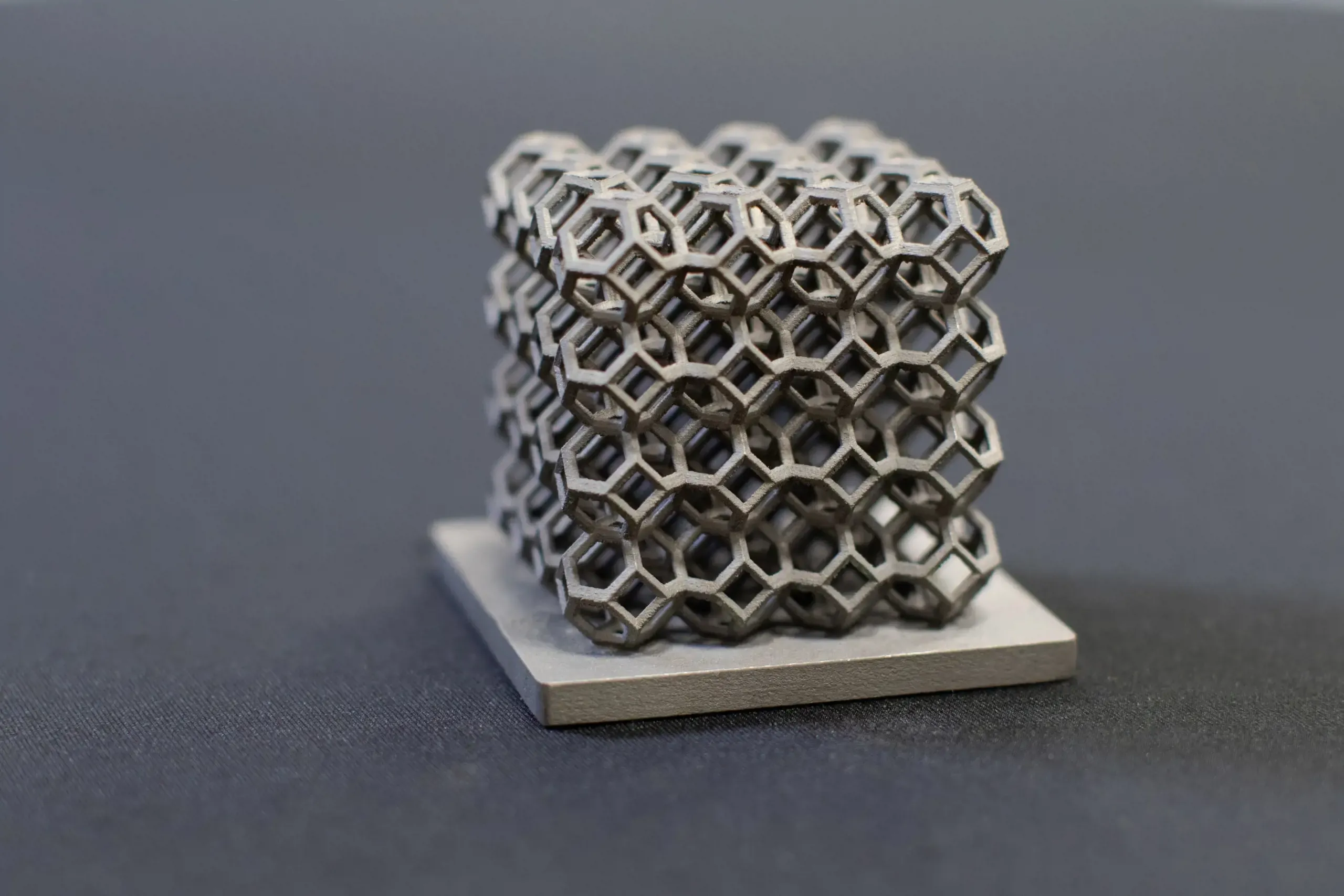
Metal additively manufactured lattice cube on a build plate

Generative Design & Additive

From Optimized Concept to Printed Part in One Environment

Generative design, lattice structures and build preparation live inside NX, so engineers design, optimize, simulate and prepare parts for 3D printing without exporting to another tool.

NX CAM

NX CAM for CNC Machining

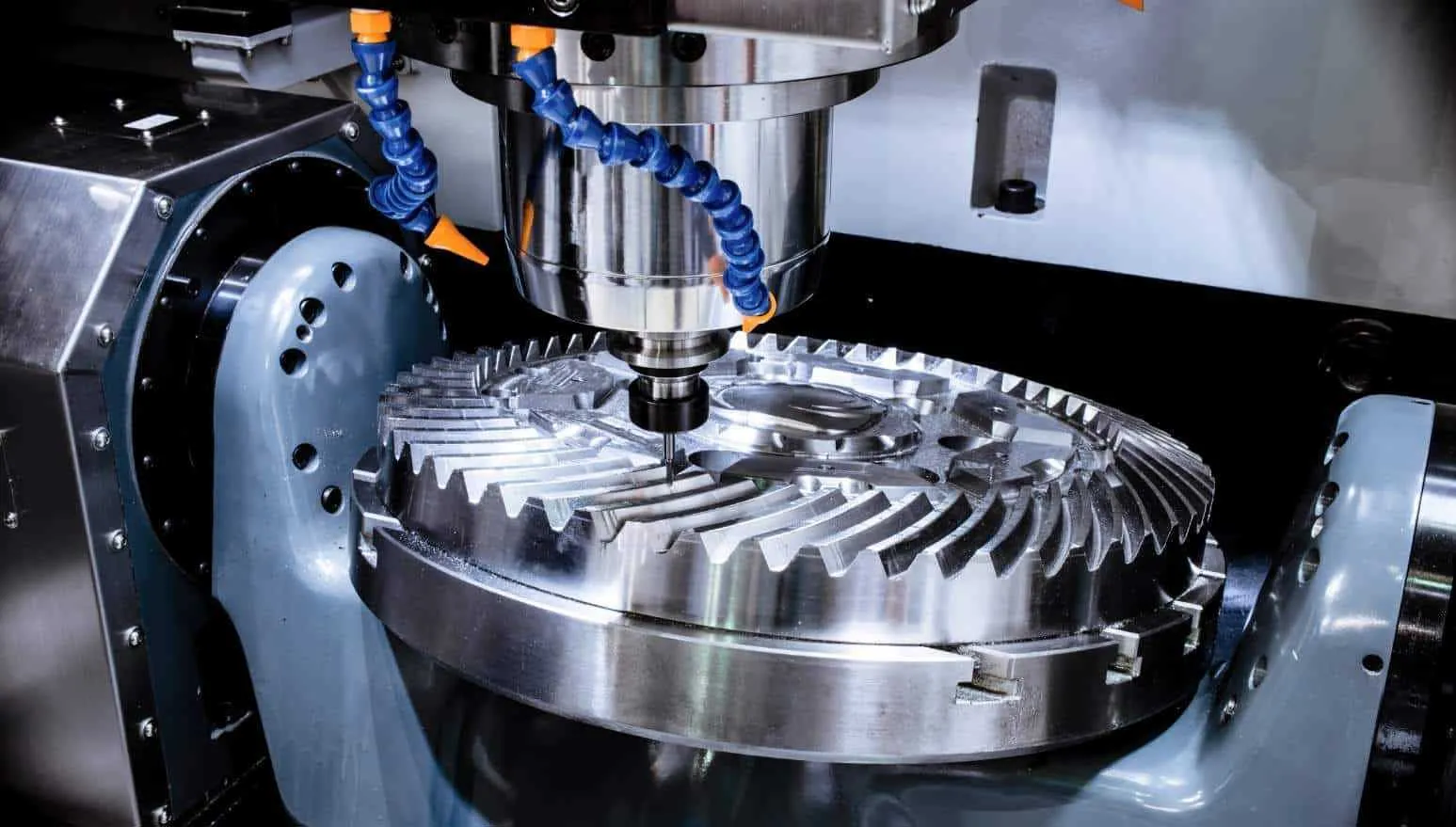
NX CAM is Siemens’ manufacturing programming solution for CNC machining and production workflows, integrated directly with NX design data. Toolpaths are associative to the model, so when engineering releases a change, programs update instead of starting over from a translated file.

From 3-axis milling to 5-axis simultaneous, mill-turn and additive manufacturing, NX CAM supports automated toolpath generation, machining simulation and robotics programming. Feature-based machining and templates capture your best practices so every programmer produces consistent, proven results, and G-code-driven machine simulation verifies the posted code before it reaches the shop floor.

  • 2.5-Axis to 5-Axis Simultaneous Milling, Turning and Mill-Turn
  • Feature-Based Machining and Templates to Standardize Programming
  • G-Code-Driven Machine Simulation and Collision Checking
  • Postprocessors Built and Tuned for Your Machines
  • Additive, Hybrid, Robotic Machining and CMM Inspection Programming
CNC machine spindle milling the teeth of a metal bevel gearNX CAM · Programming Review

Problems NX CAM Solves

  • Slow CNC Programming and Long Iteration Loops
  • Inconsistent Machining Results From One Programmer to the Next
  • Risk in Toolpath Strategy and Process Planning
  • Bottlenecks and Rework Moving From Design to the Shop Floor

How TrueInsight Helps CAM Teams

  • Implementation Planning Aligned to Your Machines and Processes
  • Postprocessor and NC Workflow Rollout
  • Template Libraries That Capture Proven Programming Methods
  • Hands-On Training for Programmers and Manufacturing Engineers

Simcenter + NX

Simulation With Simcenter and NX

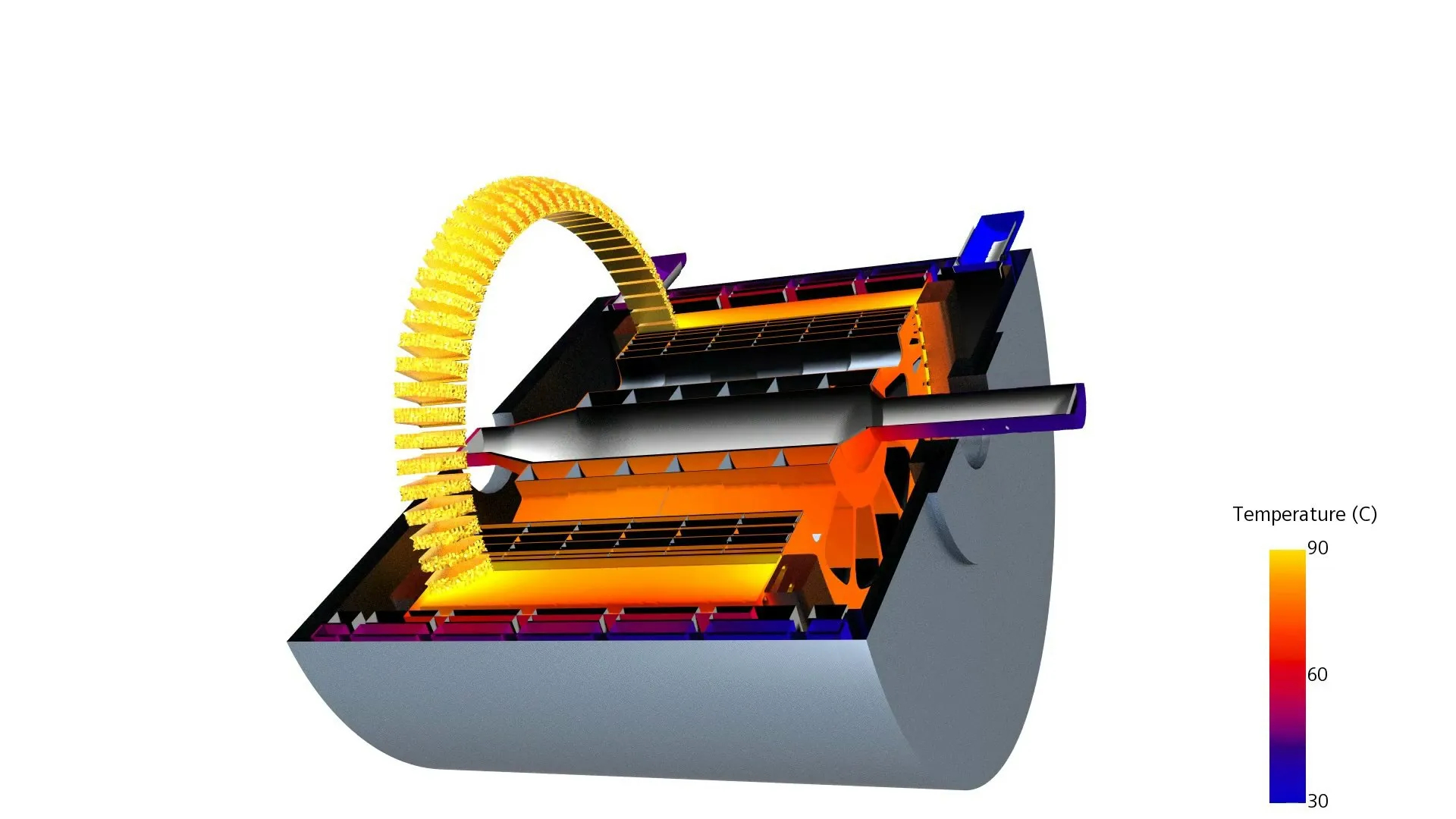
NX includes integrated simulation so designers can check structural, thermal and motion behavior early, while analysts move to Simcenter 3D on the same geometry for detailed, sign-off-level work. Simulation models stay associative to the design, so a change in NX updates the analysis instead of forcing a rebuild.

For fluids and heat transfer, Simcenter FloEFD runs inside NX for design-stage CFD, and Simcenter STAR-CCM+ handles complex multiphysics. SimSolid also reads native NX files for fast, meshless assembly analysis. Our guide shows how simulation users get more from Siemens CAD.

  • Structural, Thermal, Motion and Durability Analysis With the Simcenter Nastran Solver
  • CAD-Embedded CFD With Simcenter FloEFD for NX
  • Associative Analysis Models That Update With the Design
  • The Full Simcenter Simulation Software Portfolio for System, Acoustic and Test Workflows
Electric motor cutaway with end windings and a temperature contour in SimcenterSimcenter · Motor Thermal Model

Deployment Options

NX X and Cloud Licensing Options

Run NX the way your IT team prefers: classic desktop licenses on your own license server, or NX X, the software-as-a-service edition with cloud-managed licensing and built-in collaboration.

With NX X you still run the full NX desktop application on your workstation. What changes is how it is licensed, updated and connected: licenses are assigned through a Siemens account instead of a local license server, the latest release is included, and cloud data management lets teams share and review designs without standing up their own PLM servers.

Desktop licensing remains the right fit for air-gapped, export-controlled or tightly managed environments, and it pairs with Teamcenter PLM on premises or in the cloud. We help you compare total cost and IT effort before you choose, and can mix both models across teams.

  • Cloud-Managed LicensingNo license server to maintain; users sign in and start working.
  • Always CurrentNew NX releases are included with the NX X subscription.
  • Controlled When You Need ItNode-locked and floating desktop licenses for restricted networks.
NX Desktop Licenses vs NX X
CriteriaNX Desktop LicensesNX X (SaaS)
Purchase modelTerm or perpetual licenses with maintenance, depending on the offerSubscription
License managementNode-locked or floating, served from your own license serverAssigned to users through a Siemens account in the cloud
Software updatesYou install new releases on your own scheduleLatest release included with the subscription
Data managementNative files, Teamcenter or Teamcenter XBuilt-in cloud data management and design sharing
Best forAir-gapped, export-controlled or tightly IT-managed environmentsFast starts, distributed teams and minimal IT overhead

Comparison

Siemens NX vs SolidWorks and CATIA

All three are capable CAD systems. The right choice depends on product complexity, manufacturing scope, data management and the day-to-day experience of your average designer, not just your power users.

Siemens NX vs SolidWorks vs CATIA
CriteriaSiemens NXSolidWorksCATIA
DeveloperSiemens Digital Industries SoftwareDassault SystèmesDassault Systèmes
Typical fitComplex products and integrated design-to-manufacturingMainstream mechanical design for small and mid-sized teamsLarge aerospace and automotive programs
ModelingParametric, synchronous and convergent modeling in one partHistory-based parametric, with direct editing toolsHistory-based, feature-driven modeling
SurfacingAdvanced freeform and Class-A-style surfacing with continuity toolsCapable surfacing for consumer and industrial partsDeep high-end surfacing, long associated with automotive and aerospace
CAMNX CAM, integrated and associative to the designSolidWorks CAM and partner add-insDELMIA machining roles on 3DEXPERIENCE
SimulationSimcenter, from design checks to full CAESolidWorks Simulation add-insSIMULIA roles on 3DEXPERIENCE
Data managementTeamcenter, Teamcenter X or NX X cloudSolidWorks PDM or 3DEXPERIENCE3DEXPERIENCE platform
Learning curveApproachable for mechanical teams, deep when neededGentle, with a large user communitySteeper, role-based and platform-driven

NX vs SolidWorks

SolidWorks is a popular, approachable tool for mainstream mechanical design. Teams typically move to NX when products outgrow it: complex surfacing, very large assemblies, 5-axis CAM that must stay associative to the design, or a need for PLM-governed change. If you want SolidWorks-class simplicity from Siemens, compare Siemens Solid Edge.

NX vs CATIA

CATIA is deeply rooted in large, tightly controlled aerospace and automotive programs on the 3DEXPERIENCE platform. NX offers comparable advanced surfacing with a more practical day-to-day workflow and integrated CAM. Read our full comparison: Comparing Siemens NX to Dassault CATIA.

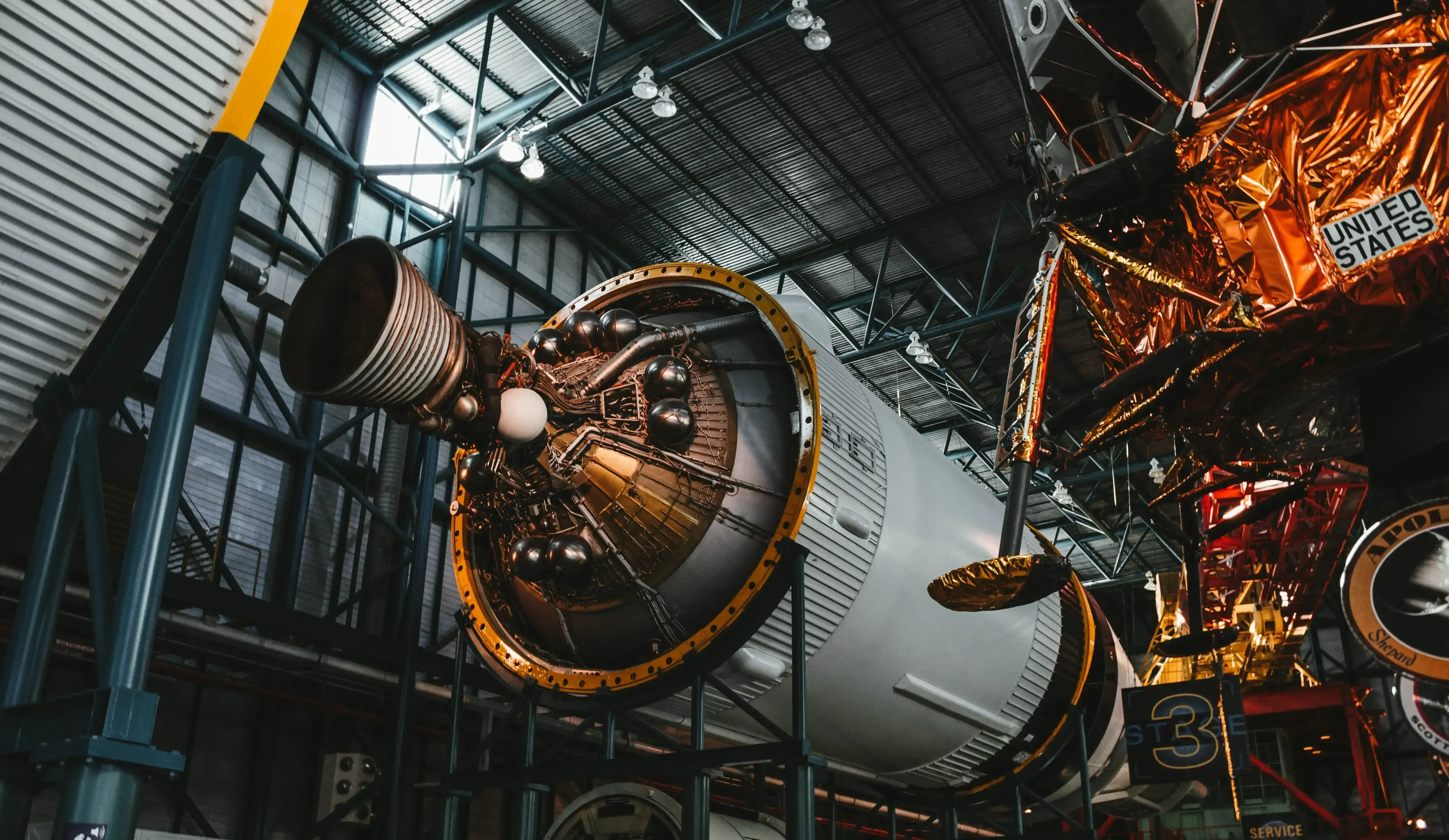
Rocket stage engine nozzles on display inside a space center hangar

Aerospace, Automotive & Machinery

Built for Products Where Every Tolerance Matters

NX is widely used in aerospace, automotive, industrial machinery, consumer products, energy and high-tech manufacturing, wherever complex products, digital twins and end-to-end development are required.

NX Design Editions

Which NX Design Edition Is Right for Your Team?

Compare NX Design Standard, Advanced and Premium, from core mechanical modeling and surfacing to PCB routing, PMI and WAVE control, and find the NX91100, NX92100 or NX93100 edition that fits your workflow.

Design Standard

NX91100

Best for Core mechanical design

  • Solid and Synchronous Modeling
  • Convergent Modeling
  • Sheet Metal Design
  • Basic Surfacing
  • Assemblies
  • Drafting and Documentation
  • Visual Reporting
  • Molded Part Validation
  • Translators
  • Built-In Data Management
Get Standard Pricing
Most Popular

Design Advanced

NX92100

Best for Automation and scalability

Everything in Standard, plus:

  • Flexible PCB Design
  • Routing Base
  • User-Defined Features and Templates
  • PMI (Product Manufacturing Information)
  • Photorealistic Rendering
  • Check-Mate Design Validation
  • Optimization Wizard
Get Advanced Pricing

Design Premium

NX93100

Best for Complex products and surfacing

Everything in Advanced, plus:

  • Advanced Surfacing
  • Freeform Shape Design
  • Advanced Surface Analysis
  • Advanced Assembly Management
  • WAVE Control
  • Smart Selection Tools
  • Visual Report Editing
Get Premium Pricing

NX CAM, simulation and other add-on modules are licensed separately and can be combined with any design edition. Not sure which tier fits? Talk to an NX specialist and we’ll map your workflows to the right package.

Pricing & Free Trial

Siemens NX Pricing and Free Trial

Siemens doesn’t publish a single NX price, because cost depends on what you need. We size a quote around your edition, add-on modules, license type and number of seats, and explain the trade-offs so you only pay for what your team will use.

  • Design Edition: Standard (NX91100), Advanced (NX92100) or Premium (NX93100)
  • Add-Ons Such as NX CAM, Routing, Simulation and Teamcenter Integration
  • Desktop Licenses (Node-Locked or Floating) or an NX X Subscription
  • Competitive Replacement, Startup and First-Time Adoption Programs When Available
  • Installation, License Server Setup and Onboarding From Our Engineers

See how Siemens NX pricing works across license models, request a guided Siemens NX free trial, or book a Siemens NX demo built around your own parts.

Quote Sized to Your Team Authorized Siemens Channel Partner

Get Siemens NX Pricing

Tell us about your team and we’ll size an NX proposal for the right edition and modules.

TrueInsight uses the information you provide to contact you about our products and services. You may unsubscribe at any time. See our Privacy Policy.

Expert Support Beyond the Software

NX Training and Support

With TrueInsight, your Siemens NX implementation goes far beyond licensing. Our engineering-focused team provides fast responses and hands-on guidance across the product development lifecycle, from CAD modeling and design validation to simulation, manufacturing workflows and digital thread implementation.

We install and configure NX and its license server, migrate data from other CAD systems, set up templates and standards, and train your engineers on their own parts, from fundamentals to surfacing, CAM and simulation. Learn more about Siemens NX licensing and support or our NX training and engineering services.

  • Installation, License Server Setup and Upgrade Planning
  • Templates, Standards and CAD Data Migration
  • Role-Based Training for Designers, CAM Programmers and Analysts
  • Ongoing Application Engineering Support That Reduces Rework
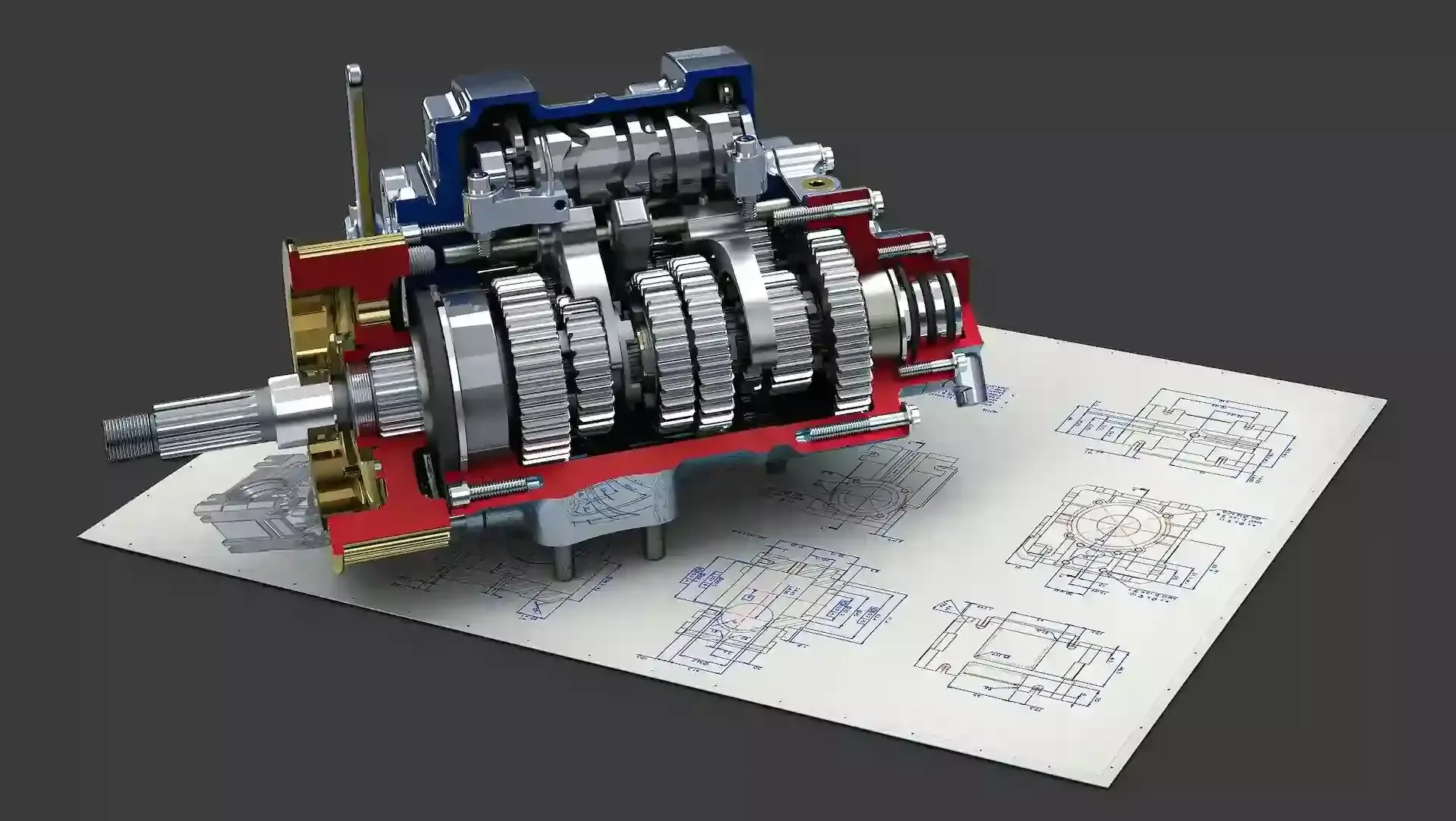
Transmission gearbox cutaway render resting on printed engineering drawingsOnboarding · Real Projects

Applications

Siemens NX in Real Engineering Programs

From aircraft structures and electric motors to machined gears and powertrain components, NX carries complex products from concept to production.

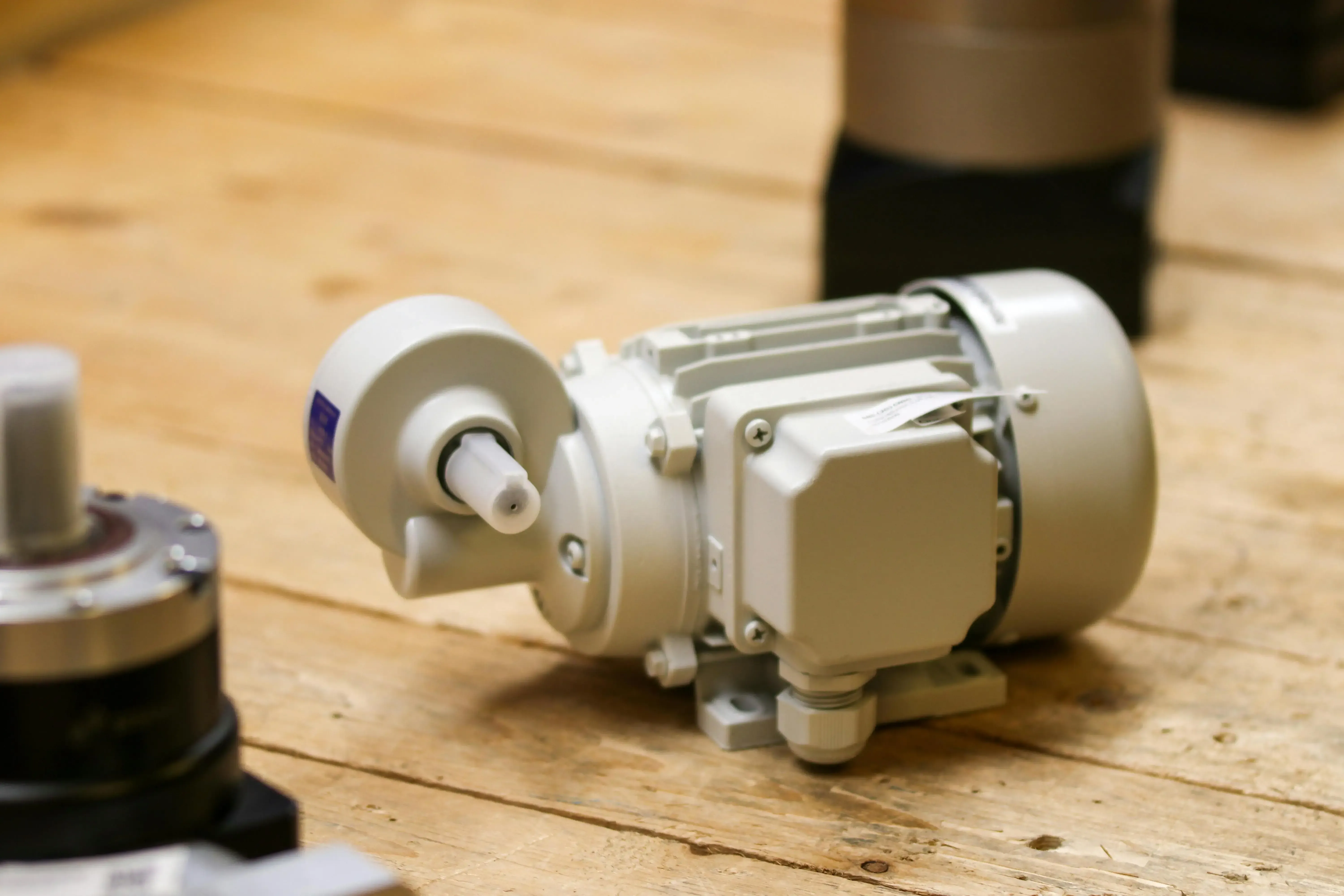
Industrial electric motor resting on a wooden workbench
Electric Motor Design
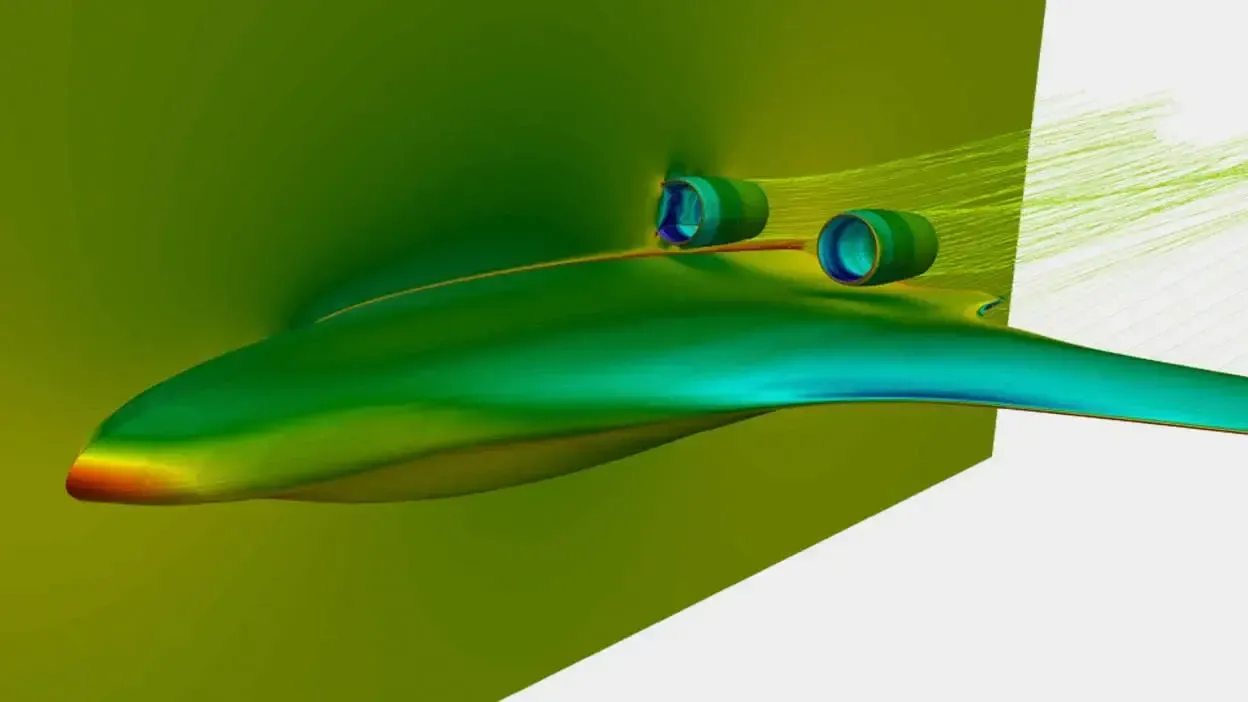
Aircraft engine nacelle and wing with a surface pressure contour from an aerodynamics simulation
Aircraft Nacelle Design
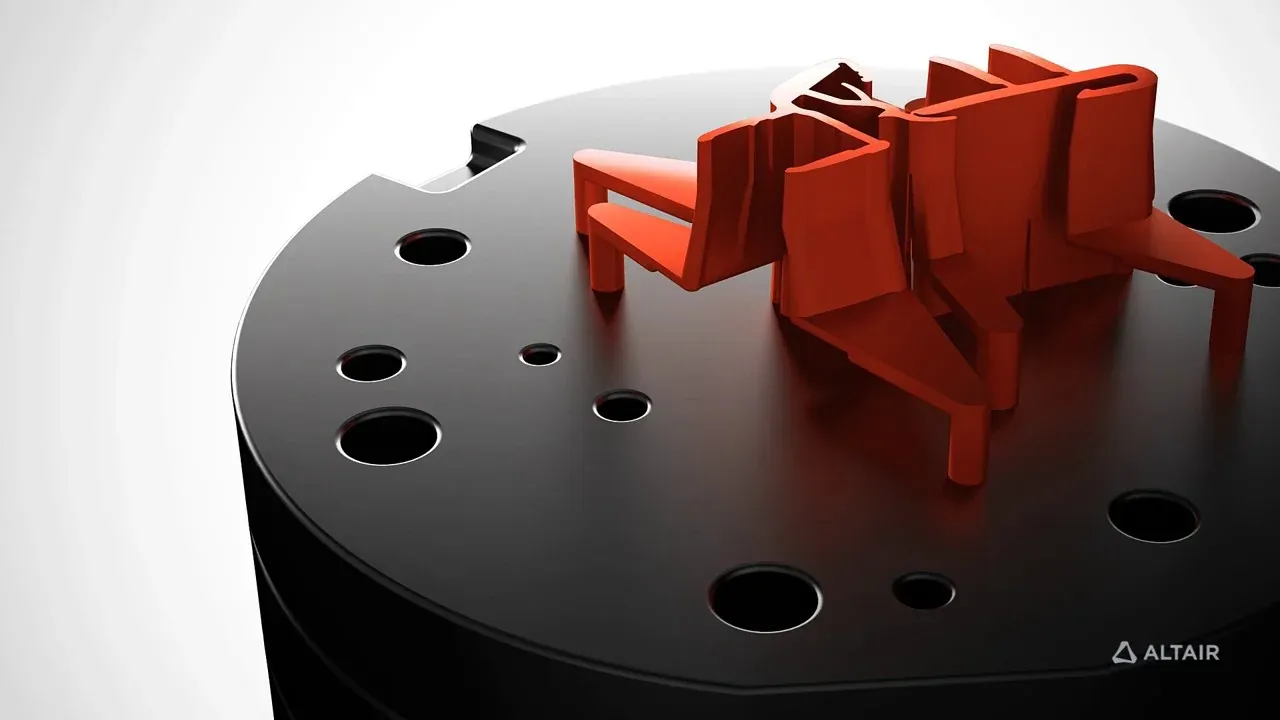
Aluminum extrusion profile on an extrusion die block
Tooling and Die Design
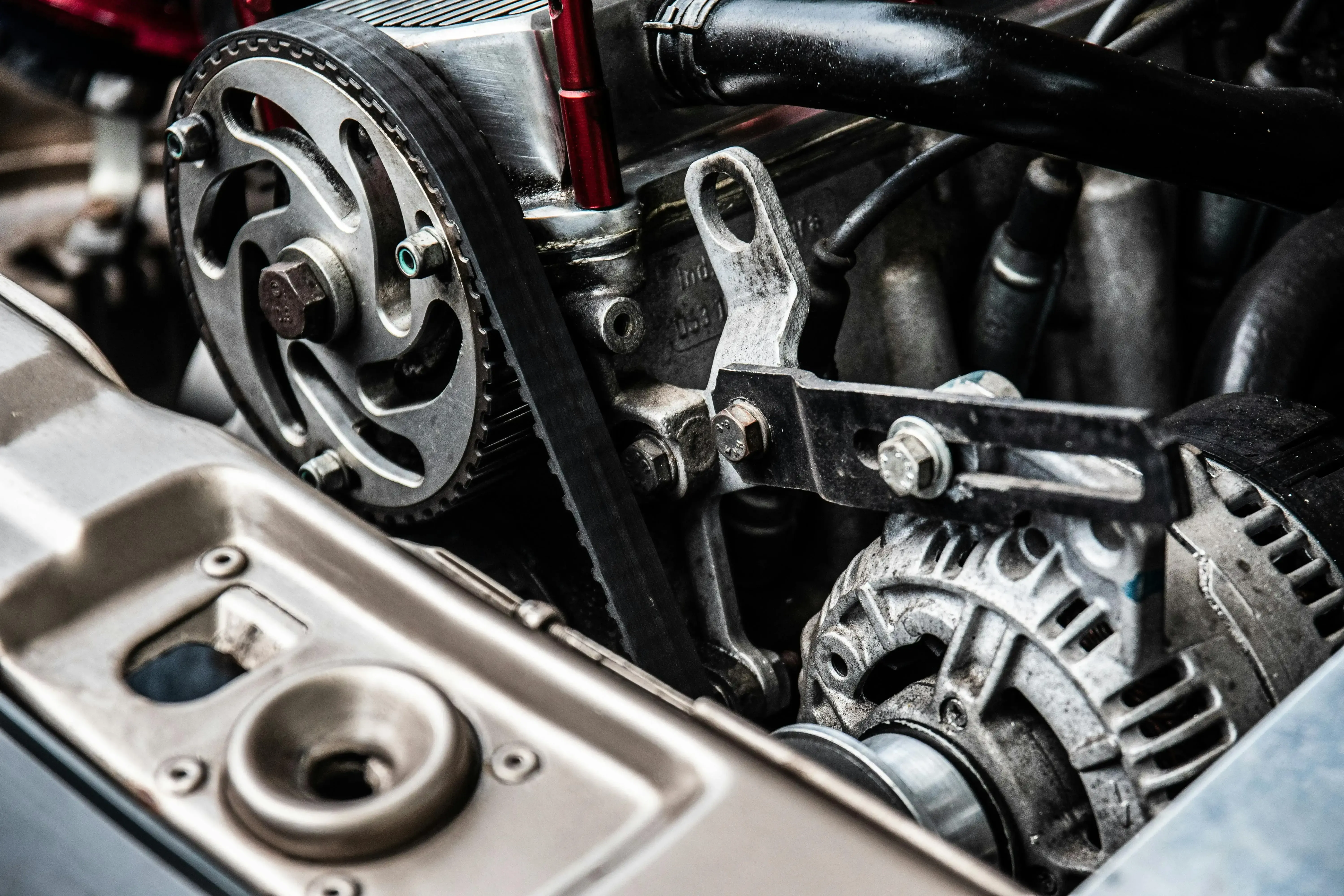
Close-up of a car engine with timing belt pulley, alternator and cast aluminum engine block
Powertrain Components
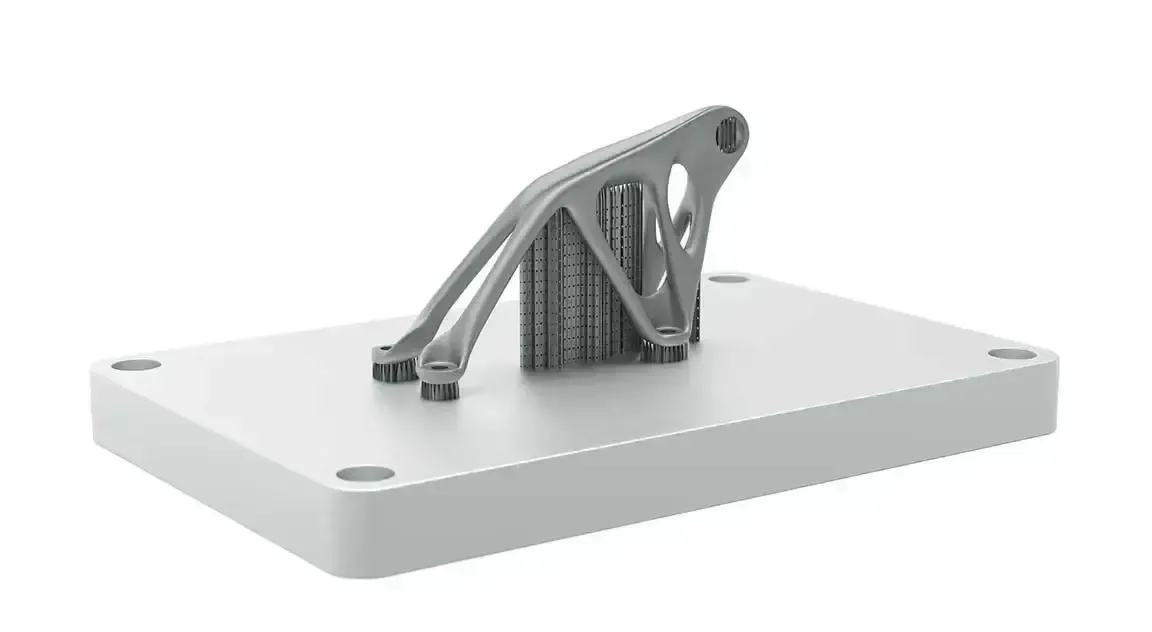
Topology-optimized metal bracket with support structures on a 3D printing build plate
Topology-Optimized Mount
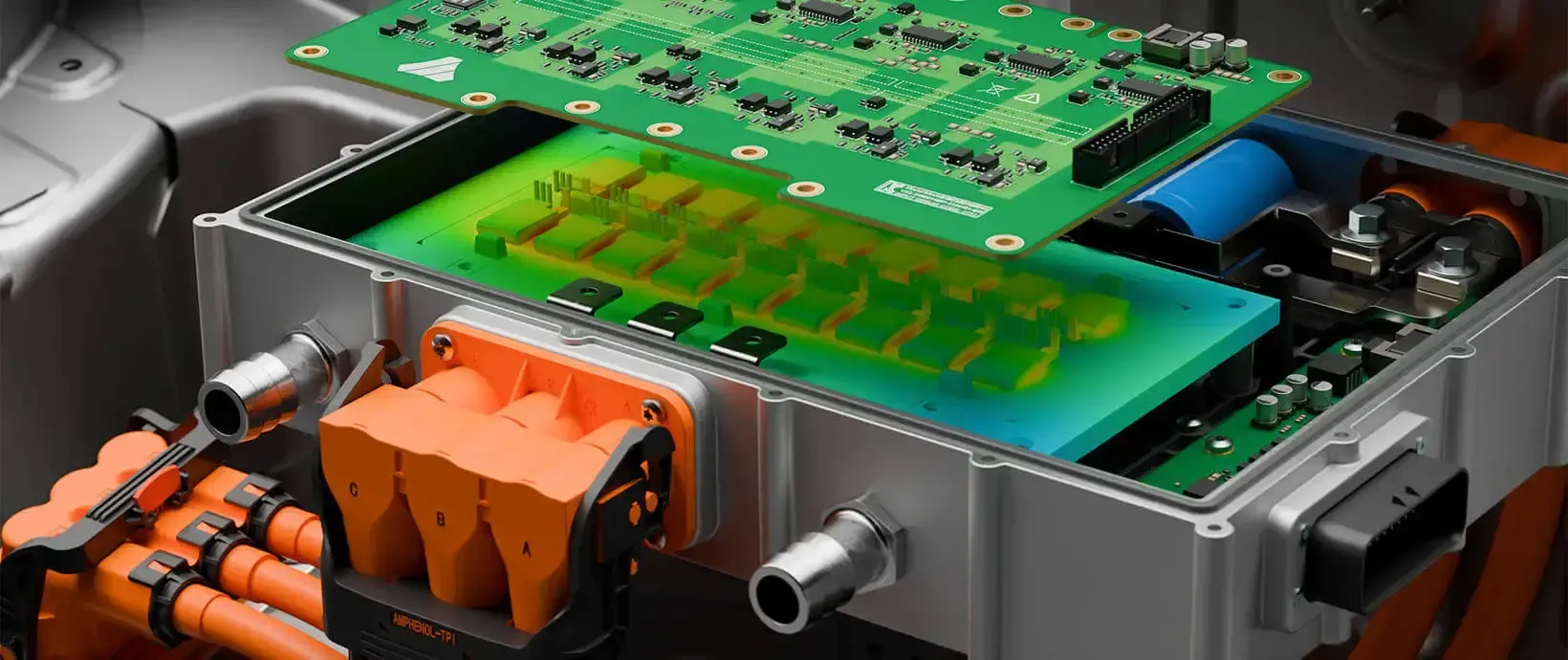
Circuit board inside an aluminum enclosure with a thermal simulation contour overlay
Electronics Enclosure Design

FAQ

Frequently Asked Questions About Siemens NX

What Is Siemens NX?

Siemens NX is an integrated CAD, CAM and CAE software platform from Siemens Digital Industries Software. Engineers use it to design parts and assemblies, simulate how they perform and program the machines that make them, all from one model. NX evolved from Unigraphics and is now part of the Siemens Designcenter portfolio.

What Is Siemens NX Used For?

NX is used for advanced 3D CAD, engineering simulation and CNC manufacturing within one product development environment. It is widely used in aerospace, automotive, industrial machinery, consumer products, energy and high-tech manufacturing, especially where complex products, digital twins and end-to-end development are required.

What Is NX CAD?

NX CAD is the design side of Siemens NX: solid, sheet metal and freeform modeling, large assembly design, routing and drafting. It combines parametric, synchronous and convergent modeling, so engineers work with native, imported and scanned geometry in the same workspace. Compare NX Design editions.

How Is Siemens NX Different From Other CAD Tools?

Most CAD tools hand off to separate CAM and analysis packages. NX integrates design, simulation and manufacturing in one platform, which reduces data translation, supports early design validation and keeps a consistent digital thread across every stage. See how it compares in Siemens NX vs CATIA.

Can Siemens NX Handle Large Assemblies?

Yes. NX is built for enterprise-scale engineering, with lightweight representations, WAVE inter-part linking and Teamcenter integration for the large assemblies, complex geometry and high-performance modeling workflows common in aerospace, automotive and industrial equipment.

How Much Does Siemens NX Cost?

NX pricing depends on the design edition, add-on modules such as NX CAM, the license type (node-locked, floating or an NX X subscription) and the number of seats. Siemens does not publish a single list price. Request Siemens NX pricing and we’ll size a quote to your team and workflows.

Is Siemens NX Free for Students?

Yes, for learning. Siemens’ free Designcenter Student Edition includes NX CAD, CAM and CAE tools on a one-year license for students, educators and lifelong learners aged 15 and up; it is not for commercial work. Universities can also license NX for teaching and research. For a commercial evaluation, request a Siemens NX free trial.

Does Siemens NX Work on Mac?

Not natively. Current NX releases are supported on 64-bit Windows and select Linux platforms; macOS support ended several releases ago. Some Mac users run NX in a Windows virtual machine or on a remote workstation, but graphics performance varies, so check Siemens’ certified hardware list before you commit to a setup.

Get Started

Ready to Take the Next Step With Siemens NX?

Get a guided trial, a live demo on your own parts or an NX quote sized to your team, edition and modules.

  • Authorized Siemens & Altair Partner
  • Expert Engineering Support
  • Licensing Sized to Your Team