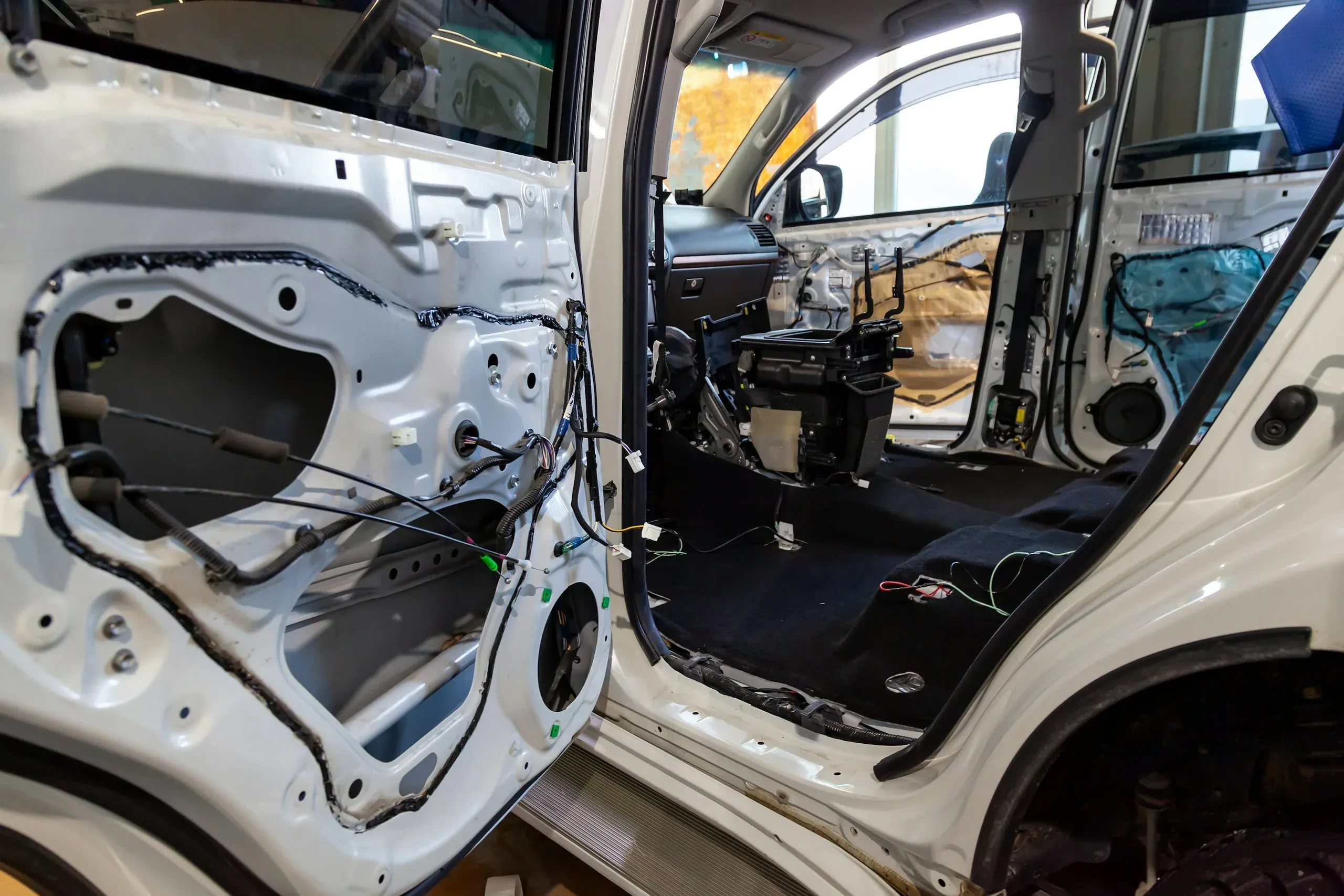
Structural Analysis Software
Structural Analysis and Simulation Software
Predict stress, deformation, vibration, fatigue and crash behavior before anything is built. TrueInsight supports structural simulation across Altair and Siemens Simcenter, from fast CAD-based studies to high-fidelity nonlinear analysis.
What Is Structural Analysis?
Evaluating Strength, Stiffness and Stability Before You Build
Structural analysis evaluates how parts and assemblies respond to the loads they will see in service. In product development it is usually done with finite element analysis (FEA), which finds stress hot spots, excessive deflection, buckling risk and durability concerns early, so teams cut prototype loops and converge faster.
Linear analysis assumes small deformations and proportional material behavior and covers many everyday design checks. Nonlinear analysis adds large deformation, contact, plasticity and other material nonlinearity for complex or heavily loaded structures, and explicit dynamics handles fast, violent events such as crashes and drops.
Not sure whether your problem is structural, thermal or fluid? Read FEA vs CFD: what’s the difference.
- Stress Hot Spots and Safety Factors
- Deflection and Stiffness Under Load
- Buckling and Stability Margins
- Natural Frequencies and Vibration Response
- Fatigue Life Under Repeated Loads
- Energy Absorption in Crash and Impact
Every one of these can be checked on a computer before the first prototype is cut.
Analysis Types
From Linear Statics to Crash and Optimization
Structural simulation covers a range of physics and fidelity. These are the analysis types engineering teams ask us about most, and where each one lives in the Altair portfolio.
Linear Static and Stiffness
Stress, displacement and safety factors under service loads, on meshed models or directly on CAD assemblies.
SimSolid on CADNonlinear Contact and Materials
Large deformation, contact, bolts, gaskets and plastic or hyperelastic materials for heavily loaded structures.
OptiStruct NonlinearModal, NVH and Acoustics
Natural frequencies, frequency response, noise and vibration on models with millions of degrees of freedom.
OptiStruct NVHFatigue and Durability
Fatigue life and durability under repeated real-world loads, early enough to change the design.
Durability in OptiStructCrash, Drop and Impact
Explicit dynamics for crashworthiness, drop tests, blast and ballistics with material failure and complex contact.
Radioss ExplicitOptimization and Lightweighting
Topology, size and shape optimization that removes material while meeting stiffness, strength and frequency targets.
Topology OptimizationStructural Simulation Software
Altair Structural Analysis Tools Offered by TrueInsight
One Altair Units license runs every tool below, so teams can use the right fidelity for each question instead of forcing one solver to do everything.

Pre-Processing
Altair HyperMesh
Market-leading FEA pre-processor for meshing and assembling the largest, most complex models.
Explore HyperMesh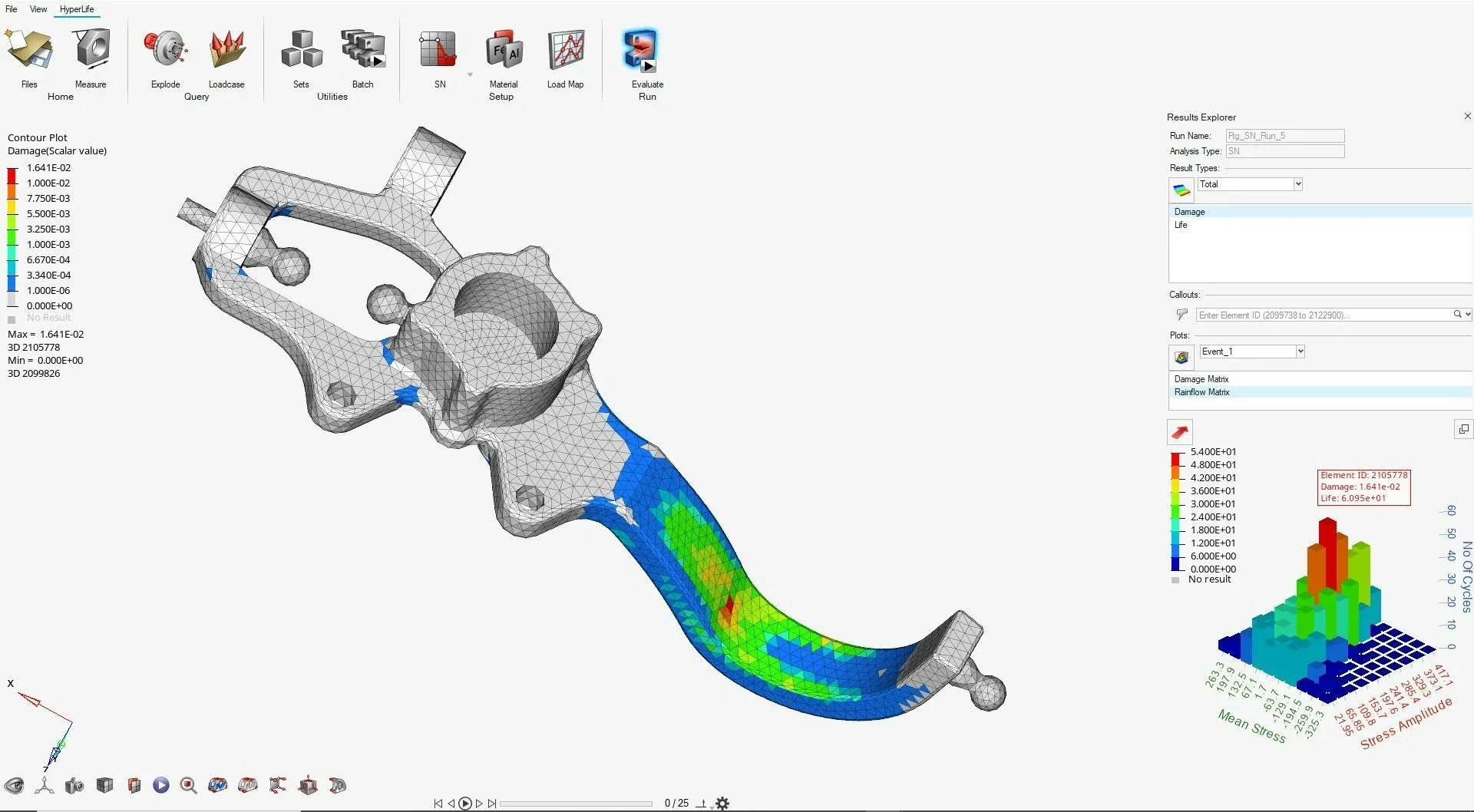
FEA Solver and Optimization
Altair OptiStruct
Linear, nonlinear, NVH, fatigue and explicit analysis with topology, size and shape optimization built in.
Explore OptiStruct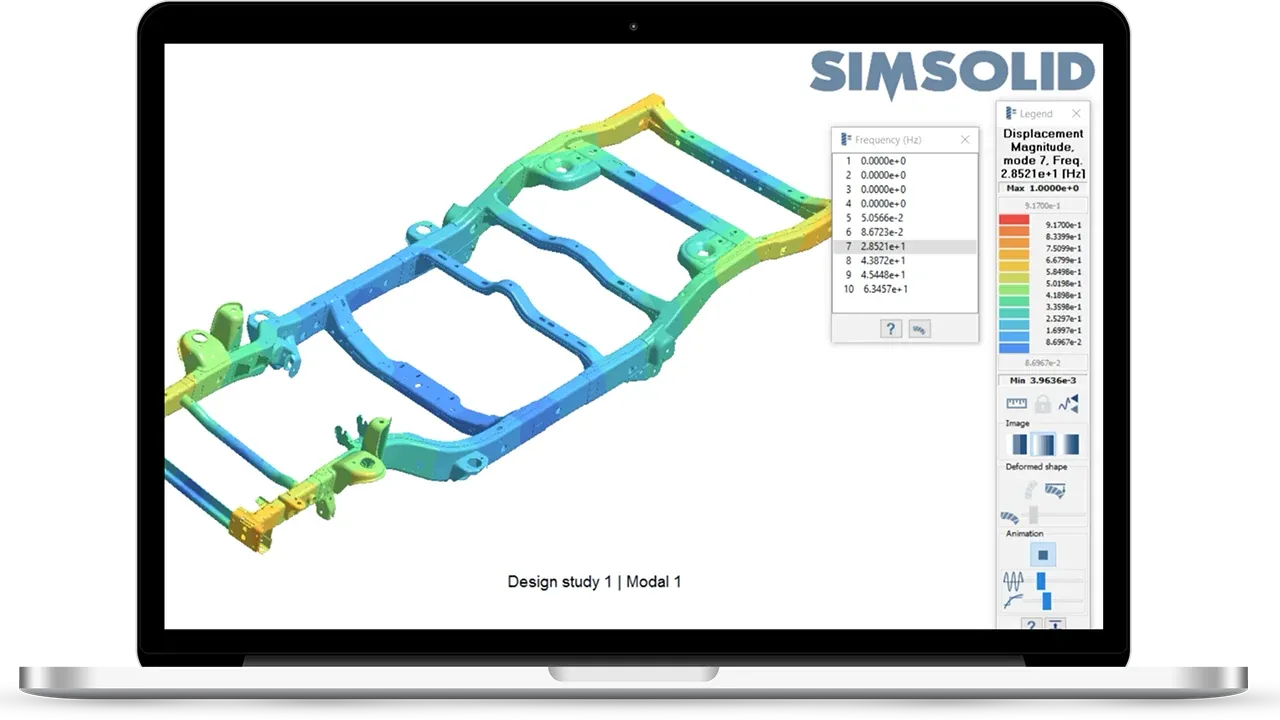
Meshless Analysis
Altair SimSolid
Structural analysis directly on original, unsimplified CAD assemblies, with results in seconds to minutes.
Explore SimSolid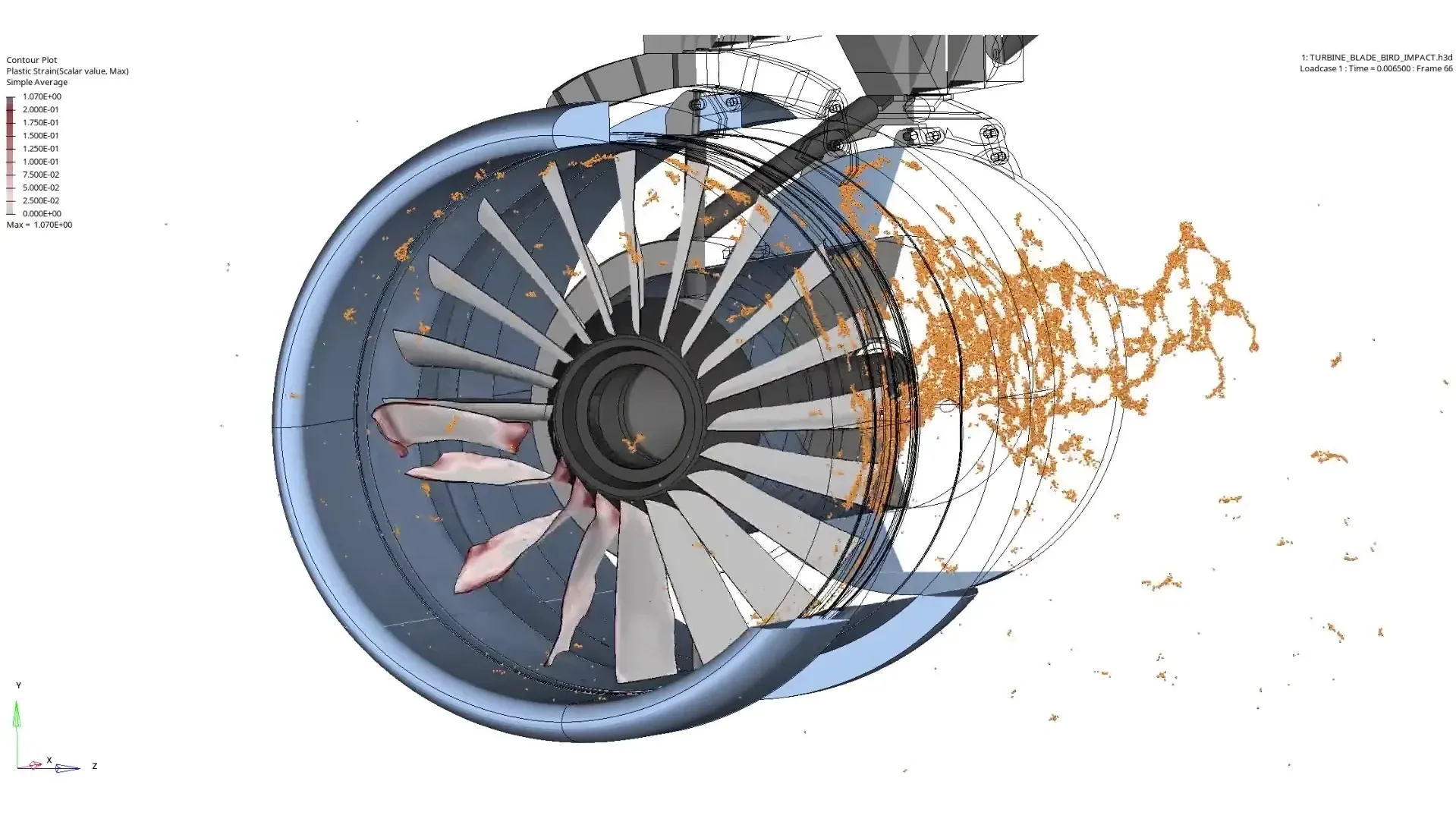
Explicit Dynamics
Altair Radioss
The explicit solver for crash, drop, impact, blast and ballistic events with material failure.
Explore Radioss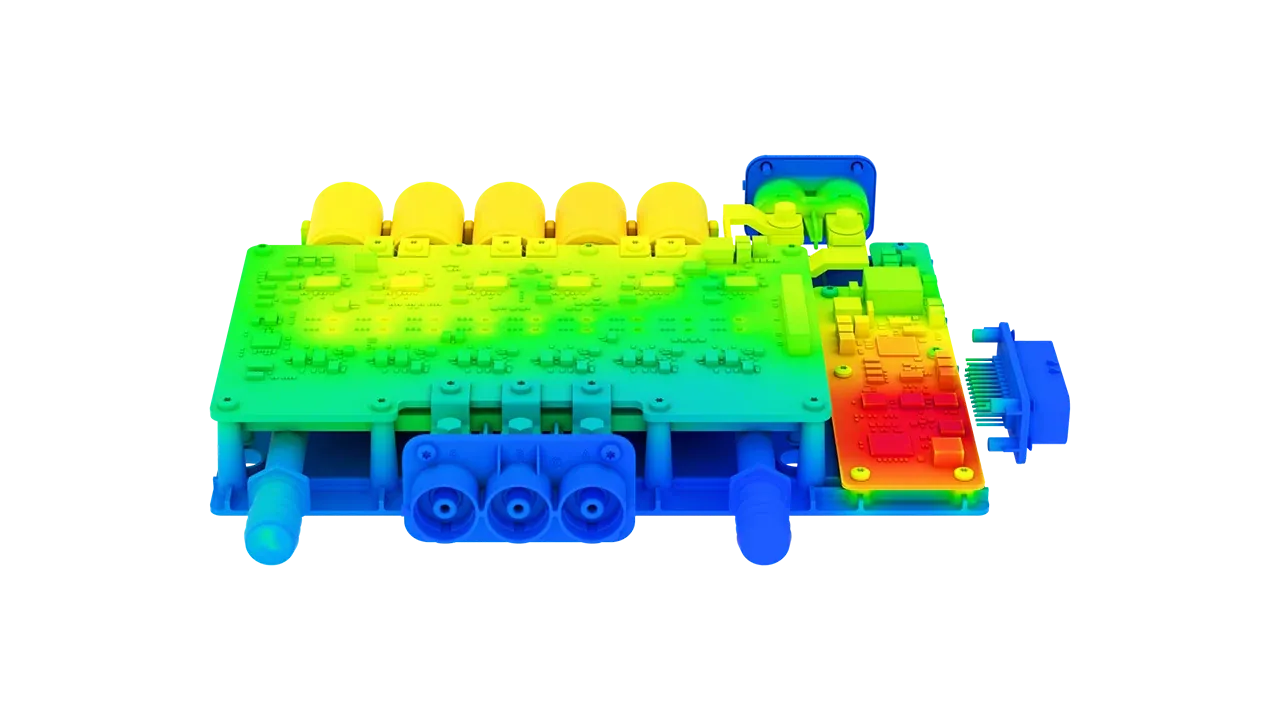
CAD-Integrated Multiphysics
Altair SimLab
Process-driven structural, thermal, flow and electromagnetic workflows that stay linked to your CAD.
Explore SimLab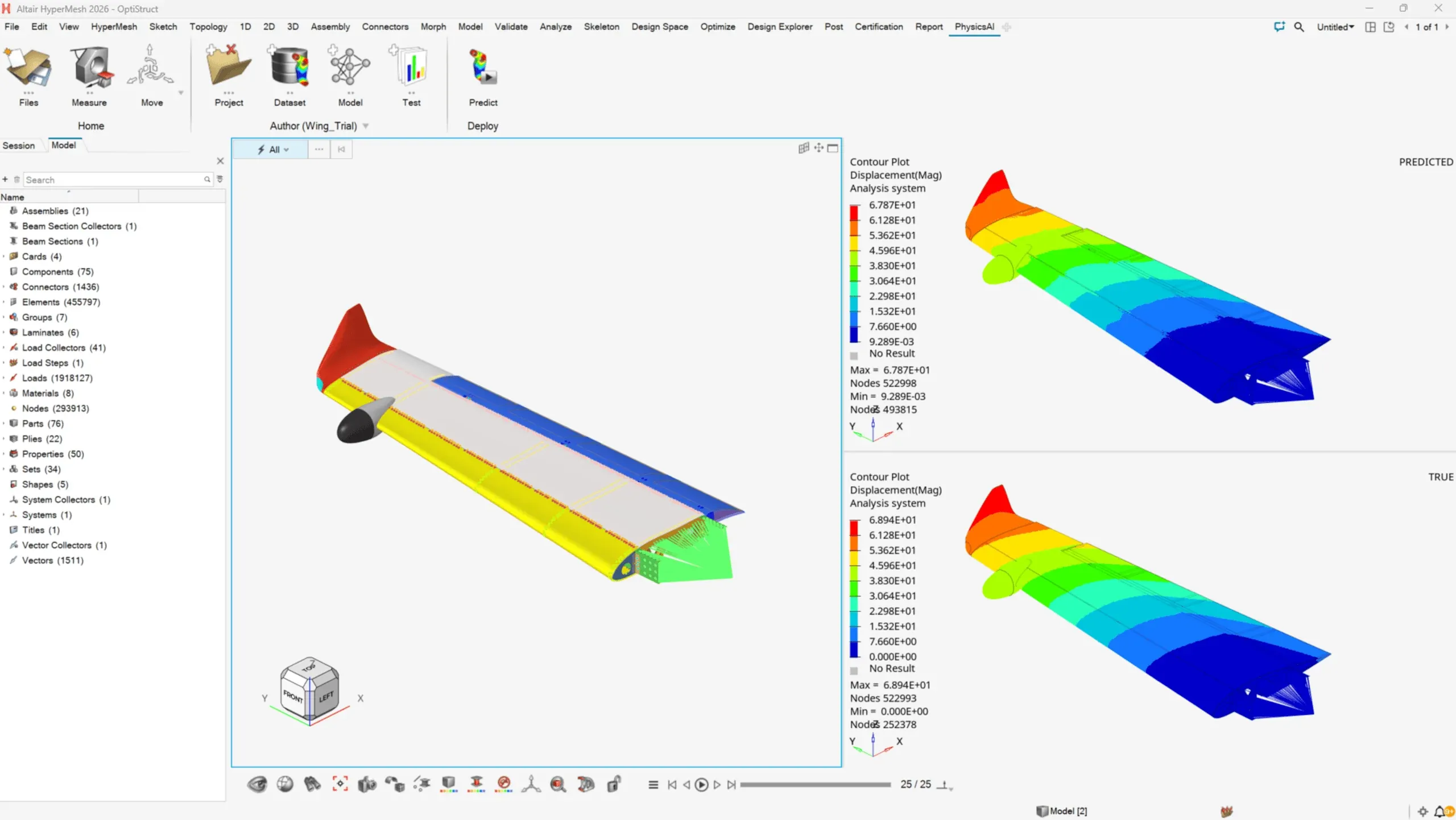
AI Predictions
Altair PhysicsAI
Geometric deep learning trained on your past simulations predicts new designs in seconds.
Explore PhysicsAI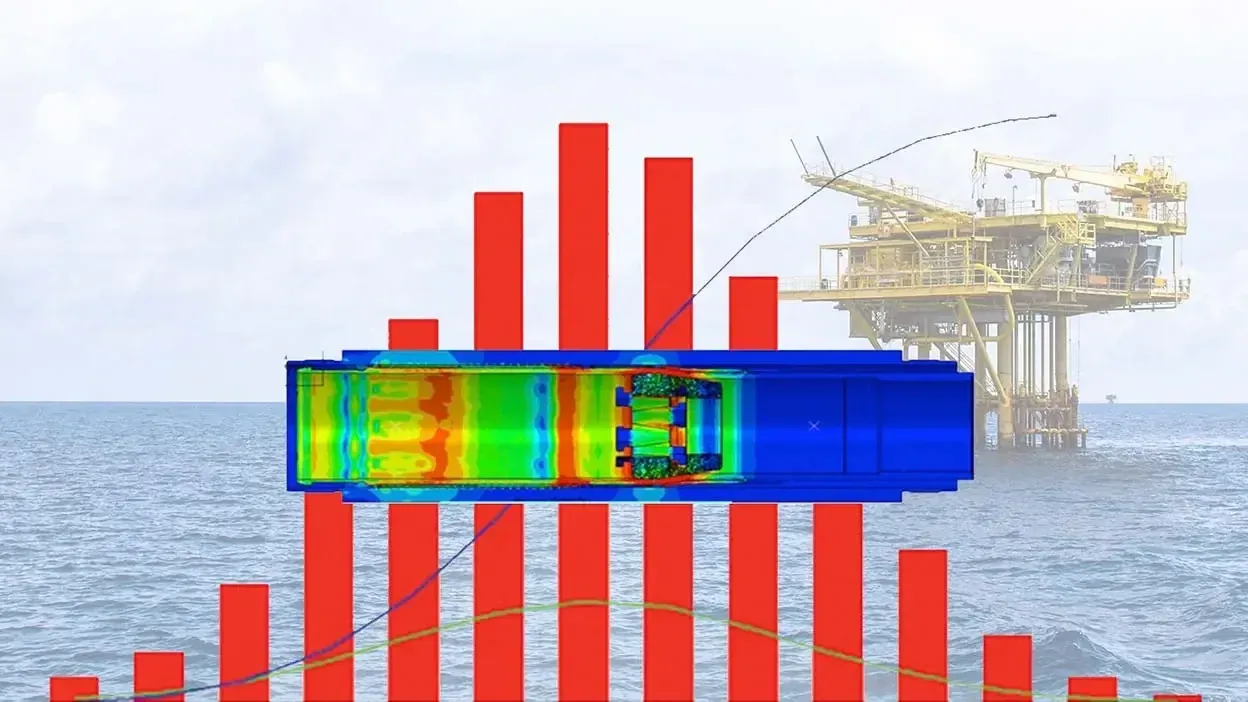
Design Exploration
Altair HyperStudy
DOE, trade-off studies and multi-objective optimization that compare design alternatives automatically.
Explore HyperStudy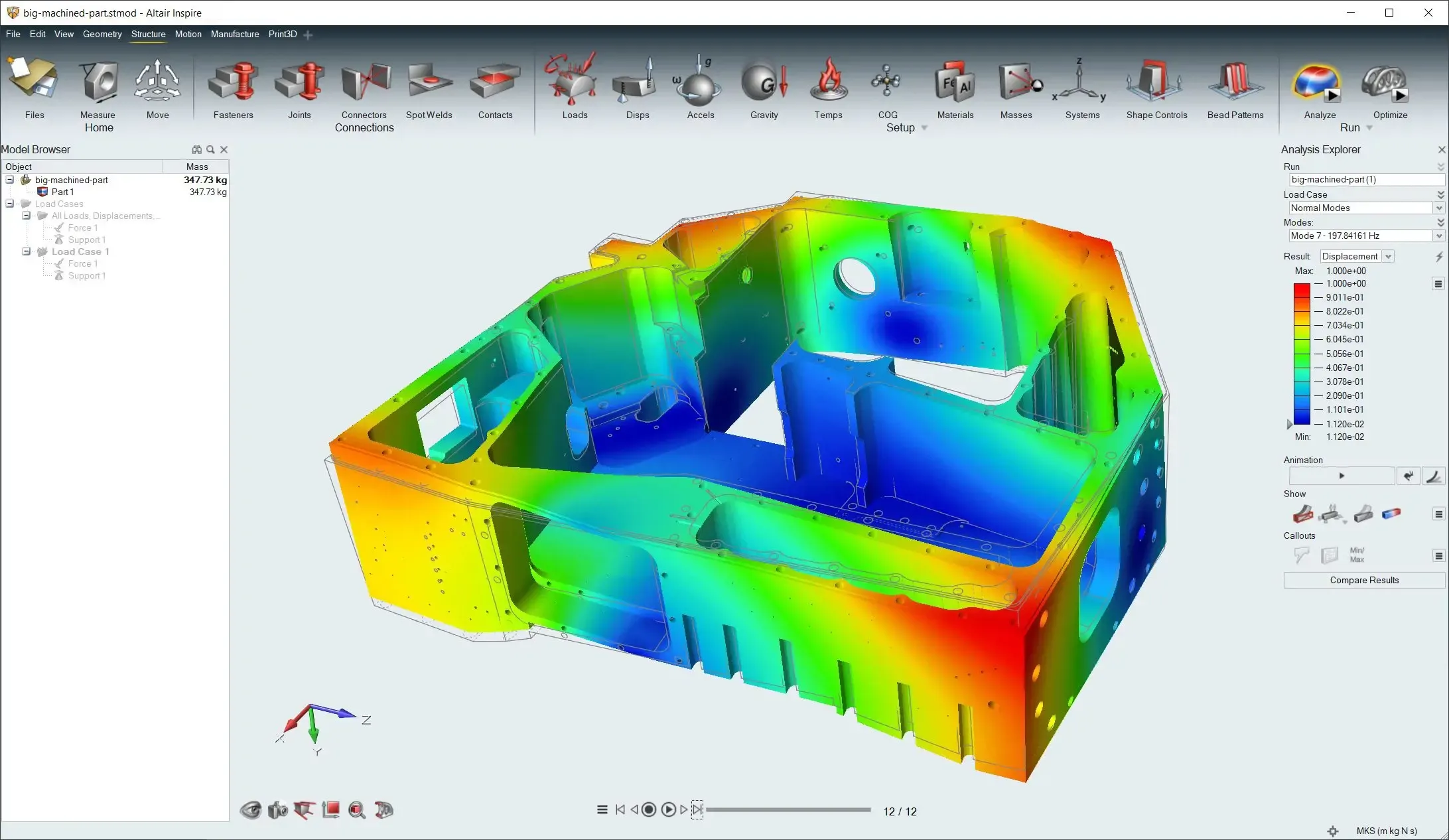
Simulation-Driven Design
Altair Inspire
Concept modeling, topology optimization, early FEA and motion analysis in one designer-friendly tool.
Explore InspireTopology Optimization
How optimization finds the lightest layout that still meets your targets, and which tool to use.
Read the GuideChoosing Software
Which Structural Analysis Tool Do You Need?
Start from the question you need answered. Most teams use two or three of these together, all on one license.
| Your Question | Start With | Why |
|---|---|---|
| Is this part stiff and strong enough? | SimSolid, then OptiStruct | SimSolid answers on CAD in minutes; OptiStruct gives sign-off accuracy on a meshed model. |
| How does it behave with contact, plasticity or large deflection? | OptiStruct | Nonlinear contact, bolts, gaskets and nonlinear materials in an implicit solver. |
| What happens in a crash, drop or impact? | Radioss | Explicit dynamics for short, violent events with material failure. |
| How do I take weight out? | OptiStruct or Inspire Structures | Topology, topography and gauge optimization against stiffness, strength and frequency targets. |
| Which design variables matter most? | HyperStudy | DOE and sensitivity studies rank the parameters that drive performance. |
| Can I predict new designs without re-solving? | PhysicsAI | Models trained on your past results predict new shapes in seconds. |
| How do I get a solver-ready model from messy CAD? | HyperMesh or SimLab | Geometry cleanup, meshing and automated, CAD-linked model setup. |
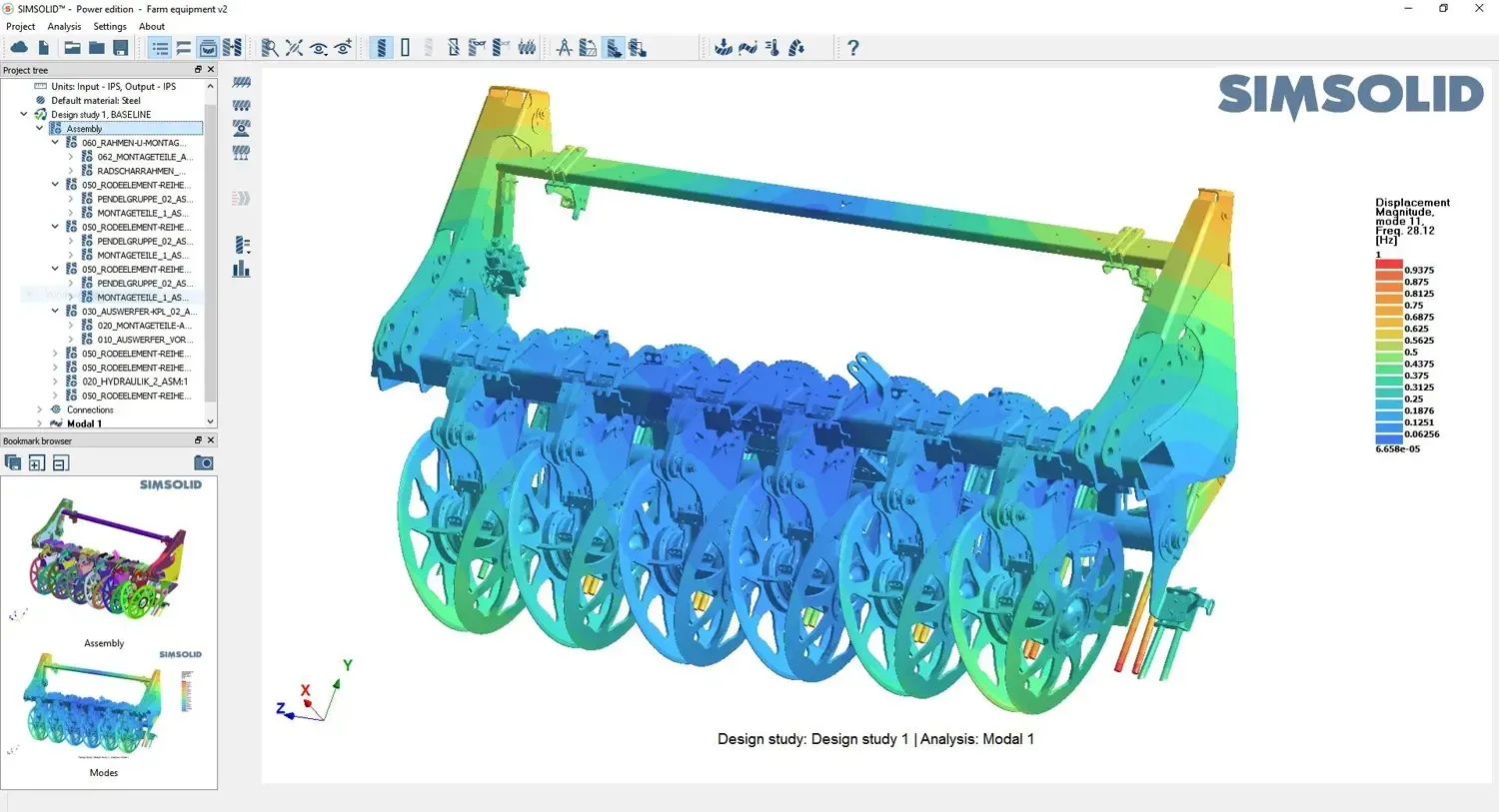
Solution Finder
Match Your Structural Problem to the Right Tool
Pick a challenge in our interactive Solution Finder to see the Altair and Siemens tools built for it, compare them side by side and build a shortlist for an engineer to review.
- Strength, Stiffness and Durability Tools
- Lightweighting and Optimization Tools
- Shortlist Reviewed by an Application Engineer
Customer Success
Structural Simulation Customer Stories
Real projects where structural analysis and optimization cut weight, model build time and prototype loops.
All Case Studies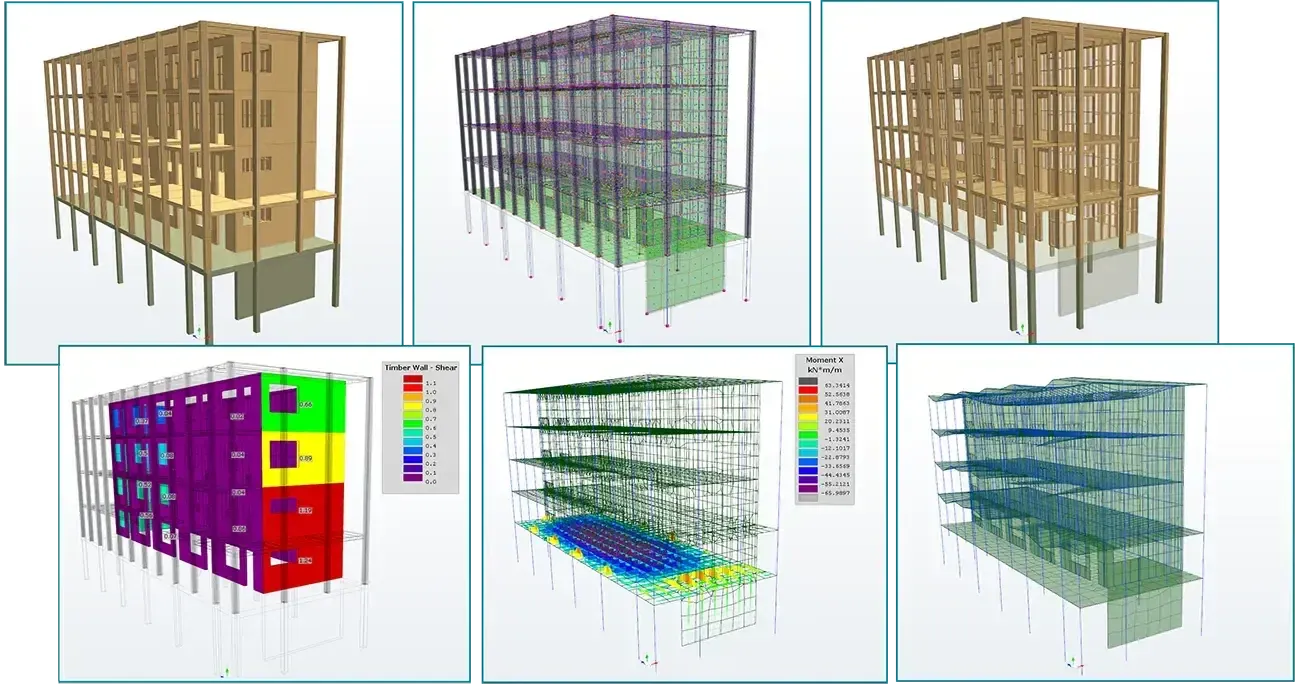
Sustainable Structural Engineering With OptiStruct
SOM used OptiStruct optimization on the United States Courthouse in Los Angeles, reducing steel while improving the structure’s overall performance.
Read the Story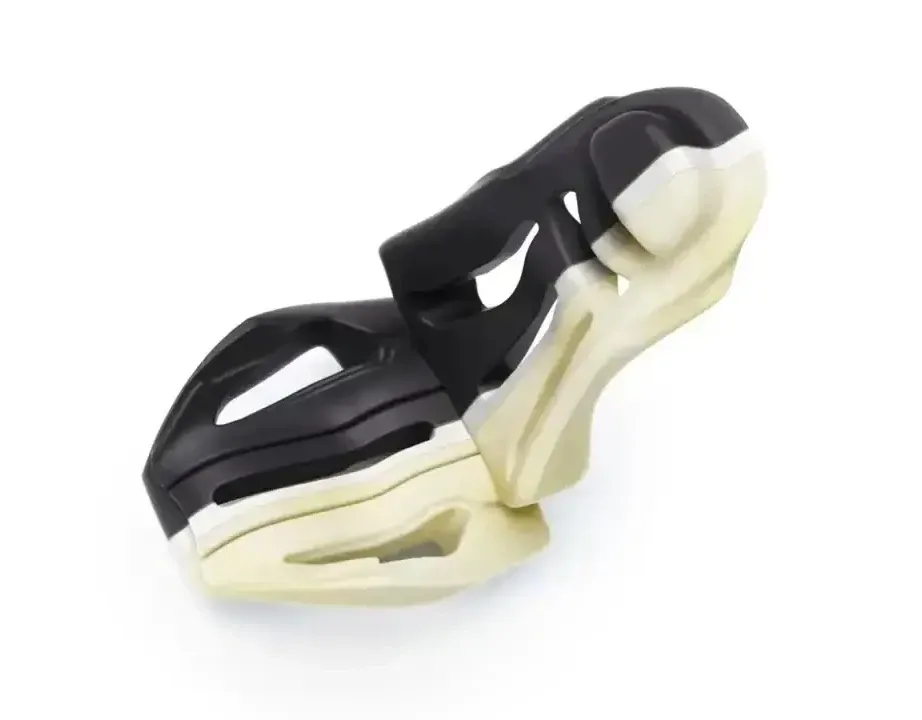
Faster Design Studies for Structural Inserts
Sika used a HyperWorks design space workflow to prepare a D-pillar NVH reinforcer study in under 40 minutes instead of up to three hours, then used OptiStruct for structural and NVH analysis.
Read the Story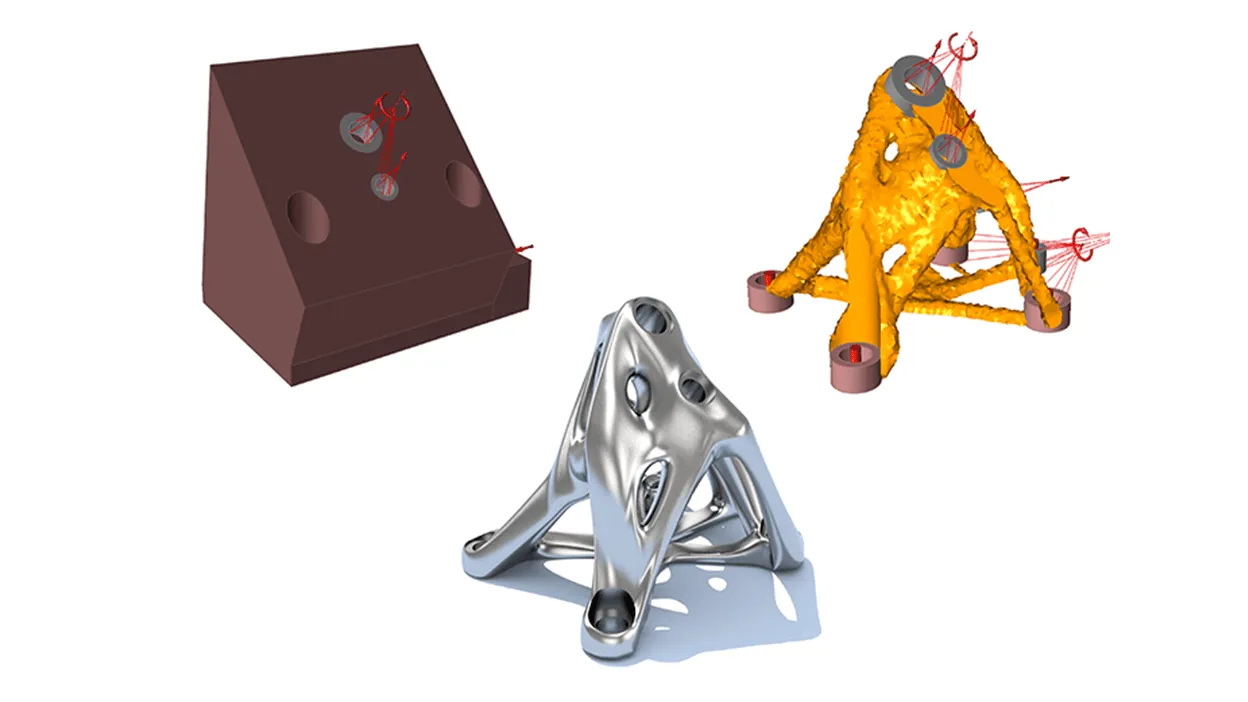
80% Less Topology Optimization Model Build Time
L&L Products, which designs structural reinforcements for vehicle bodies, used the HyperWorks Local Design Space workflow to cut the time it takes to build concept topology optimization models.
Read the StoryImplementation Support
Why Teams Choose TrueInsight for Structural Simulation
Software alone doesn’t guarantee trustworthy results. TrueInsight helps teams choose the right analysis level, set up repeatable workflows and train users, so simulation becomes part of day-to-day engineering decisions instead of a one-off tool.
- Flexible Altair Units Licensing One pooled license runs the full Altair suite, so teams solve more problems without buying a license per application.
- Altair OneManage users, licenses, software downloads and computing resources in one hosted environment.
- Altair Partner AllianceMore than 65 partner engineering applications at no additional cost, run on the same Units.
- Dedicated Engineering Support Engineers who understand your workflows help you implement, optimize and scale your simulation environment.
One Pool for Every Structural Tool
Units are drawn while an application is open
- HyperMesh
- OptiStruct
- SimSolid
- Radioss
- SimLab
- PhysicsAI
- HyperStudy
- Inspire
Illustrative only · Pool size is set by your quote
From the Blog
Structural Simulation Guides

Battery Simulation 101: Thermal, Structural and EM Analysis for EV Battery Packs
How to simulate EV battery packs across thermal, structural, and EM physics using Altair tools.
Read Article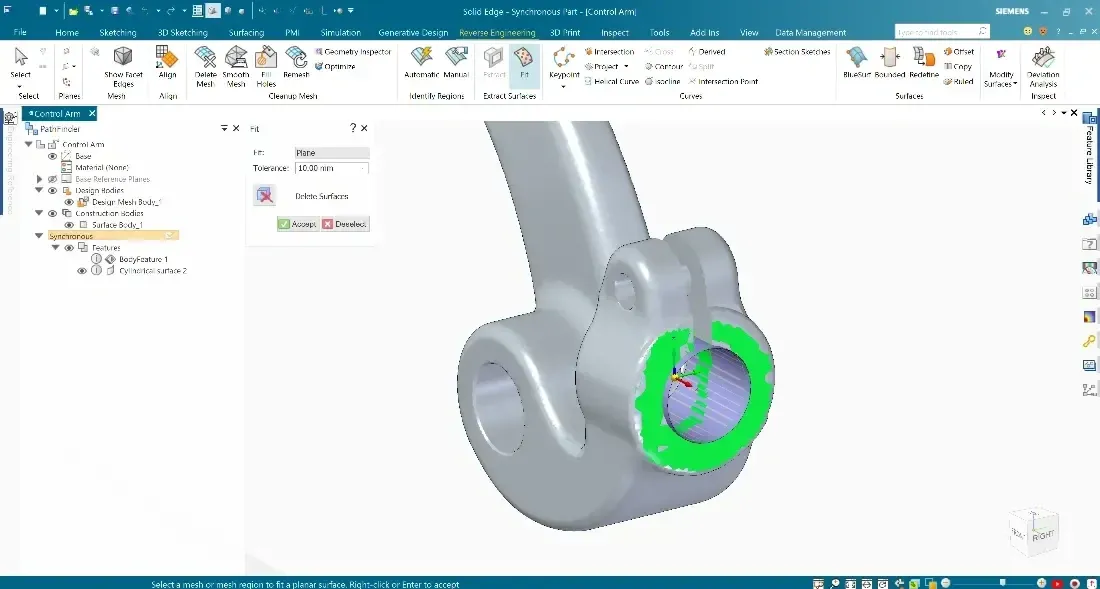
How Simulation Users Can Get More From Siemens CAD Tools Like Solid Edge and NX
Simcenter SimSolid works directly on native Siemens Solid Edge and NX geometry, no meshing, no geometry cleanup. Find out how.
Read Article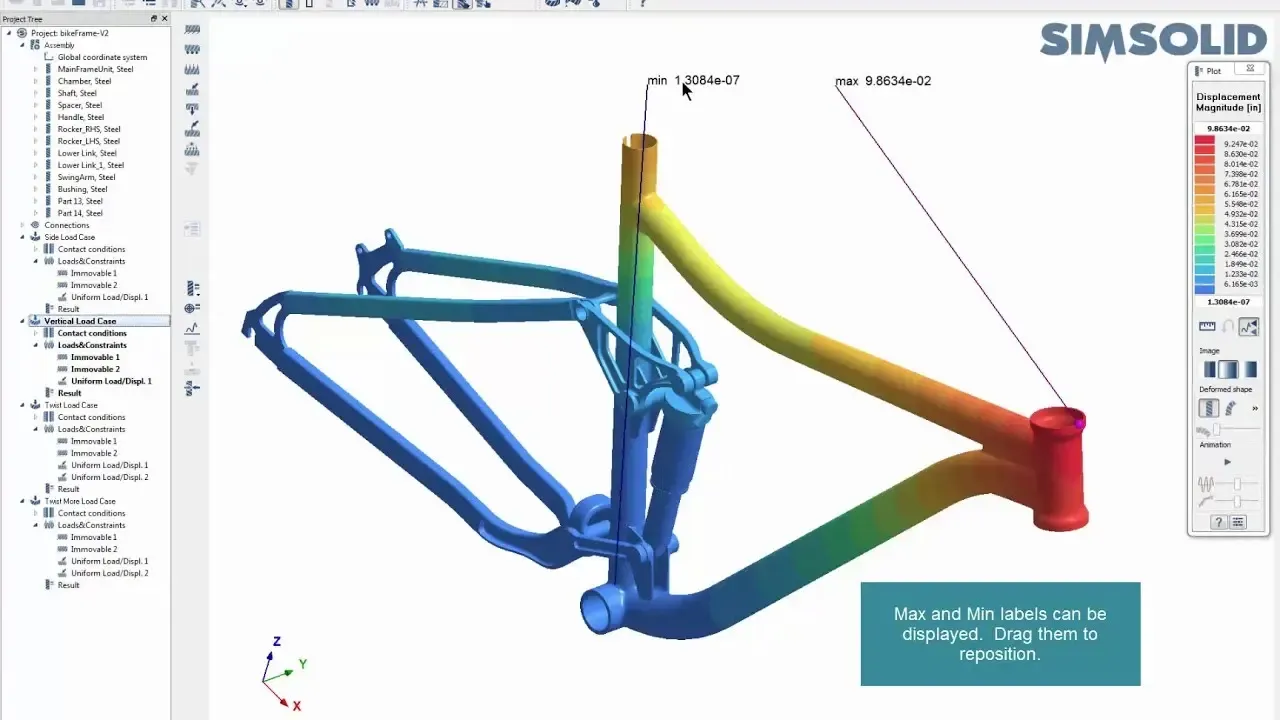
How Tight Should Your Connection Tolerances Be in Simcenter SimSolid?
In this post we show how to take advantage of the ability to work with imperfect geometry and optimize tolerances/gaps.
Read ArticleFAQ
Structural Analysis Software FAQ
What Is Structural Analysis Used For?
To predict stress, deformation, vibration, fatigue and failure risk under real loads, so designs can be validated and improved before manufacturing instead of after a failed prototype.
What’s the Difference Between Linear and Nonlinear Structural Analysis?
Linear analysis assumes small deformations and proportional material behavior, which suits many standard design checks. Nonlinear analysis accounts for large deformation, contact, plasticity and other material nonlinearity, which complex or heavily loaded structures require.
Do I Always Need a Mesh for Structural Simulation?
Most structural solvers divide geometry into finite elements, so the model needs a mesh. Meshless tools such as SimSolid analyze CAD assemblies directly, which removes meshing and geometry cleanup for design studies. Read SimSolid vs HyperMesh and OptiStruct for when each fits.
Which Tool Is Best for Crash or Impact Simulation?
Crash and impact need an explicit dynamics solver such as Radioss, which captures high-speed impact, material failure and complex contact over milliseconds. Implicit solvers like OptiStruct suit static and slower dynamic problems.
Which Structural Analysis Software Do I Need?
It depends on the question. SimSolid for fast checks on CAD, OptiStruct for sign-off linear, nonlinear, NVH and optimization work, Radioss for crash and impact, and HyperMesh or SimLab to build models. The comparison above maps common questions to the right starting point, and one Altair Units license runs all of them.
What Industries Use Structural Analysis Software?
Automotive, aerospace, civil engineering, energy, heavy machinery and consumer products all rely on structural simulation for safety, durability and performance. See simulation solutions by industry.
How Does Simulation Reduce Product Development Costs?
Testing designs virtually finds problems before physical prototypes are built. Teams run fewer test cycles, avoid late design changes and reach production sooner.
Are Altair Structural Tools Now Part of Siemens Simcenter?
Yes. Siemens acquired Altair, and with the June 2026 Simcenter release OptiStruct, SimSolid, Radioss, SimLab, HyperStudy, PhysicsAI and Inspire joined the Simcenter family under Simcenter names. TrueInsight licenses and supports them under either name.
Related Pages
Explore More Simulation Solutions
Simulation Solutions by IndustryEngineering simulation for every industry and applicationGet Started
Ready to Transform Your Structural Simulation Workflow?
Tell us what you’re designing and the questions you need answered. We’ll recommend the right tools and help your team get reliable results quickly.
- Authorized Siemens & Altair Partner
- Expert Engineering Support
- Licensing Sized to Your Team