Teamcenter X
SaaSBest for Teams that want PLM without managing servers or upgrades
- Hosted, Maintained and Updated by Siemens
- Browser-Based Access for Internal and External Users
- Start With PDM and Expand Toward Full PLM
- Subscription Licensing
Siemens Teamcenter · PLM & PDM
One secure source of truth for CAD data, BOMs, change, requirements and workflows, deployed on-premises, in your cloud or as Teamcenter X SaaS, with implementation and training from TrueInsight.
Overview
Siemens Teamcenter is a product lifecycle management (PLM) platform used by manufacturers worldwide to manage product data, processes and collaboration across the entire lifecycle, from requirements and design through manufacturing, supply chain and service.
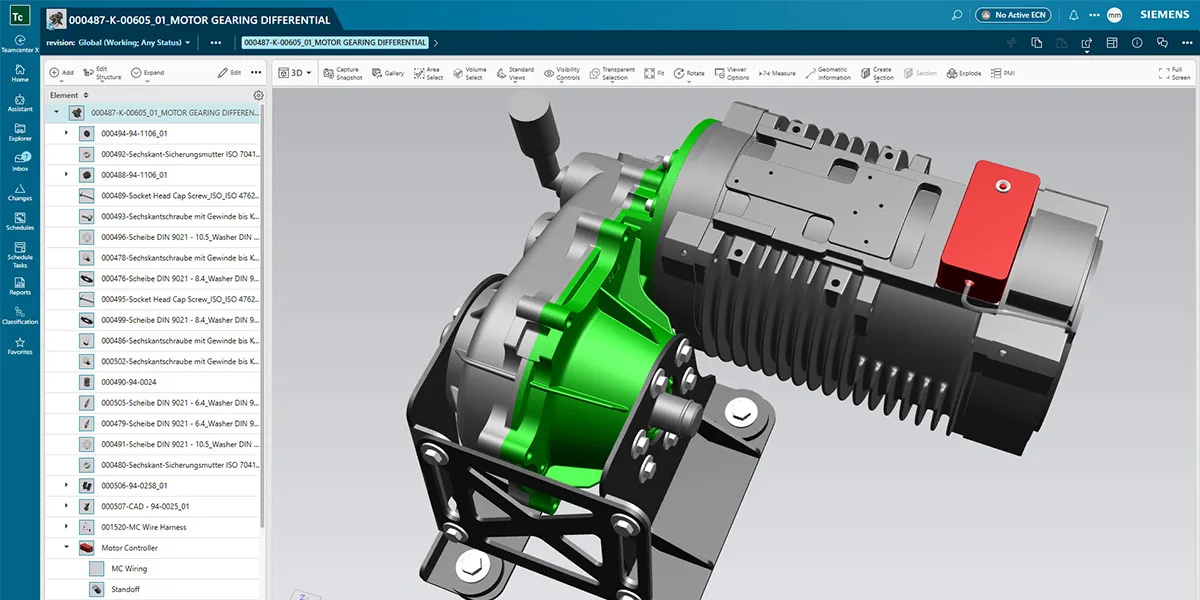
Teamcenter starts where every PLM journey starts, with product data management (PDM) for CAD files, then extends into BOM management, change and configuration control, requirements, simulation data, manufacturing process planning and documentation. It is part of the Siemens Xcelerator portfolio and connects natively with Siemens NX, Solid Edge and Simcenter, while also managing data from other CAD and ECAD systems.
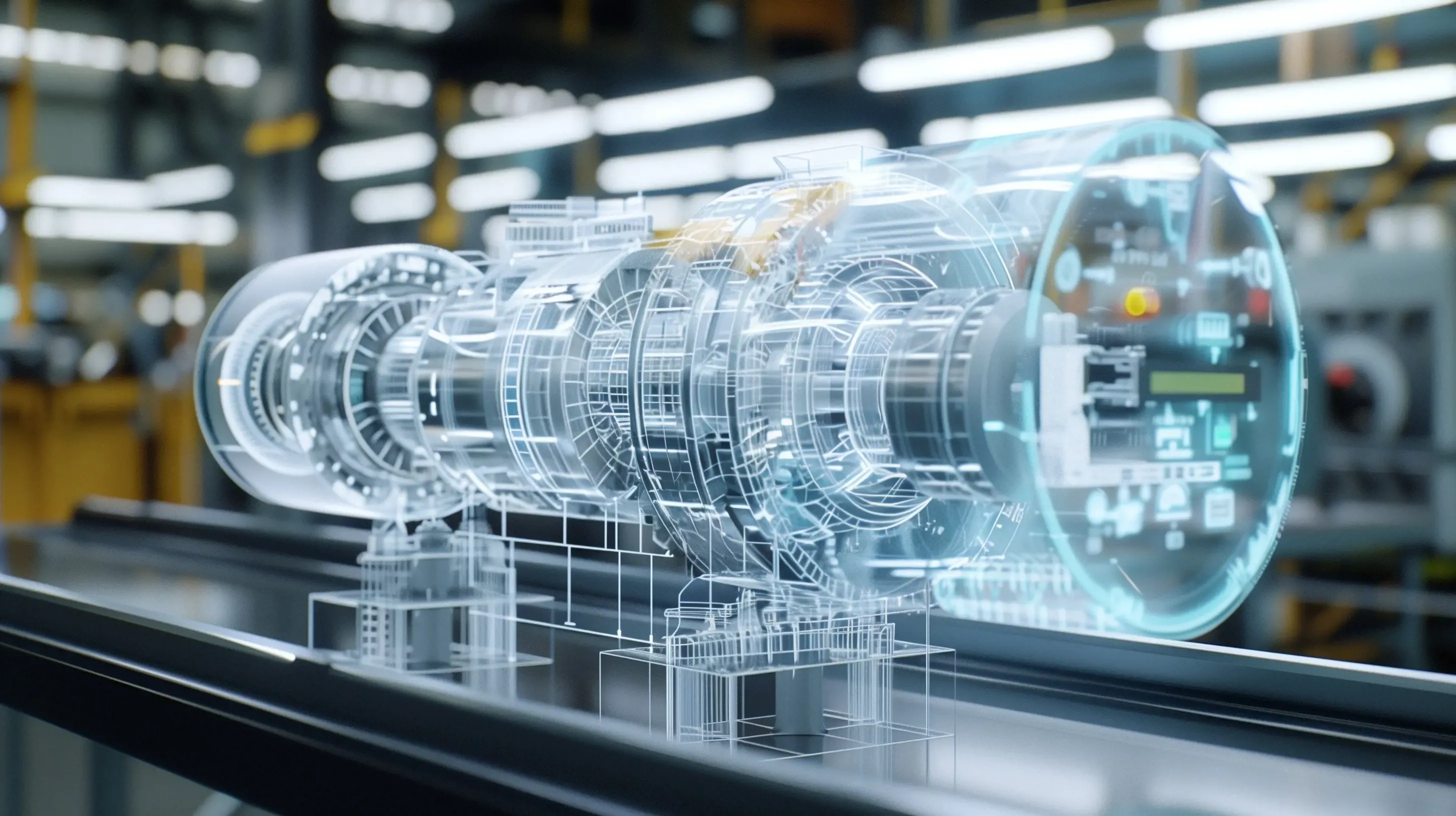
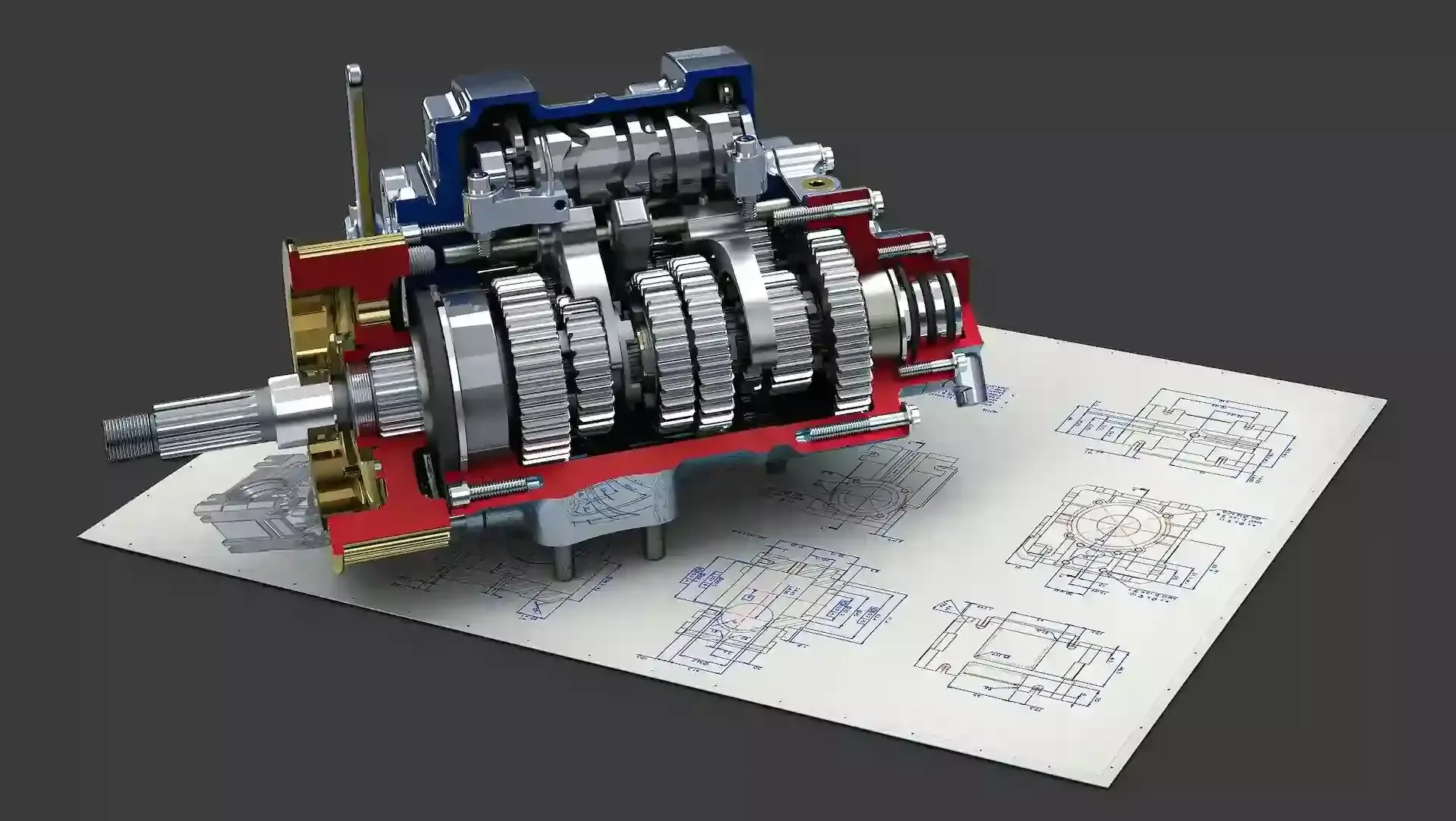
 NX + Teamcenter · Motor Gearbox
Why Teamcenter
Teamcenter helps organizations innovate faster with secure, connected product lifecycle management that scales from one engineering team to a global enterprise.
Manage CAD data, engineering documents, requirements and manufacturing information from one secure source of truth, with check-in, check-out and revision rules that end overwritten files and “final_v7” folders.
Mechanical, electrical, electronics and software engineers work on one product definition, alongside manufacturing, supply chain and service, so everyone sees the same released data.
Run Teamcenter on your own servers, in a cloud environment you control, or as Teamcenter X SaaS managed by Siemens, aligned with your IT strategy, security requirements and growth plans.
Capabilities
Enterprise-grade PLM to manage product data, processes and collaboration at scale. Start with the PDM essentials and switch on more of the lifecycle as you grow.
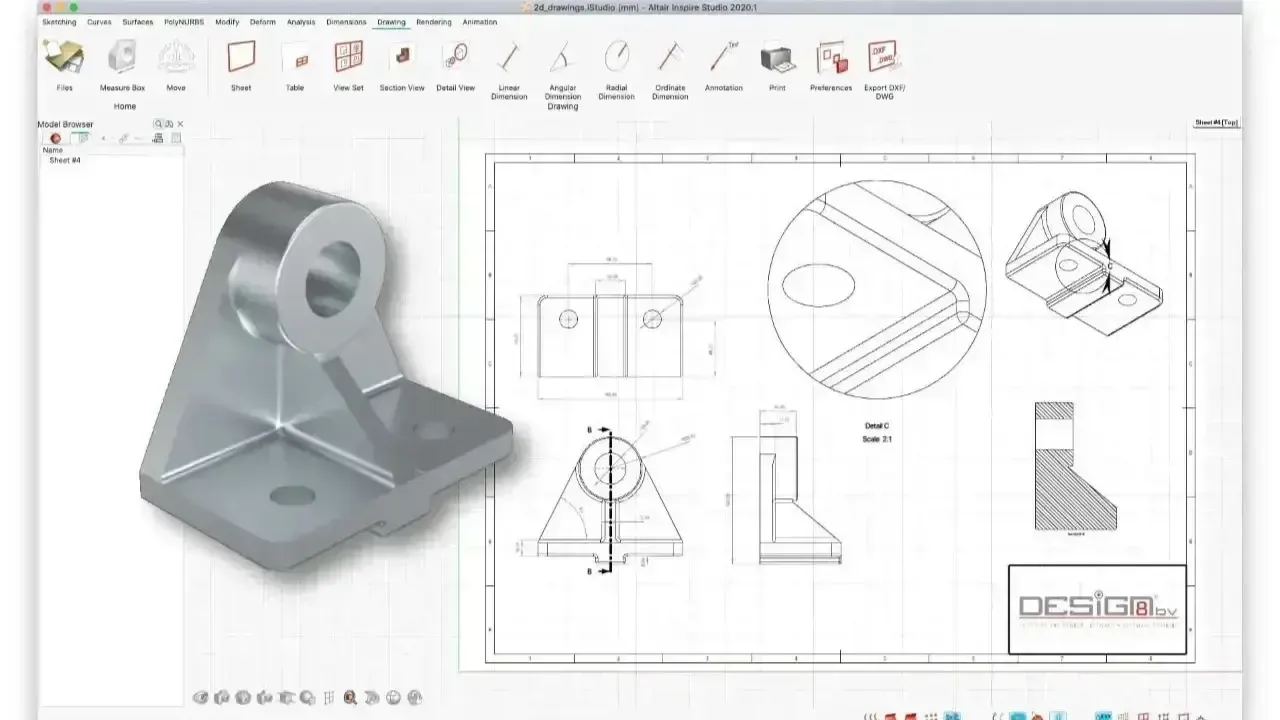
Vault native NX and Solid Edge models, plus data from other major MCAD and ECAD tools, with revision rules, where-used search and lightweight JT visualization so people always open the right version.
Create, manage and synchronize engineering and manufacturing bills of materials so changes propagate correctly from design to manufacturing and the supply chain.
Formal change requests and notices with impact analysis, plus effectivity, options and variant rules to control complex product families.
Configurable workflows route reviews, approvals and releases to the right people, enforcing governance and accountability at every gate.
Capture requirements, link them to design items and verification, and trace every requirement from specification to test.
Keep simulation models, load cases and results with the design revision they validate, so Simcenter and CAE data stay traceable and reusable.
Control engineering documents, certifications and compliance records in a secure environment that supports audits, regulatory requirements and risk reduction.
Connect the manufacturing BOM to process plans, work instructions and plant resources so production builds from released engineering data.
Role-based access control, data security and scalability for large portfolios, multiple sites and external suppliers.
PDM vs PLM
Searching for Teamcenter PDM? Teamcenter covers everything a PDM system does, then connects it to the rest of the product lifecycle so the BOM, the change process and manufacturing work from the same data.
| Capability | Typical PDM | Teamcenter PLM |
|---|---|---|
| CAD Vaulting and Revisions | Yes, usually for one primary CAD system | Yes, for NX, Solid Edge and other MCAD and ECAD tools |
| Bills of Materials | CAD-derived BOMs | Engineering and Manufacturing BOMs Kept in Sync |
| Change Management | Approval workflows on files | Formal change requests and notices with impact analysis |
| Configuration and Variants | Limited | Effectivity, options and variant rules |
| Requirements Traceability | Usually not included | Requirements linked to design and verification |
| Manufacturing and Service | Not included | Process planning, quality and service data on the same thread |

Digital Thread
Teamcenter connects requirements, design, simulation, manufacturing and service data in one traceable chain, the foundation for a digital twin you can actually trust.
Cloud PLM
Teamcenter X is Teamcenter delivered as software as a service on Siemens Xcelerator. Siemens hosts, maintains and updates the platform, so your team gets PLM without provisioning servers, planning upgrades or staffing a PLM infrastructure team.
It is built on the same Teamcenter data model as on-premises Teamcenter and runs in the browser, so you can start with core PDM, BOM and change management and add capabilities as the business grows, without switching systems.
 Teamcenter X · SaaS PLM
Midsize Teams
Teamcenter Rapid Start is a preconfigured edition of Teamcenter for midsize manufacturers. It ships with best-practice templates for CAD data management, BOMs, change and workflows, so you deploy proven processes instead of designing PLM from scratch.
It fits companies that have outgrown shared drives or a basic vault but don’t want a long enterprise implementation. Because it is real Teamcenter, you can extend it later without migrating to another system.
 Rapid Start · Preconfigured PLM
Deployment Options
All three options run the same Teamcenter platform. The difference is who manages the infrastructure, how much is preconfigured and how far you need to extend it.
Best for Teams that want PLM without managing servers or upgrades
Best for Midsize manufacturers moving off file-based processes
Best for Complex products, multiple sites and deep integrations
Comparison
All three manage engineering data, but they are built for different scopes. Here is a fair, high-level comparison to help you build a shortlist.
| Criteria | Siemens Teamcenter | PTC Windchill | SolidWorks PDM |
|---|---|---|---|
| Scope | Enterprise PLM that starts with PDM | Enterprise PLM that starts with PDM | File-based PDM for engineering teams |
| Strongest CAD Fit | Siemens NX and Solid Edge | PTC Creo | SolidWorks |
| Multi-CAD Support | Native NX and Solid Edge, plus integrations for other major MCAD and ECAD tools | Native Creo, plus workgroup managers for other major CAD tools | Built around SolidWorks; other files managed as documents |
| BOM Management | Engineering and manufacturing BOMs with synchronization | Engineering and manufacturing BOMs with associative transformation | CAD-derived and named BOMs; ERP export through add-ins |
| Change and Configuration | Formal change management, effectivity and variant rules | Formal change management, options and variants | Workflow states and transitions for file approval |
| Deployment | On-premises, cloud or Teamcenter X SaaS | On-premises, cloud or Windchill+ SaaS | On-premises Windows server with SQL Server |
| Path to Full PLM | Same platform, add capabilities as you grow | Same platform, add capabilities as you grow | Move to Dassault Systèmes’ 3DEXPERIENCE platform |
| Best Fit | Siemens CAD users and multi-CAD manufacturers that need PLM | Creo-centric organizations | SolidWorks teams that need vaulting and approvals |
Teamcenter is the native PLM for Siemens CAD, with embedded clients, managed assemblies and the same data model end to end.
Teamcenter manages NX, Solid Edge, SolidWorks and other MCAD and ECAD data in one product structure instead of separate vaults.
A PDM tool can be enough today. Teamcenter becomes the better choice once BOMs, change and configuration control span teams or plants.
Readiness
When file-based processes start creating bottlenecks in revisions, collaboration and traceability, especially across multiple teams, products and sites.
You don’t have to replace everything at once. Most teams roll Teamcenter out in phases, and we map integration points and agree on what stays the source of truth early.
 Build From Released Data
Across the Lifecycle
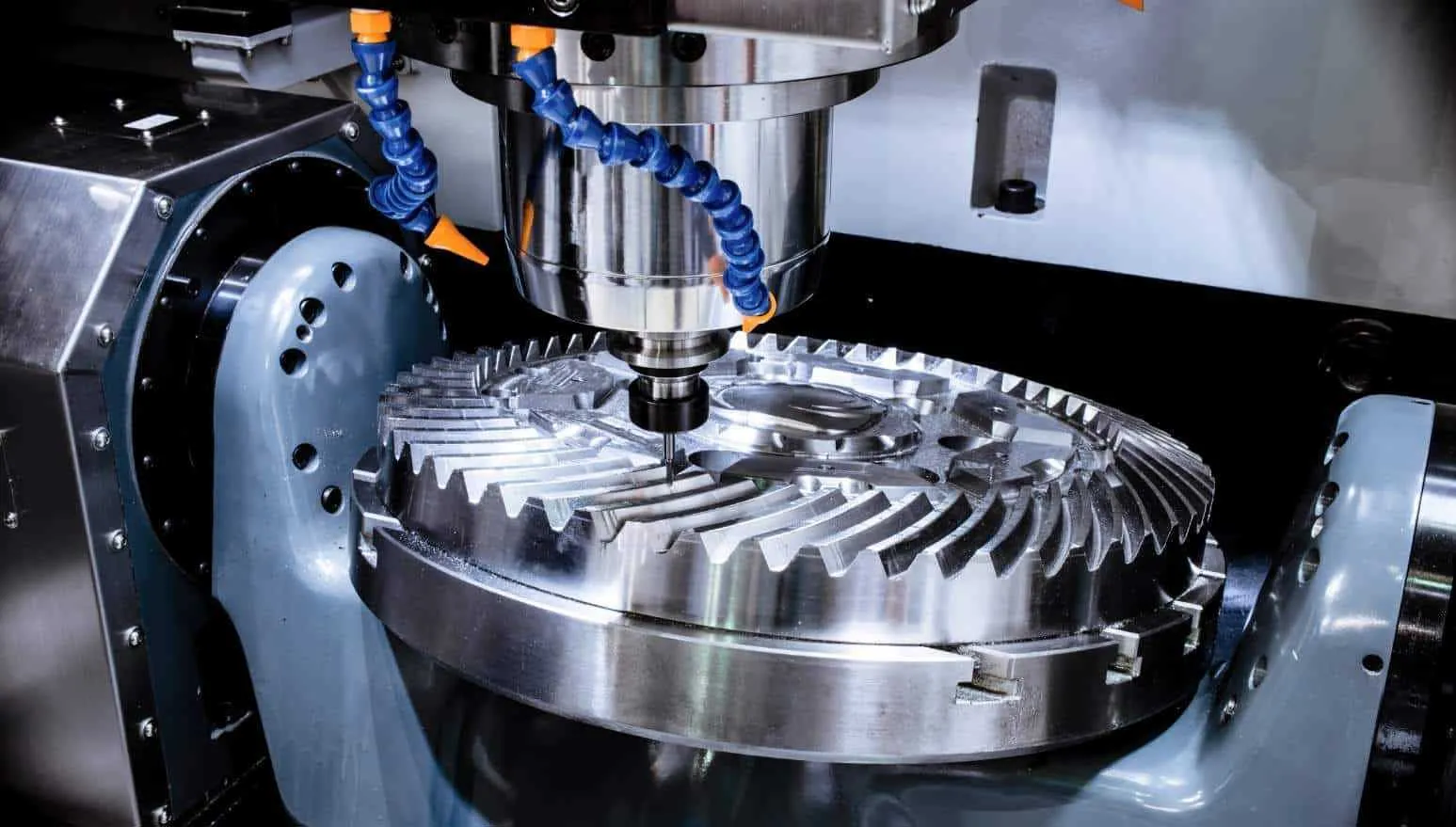
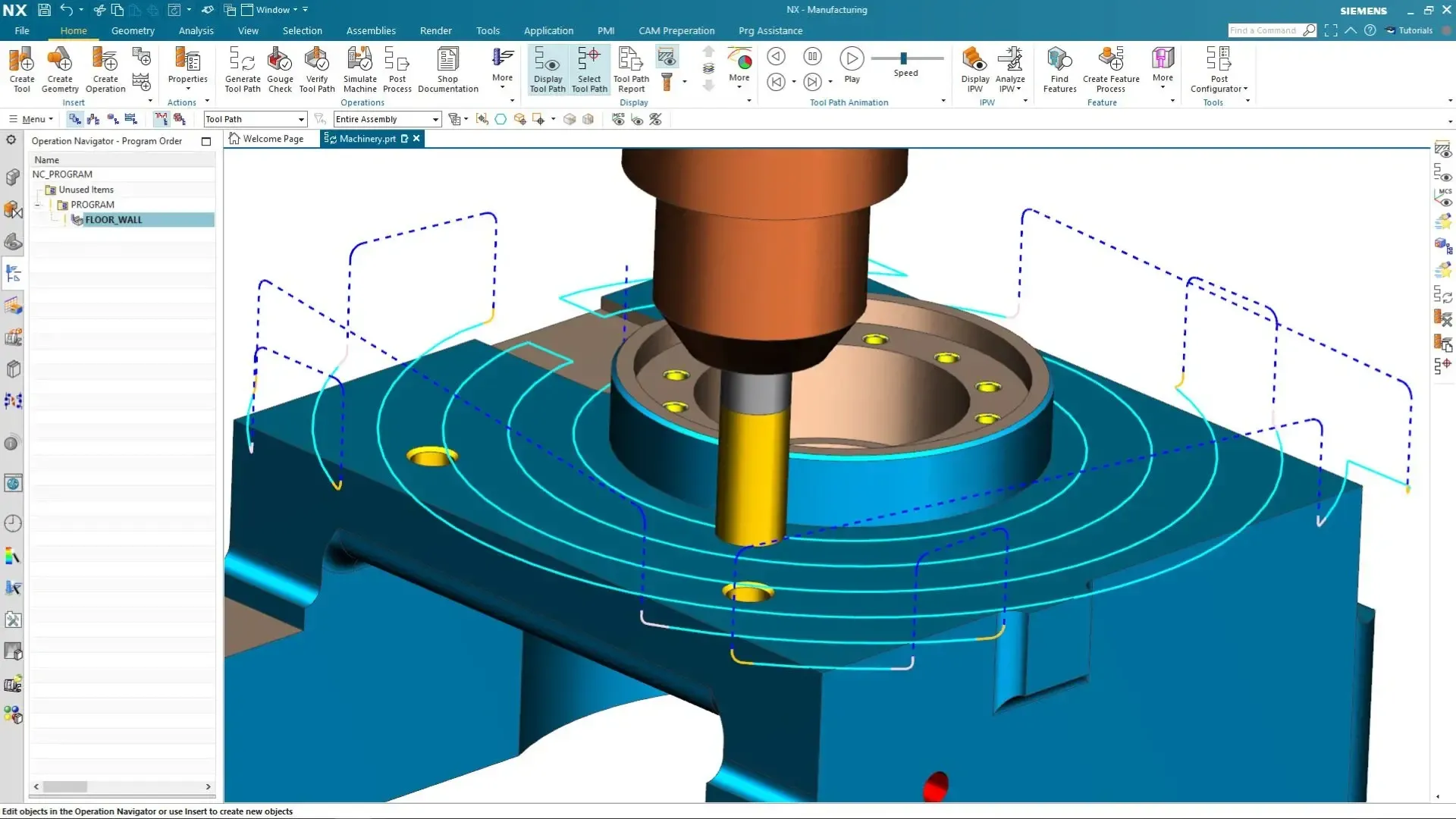
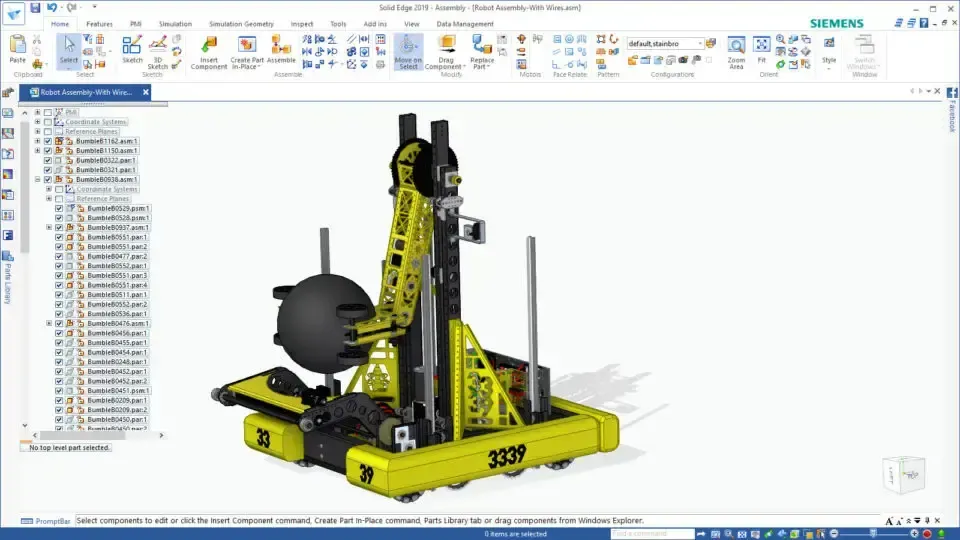
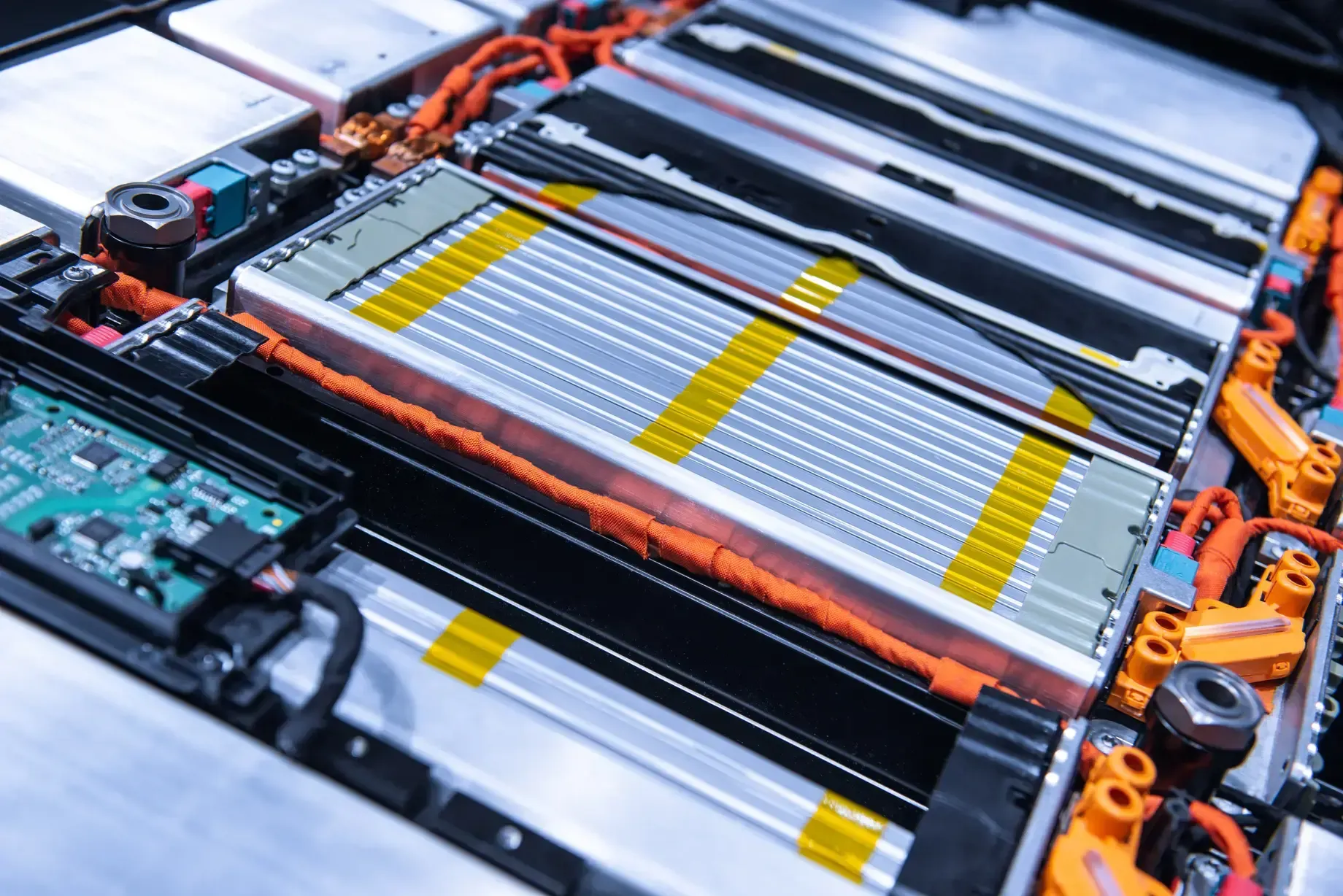
From NX CAM programs and Solid Edge assemblies to configured vehicles, battery packs and airframes, Teamcenter keeps every model, BOM and change linked to the product it describes.


Licensing & Pricing
Teamcenter pricing depends on the deployment (Teamcenter X, Rapid Start or enterprise Teamcenter), the number and type of users, the capabilities and integrations you need, and the implementation scope.
There is no meaningful list price for PLM: two quotes for “50 users” can differ widely depending on who authors data, who only reviews it, and which processes go live first. We scope it with you so you license what you will actually deploy.
See how engineering software pricing works, or read about Siemens licensing and support from TrueInsight.
Tell us about your users, CAD tools and deployment preference and we’ll scope a proposal.
Thanks, Your Request Is In
An application engineer will follow up with next steps.
Implementation
A successful rollout pilots one workflow, sets minimal standards, trains people on their own data and then scales, measuring time saved and rework reduced along the way.
We review your CAD tools, file practices, BOM flow and ERP, and agree early on what Teamcenter owns and what stays elsewhere.
Start with one high-value process, such as CAD vaulting and release or engineering change, using minimal standards and templates.
Move legacy CAD data and documents, and connect Teamcenter to NX, Solid Edge, other CAD systems and ERP.
Role-based Teamcenter training for authors, approvers and manufacturing users, then expansion to more teams, products and sites.
Expert Support Beyond the Software
With TrueInsight, your Teamcenter implementation goes far beyond software licensing. Our PLM-focused team supports the full lifecycle, from solution architecture and data modeling to integration with CAD, ERP and enterprise systems, workflow configuration and change management.
We work alongside engineering, manufacturing and IT to deploy and scale Teamcenter, improving data governance, collaboration and visibility. Need help beyond PLM? Our engineering services and training team covers CAD and simulation too.
 Teamcenter Onboarding
From the Blog
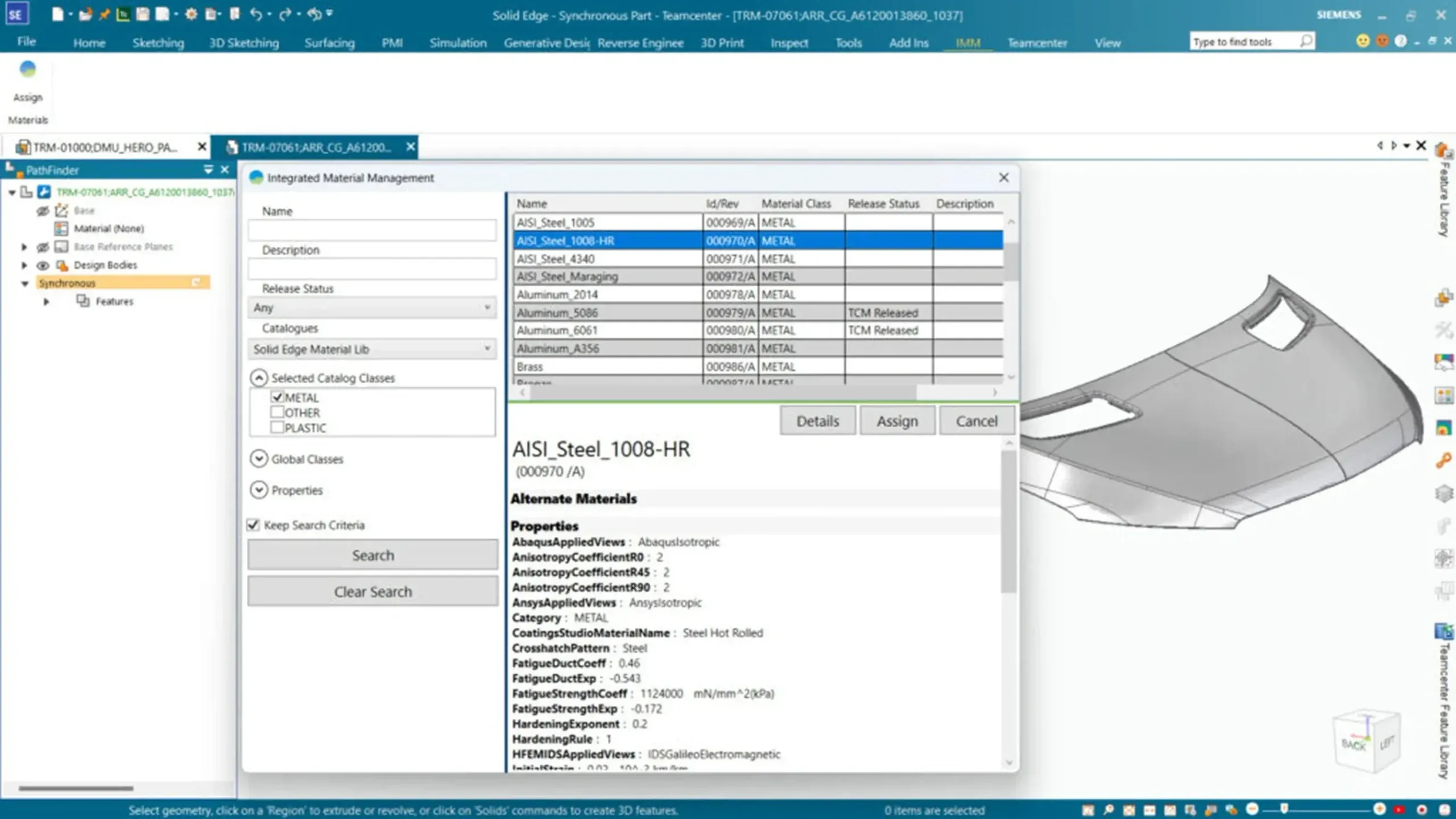
Solid Edge 2026 brought AI-assisted assembly, automatic drawings, a sheet metal overhaul, and a new name. Here's what changed.
Read Article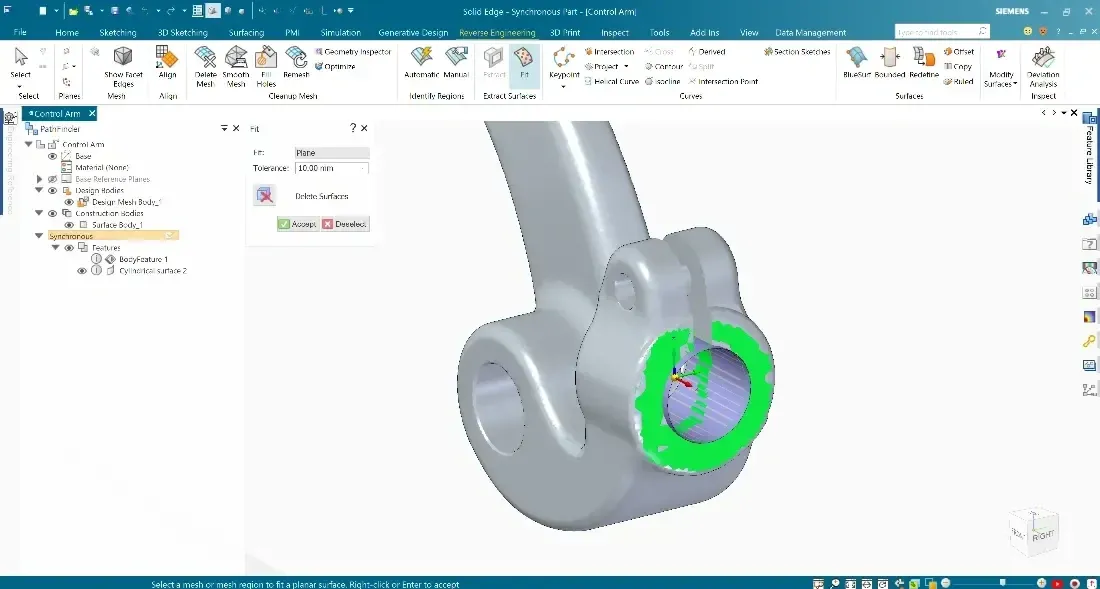
Simcenter SimSolid works directly on native Siemens Solid Edge and NX geometry, no meshing, no geometry cleanup. Find out how.
Read Article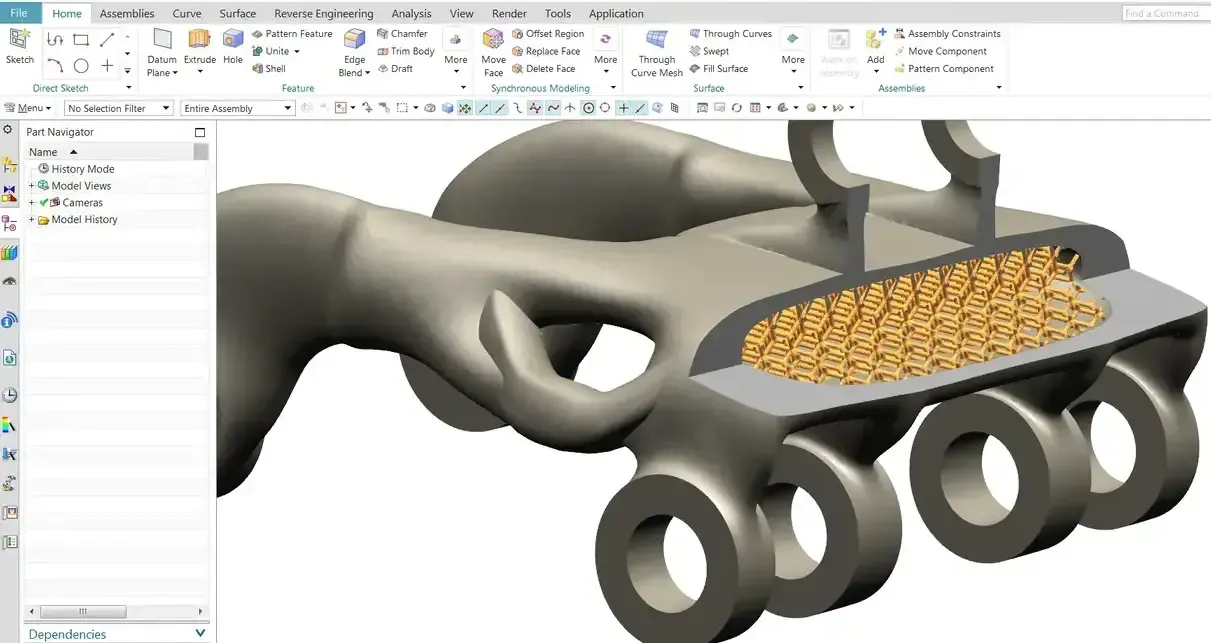
Check out how Siemens NX compares to competitive tools in the industry in this post from TrueInsight
Read ArticleFAQ
Siemens Teamcenter is a product lifecycle management (PLM) platform. It manages product data, processes and collaboration across the lifecycle, from requirements and CAD design through BOMs, change, manufacturing and service, and gives engineering, manufacturing, supply chain and service teams a single, secure source of product information.
Teamcenter PLM starts with product data management (PDM) for CAD files and extends into BOM, change and configuration management, requirements, simulation data and manufacturing process planning.
Organizations use Teamcenter to control CAD data and revisions, manage engineering and manufacturing BOMs, run engineering change and release workflows, trace requirements and keep simulation, manufacturing and service data connected to the right design. The goal is one source of truth that every department trusts.
A PDM system focuses mainly on CAD file management: vaulting, check-in and check-out, revisions and simple approvals. Teamcenter includes PDM but adds full PLM capabilities, including process management, formal change control, configuration and variant management, requirements management, digital thread and enterprise integration, to govern the product across its whole lifecycle.
Teamcenter is used wherever products are complex, configurable or regulated: automotive and transportation, aerospace and defense, industrial machinery and heavy equipment, electronics and semiconductors, medical devices, energy and utilities, marine, and consumer products.
It depends on scope. SolidWorks PDM suits SolidWorks-centric teams that mainly need file vaulting, revisions and approval workflows. Teamcenter is the better fit when you need full PLM: multi-CAD data, engineering and manufacturing BOMs, formal change and configuration management, requirements traceability or multisite collaboration.
Teamcenter is also the native choice for Siemens NX and Solid Edge users, and it manages SolidWorks data through a dedicated integration, so mixed-CAD companies can consolidate in one system.
Teamcenter does not have a single list price. Cost depends on the deployment (Teamcenter X SaaS, Teamcenter Rapid Start or enterprise Teamcenter), the number and type of users, the capabilities and integrations you need, and the implementation scope. Request Teamcenter pricing and we’ll follow up to scope a proposal around your users and data.
Yes, both. Teamcenter supports on-premises, cloud and SaaS deployment. Teamcenter X is the SaaS option, hosted and maintained by Siemens, while traditional Teamcenter can run on your own servers or in a cloud environment you control. The right choice depends on IT strategy, security requirements and scalability needs.
Yes. Teamcenter manages engineering and manufacturing BOMs, keeps them synchronized and propagates approved changes across design, manufacturing and supply chain teams while preserving consistency and traceability.
Yes. Teamcenter creates a traceable digital thread by connecting requirements, design, simulation, manufacturing and service data. That continuity is the foundation for a digital twin, because every model and result stays linked to the exact product configuration it represents.
Yes. Teamcenter manages large assemblies as structured product data rather than loose files. Revision and variant rules, lightweight JT visualization and structure-based loading let engineers review and open only the configuration and portion of the assembly they need.
Yes. TrueInsight provides Teamcenter implementation and support, including solution architecture, data modeling, CAD and ERP integration, workflow configuration, data migration, role-based training and best-practice guidance. Talk to a Teamcenter expert.
Related Pages
Get Started
Get a live Teamcenter demo built around your CAD data, or a proposal sized to your users, processes and deployment.
Tell us a little about your work and an application engineer will help you find the right setup for your team.
Thanks, Your Request Is In
An application engineer will follow up with next steps.