Altair Inspire · Simulation-Driven Design
Altair Inspire Simulation-Driven Design Software
Altair Inspire, now Simcenter Inspire, puts geometry creation, topology optimization, early FEA, motion analysis and manufacturing simulation in one CAD-like environment built for designers. Explore and validate concepts before detailed CAD, with licensing and support from TrueInsight.
 Inspire · Valve Flow Screening
Overview
What Is Altair Inspire?
Altair Inspire is a simulation-driven design platform that brings geometry modeling, structural, motion and fluid simulation, optimization and manufacturability studies into one CAD-like environment. Designers and engineers use it to explore and validate ideas from the earliest stages of development, when changes are easier and less costly, then move faster from concept to production-ready geometry.
With the June 2026 Simcenter release, former Altair products joined the Siemens Simcenter family, so Inspire now also carries the Simcenter Inspire name. It is part of the Altair software portfolio TrueInsight licenses and supports under either name, on the same Altair Units as HyperWorks and SimSolid.
- Hybrid Modeling With BRep, PolyNURBS, Facets and Implicit Geometry
- Topology, Topography and Gauge Optimization
- Early Structural, Motion and Fluid Analysis
- Manufacturing Simulation From Casting to Additive
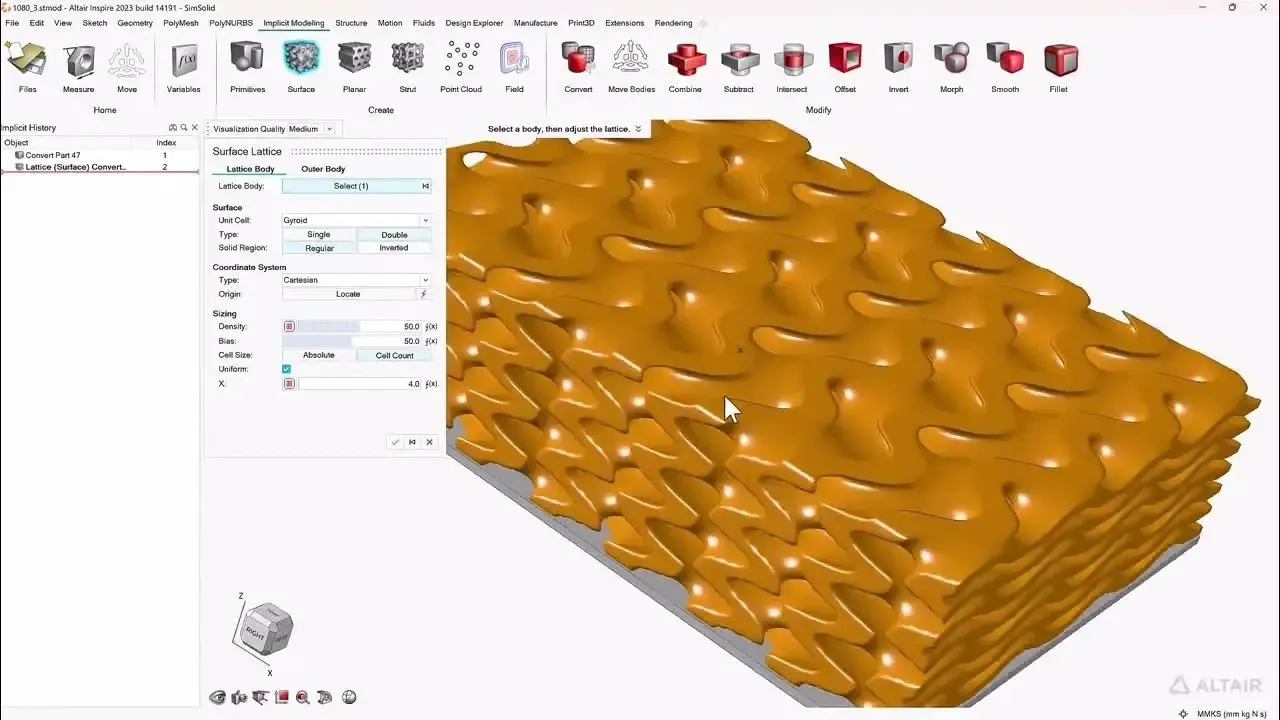 Inspire · Implicit Modeling
Key Capabilities
Design, Simulate and Optimize in One Environment
Inspire covers the questions designers face from first sketch to manufacturable part. Embedded solvers eliminate or automate meshing, so studies run without waiting for a separate CAE workflow.
Hybrid Geometry Creation
Combine BRep, PolyNURBS organic modeling, facets and implicit geometry, with intelligent sketching tools and construction history to build concepts fast.
Topology, Topography and Gauge Optimization
Apply loads, supports and a design space to reveal efficient material layouts and stronger load paths, then refine form and thickness.
Topology Optimization GuideEarly Structural Analysis
Run structural evaluations early to compare concepts and validate design decisions before detailed CAD.
Inspire StructuresMotion Analysis
Multibody simulation shows how mechanisms move and how components interact as a system, before anything is built.
Early Fluid and Thermal Studies
Screen concepts with early fluid and thermal exploration, then move to dedicated CFD workflows when you need deeper fidelity.
Manufacturing Simulation
Check casting, forming, molding, extrusion and additive manufacturability early, so concepts evolve with production constraints in mind.
Optimization and Lightweighting
Generate Lighter Concepts With Topology Optimization
Inspire generates lightweight concepts from the loads, supports and design space you define, revealing efficient material layouts and stronger load paths before detailed CAD. Topography and gauge optimization refine form and thickness, and PolyNURBS freeform modeling helps turn shapes that respond to loads into smooth geometry.
Implicit modeling builds complex lattices quickly, with operations such as smoothing, morphing and filleting, and exports ready-to-manufacture geometry for additive workflows. Inspire 2026.1 can even factor casting porosity from Inspire Cast into a topology study: read what’s new in Inspire 2026.1. For the method itself, see our guide to topology optimization software.
- Topology Optimization From Loads, Supports and a Design Space
- Topography and Gauge Optimization for Form and Thickness
- PolyNURBS Freeform Modeling for Smooth Geometry
- Implicit Lattices Ready for Additive Manufacturing
 Inspire · Optimized Bracket
Motion, Structures and Fluids
Early Motion, Structural and Fluid Analysis
Inspire Motion runs multibody simulation (MBS) to analyze the motion, dynamics and interactions of connected bodies, so you can see how a mechanism moves and behaves as a system before it is built.
Early FEA compares concepts for strength and stiffness, and fluid and thermal screening flags flow problems while the design is still open. When a study needs more fidelity, Inspire Structures sets up linear static, normal modes and buckling analysis solved with SimSolid or OptiStruct, and Inspire reports capture assumptions, setups and results for design reviews.
- Multibody Motion and Dynamics of Mechanisms
- Early Structural Checks to Compare Concepts
- Fluid and Thermal Screening Before Detailed CFD
- Reports With Assumptions, Setups and Results
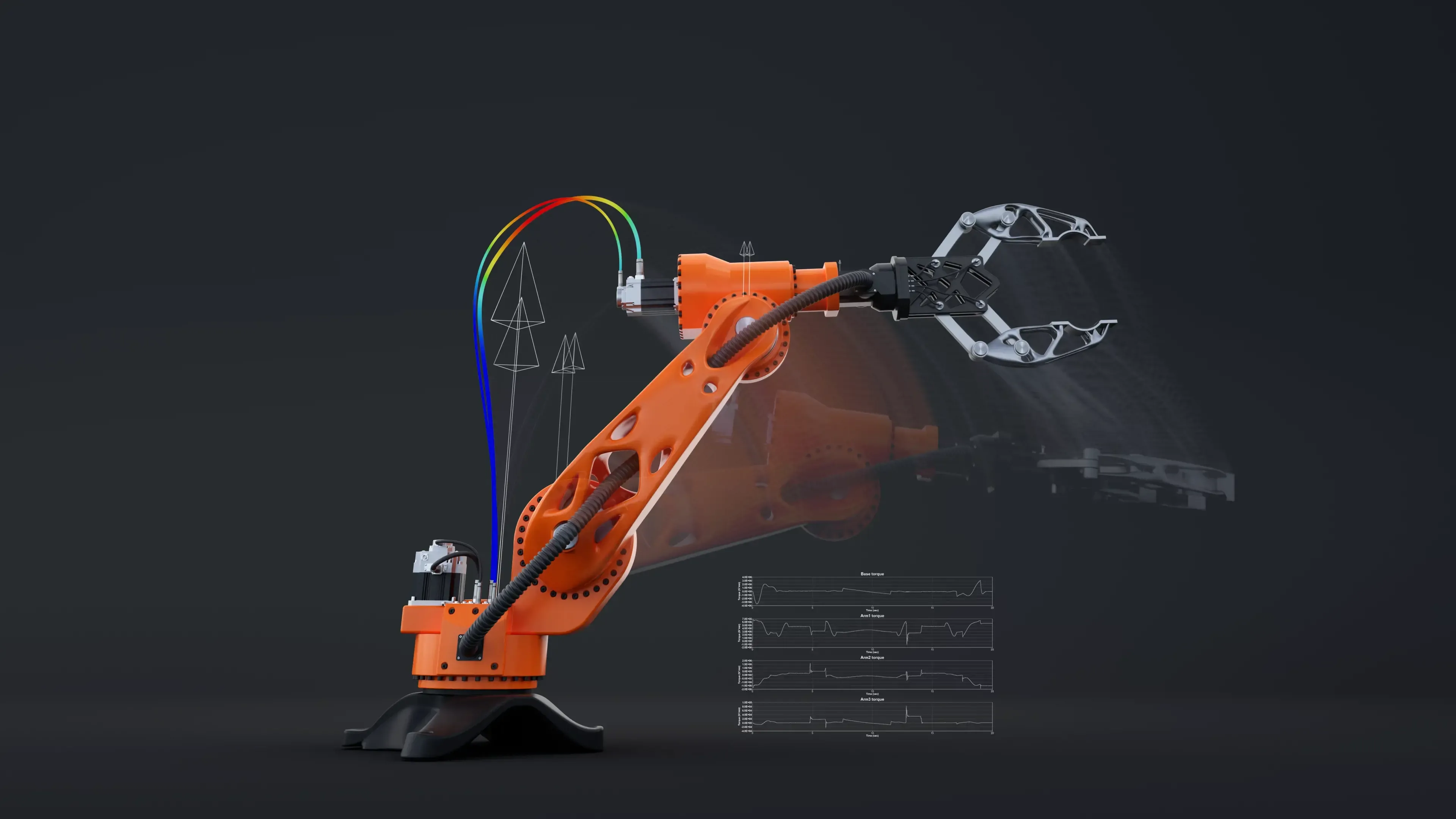 Multibody Motion Study
Manufacturing Simulation
Design for Manufacturing From the First Concept
Inspire aligns design decisions with the processes that will make the part. Manufacturing workflows for casting, forming, molding, extrusion and additive let concepts evolve with production constraints in mind, instead of surfacing problems at tooling.
Inspire Cast is a complete metal casting simulation tool for product designers and foundry engineers alike. It supports a wide set of casting processes and blends physics-based simulation with machine learning that learns from past simulations. Need the study run for you? Our manufacturing simulation services cover casting, molding, stamping, extrusion, foam and metal additive builds.
- Casting Filling, Solidification and Porosity
- Sheet Metal Forming and Stamping Feasibility
- Injection Molding and Polyurethane Foam Filling
- Extrusion and Additive Manufacturing Simulation
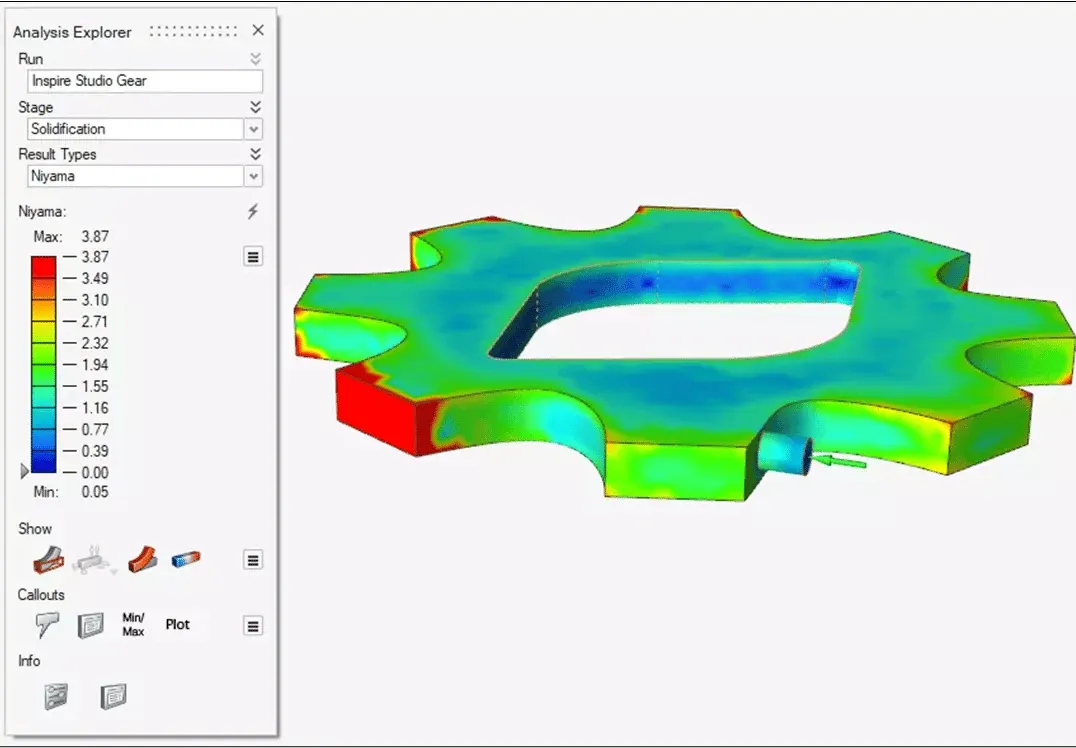 Inspire Cast · Porosity Prediction
The Inspire Family
Inspire Applications From Concept to Production
Inspire is the core of a family of applications for designers, analysts and manufacturing engineers. Every one of them draws from the same Altair Units pool.
- Inspire Structures Linear static, normal modes and buckling analysis with topology, topography and gauge optimization, solved with SimSolid or OptiStruct.
- Inspire Studio Concept modeling, surfacing and rendering that communicate design intent before detailed CAD.
- Inspire Print3D Additive manufacturing simulation that predicts print outcomes, distortion and support needs.
- Inspire Cast Metal casting simulation of mold filling and solidification that exposes defects before tooling is cut.
- Inspire Extrude Extrusion process simulation for polymer and metal profiles and die development.
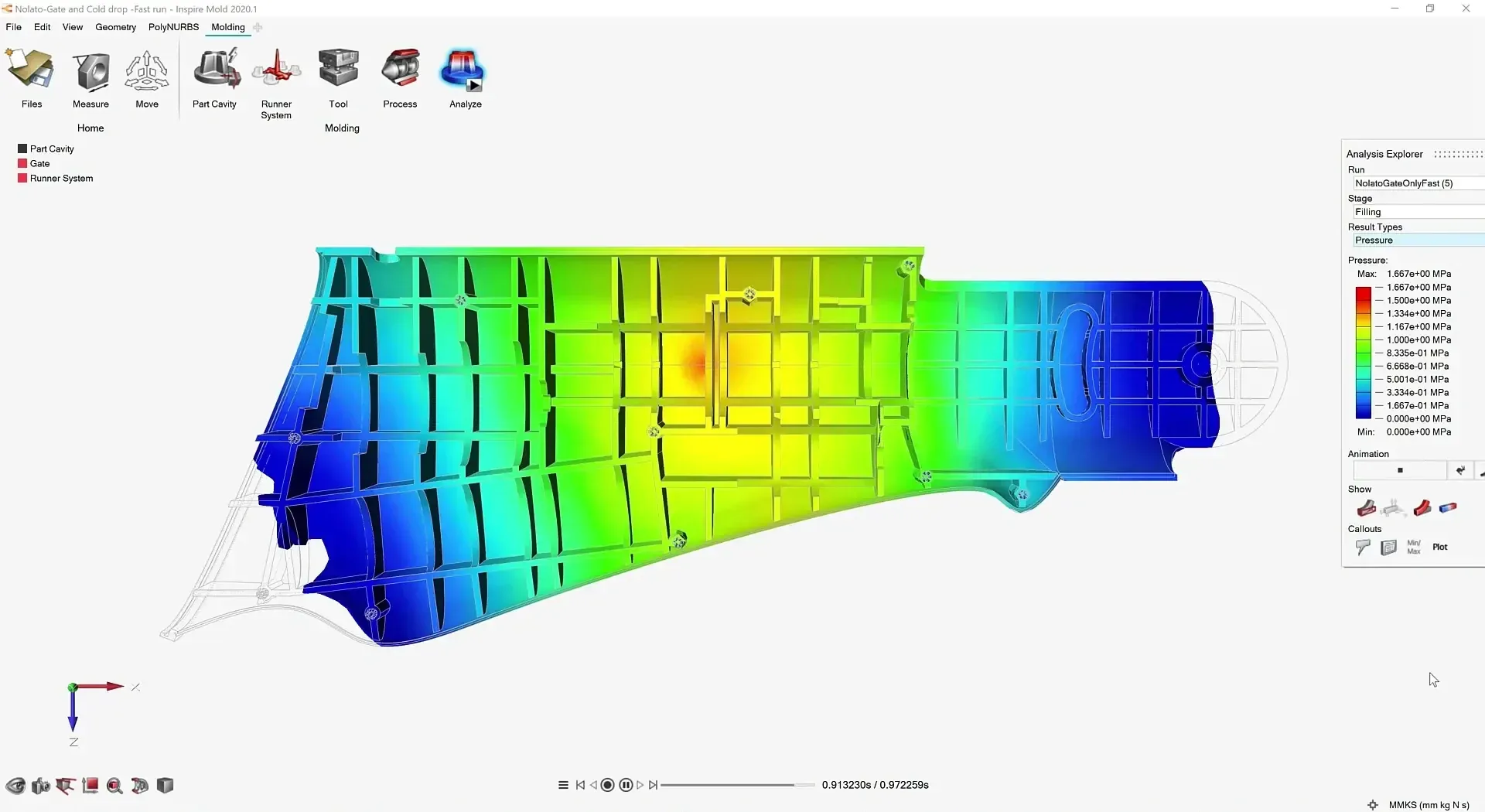
- Inspire Mold Injection molding filling, packing and cooling analysis that catches quality issues early.
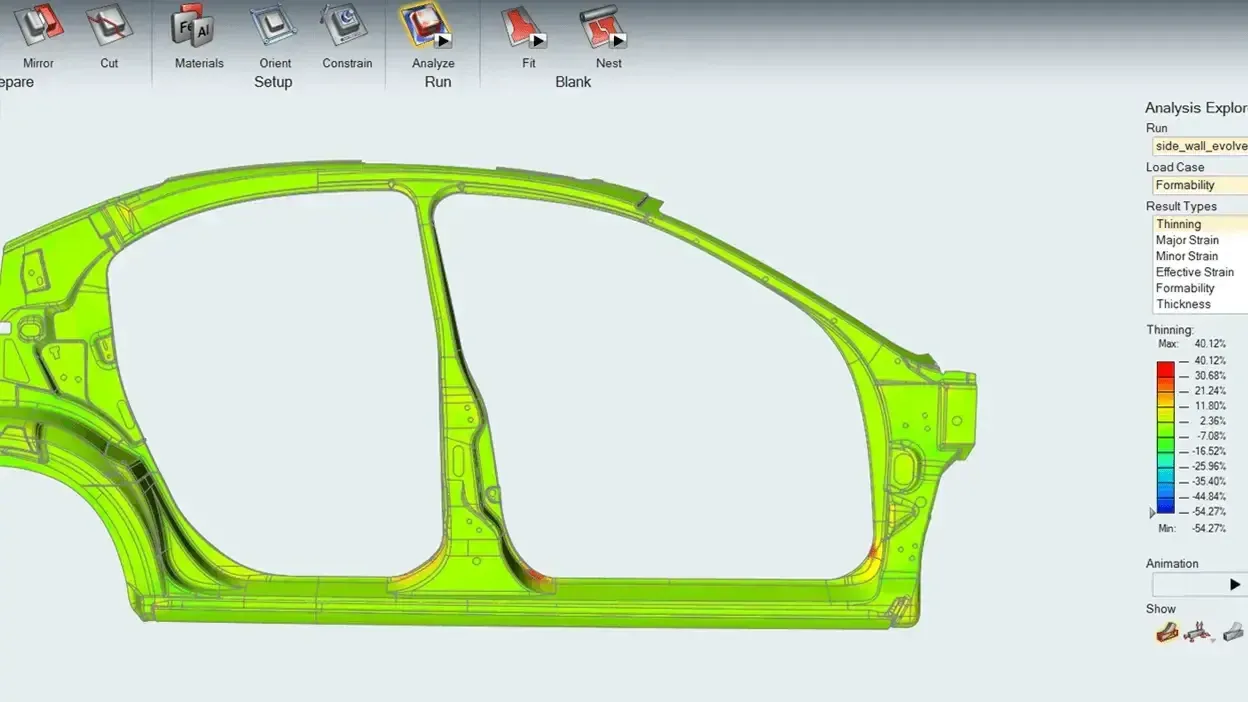
- Inspire Form Sheet metal stamping and formability simulation that flags cracking and thinning before die tryout.
- Inspire PolyFoam Polyurethane foam filling and expansion for packaging, automotive and consumer products.
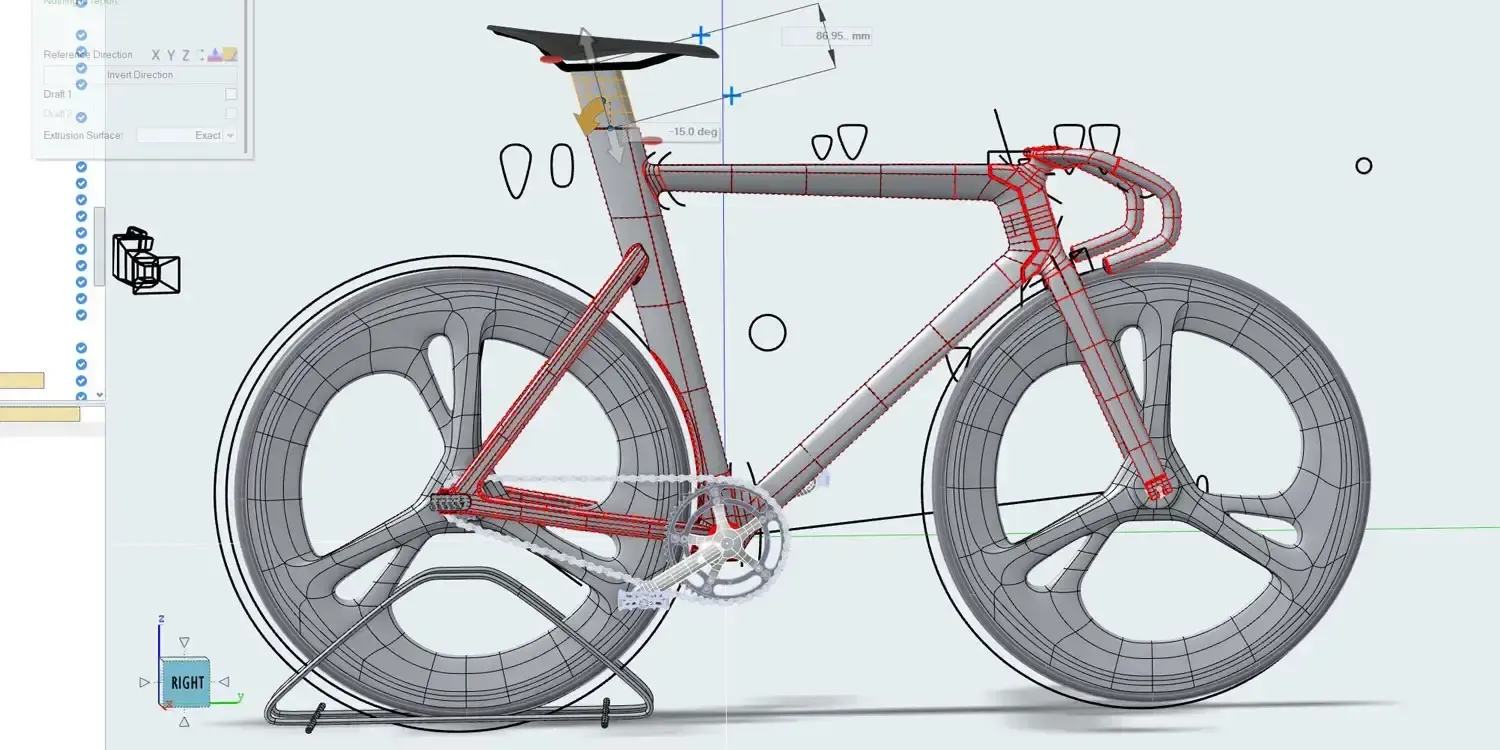
Compare the whole family side by side in the Solution Finder, or ask us which applications your team needs.
Customer Success
Altair Inspire Customer Stories
How engineering teams use Inspire to lighten parts, predict print failures and get castings right the first time.
All Case Studies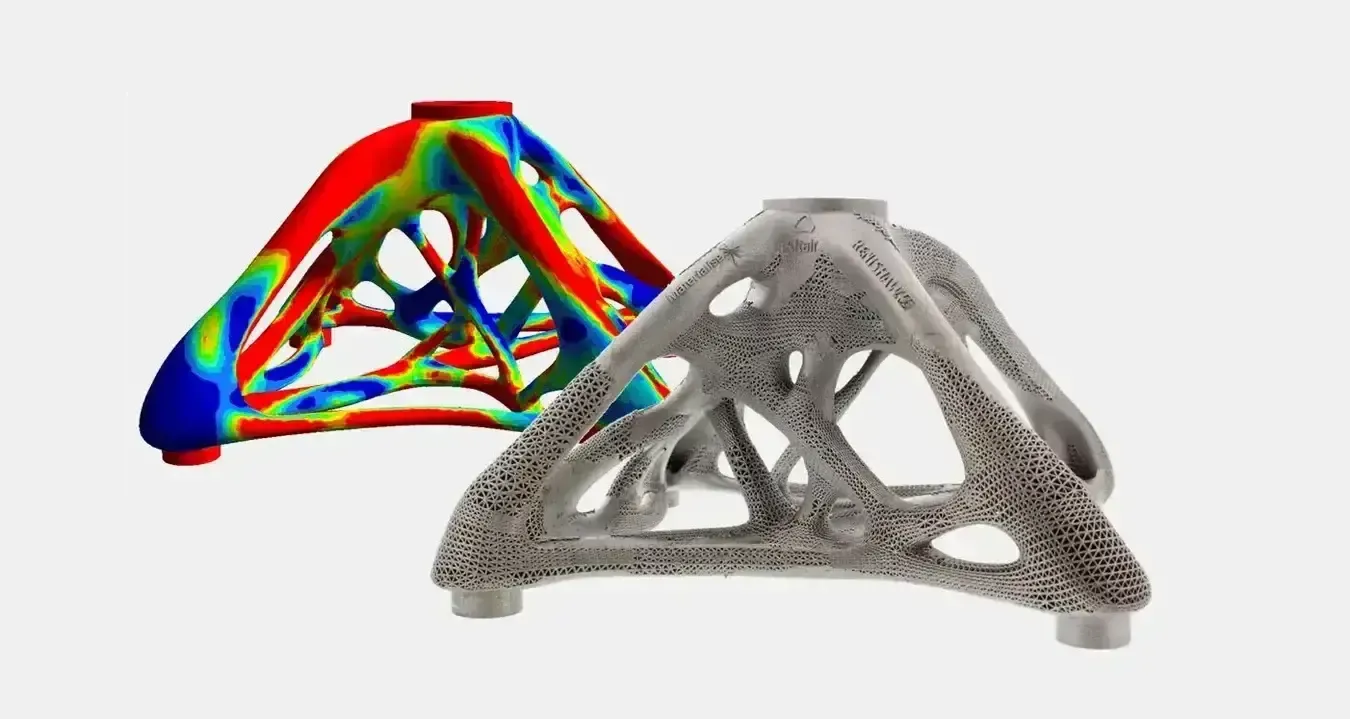
Licensing & Pricing
Altair Inspire Price and Altair Units Licensing
Inspire is not sold as a fixed-price, single-product seat. It is licensed through Altair Units, a pooled subscription that also runs Inspire Structures, Inspire Cast, HyperMesh, SimSolid and the rest of the Altair portfolio.
Your Inspire cost depends on how many designers and engineers use it at the same time and which other applications draw from the same pool. We size a proposal from your workflows instead of quoting a list price.
- Annual Subscription Sized to Your Concurrent Users
- The Same Units Also Run Inspire Cast, SimSolid and HyperMesh
- Startup, Academic and Competitive-Replacement Programs Available
- Installation, License Server Setup and Onboarding Included
Read more about Altair licensing and support or how engineering software pricing works across Altair and Siemens.
Get Inspire Pricing
Tell us what you design and how many people will use Inspire. We’ll size an Altair Units proposal.
Thanks, Your Request Is In
An application engineer will follow up with next steps.
Training & Services
Inspire Training and Engineering Support
Buying Inspire is the easy part; getting results quickly is what matters. TrueInsight helps teams evaluate Inspire from both a technical and a commercial perspective, choose the right workflow fit and put it to work with onboarding, training and practical adoption support.
From the first topology study to lattice, motion and manufacturing workflows, our application engineers help your team build confidence on its own parts. Need the analysis done for you? Our FEA consulting and training services can run the study.
- Setting Up Design Spaces, Loads and Supports for Optimization
- Turning Optimized Shapes Into Manufacturable Geometry
- Choosing Between Inspire, Inspire Structures and OptiStruct
Guides and Articles
- What’s New in Inspire 2026.1Topology optimization with a porosity constraint from Inspire Cast.
- Topology Optimization Software and MethodsHow optimization finds the best layout.
- SimSolid vs HyperMesh and OptiStructWhen you actually need a mesh.
- Structural Analysis SoftwareEvery Altair structural tool in one place.
From the Blog
Latest From the Engineering Blog
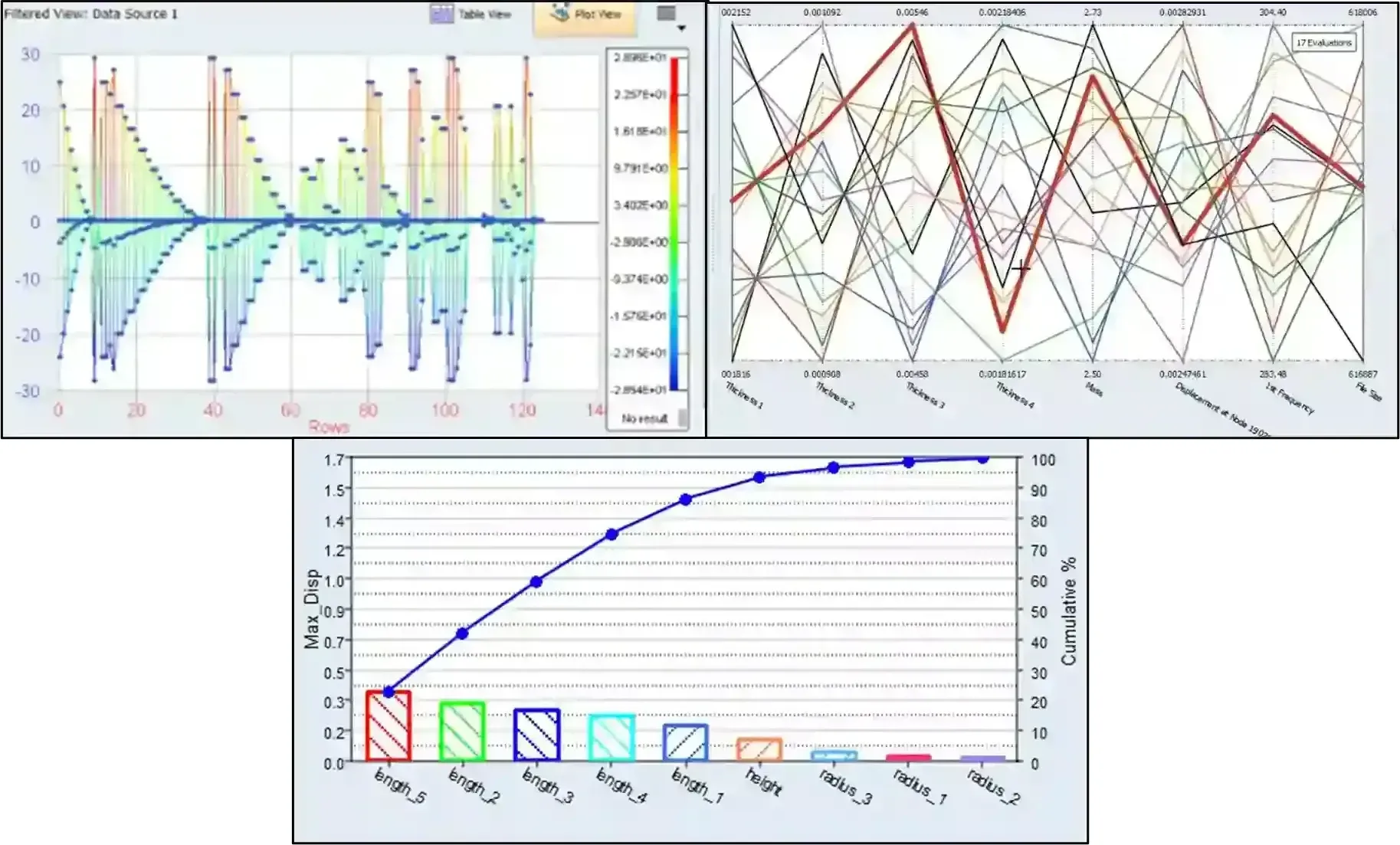
Leveraging Simcenter HyperStudy & PSIM Part 2: From Integration to Optimization
Check out part 2 in this series, where we take the coupled PSIM and HyperStudy model from DOE to optimization.
Read Article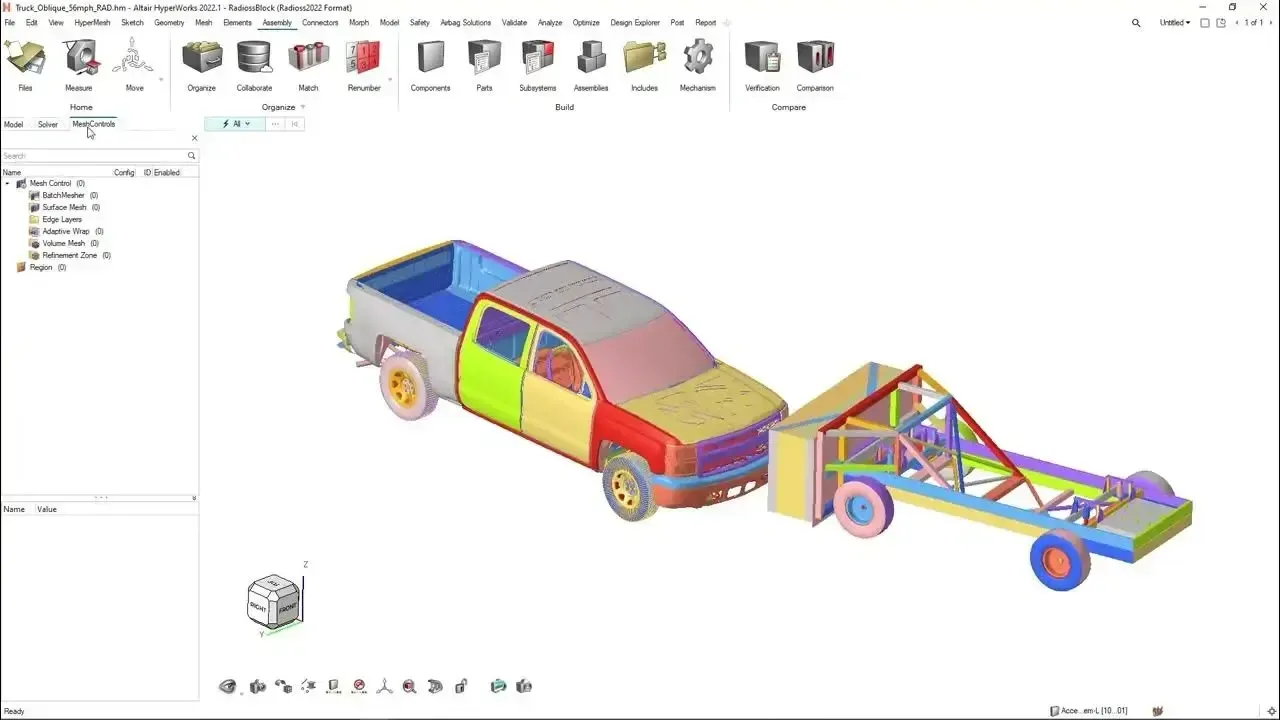
Customizing Hotkeys and Ribbons in Simcenter HyperMesh 2026
Learn how to use existing and create your own hotkeys in Simcenter HyperMesh for higher efficiency.
Read Article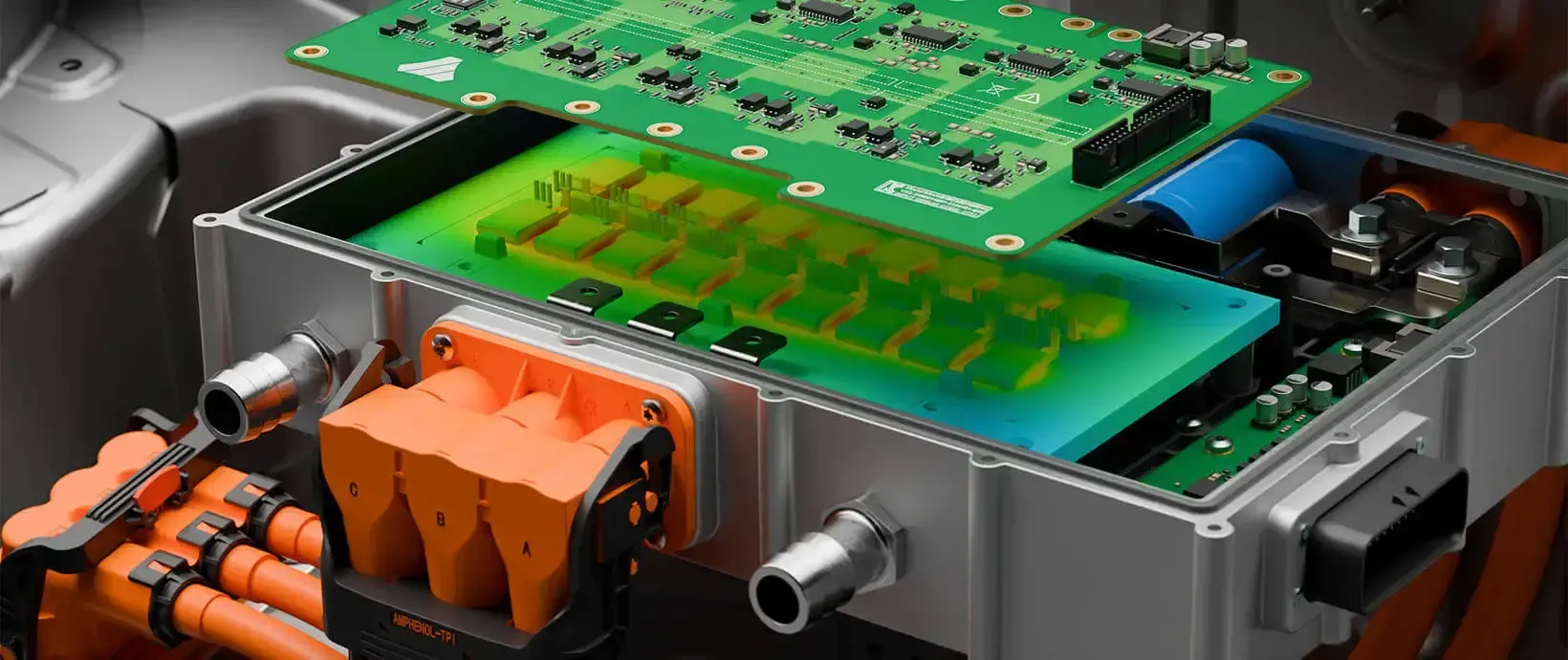
Leveraging Simcenter HyperStudy & PSIM to Optimize Circuit Design
Check out how to use Simcenter HyperStudy and Simcenter PSIM together for peak design efficiency
Read ArticleFAQ
Frequently Asked Questions About Altair Inspire
What Is Altair Inspire Used For?
Inspire is a simulation-driven design tool for concept modeling, topology optimization, early structural analysis, motion analysis and manufacturability studies. Designers and engineers use it to evaluate and optimize ideas early, when changes cost the least, and to move faster from concept to production-ready geometry.
Does Inspire Include Topology Optimization?
Yes. Inspire supports topology, topography and gauge optimization. You define the design space, loads and supports, Inspire reveals an efficient material layout, and PolyNURBS freeform modeling helps turn the result into smooth geometry. Read our guide to topology optimization software for how the method works.
What Is PolyNURBS in Inspire?
PolyNURBS is Inspire’s freeform modeling technology for smooth, organic shapes. It is also used in Inspire’s optimization workflows to create shapes that respond to loads. Inspire combines it with BRep, facet and implicit geometry in one hybrid modeling environment.
Can Inspire Create Lattice Structures?
Yes. Implicit modeling in Inspire creates complex lattices quickly, with operations such as smoothing, morphing and filleting, and exports ready-to-manufacture geometry for additive workflows.
Can I Run Motion Analysis in Inspire?
Yes. Inspire Motion provides multibody simulation (MBS) to analyze the motion, dynamics and interactions of connected bodies, so you can check how a mechanism moves before it is built.
Can Inspire Simulate Manufacturing Processes?
Yes. The Inspire family includes applications for casting (Inspire Cast), additive manufacturing (Inspire Print3D), injection molding (Inspire Mold), sheet metal forming (Inspire Form), extrusion (Inspire Extrude) and polyurethane foam (Inspire PolyFoam). Inspire 2026.1 can also use porosity results from Inspire Cast as a topology optimization constraint: see what’s new in Inspire 2026.1.
What Is the Difference Between Inspire and Inspire Structures?
Inspire is the simulation-driven design environment. Inspire Structures is its structural analysis and optimization environment: it sets up connections, loads, materials and load cases, runs linear static, normal modes and buckling analysis with SimSolid or OptiStruct, and exports solver models for deeper work in OptiStruct or SimSolid.
Is Inspire Now Simcenter Inspire?
Yes. Siemens acquired Altair, and with the June 2026 Simcenter release former Altair products joined the Simcenter family, so Inspire also carries the Simcenter Inspire name. It is the same software, and TrueInsight licenses and supports it under either name.
How Much Does Altair Inspire Cost?
Inspire is licensed through Altair Units, so there is no fixed per-seat list price. The cost depends on how many people use it at the same time and which other Altair applications, such as Inspire Cast or SimSolid, share the pool. Request Inspire pricing and we’ll size a proposal to your team.
How Do I Get Started With Inspire Through TrueInsight?
Start a free Inspire trial or book an Inspire demo. We’ll help you choose the right package, set up workflows and onboard your team so you can start producing optimization and analysis results quickly.
Related Pages
More Altair Design and Simulation Software
Altair SoftwareThe Altair portfolio that includes Inspire- Altair Inspire StructuresStructural analysis and optimization inside Inspire
- Altair OptiStructFEA solver and structural optimization
- Altair SimSolidMeshless analysis on full CAD assemblies
- Altair HyperStudyDesign exploration and multi-objective optimization
- Altair PhysicsAIAI predictions trained on your past simulations
Get Started
Ready to Take the Next Step With Altair Inspire?
Request pricing or a trial and get a guided path to your first validated concept: topology optimization, lattices and implicit modeling, motion studies and early FEA on your own parts.
- Authorized Siemens & Altair Partner
- Expert Engineering Support
- Licensing Sized to Your Team