Altair SimSolid · Meshless FEA
Altair SimSolid Meshless Structural Analysis
Structural analysis directly on full CAD assemblies, with no geometry simplification and no meshing, and accurate results in seconds to minutes on a standard PC. Now part of Siemens as Simcenter SimSolid, licensed and supported by TrueInsight.
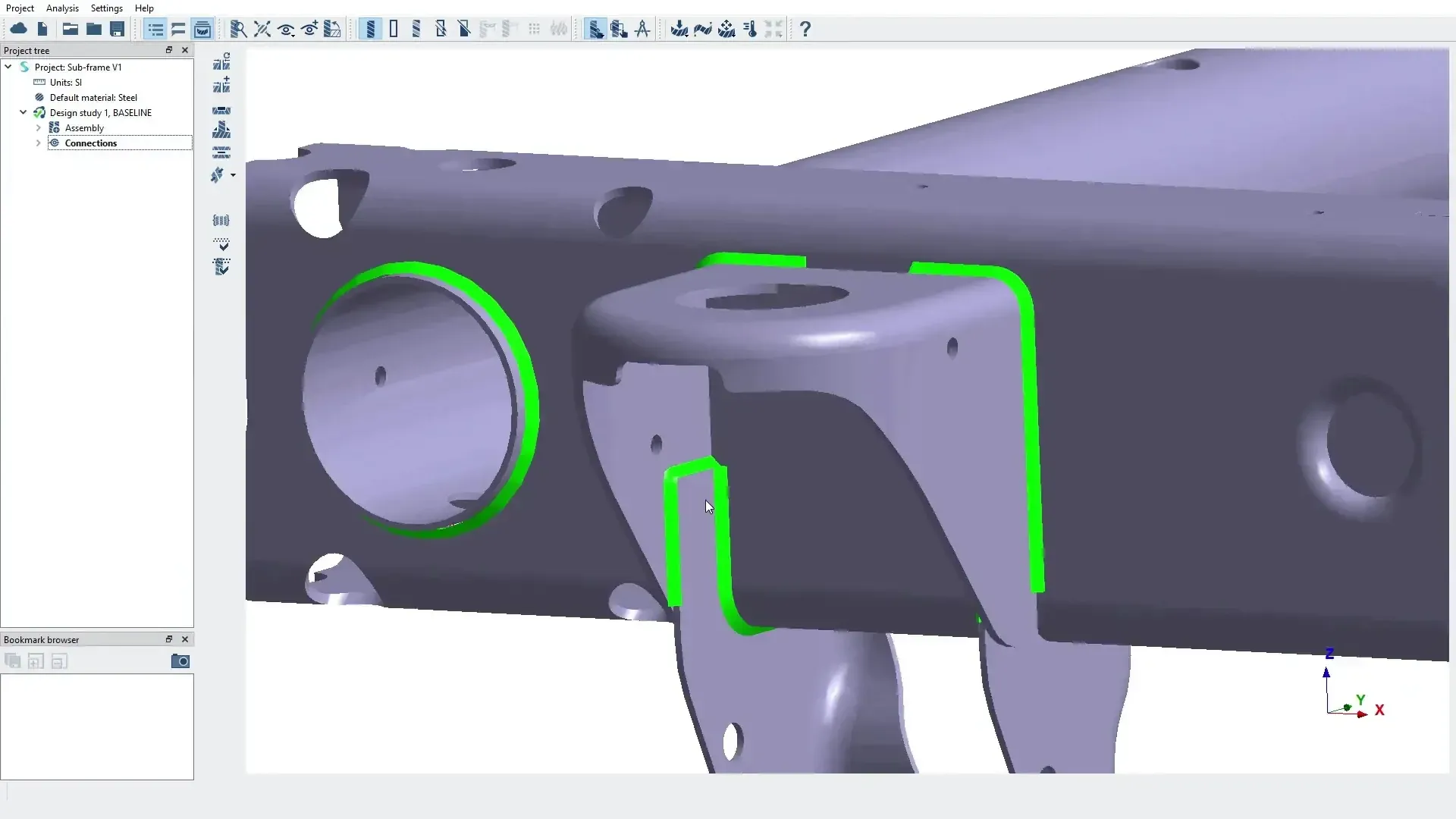 SimSolid · Welded Frame Rail
Overview
What Is Altair SimSolid?
Altair SimSolid is a meshless structural analysis tool for designers and engineers. It runs directly on original CAD assemblies, including large and complex ones, so the CAD model becomes the simulation model. With no geometry simplification and no meshing, teams spend their time on loads, connections, materials and design decisions instead of preprocessing.
SimSolid is part of the Altair HyperWorks platform and runs on the same Altair Units license as HyperMesh and OptiStruct. With the June 2026 Simcenter release, former Altair products joined the Siemens Simcenter family, so SimSolid now also carries the Simcenter SimSolid name. TrueInsight licenses and supports it under either name.
- No Geometry Simplification and No Meshing
- Large Assemblies With Gaps, Overlaps and Rough Contact
- Accurate Results in Seconds to Minutes on a Standard PC
- Open to All Major CAD and PLM Formats
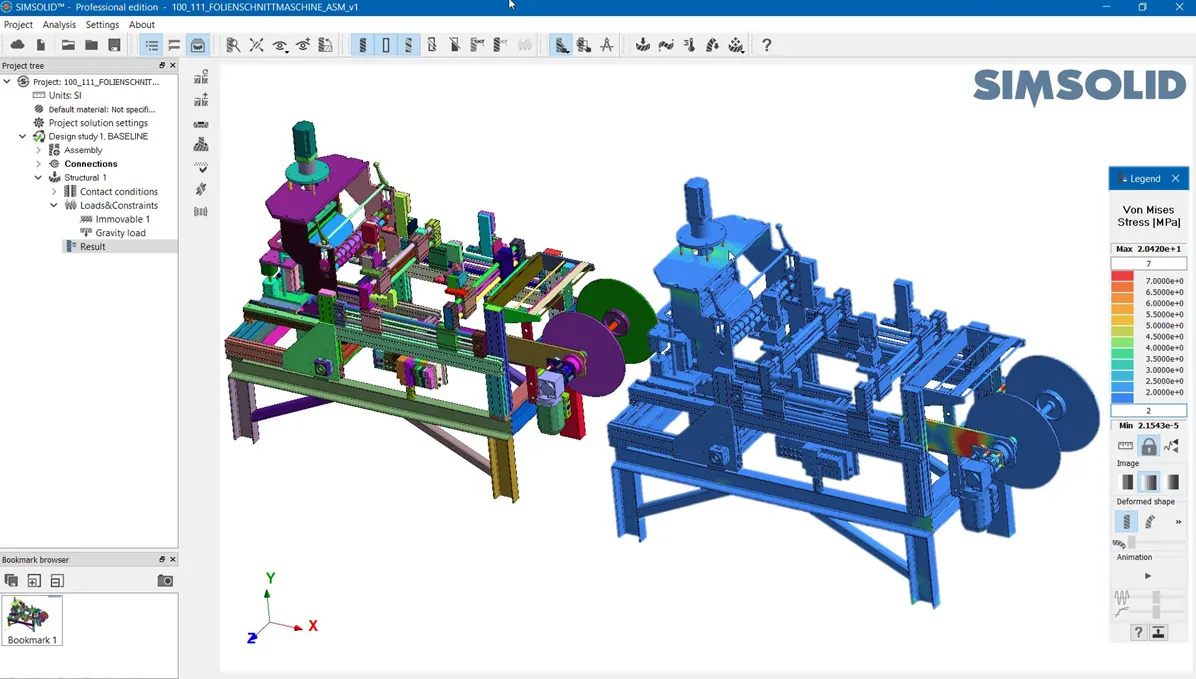
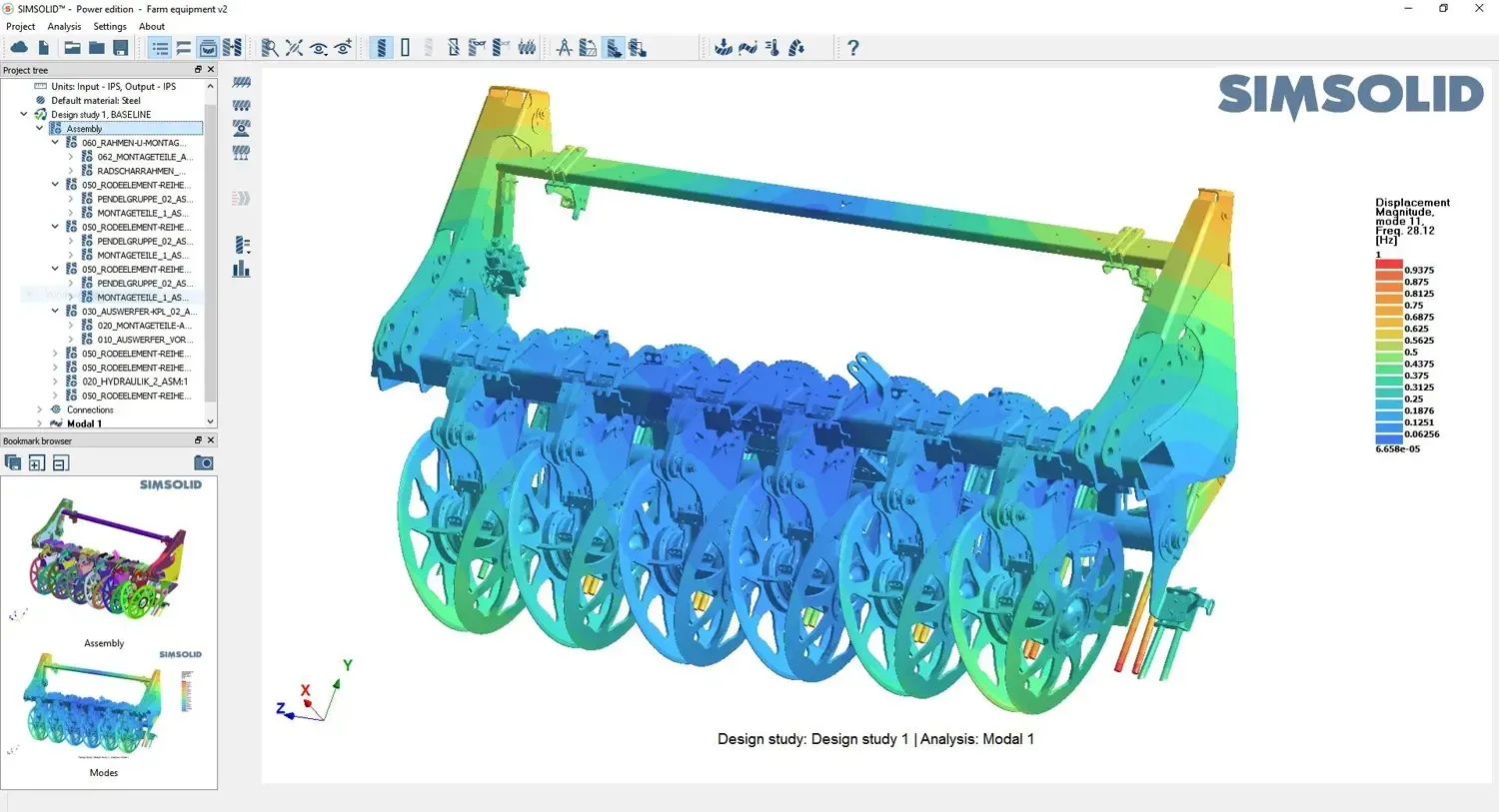 SimSolid · Machine Assembly
Key Capabilities
Fast, Meshless Simulation on Full CAD Assemblies
SimSolid removes two of the most time-consuming and error-prone steps in traditional structural analysis (geometry simplification and meshing), so structural performance can be validated within minutes on fully featured CAD.
Meshless Analysis on Original CAD
The original CAD model becomes the simulation model. No defeaturing, no mid-surfacing and no mesh cleanup, which removes one of the biggest bottlenecks in traditional FEA.
Built for Large, Imperfect Assemblies
Complex parts and large assemblies run efficiently, including imperfect CAD with gaps, overlaps and rough contact surfaces, without time-consuming cleanup.
Results in Seconds to Minutes
Accurate results on standard hardware, so engineers can evaluate several design scenarios, compare them and make data-driven decisions the same day.
Connections, Contact and Materials
Bonded, sliding and separating contact with friction, a library of bolts, welds, rivets, adhesives, joints and bushings, and a wide range of material types.
Realistic Loads and Boundary Conditions
Forces, pressure, gravity, thermal and inertial loads, bolt tightening, hydrostatic and bearing loads, applied in consistent, repeatable setups for fair design comparisons.
Results Visualization and Comparison
Contours, animations, XY plots and probes for stress, strain, displacement, safety factors and modal results, with superposition and envelopes of multiple load cases.
Analysis Types
A Full Range of Structural Analysis Types
SimSolid covers the studies designers and analysts run most: linear and nonlinear statics, thermal and coupled thermal-stress analysis, modal analysis, fatigue and stress linearization. Dynamic analysis adds time, frequency and random response.
Simcenter SimSolid also lists global-local, buckling, composites, and squeak and rattle studies, so stiffness, strength, vibration and thermal effects can all be checked early in the design process and compared across design scenarios.
- Linear and Nonlinear Static Analysis
- Modal, Time, Frequency and Random Response
- Thermal and Coupled Thermal-Stress Analysis
- Fatigue, Buckling and Stress Linearization
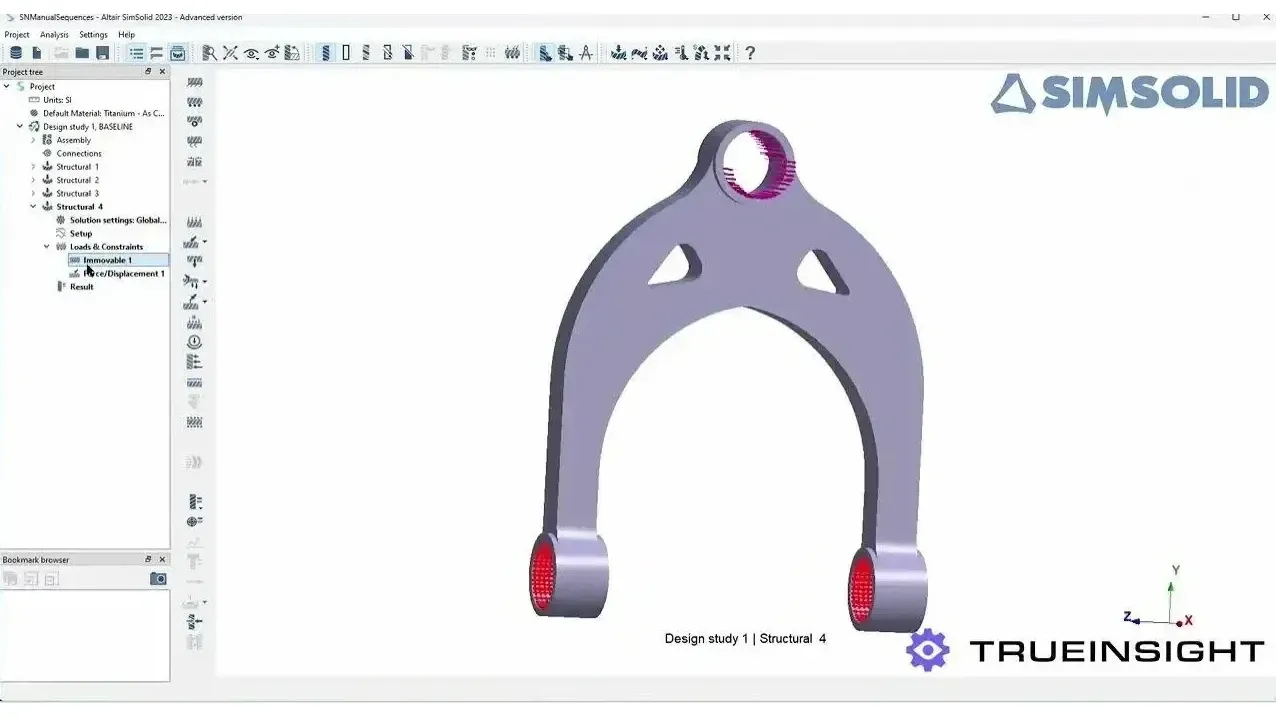 SimSolid · Fatigue Setup
Connections and Loads
Connections, Contacts, Materials and Boundary Conditions
SimSolid represents how an assembly really carries load: contacts with friction, an extensive library of fasteners and joints, and boundary conditions that reflect how the design interacts with its environment. Setups stay consistent and repeatable, so design alternatives are compared on equal terms.
- Bonded, Sliding and Separating Contact With Friction
- Bolts, Virtual Connectors, Welds, Rivets and Adhesives
- Joints, Bushings and Bolt Tightening Loads
- Isotropic, Orthotropic, Elasto-Plastic and Rigid Materials
- Gas and Liquid Bodies
- Gravity, Thermal, Inertial, Hydrostatic and Bearing Loads
SimSolid bonds contacting faces automatically, so define the joints that slide or separate. Our guide shows how tight connection tolerances should be in SimSolid.
CAD Connectivity
Open to All Major CAD and PLM Systems
SimSolid supports all major CAD and PLM file formats, including CATIA, NX, PTC Creo, Inventor, Fusion 360, SOLIDWORKS, JT, STEP, VDA, Parasolid, ACIS, PLMXML, CGR and STL, without the need to import or export files. Direct integration with Onshape and Teamcenter gives seamless data access.
Because SimSolid needs no mesh, a design change never means rebuilding one. Working in Solid Edge or NX? Read how simulation users get more from Siemens CAD tools.
- CATIA, NX, Creo, SOLIDWORKS and Inventor Files
- Neutral Formats Such as STEP, JT, Parasolid and STL
- Direct Integration With Onshape and Teamcenter
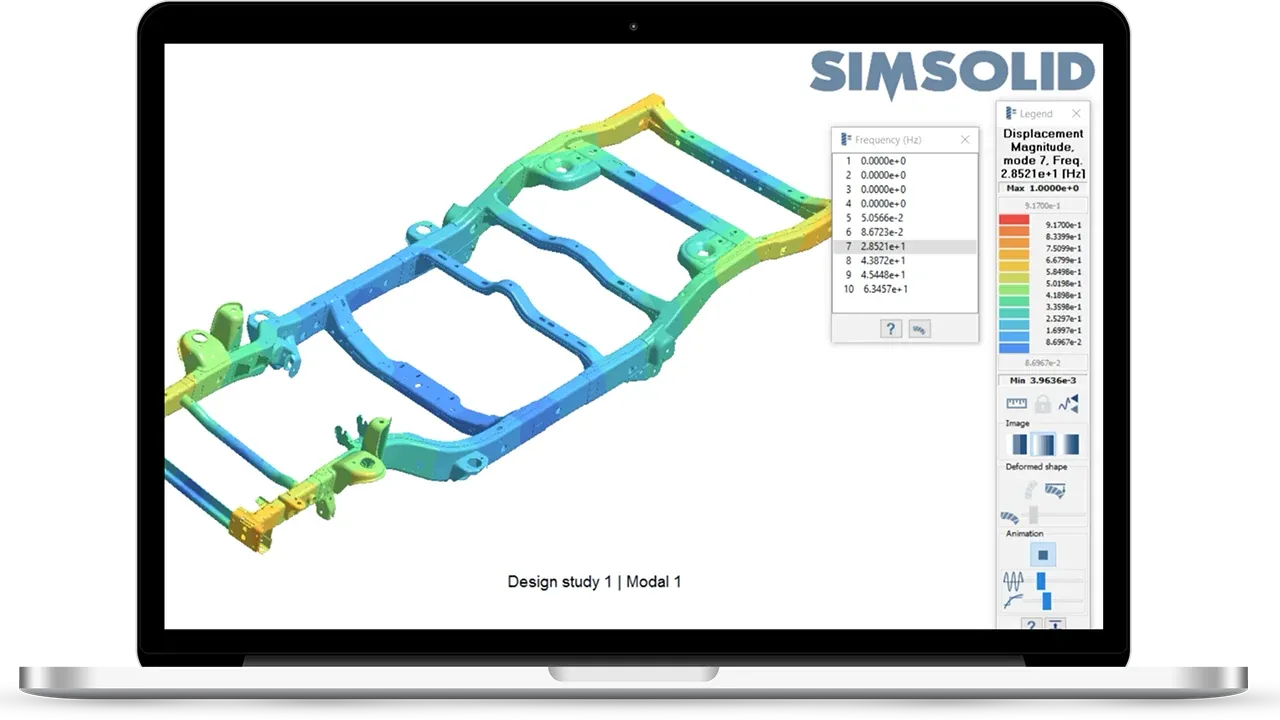 SimSolid · Modal Result
Meshless vs Traditional FEA
SimSolid vs HyperMesh and OptiStruct
Meshless and mesh-based analysis answer different questions. Use SimSolid when the decision is comparative, structural and needed soon; mesh it when the number has to survive scrutiny at one specific location.
| Consideration | Altair SimSolid | HyperMesh and OptiStruct |
|---|---|---|
| Model Preparation | None: the original CAD assembly is the simulation model, with no defeaturing, mid-surfacing or mesh cleanup | Geometry cleanup, meshing and model setup in HyperMesh, with control over element type, size and quality |
| Best For | Concept and trade studies, large assemblies, design-in-the-loop checks, global load paths and modal behavior | Durability and fatigue at notches and welds, nonlinear materials, composites, NVH and certification packages |
| Supplier CAD | Runs on imperfect geometry with gaps, overlaps and rough contact surfaces | Dirty CAD needs repair or wrapping before it can be meshed |
| Design Studies | Ranks concept variants by relative stiffness, deflection and natural frequencies | Topology and gauge optimization with manufacturing constraints in OptiStruct |
| Convergence Check | Adaptive passes until peak displacement and stress change by less than about 5% | Mesh refinement until peak stress stabilizes within about 5% |
| Licensing | Altair Units | Altair Units, from the same pool |
Most teams settle on a two-stage workflow: SimSolid early to explore the design space, eliminate weak concepts and find where the load goes, then a mesh only for the region that decides the design, solved in OptiStruct with the boundary conditions the SimSolid study identified.
Licensing & Pricing
SimSolid Price and Altair Units Licensing
TrueInsight licenses SimSolid through Altair Units, a pooled subscription that also runs HyperMesh, OptiStruct, Radioss, Inspire and the rest of the Altair portfolio, so there is no fixed per-seat list price.
Your SimSolid cost depends on how many engineers run studies at the same time and which other applications draw from the same pool. We size a proposal from your workflows instead of quoting a list price.
- Annual Subscription Sized to Your Concurrent Users
- The Same Units Also Run HyperMesh, OptiStruct and Radioss
- Startup, Academic and Competitive-Replacement Programs Available
- Installation, License Server Setup and Onboarding Included
Read more about Altair licensing and support or how engineering software pricing works across Altair and Siemens.
Get SimSolid Pricing
Tell us what you analyze and how many engineers run studies. We’ll size an Altair Units proposal.
Thanks, Your Request Is In
An application engineer will follow up with next steps.
Training & Services
SimSolid Training and Engineering Support
TrueInsight’s application engineers help teams put SimSolid to work: onboarding, best-practice workflows, study setup and result validation on your own assemblies.
We help reduce trial and error and improve accuracy, so faster design iteration doesn’t cost you confidence in the result. Need the analysis done for you? Our FEA consulting and training services can run the study.
- Defining Connections and Contact Behavior in Large Assemblies
- Setting Convergence Criteria With Adaptive Passes
- Deciding When a Result Needs a Meshed Model
Guides and Articles
- SimSolid vs HyperMesh and OptiStructWhen you actually need a mesh.
- How Tight Should Your Connection Tolerances Be in Simcenter SimSolid?Working with imperfect geometry and gaps.
- Getting More From Siemens CAD Tools Like Solid Edge and NXSimSolid on native Solid Edge and NX geometry.
- Structural Analysis SoftwareEvery Altair structural tool in one place.
Try SimSolid Free
Run SimSolid on Your Own Assemblies
TrueInsight arranges guided SimSolid trials, typically 30 days, with installation help and a kickoff session, so you can test meshless analysis on your own CAD before you buy. Prefer to watch first? Book a live demo built around your model.
- Guided Trial on Your Own CAD Assemblies
- Help With Installation and Licensing
- Kickoff Session Focused on Your Use Case
From the Blog
FEA and Structural Simulation Articles
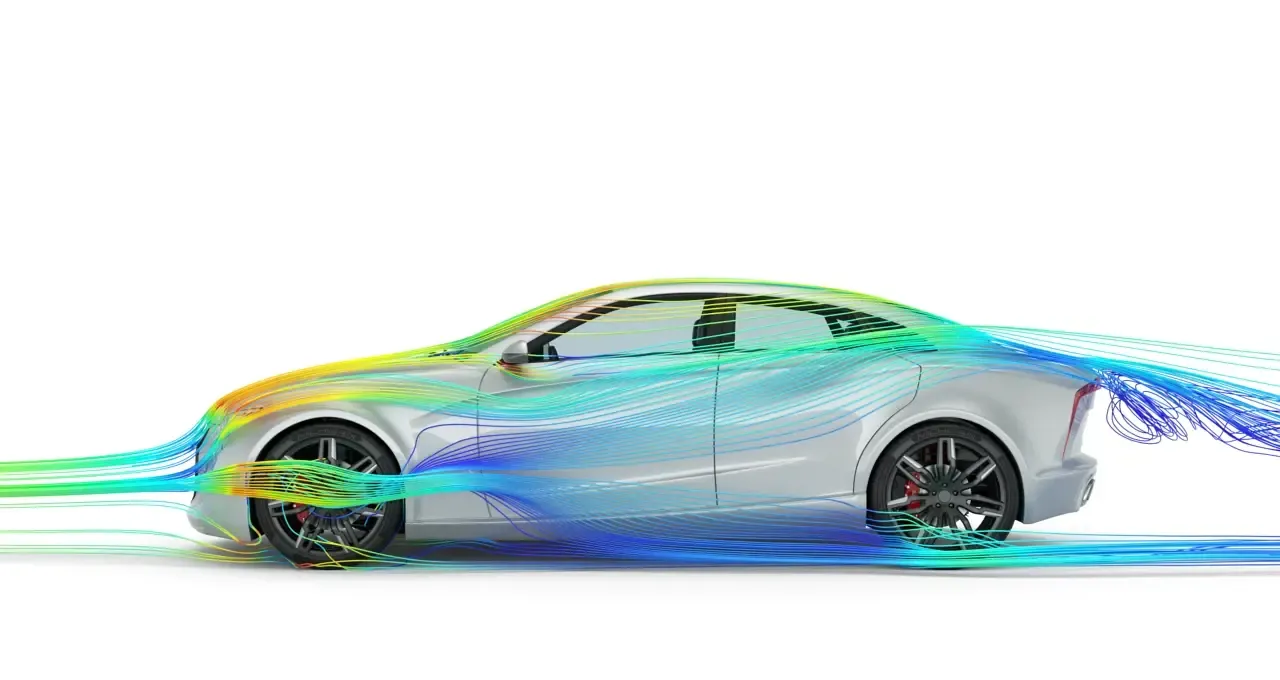
FEA vs CFD: What’s the Difference (and Which Do You Need)?
FEA, CFD, and multiphysics solve different problems. Here's how to choose the right simulation approach for your engineering challenge.
Read Article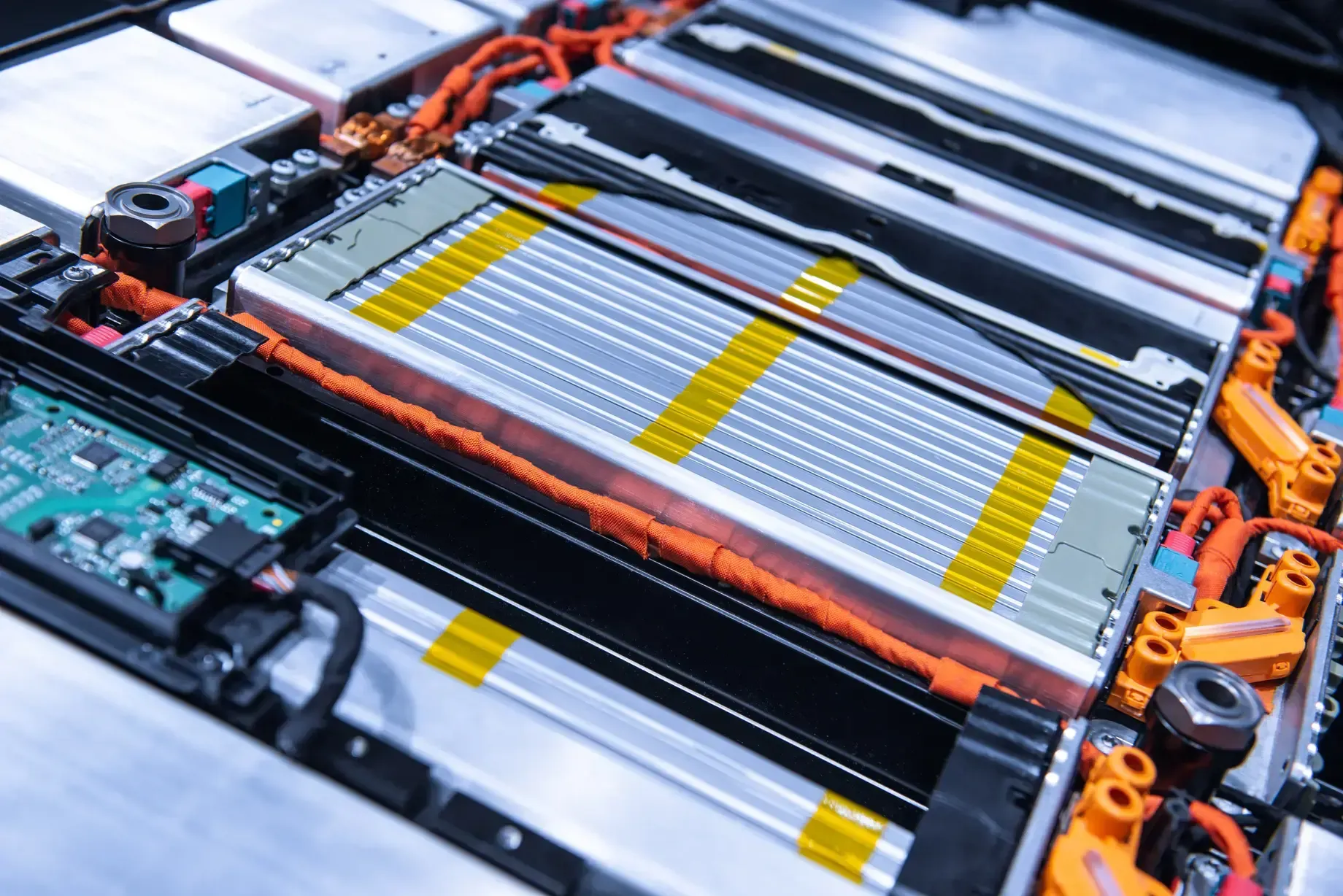
Battery Simulation 101: Thermal, Structural and EM Analysis for EV Battery Packs
How to simulate EV battery packs across thermal, structural, and EM physics using Altair tools.
Read ArticleFAQ
Frequently Asked Questions About Altair SimSolid
What Is Altair SimSolid Used For?
SimSolid is used for fast structural analysis directly on CAD assemblies. Designers and engineers use it to check stiffness, strength, vibration and thermal effects early, compare several design scenarios and make data-driven decisions without building a mesh.
What Makes SimSolid Different From Traditional FEA?
Traditional FEA needs geometry simplification and a mesh before anything can be solved. SimSolid eliminates both steps: it works on the original CAD solids and refines its solution adaptively. Use it when the decision is comparative, structural and needed soon, and move to a meshed model in HyperMesh and OptiStruct when the number feeds a fatigue calculation or a certification package. Read SimSolid vs HyperMesh and OptiStruct.
What Analysis Types Does SimSolid Support?
Linear and nonlinear statics, thermal and coupled thermal-stress analysis, modal analysis, fatigue and stress linearization, plus dynamics with time, frequency and random response. Simcenter SimSolid also lists global-local, buckling, composites, and squeak and rattle studies.
Can SimSolid Handle Contact and Assembly Connections?
Yes. SimSolid supports bonded, sliding and separating contact with friction, and a connections library with bolts, virtual connectors, welds, rivets, adhesives, joints and bushings. Contacting faces are bonded automatically, so define the joints that slide or separate. See our guide to connection tolerances in SimSolid.
What Materials Can SimSolid Model?
Isotropic, orthotropic, elasto-plastic and rigid materials, plus gas and liquid bodies.
Is SimSolid a Good Fit for Large Assemblies?
Yes. SimSolid is designed for large, complex assemblies and handles imperfect CAD with rough contact surfaces, gaps and overlapping geometry, so supplier models can be analyzed without hours of repair.
Which CAD Formats Does SimSolid Support?
All major CAD and PLM formats, including CATIA, NX, PTC Creo, Inventor, Fusion 360, SOLIDWORKS, JT, STEP, VDA, Parasolid, ACIS, PLMXML, CGR and STL, without the need to import or export files. It also integrates directly with Onshape and Teamcenter.
Is SimSolid Now Simcenter SimSolid?
Yes. Siemens acquired Altair, and with the June 2026 Simcenter release former Altair products joined the Simcenter family, so SimSolid also carries the Simcenter SimSolid name. It is the same meshless solver, and TrueInsight licenses and supports it under either name.
How Much Does SimSolid Cost?
SimSolid is licensed through Altair Units, so there is no fixed per-seat list price. The cost depends on how many engineers run studies at the same time and which other Altair applications share the pool. Request SimSolid pricing and we’ll size a proposal to your team.
Can I Try SimSolid for Free?
Yes. TrueInsight arranges a guided SimSolid free trial, typically 30 days, with installation help and a kickoff session, so you can test meshless analysis on your own CAD.
Related Pages
More Altair Structural Simulation Software
Altair HyperWorksThe CAE platform that includes SimSolidGet Started
Ready to Take the Next Step With SimSolid?
Whether you’re evaluating meshless analysis for the first time or adding SimSolid to an existing FEA workflow, our engineers will help you get reliable results quickly.
- Authorized Siemens & Altair Partner
- Expert Engineering Support
- Licensing Sized to Your Team