SimSolid vs HyperMesh and OptiStruct: When You Actually Need a Mesh
When meshless SimSolid is enough, and when HyperMesh and OptiStruct earn their time. A practical decision guide with real acceptance criteria.
On This PageWhat Is Meshless FEA?
Short answer: use meshless SimSolid when the decision is comparative, structural and needed soon. Mesh it in HyperMesh and solve it in OptiStruct when the number feeds a fatigue calculation, a certification package or a manufacturing-constrained optimization.
What Is Meshless FEA?
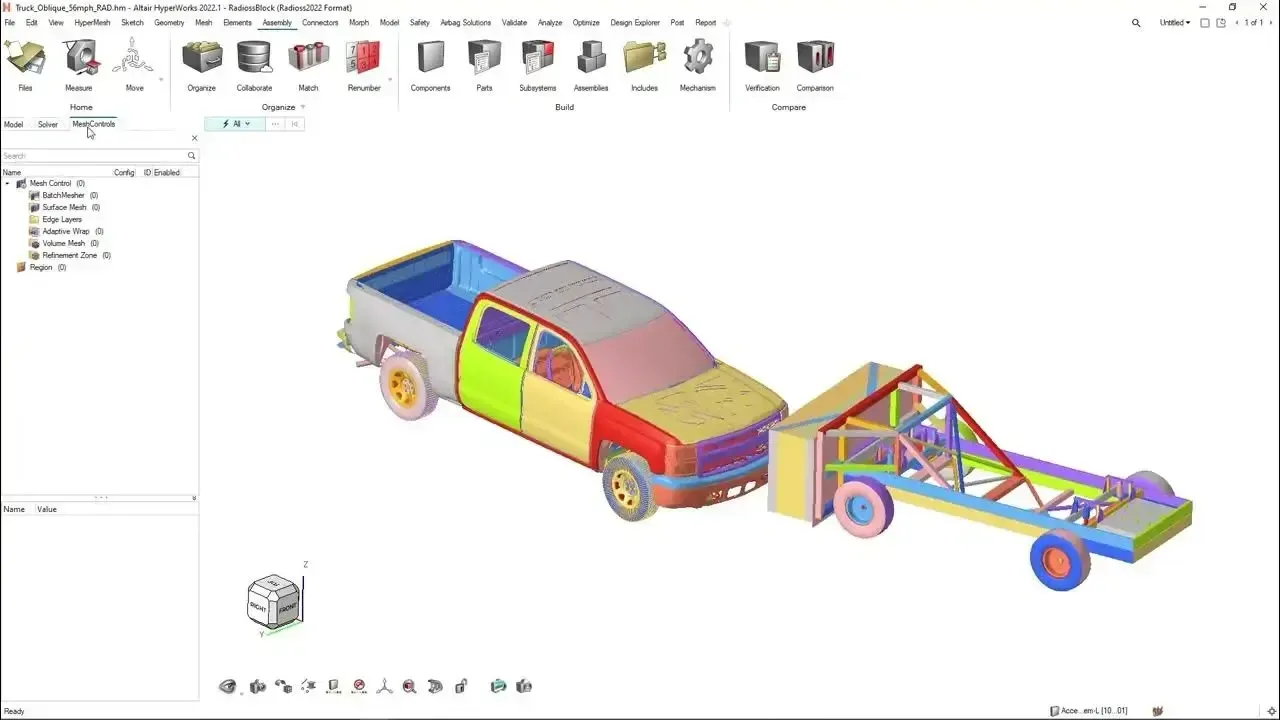
Meshless finite element analysis solves structural problems directly on CAD geometry instead of first discretizing it into elements. Altair SimSolid, part of the Altair HyperWorks family, is the best-known meshless FEA solver: it builds adaptive approximation functions over the original solids, so there is no defeaturing, mid-surfacing or mesh cleanup. Traditional FEA in HyperMesh and OptiStruct gives you explicit control over element type, size and quality, which is exactly what you need when local precision matters.
SimSolid and HyperMesh now also appear under the Simcenter brand; the product names below match the way they are listed across our product pages.
What Meshless Actually Changes
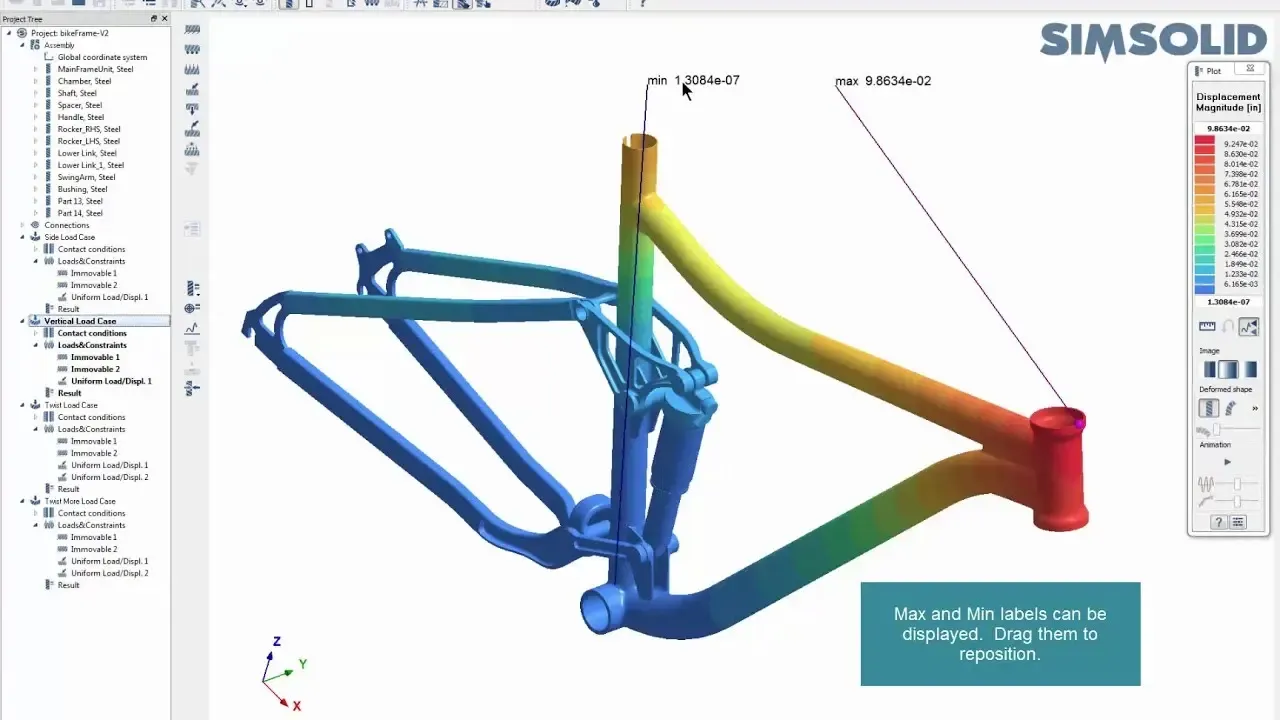
SimSolid does not discretize your part into elements. It works on the original CAD solids and builds local approximation functions over the geometry itself, then refines those functions adaptively until the solution stops moving. In practice, that means no mid-surfacing, no defeaturing, no cleanup of sliver faces, and no equivalencing between assembly components. You import the assembly, define the connections, apply loads, and solve. Small fillets, bolt heads, and stamped features that would each cost you meshing time simply stay in the model.
HyperMesh and OptiStruct take the opposite approach, and that is exactly the point. You control element type, size, order, and quality, which means you control where the solution is accurate. That control is pure overhead when you do not need it, and irreplaceable when you do.
When SimSolid Is the Right Call
While these are not hard and fast rules, these are best practices from when our customers are finding the most success. Reach for SimSolid when speed and breadth matter more than local precision:
- Concept and trade studies. Comparing six bracket variants for relative stiffness, where you care about the ranking rather than an absolute stress number.
- Large assemblies. Frames, weldments, and enclosures where meshing hundreds of components is the entire cost of the study.
- Design-in-the-loop checks. A designer who needs to know whether a change made things better or worse, the same day.
- Global load paths and modal behavior. The first few natural frequencies, gross deflection, and how load travels through an assembly.
- Geometry you did not create. Supplier CAD that arrives dirty and would otherwise need hours of repair before it is meshable.
When You Actually Need a Mesh
Move to HyperMesh and OptiStruct when the answer has to survive scrutiny at one specific location:
- Durability and fatigue. Life prediction is driven by local stress gradients at notches and welds. You need controlled element size through the notch, typically four or more elements across the radius, and a mesh you can defend in a review.
- Nonlinear material and large displacement. Plasticity, hyper-elastic seals, and post-buckling response all depend on element formulation choices.
- Composites. Ply-level layup, orientation, and failure indices are element-based by definition.
- Optimization for manufacture. OptiStruct topology and gauge optimization with draw direction, symmetry, minimum member size, and extrusion constraints remains the benchmark.
- NVH and frequency response. Element size has to resolve the shortest wavelength of interest, usually six to ten elements per wavelength.
- Certification and test correlation. When the deliverable includes a documented mesh convergence study, you need the mesh.
Acceptance Criteria to Hold Yourself To
Neither tool protects you from an unconverged answer, so set the bar before you solve. In SimSolid, run successive adaptive passes and accept the result only when peak displacement and the stress in your region of interest change by less than roughly five percent between passes, and when the reaction forces balance the applied load. In HyperMesh, keep element quality inside the usual gates: Jacobian at or above 0.7, warpage under about 15 degrees, aspect ratio under 5, and at least two second-order elements through the thickness of any part loaded in bending. Then refine once more and confirm the peak stress has stabilized within five percent. If it has not, you do not yet have a result.
The Two-Stage Workflow Most Teams Settle On
The mature answer is rarely one tool. Use SimSolid early to explore the design space, eliminate weak concepts, and find where the load actually goes. Then mesh only the region that survived, drive it in OptiStruct with the boundary conditions the SimSolid study identified, and spend your meshing hours on the one area that decides the design. Teams that adopt this split usually report the same outcome: they run far more studies, mesh less often, and the meshes they do build are better targeted.
Common Pitfalls
- Reading a singularity. A sharp reentrant corner produces an unbounded stress in both tools. Model the real fillet, or evaluate away from the corner.
- Accepting default connections. SimSolid bonds contacting faces automatically. If a joint slides or separates, define it, otherwise your assembly will be stiffer than the hardware.
- Feeding SimSolid stress into a fatigue calculation without correlating one case against a meshed model first. Correlate once, then trust it within that class of parts.
- Meshing out of habit. A week of meshing to rank three concepts is a week spent buying precision nobody asked for.
- Mismatched boundary conditions. When the two tools disagree, the loads and restraints differ more often than the solver is wrong. Check those before you blame the physics.
- Skipping convergence entirely. A single pass in either tool is an opinion, not a result.
Getting the Split Right for Your Team
The short version: if the decision is comparative, structural, and needed soon, SimSolid is almost certainly enough. If the number goes into a fatigue calculation, a certification package, or a manufacturing-constrained optimization, mesh it in HyperMesh and solve it in OptiStruct. TrueInsight is an Altair and Siemens channel partner, and we help engineering teams set this threshold deliberately, including benchmark runs on your own geometry, onboarding, and training. Talk to our engineering team about a workflow review.
Getting Started With Either Workflow
TrueInsight helps teams set the SimSolid-to-HyperMesh threshold deliberately. We run benchmark studies on your own geometry, compare meshless and meshed results side by side and train your engineers on both workflows. Book a demo, start a free trial or see HyperWorks pricing.
SimSolid vs HyperMesh and OptiStruct Comparison Table
| Criteria | SimSolid (Meshless) | HyperMesh + OptiStruct (Meshed) |
|---|---|---|
| Model preparation | None: works on native, unsimplified CAD | Geometry cleanup, defeaturing, mid-surfacing, meshing |
| Time to first result | Minutes, even for large assemblies | Hours to days, depending on mesh effort |
| Best for | Concept trade studies, large assemblies, design-in-the-loop checks | Fatigue, nonlinear, composites, NVH, certification |
| Local stress accuracy | Good for ranking and global load paths | Highest, with controlled element size at notches and welds |
| Optimization | Design comparisons and parameter studies | OptiStruct topology, size and shape optimization with manufacturing constraints |
| Convergence check | Adaptive passes until peak values change < ~5% | Mesh refinement study until peak stress stabilizes within ~5% |
| Typical user | Design engineers and analysts | CAE analysts and simulation specialists |