Altair HyperWorks · FEA & CAE Platform
Altair HyperWorks FEA and CAE Simulation Platform
One environment for model preparation, structural and multiphysics simulation, optimization and AI, so engineering teams validate and lightweight products before manufacturing.
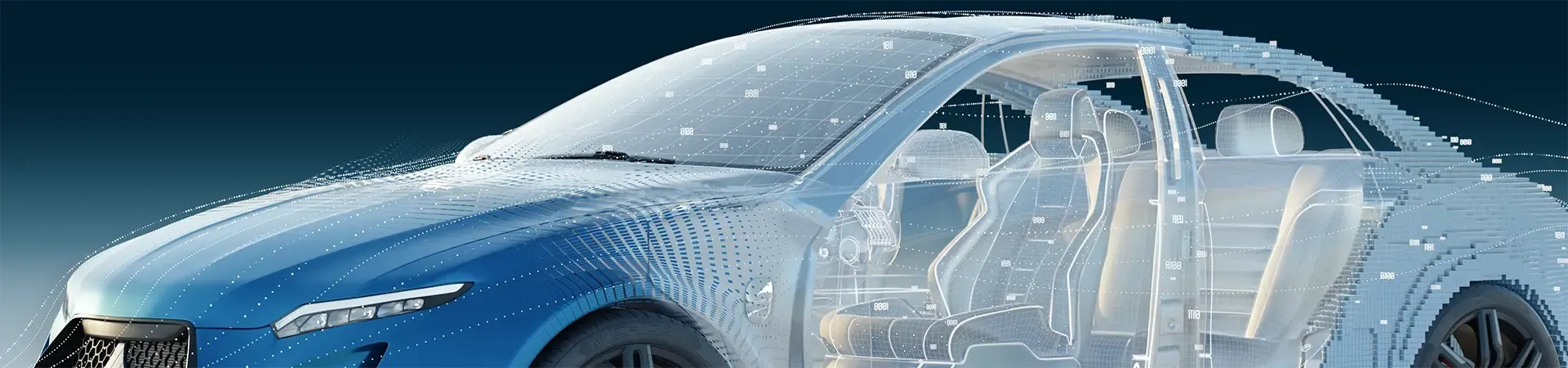
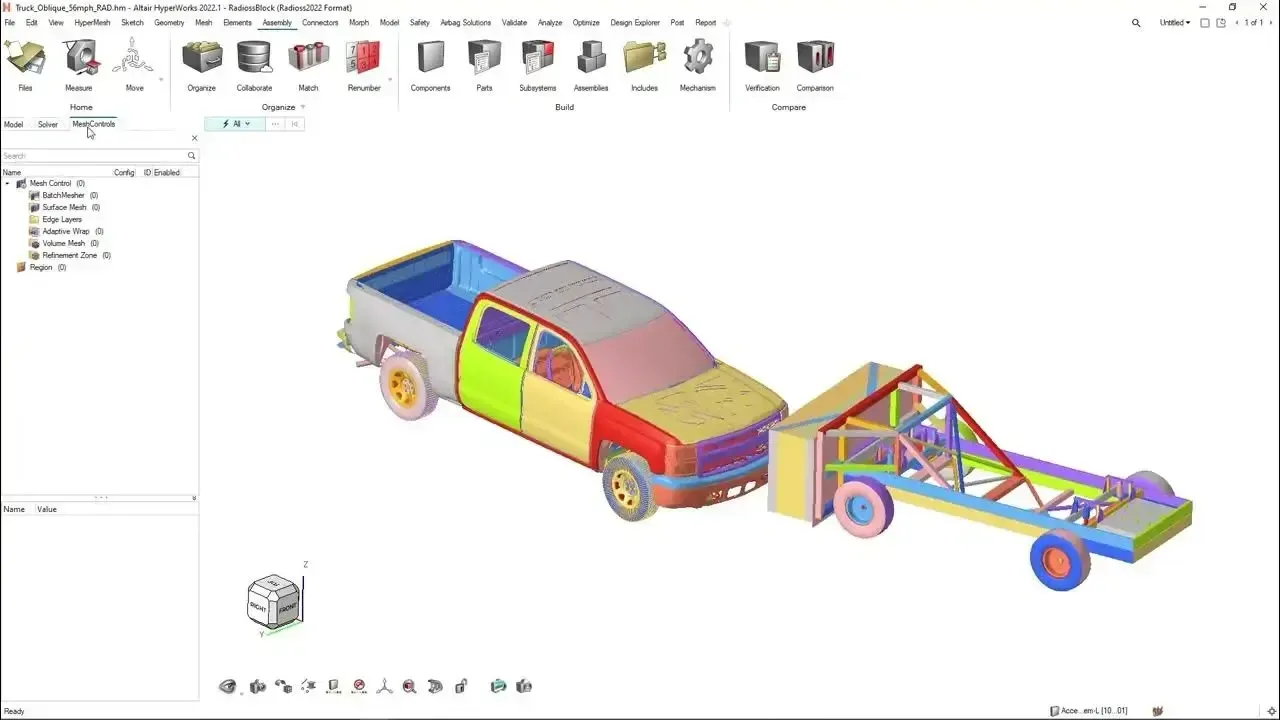 HyperWorks · Chassis Model
Overview
What Is Altair HyperWorks?
Altair HyperWorks is a computer-aided engineering (CAE) platform used to design and optimize products with simulation before they are built. Engineers build finite element models, evaluate structural performance and improve efficiency early, instead of relying only on physical testing.
HyperWorks supports simulation-driven design: it helps teams reduce weight, improve strength and accelerate development. With Altair now part of Siemens, most HyperWorks tools now carry the Simcenter brand, and TrueInsight supports them under either name.
- Finite Element Analysis Software for Structures, Durability, NVH and Crash
- Topology, Size and Shape Optimization With OptiStruct
- Meshless Structural Analysis on Native CAD With SimSolid
- One Altair Units License for the Whole Portfolio
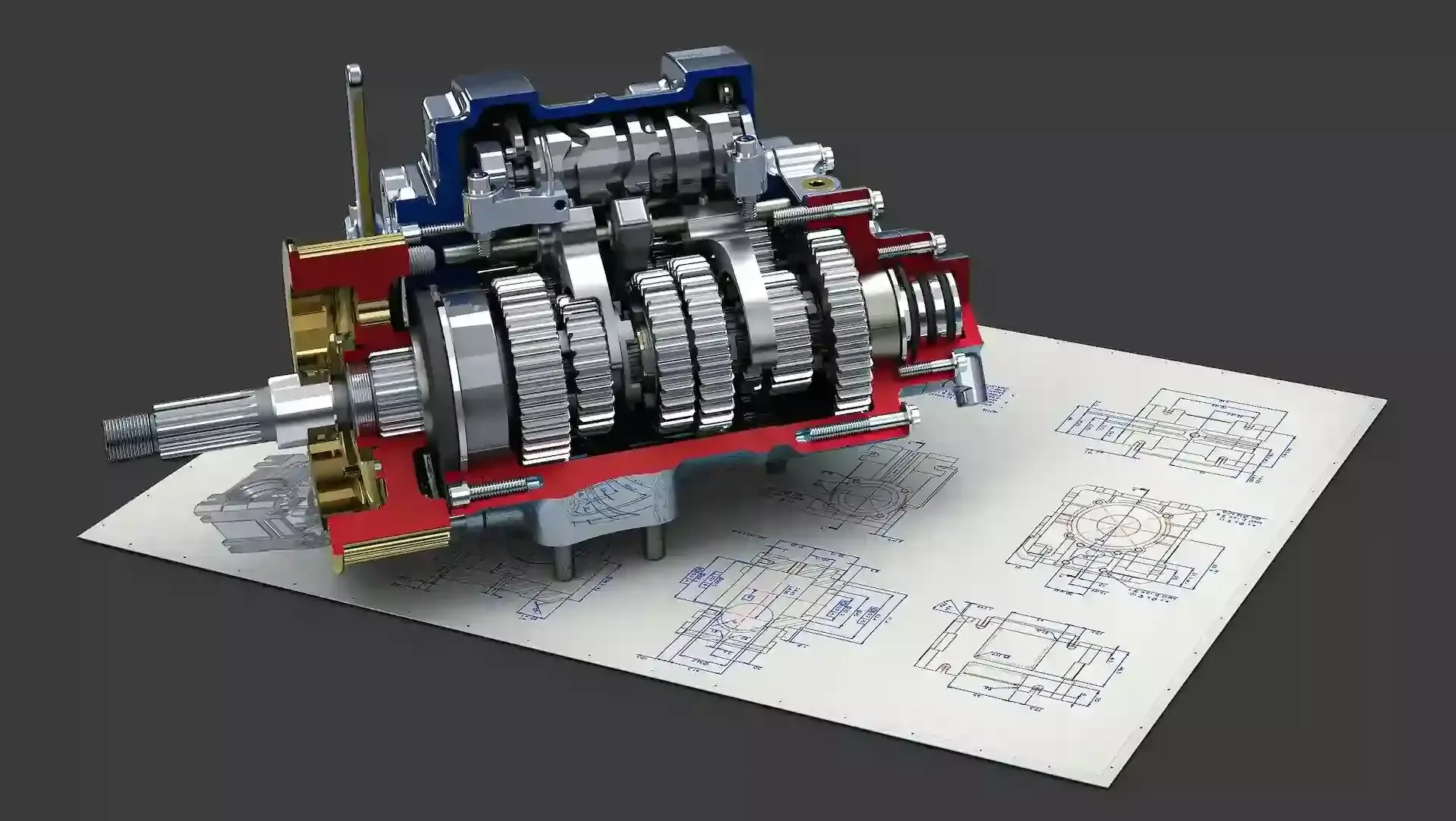
Video — HyperWorks Platform OverviewYouTube
The Platform
HyperMesh, OptiStruct, SimSolid and Radioss in One Platform
Every HyperWorks application runs on the same Altair Units license, so your team can move from meshing to solving to optimization without buying separate seats.
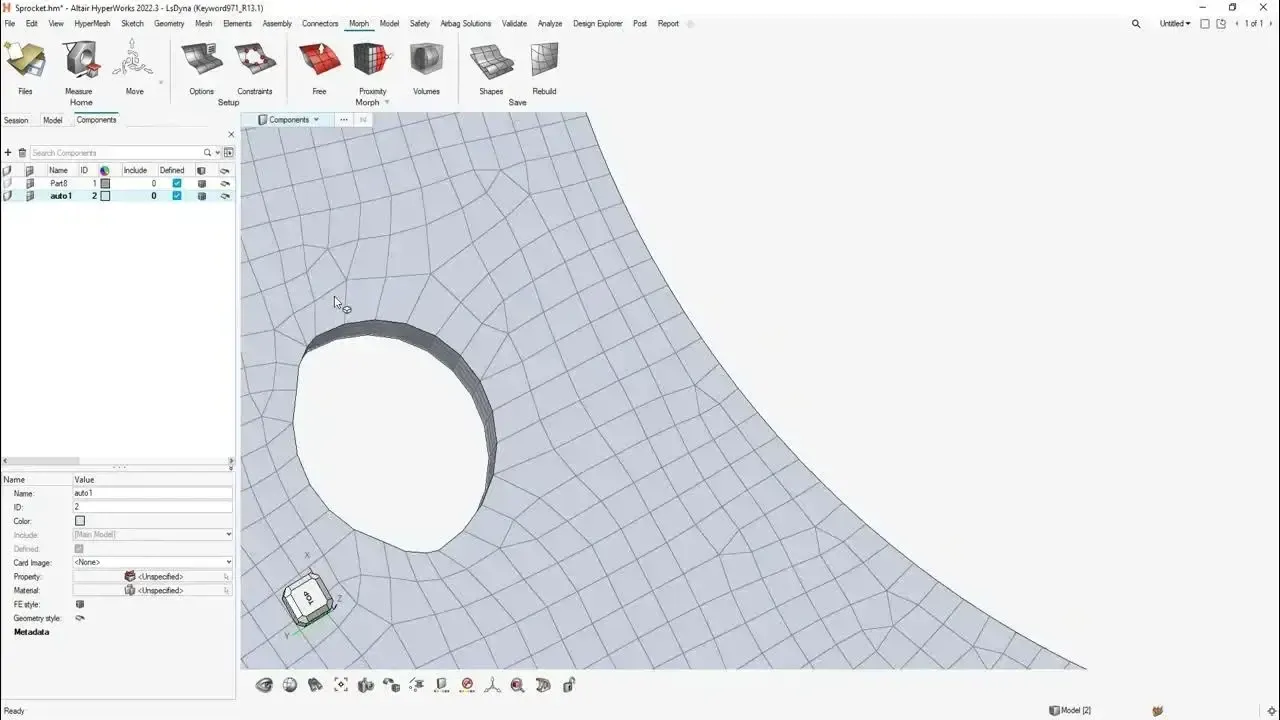
Pre-Processing
HyperMesh
The industry’s leading FEA pre-processor for geometry cleanup, high-quality meshing and model setup on large assemblies.
Explore HyperMesh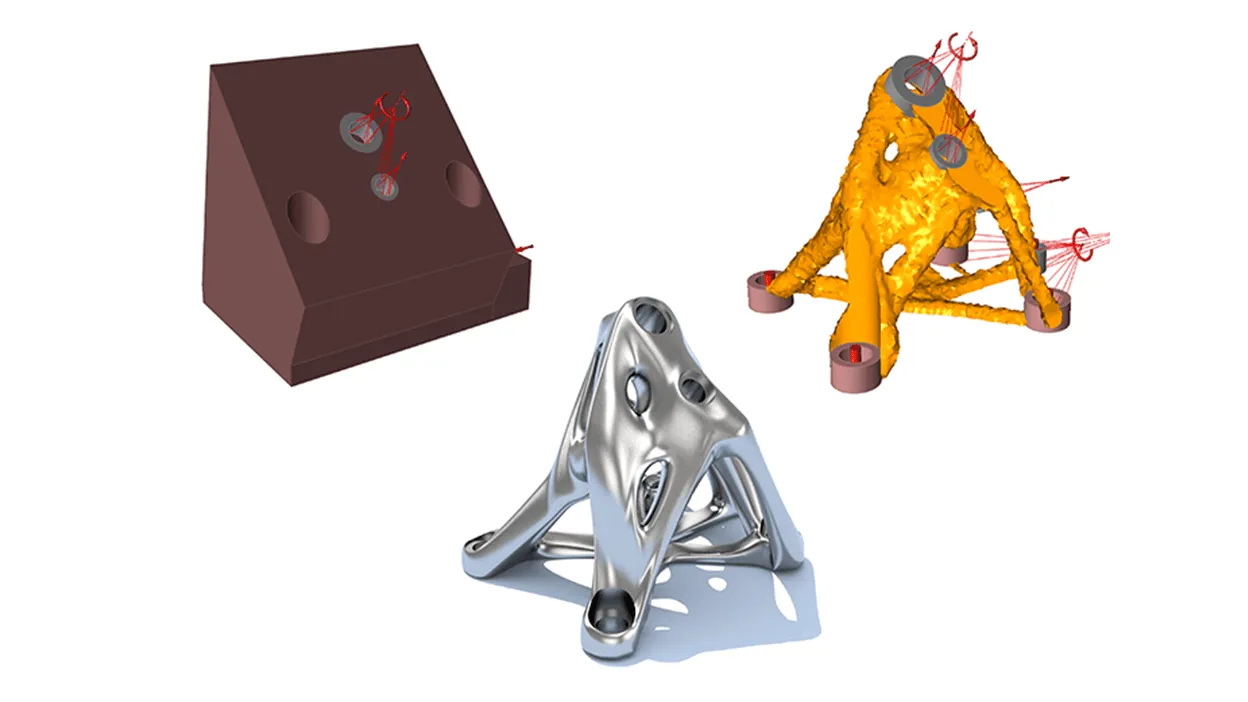
Solver & Optimization
OptiStruct
Structural analysis and optimization solver for linear, nonlinear, NVH, durability and topology optimization.
OptiStruct Details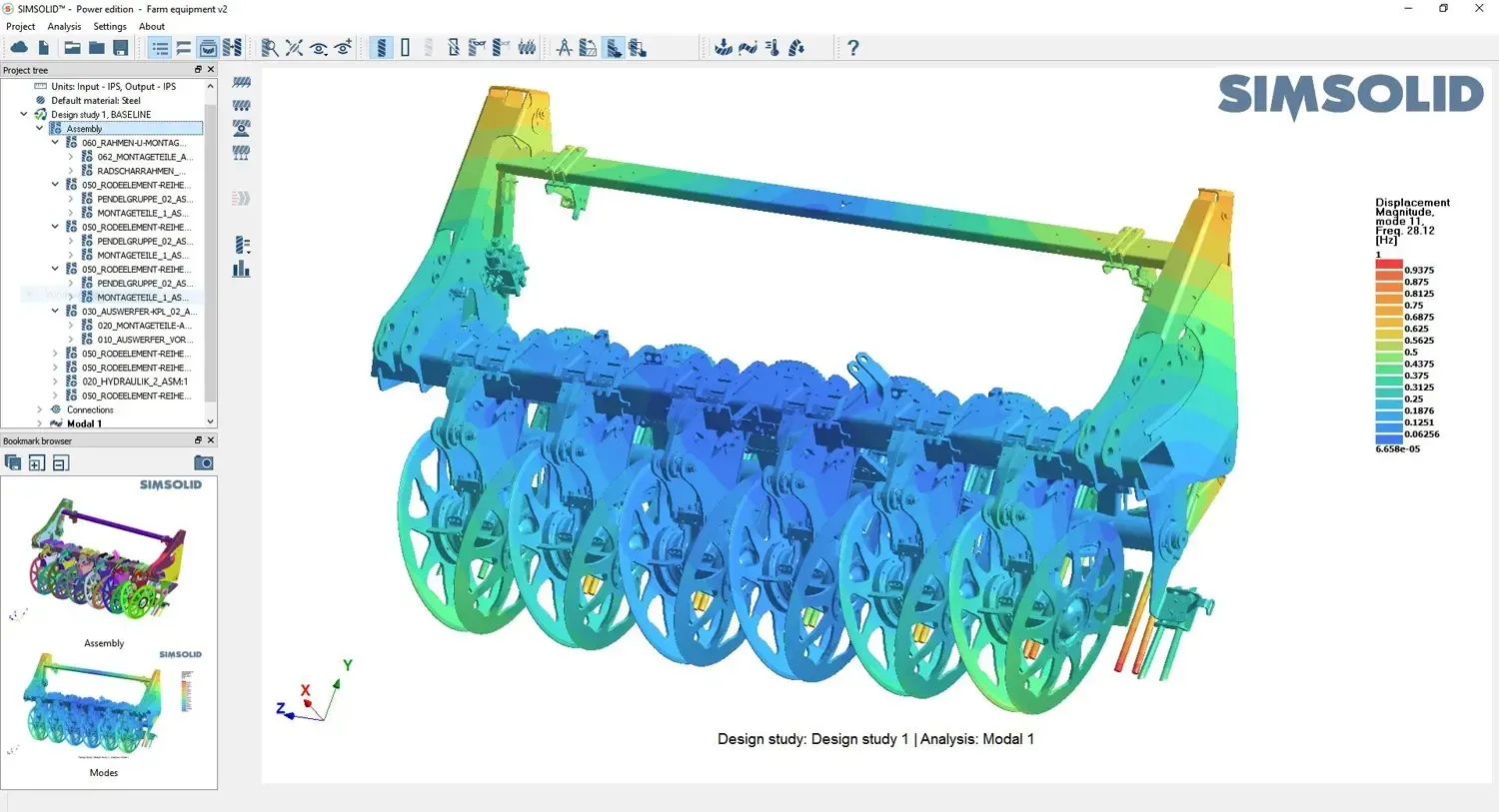
Meshless FEA
SimSolid
Structural analysis directly on native CAD assemblies, with no defeaturing or meshing, in minutes instead of days.
SimSolid Details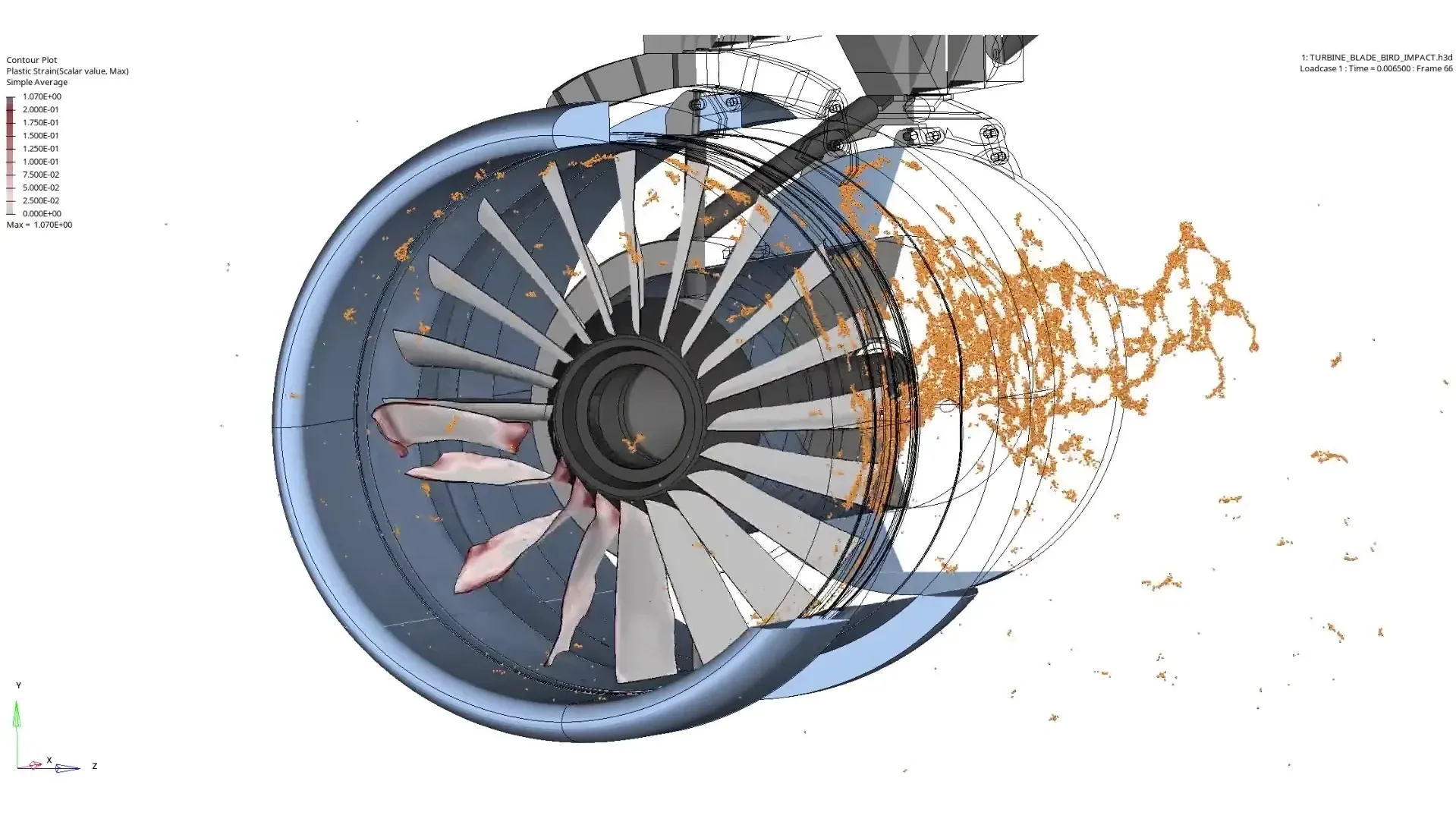
Explicit Dynamics
Radioss
Crash, drop, impact and highly nonlinear events where contacts and large deformations matter.
Radioss Details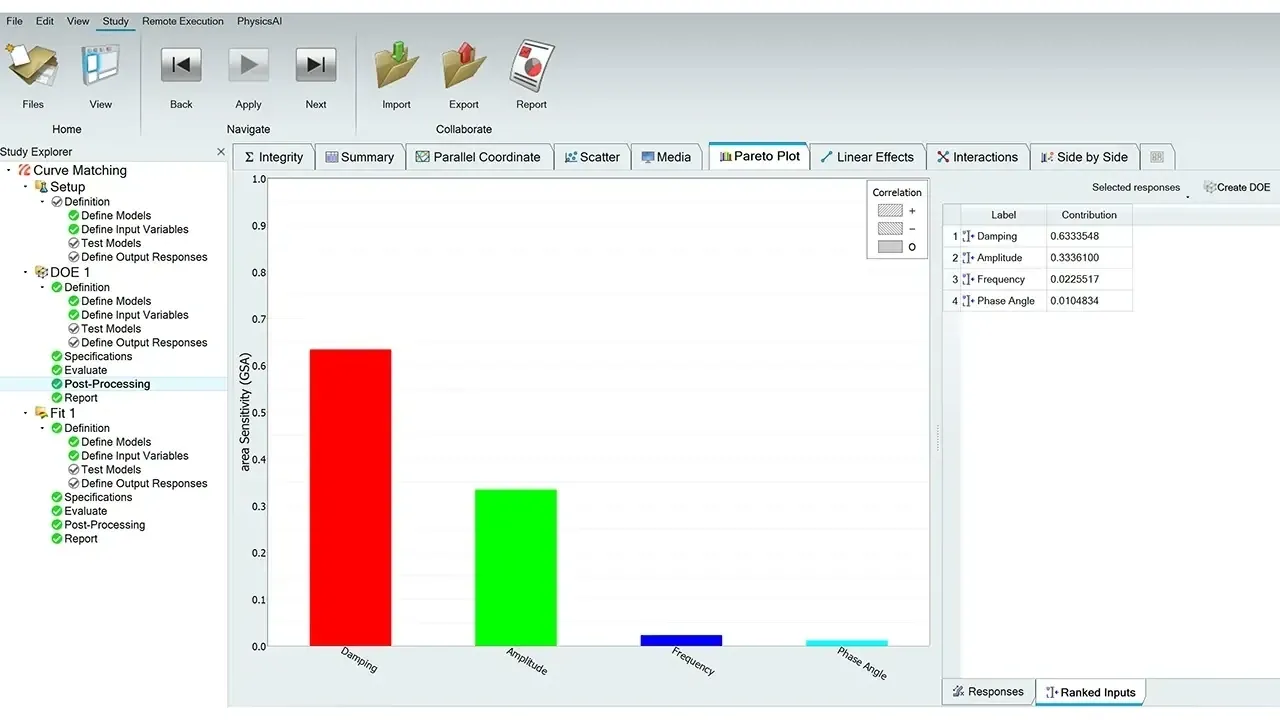
Design Exploration
HyperStudy
Design of experiments, stochastic studies and multi-disciplinary optimization across any solver.
HyperStudy Details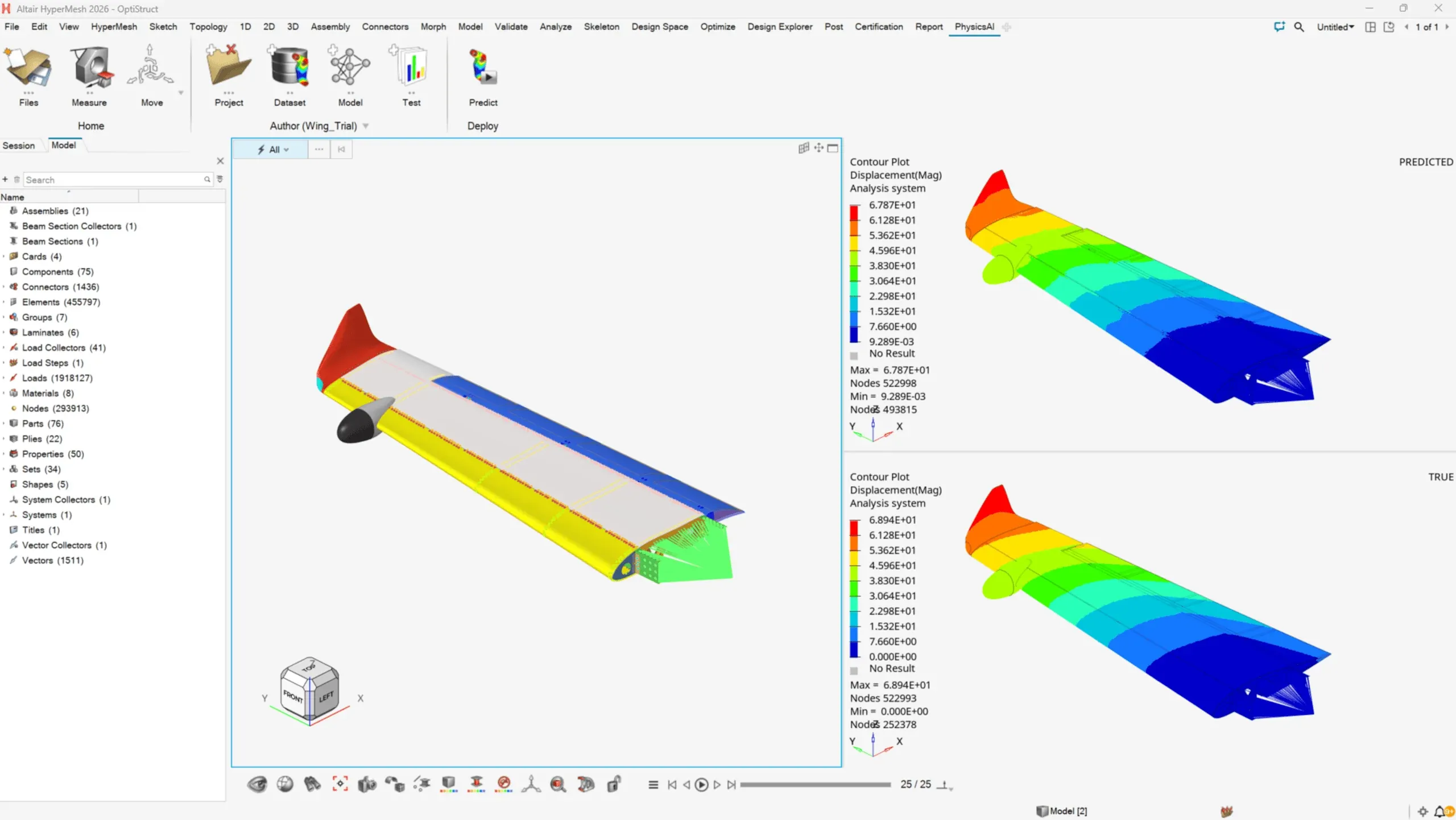
AI-Driven Simulation
PhysicsAI
Geometric deep learning that predicts simulation results in seconds from your historical data.
PhysicsAI DetailsWhy Engineers Use HyperWorks
Finite Element Analysis Software for Every Physics
HyperWorks focuses on simulation-driven design and optimization workflows, helping teams improve performance, reduce weight and evaluate designs early.
CAE Model Preparation
Clean geometry, generate high-quality meshes and prepare large assemblies for accurate structural analysis with HyperMesh.
Structural Simulation & Analysis
Evaluate stress, deformation and durability under real operating loads and understand failure behavior before testing.
Multiphysics Simulation
Capture interactions between structural mechanics, fluid flow and electromagnetic behavior in one model.
Design Optimization & Lightweighting
Topology and parametric optimization reduce material while maintaining strength, lowering weight and cost.
Industry-Specific Workflows
Predefined methods and templates for automotive, aerospace and manufacturing standardize analysis processes.
Model-Based Development
Use simulation across the lifecycle, from concept to validation, to cut redesign cycles and improve predictability.
| Physics | HyperWorks Tools | Typical Use |
|---|---|---|
| Linear & nonlinear structures | OptiStruct, SimSolid | Stress, stiffness, contact, plasticity and bolted joints |
| Durability & fatigue | OptiStruct, HyperLife | Stress-life, strain-life and weld fatigue prediction |
| NVH & dynamics | OptiStruct, MotionSolve | Modal, frequency response and multibody dynamics |
| Crash, drop & impact | Radioss | Explicit dynamics with complex contacts and failure |
| Composites | HyperMesh, OptiStruct | Ply-based layup, draping and failure indices |
| CFD & thermal | Altair CFD, HyperMesh CFD | Flow, cooling and conjugate heat transfer |
| Electromagnetics | Feko, Flux | Antennas, EMC and electric machines |
| Optimization | OptiStruct, HyperStudy | Topology, size, shape and multi-disciplinary optimization |
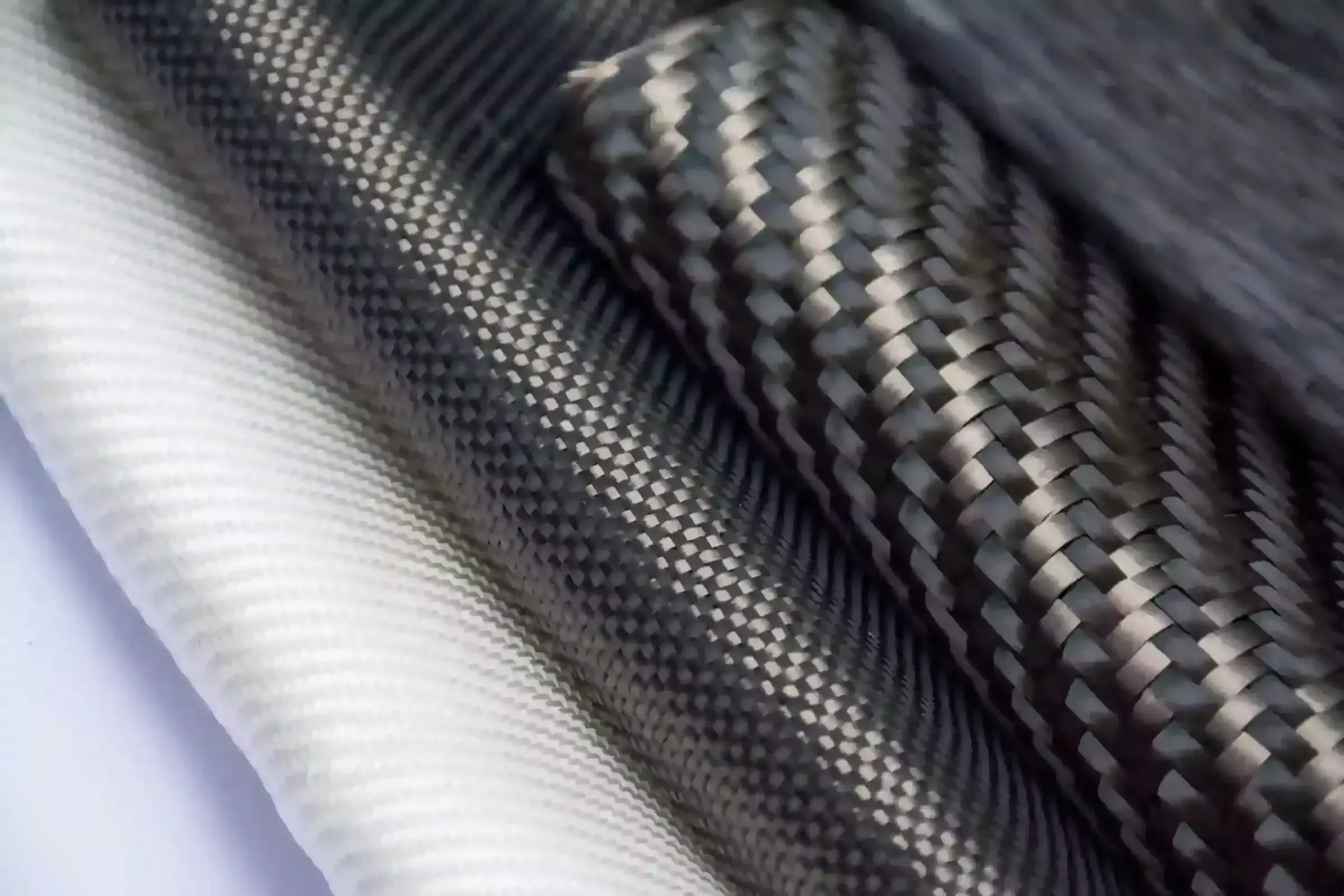
Composites & Lightweighting
Lighter Structures, Proven Before the First Prototype
Ply-based composite modeling, draping and failure analysis in HyperMesh and OptiStruct let you trade weight against strength with confidence.
OptiStruct
OptiStruct Topology Optimization
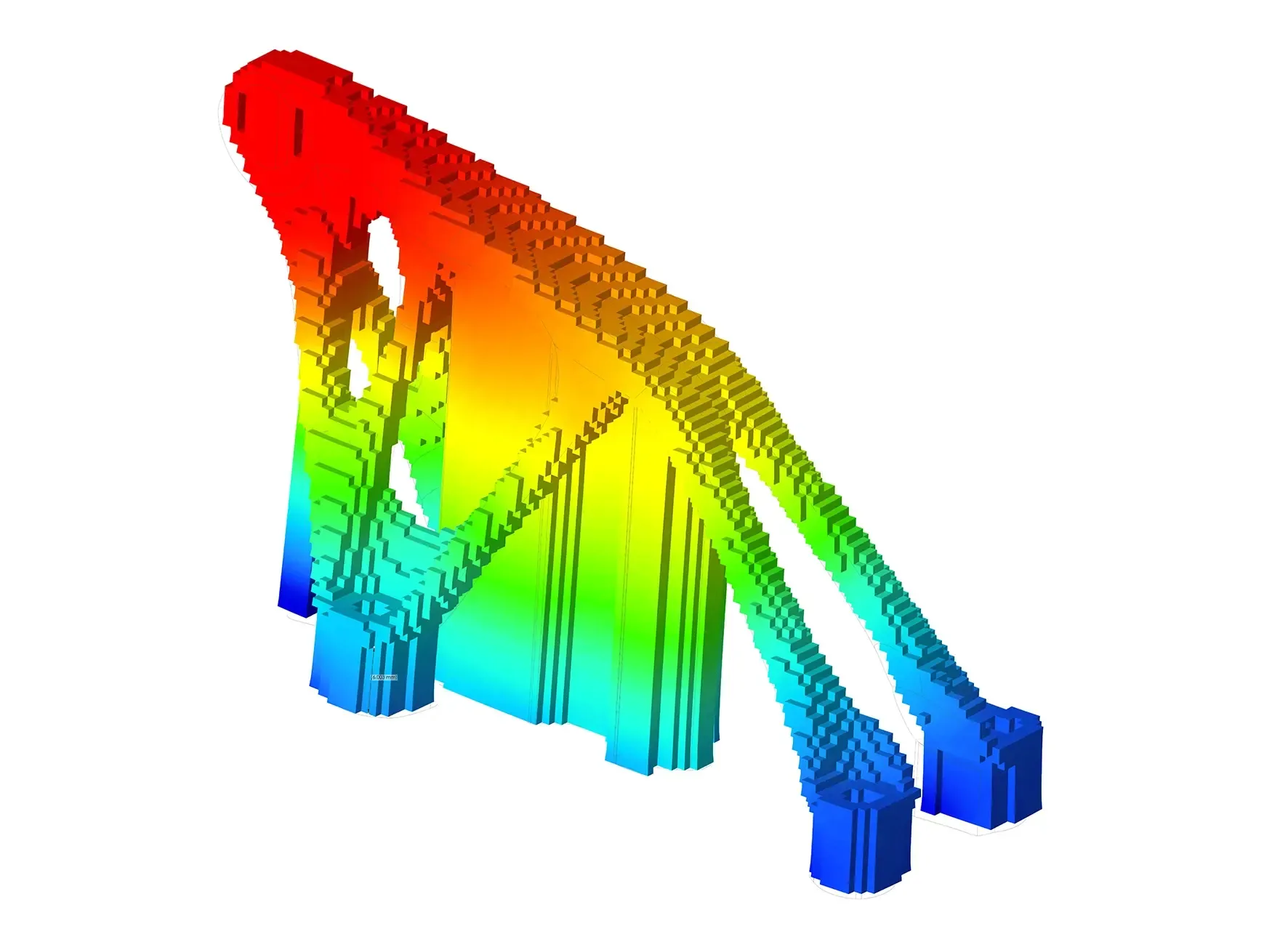
OptiStruct is the benchmark for structural optimization. Topology, topography, size, shape and free-size optimization find the most efficient material layout for your load cases.
Manufacturing constraints such as draw direction, extrusion, symmetry, minimum member size and additive overhang angles keep optimized concepts buildable, whether the part is cast, machined or 3D printed.
- Linear, Nonlinear, NVH and Fatigue Analysis in One Solver
- Topology Optimization With Manufacturing Constraints
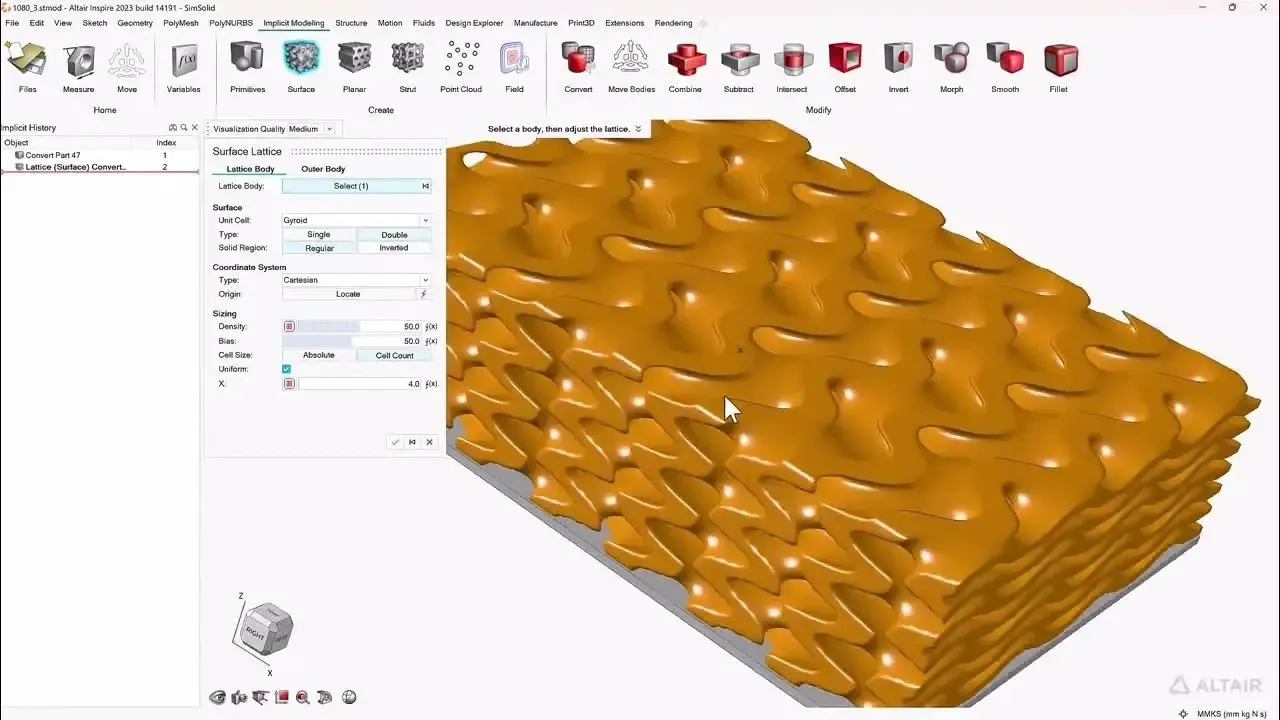
- Lattice and Additive Manufacturing Design
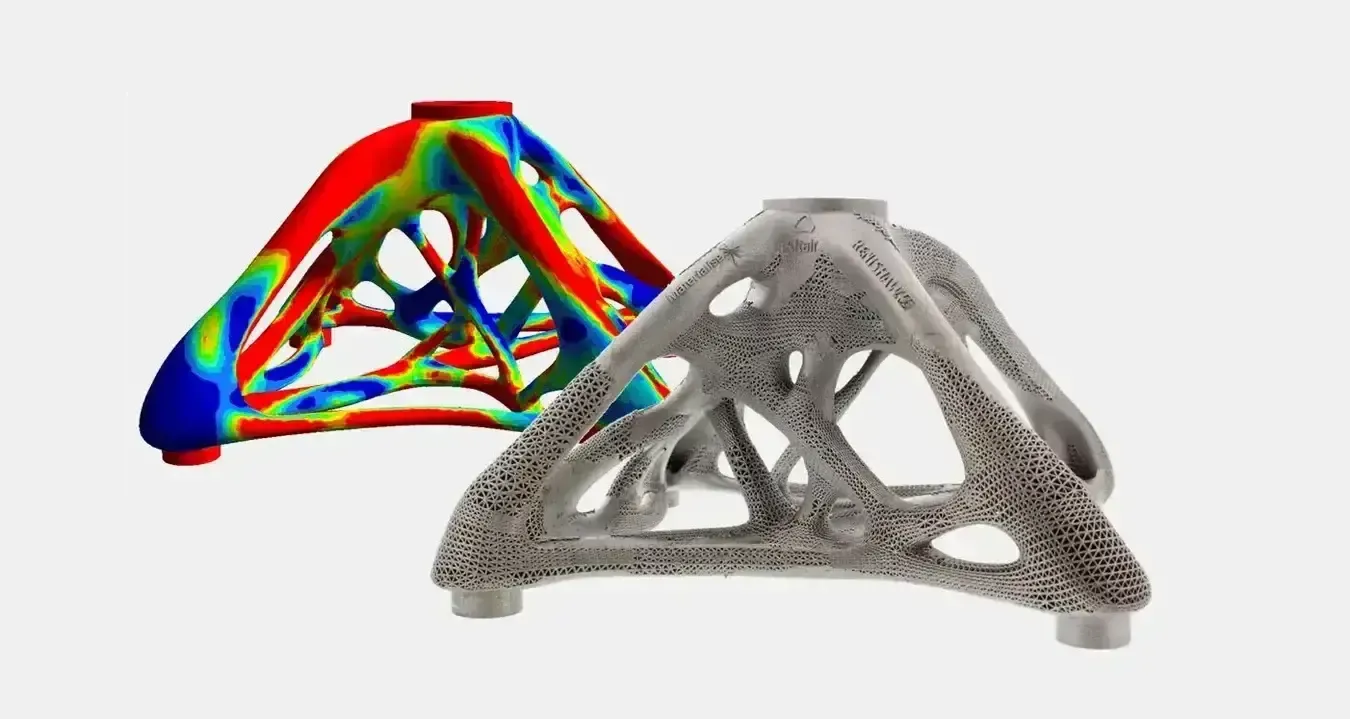 Concept → Optimized → Printed
SimSolid
SimSolid Meshless Structural Analysis
SimSolid analyzes full CAD assemblies, including bolts, welds and dirty supplier geometry, without simplification or meshing. Results arrive in minutes, so designers can test ideas the same day.
Use SimSolid to explore and rank concepts, then mesh only the critical region in HyperMesh for sign-off. Our guide explains when you actually need a mesh.
- No Defeaturing, Mid-Surfacing or Meshing
- Large Assemblies With Hundreds of Parts
- Static, Modal, Thermal and Nonlinear Analysis
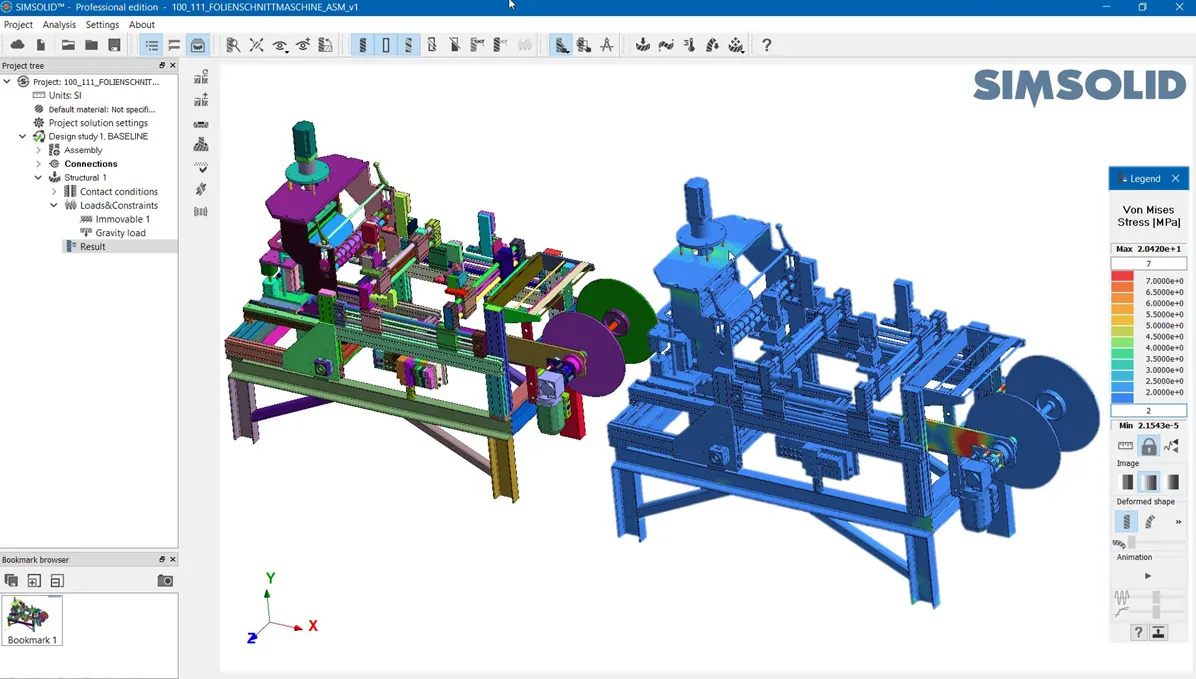 SimSolid · Full Assembly
Applications
HyperWorks in Real Engineering Programs
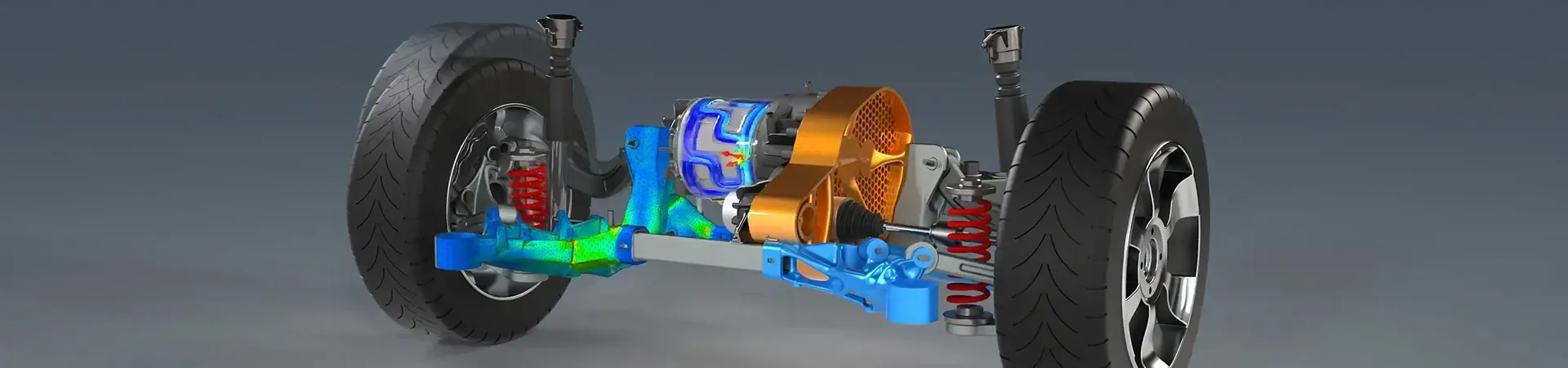
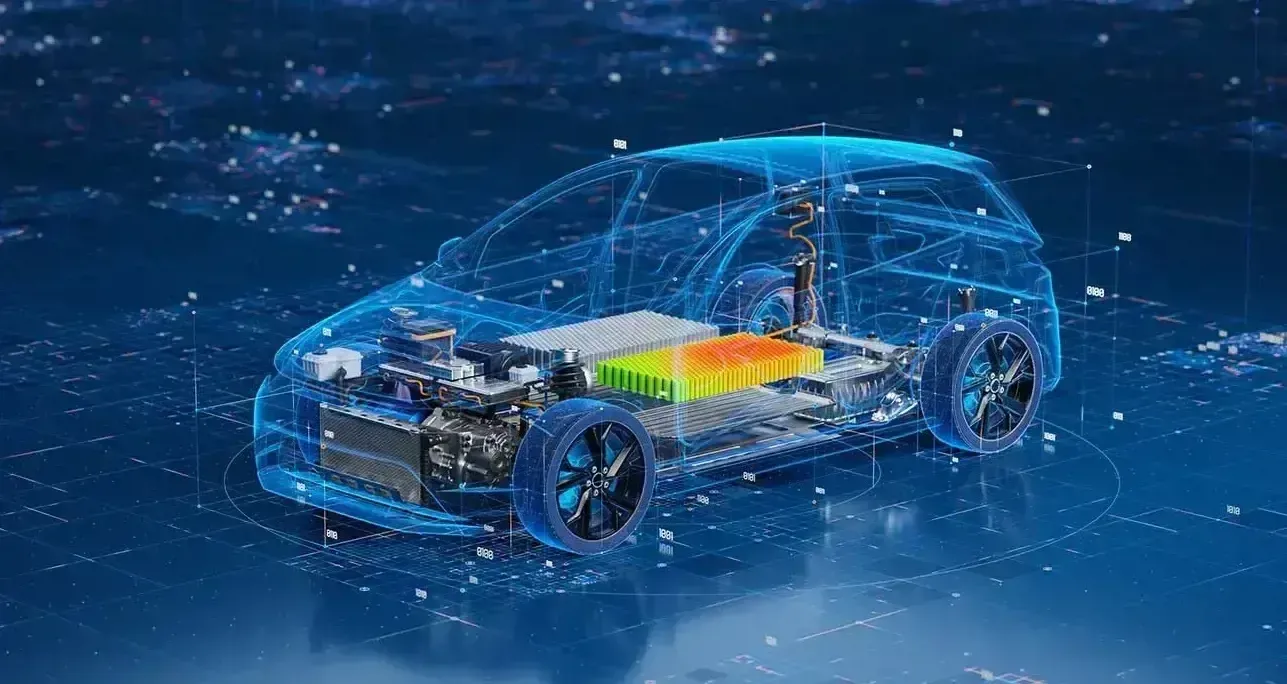
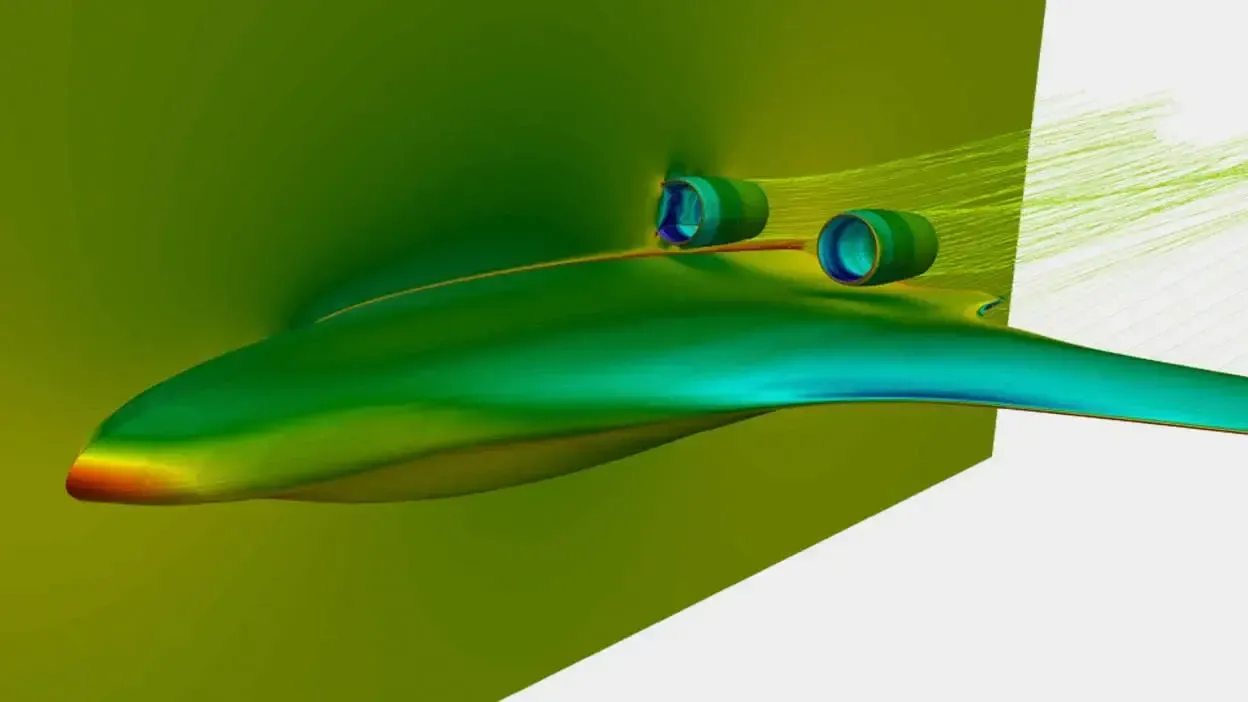
From EV chassis and suspension systems to aircraft structures and additive parts, HyperWorks is used wherever weight, strength and time-to-market matter.
Licensing & Pricing
HyperWorks Licensing With Altair Units
HyperWorks is licensed with Altair Units: a shared pool of tokens that unlocks the entire HyperWorks portfolio and 80+ partner applications from the Advanced Partner Alliance. You pay for concurrent usage, not individual products.
- One License for HyperMesh, OptiStruct, SimSolid, Radioss, HyperStudy and More
- Annual Subscriptions Sized to Your Team, With Room to Grow
- Startup, Academic and Competitive-Replacement Programs Available
- Installation, License Server Setup and Onboarding Included
Want to understand how Units are consumed? Read about Altair licensing and support or see how engineering software pricing works.
Get HyperWorks Pricing
Tell us about your team and we’ll size an Altair Units proposal.
Thanks, Your Request Is In
An application engineer will follow up with next steps.
Expert Support Beyond the Software
HyperWorks Implementation, Training and Engineering Support
Reliable simulation depends on model setup, meshing strategy and correct interpretation of results. TrueInsight helps you implement HyperWorks, build accurate CAE models and integrate simulation into your existing workflow.
Our application engineers provide installation guidance, workflow configuration and hands-on training, from first finite element models to advanced optimization. Need extra capacity? Our FEA consulting services can run the analysis for you.
From the Blog
HyperWorks Tutorials and Guides
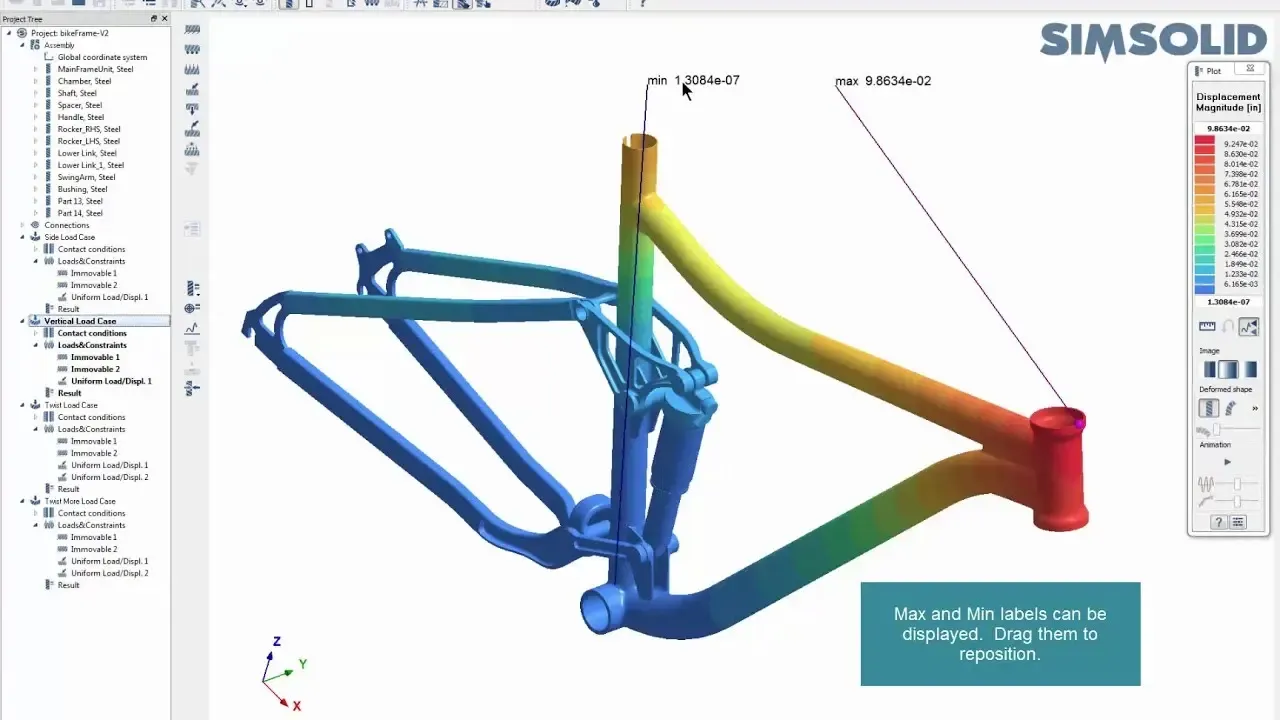
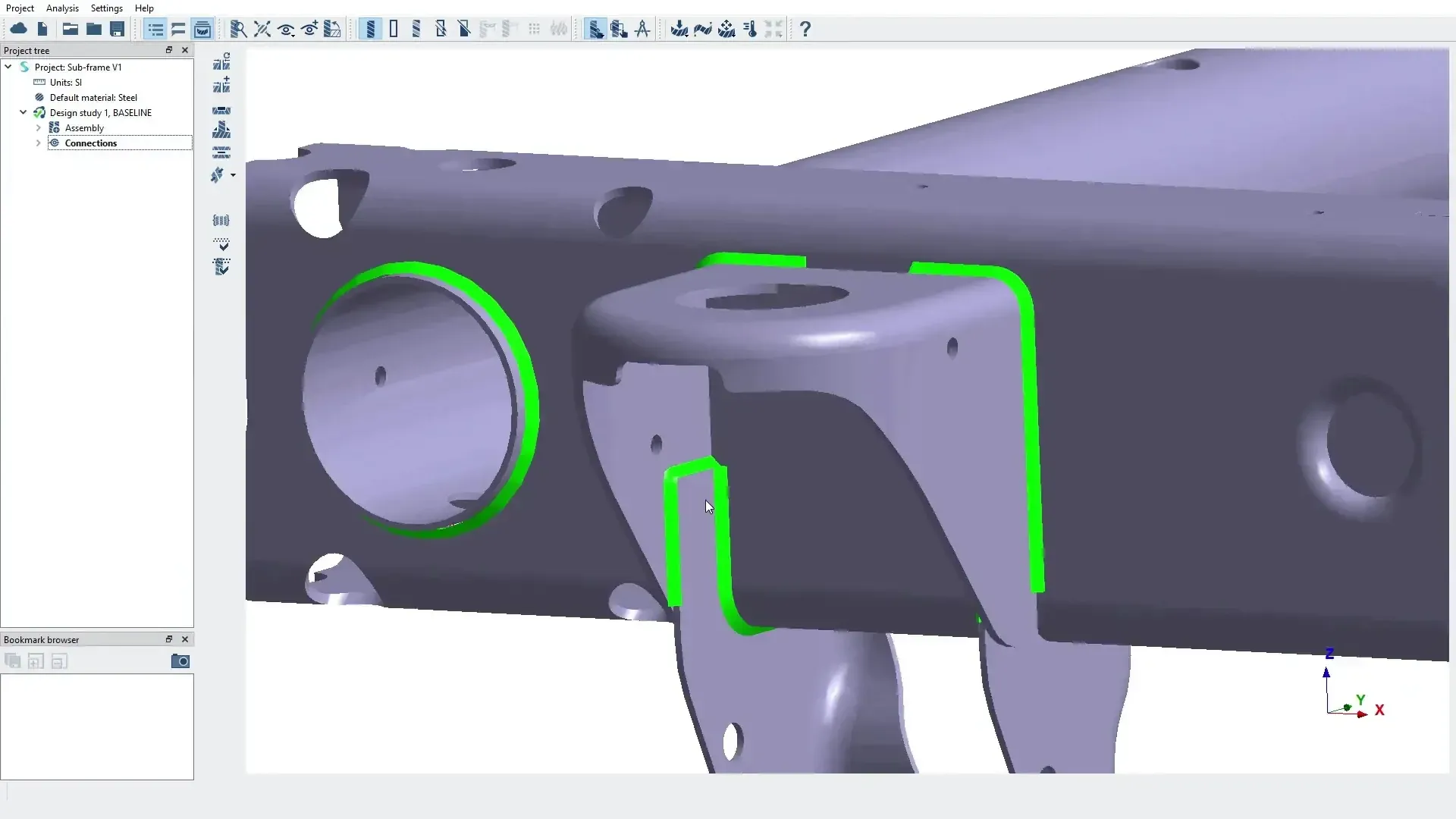
How Tight Should Your Connection Tolerances Be in Simcenter SimSolid?
In this post we show how to take advantage of the ability to work with imperfect geometry and optimize tolerances/gaps.
Read Article
Shrink Wrap Meshing for Dirty CAD: When to Use It and How to Control Mesh Quality
In this post we dive deeper into a powerful tool inside Simcenter HyperMesh, Shrink Wrap.
Read Article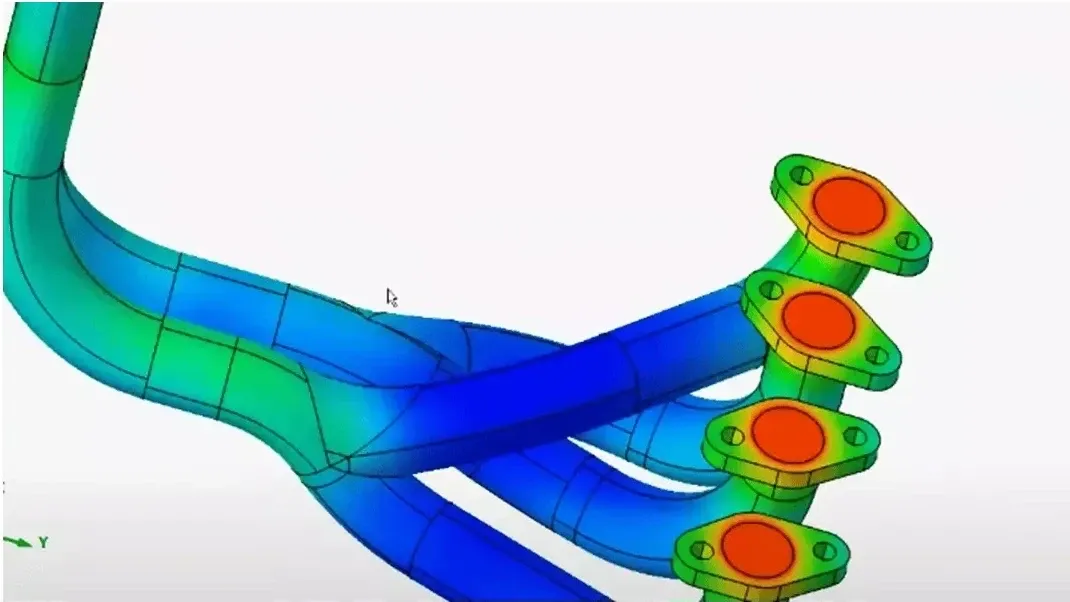
How to Use the Auto Contact Tool in Simcenter SimLab
Check out this tutorial on how to utilize the Auto Contact feature in Simcenter SimLab
Read ArticleFAQ
Frequently Asked Questions About Altair HyperWorks
What Is HyperWorks?
Altair HyperWorks is a computer-aided engineering (CAE) platform for simulation-driven design. It combines pre-processing (HyperMesh), structural solvers (OptiStruct, Radioss, SimSolid), optimization, multiphysics and AI tools in one environment so engineers can evaluate and improve products before manufacturing.
What Is Altair HyperWorks Used For?
Teams use HyperWorks to analyze stress, durability, vibration, crash and thermal behavior with finite element analysis, and to reduce weight with topology optimization. It is widely used in automotive, aerospace, heavy machinery, consumer products and manufacturing.
Is HyperWorks a CAD Software?
No. HyperWorks is a CAE platform that analyzes and improves designs created in CAD systems such as Siemens NX, Solid Edge, CATIA, Creo or SolidWorks. It imports CAD geometry and evaluates how the product behaves under real operating conditions.
Is HyperMesh Part of HyperWorks?
Yes. HyperMesh is the pre-processing and meshing environment inside HyperWorks. It cleans geometry and generates high-quality finite element meshes, which are essential for accurate results.
How Much Does HyperWorks Cost?
HyperWorks is licensed with Altair Units, a token-based model, so cost depends on the number of concurrent users and which applications you run. Most teams start with a small Units pool and grow it. Request a HyperWorks quote for a proposal sized to your team.
What Is the Difference Between OptiStruct and SimSolid?
OptiStruct is a traditional, mesh-based solver with full control over elements, nonlinear physics and optimization. SimSolid is meshless and works directly on CAD for fast design studies. Read our guide: SimSolid vs HyperMesh and OptiStruct.
Is There a HyperWorks Free Trial?
Yes. TrueInsight arranges guided 30-day trials of HyperWorks, HyperMesh and SimSolid, including installation help and a kickoff session. Request your free trial.
Is HyperWorks Difficult to Learn?
Not with the right onboarding. With structured training and workflow setup, engineering teams typically run useful simulations within weeks. TrueInsight provides custom HyperWorks training from first models to advanced optimization.
Related Pages
More Altair Simulation Software
Altair Software OverviewThe complete Altair portfolio, now part of SiemensGet Started
Ready to Take the Next Step With HyperWorks?
Get a guided trial, a live demo on your own geometry or an Altair Units quote sized to your team.
- Authorized Siemens & Altair Partner
- Expert Engineering Support
- Licensing Sized to Your Team