Authorized Siemens Channel Partner
Siemens PLM Software for CAD, Simulation and PLM
NX, Solid Edge, Simcenter, Teamcenter and Mendix from one engineering partner. TrueInsight helps you choose the right Siemens Xcelerator tools, license them efficiently and get your team productive fast.
Overview
What Is Siemens Digital Industries Software?
Siemens Digital Industries Software is the Siemens business that develops engineering and manufacturing software, the portfolio many engineers still call Siemens PLM Software. It covers the whole product lifecycle: CAD to design a product, simulation to prove it, CAM and process planning to build it, and PLM to manage every revision along the way.
Siemens itself is a global technology company spanning energy, infrastructure, automation, mobility and digitalization. In engineering and manufacturing it is best known for software that helps companies design products, validate performance, plan manufacturing, manage product data and collaborate across teams.
The portfolio is sold under the Siemens Xcelerator banner, an open set of software, services and integrations that share data through common foundations such as the Parasolid geometry kernel and JT visualization format. In 2025 Siemens introduced the Designcenter brand for its design tools, so you will now see names like Designcenter NX and Designcenter Solid Edge. The software, file formats and workflows you know are unchanged.
- One Vendor for CAD, CAE, CAM, PLM and Low-Code, With Shared Data Standards
- Adopt One Tool at a Time; Every Product Also Works in Mixed-Vendor Environments
- Licensing, Onboarding and Support From an Authorized Siemens Channel Partner
Capabilities
Core Siemens Engineering Applications
Integrated tools for design, simulation, manufacturing and lifecycle management that share one data model, so work done in one stage is reused in the next instead of being recreated.
Product Design & CAD
Create precise 3D models, assemblies and engineering drawings with NX and Solid Edge, from early concepts to fully detailed, manufacturing-ready designs.
Siemens CAD SoftwareSimulation & Performance Engineering
Evaluate structural, thermal and fluid behavior with the Simcenter portfolio to optimize performance and cut the number of costly physical prototypes.
Simcenter SimulationProduct Lifecycle Management
Teamcenter connects engineering teams, product data and processes in one environment with version control, change management and a digital thread.
Teamcenter PLMManufacturing Engineering
NX CAM programs CNC machines from the design model, while Tecnomatix simulates production lines, robotics and assembly before equipment is installed.
NX CAMMultiphysics Systems Simulation
Simcenter Amesim models multi-domain systems, combining mechanical, electrical, hydraulic and thermal behavior before physical prototypes exist.
Digital Twin & Digital Thread
CAD, simulation and lifecycle data stay linked, creating a continuous digital thread so a design change flows from concept to production.
Siemens CAD
Siemens CAD Software: NX and Solid Edge
Siemens builds two professional CAD systems on the same Parasolid kernel and the same synchronous technology. The right one depends on product complexity, manufacturing scope and how your team manages data.
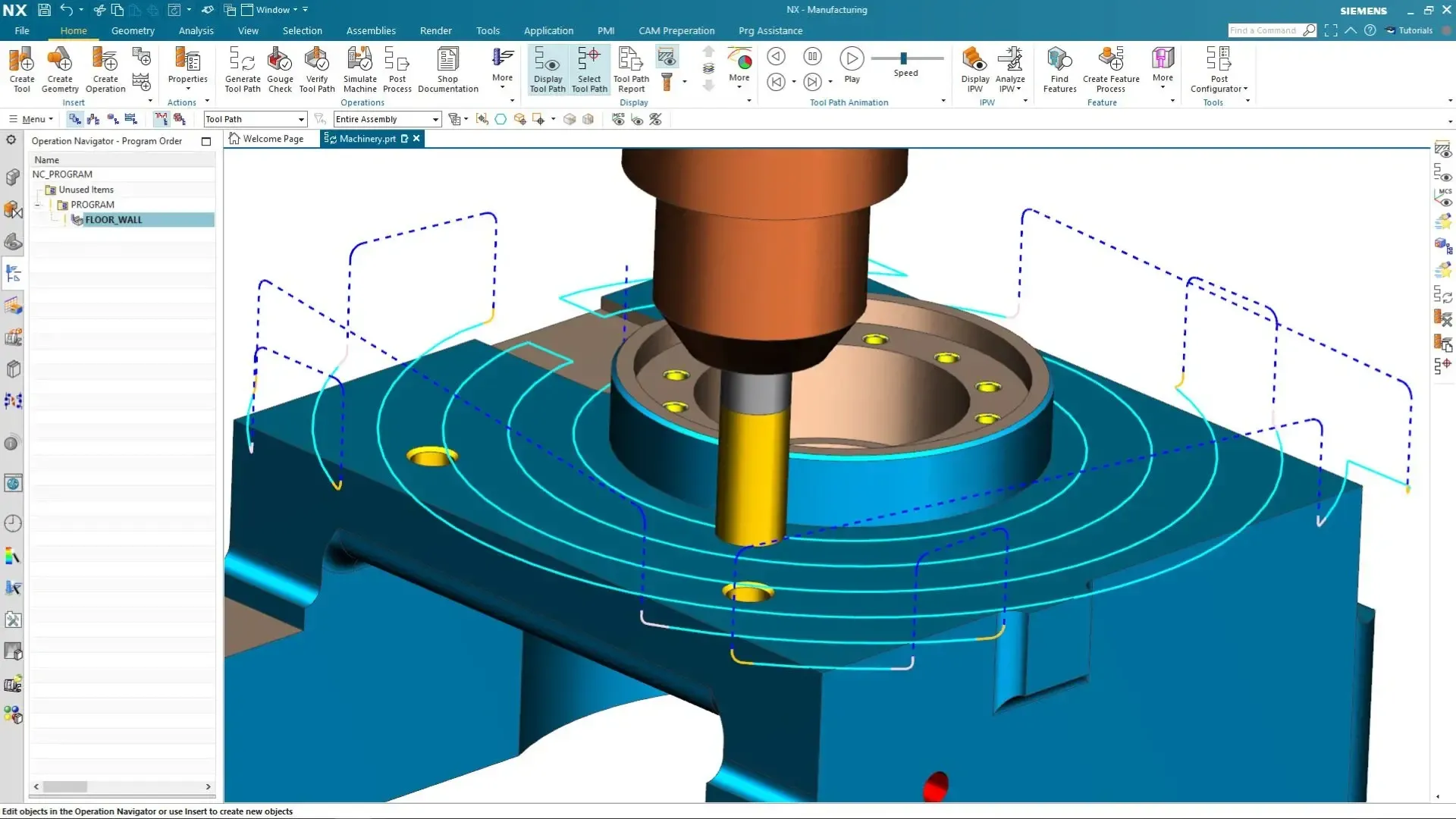
Integrated CAD/CAM/CAE
Siemens NX
The flagship platform for complex products: advanced surfacing, very large assemblies, routing, generative design, NX CAM and Simcenter simulation in one associative environment. Licensed on the desktop or as NX X on a cloud subscription.
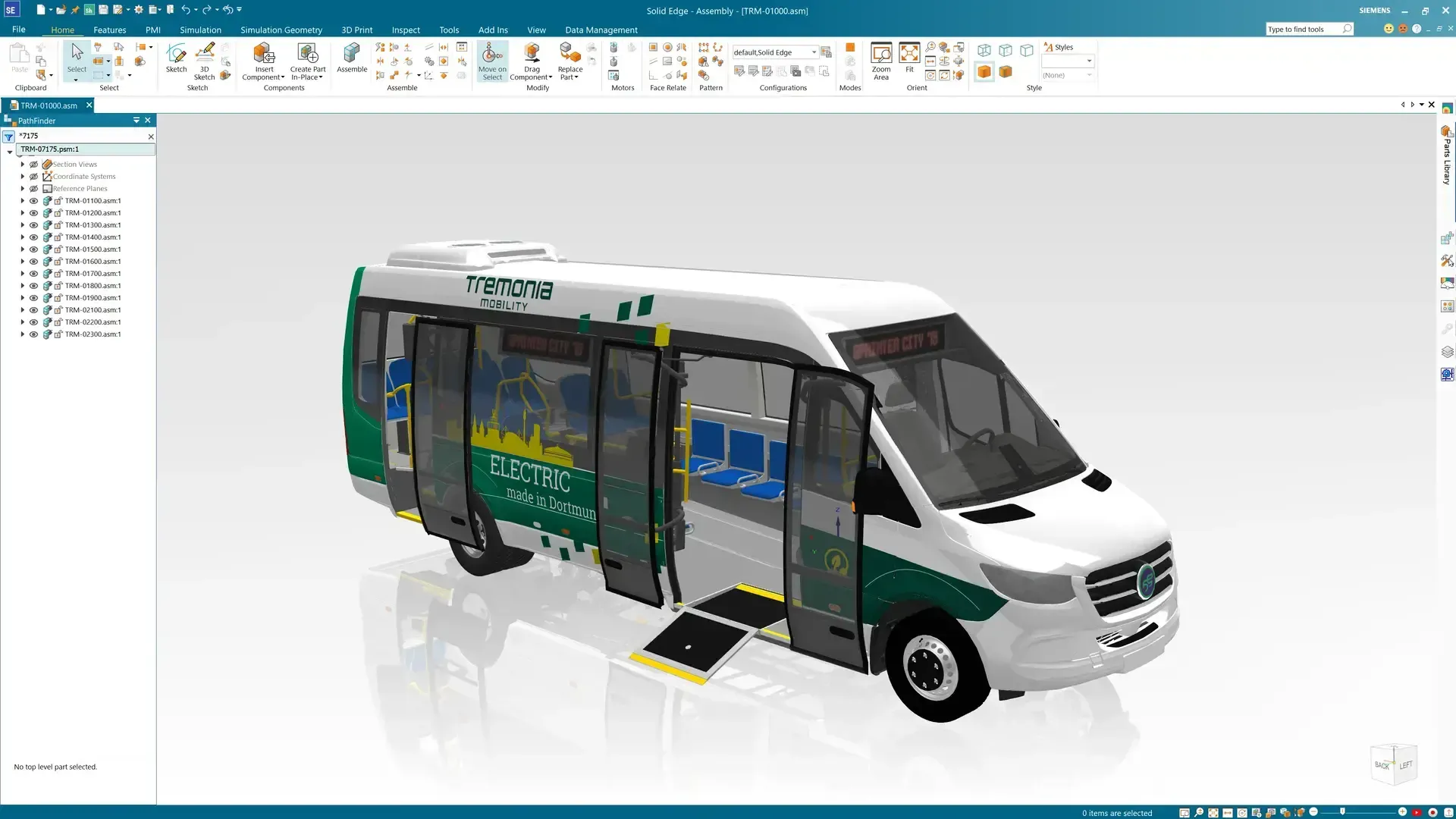
Mainstream 3D CAD
Solid Edge
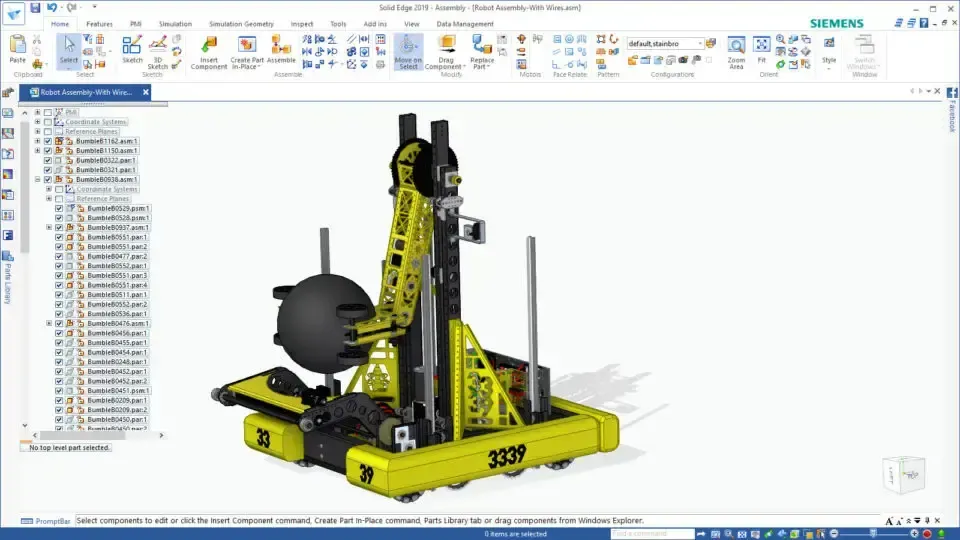
Fast, approachable 3D CAD for machinery, sheet metal, frames and consumer products, with synchronous technology for quick edits to native and imported models, built-in simulation and a free Community Edition for hobbyists.
| Criteria | Siemens NX | Solid Edge |
|---|---|---|
| Typical users | Enterprise and advanced engineering teams building complex, highly engineered products | Small and mid-sized teams designing machinery, equipment and consumer products |
| Modeling | Parametric, synchronous, convergent (mesh + B-rep) and freeform surfacing | Ordered (history-based) and synchronous modeling, sheet metal, frames and surfacing |
| Manufacturing | NX CAM for 2.5- to 5-axis milling, turning, mill-turn, additive and inspection | Solid Edge CAM Pro, built on NX CAM technology, plus additive manufacturing preparation |
| Simulation | Integrated Simcenter structural, thermal, motion and flow analysis | Built-in structural, thermal and motion simulation, with FloEFD for CFD |
| Data management | Teamcenter or Teamcenter X; NX X adds cloud data management | Built-in Solid Edge data management or Teamcenter integration |
| Licensing | Desktop Licenses (Node-Locked or Floating) or an NX X Subscription | Commercial tiers plus a free Community Edition for non-commercial use |
Many companies run both: NX for advanced programs and manufacturing, Solid Edge for mainstream mechanical design. Our guide explains how simulation users get more from Solid Edge and NX.
Simcenter Simulation
Simcenter Simulation Software
Simcenter is Siemens’ simulation and test portfolio: structural FEA, CFD, system simulation and physical testing that feed one digital twin of your product.
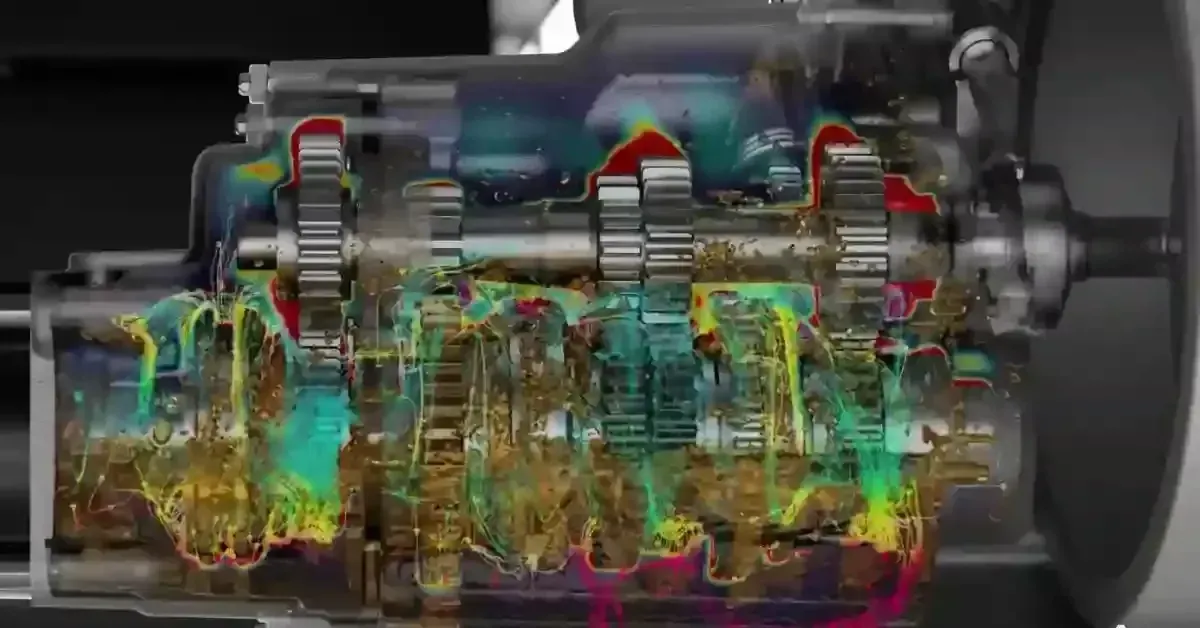
FEA · CFD · Systems · Test
Simcenter Portfolio
Simcenter 3D, Simcenter Nastran, Amesim and Testlab for structural, thermal, acoustic and system-level performance engineering.
Explore Simcenter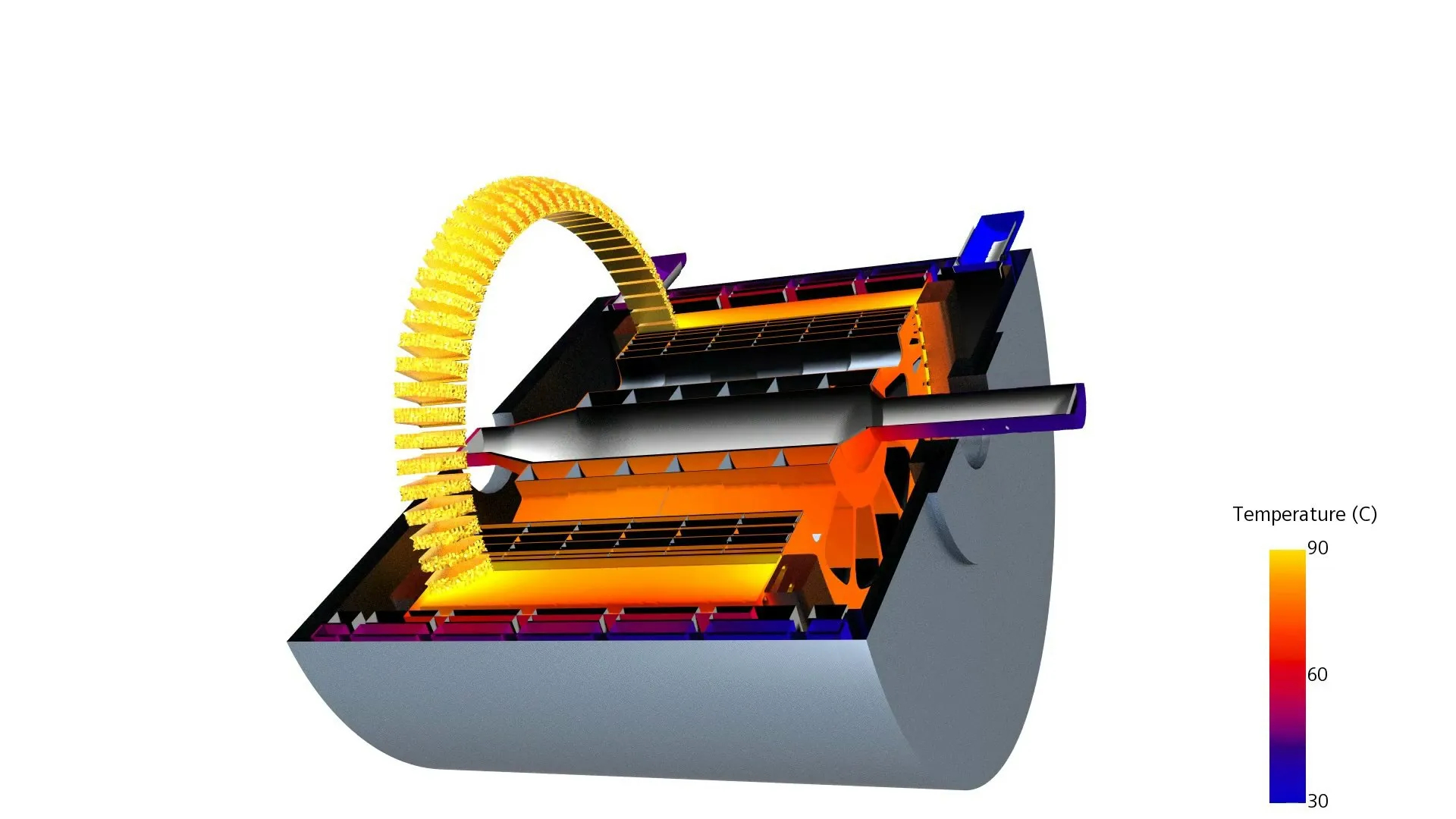
Multiphysics CFD
Simcenter STAR-CCM+
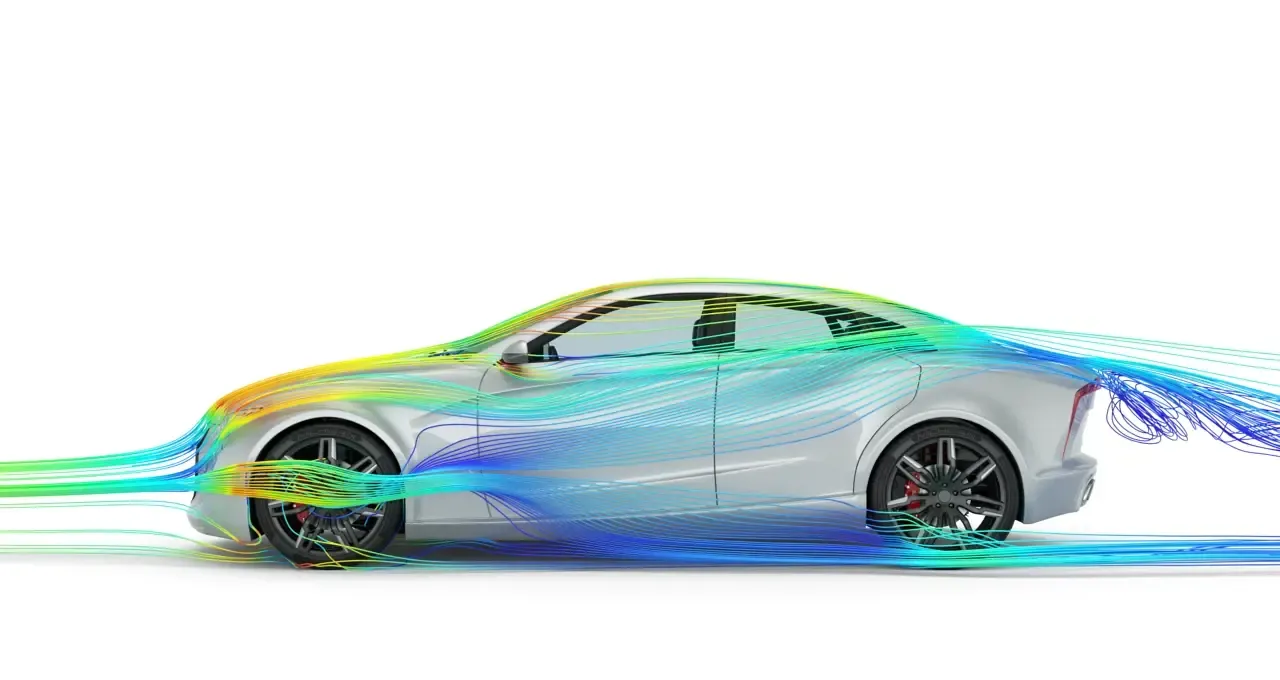
Automated meshing, multiphysics CFD and design exploration for aerodynamics, thermal management, battery cooling and fluid-structure interaction.
Explore STAR-CCM+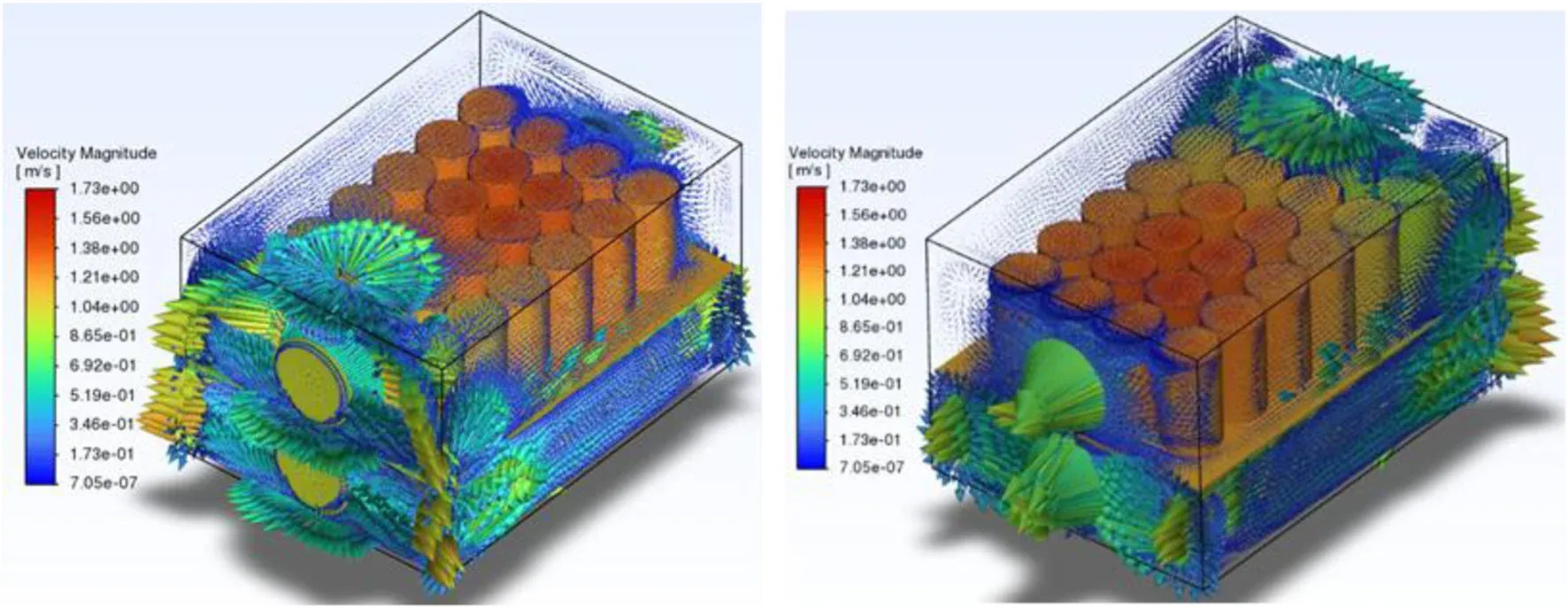
CAD-Embedded CFD
Simcenter FloEFD
Flow and heat transfer analysis inside NX, Solid Edge, CATIA V5 and Creo, so designers check airflow and cooling without leaving CAD.
FloEFD DetailsSimcenter 3D and Simcenter Nastran handle structural, thermal, motion and acoustic analysis on the same geometry your designers build in NX. Since Siemens acquired Altair in 2025, tools such as HyperMesh, OptiStruct and SimSolid now carry the Simcenter name, giving Siemens customers best-in-class meshing, optimization and meshless analysis.
Choosing between FEA and CFD, or between STAR-CCM+ and FloEFD? Start with FEA vs CFD explained or getting to know Simcenter FloEFD.
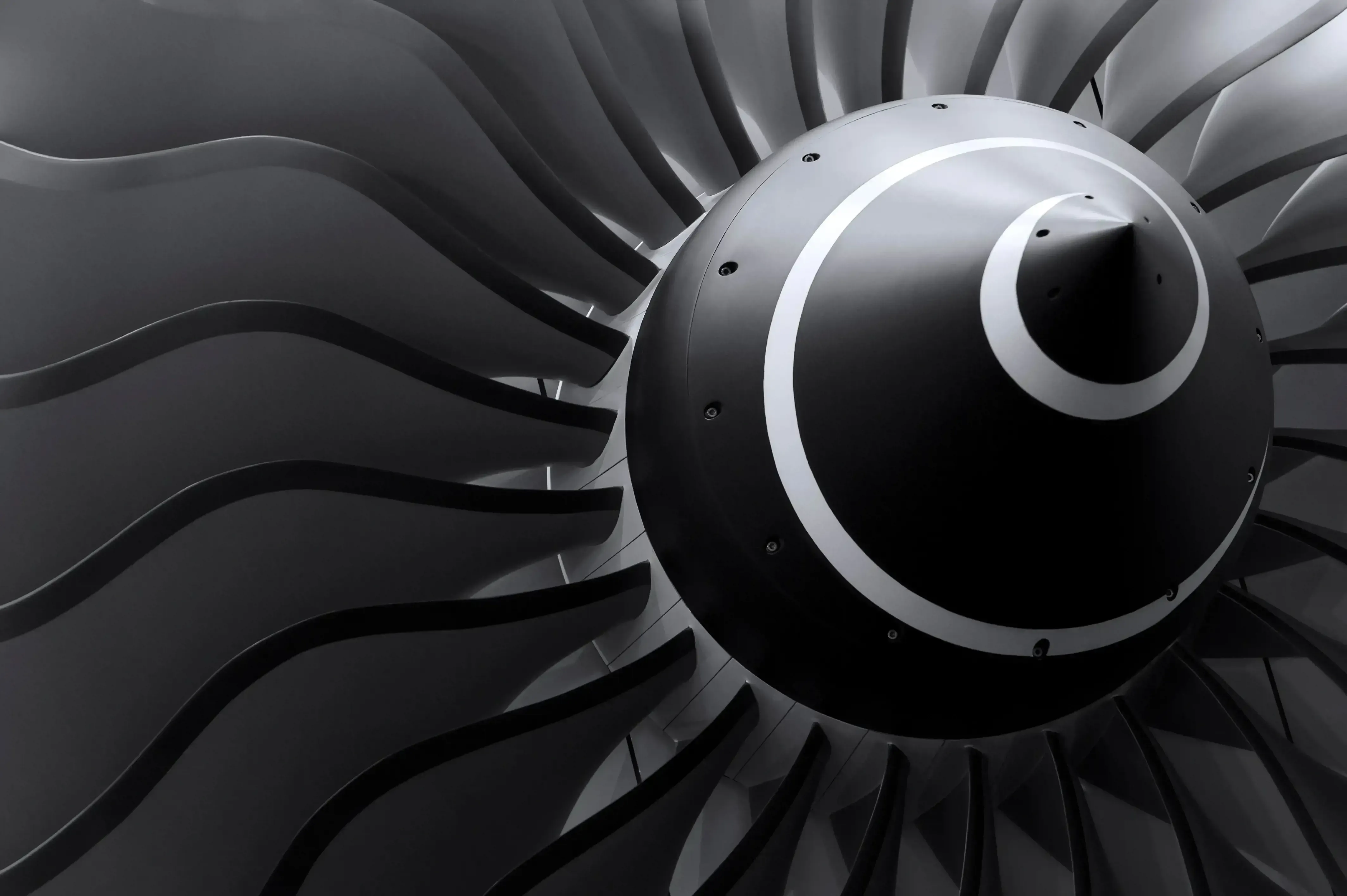
Simcenter STAR-CCM+
See Heat, Flow and Stress Before You Build
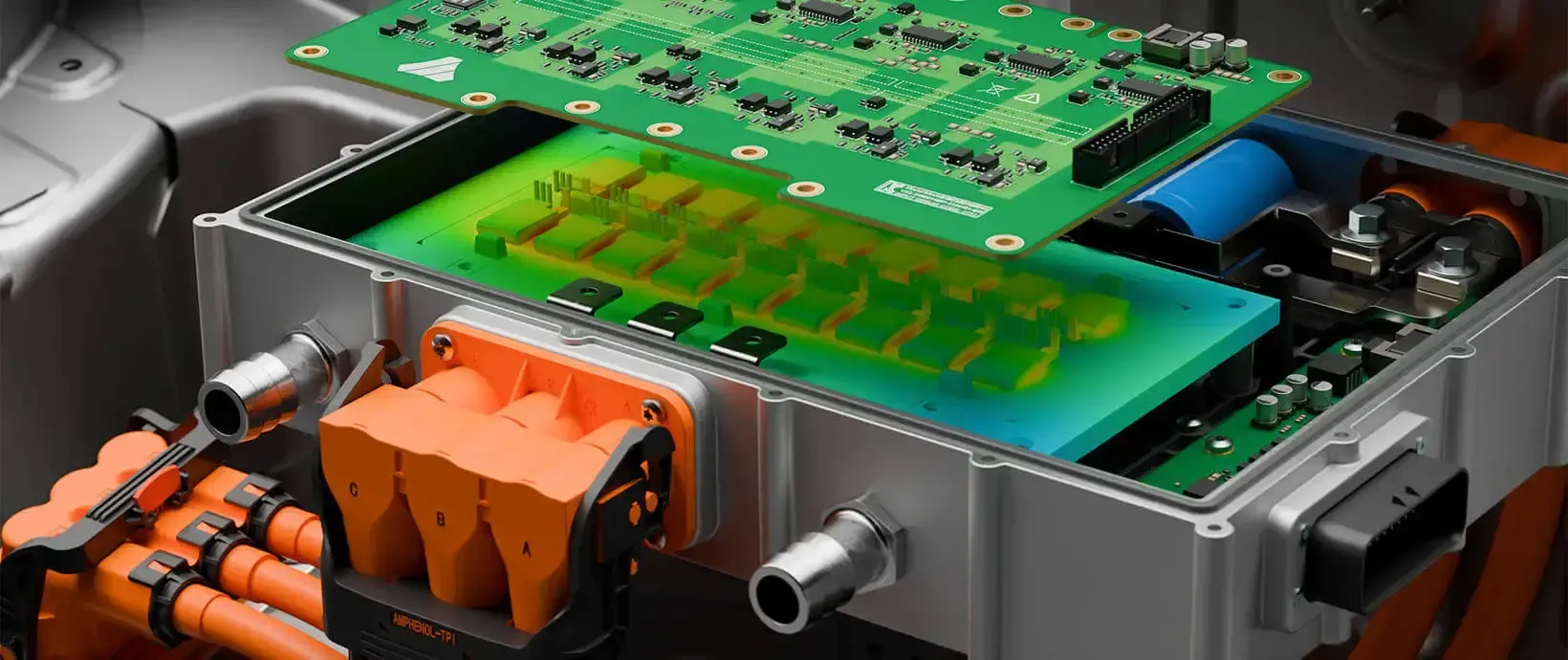
Couple fluid flow, heat transfer and structural response in one model to size cooling, cut weight and catch failure modes while the design is still digital.
Teamcenter
Teamcenter PLM
Teamcenter is Siemens’ product lifecycle management platform. It manages CAD data, revisions, bills of materials, configurations and engineering change in one governed environment, so design, simulation, manufacturing and service teams work from the same source of truth.
It works in mixed-CAD environments with NX, Solid Edge and other major CAD systems, and it runs on premises or as Teamcenter X, the software-as-a-service edition that removes server administration from your IT team’s plate.
- CAD Data Management and Revision Control for NX, Solid Edge and Other CAD
- Multi-Level BOM Management and Product Configuration
- Engineering Change, Workflows and Approvals With Full Traceability
- Cloud Deployment With Teamcenter X, or on Premises
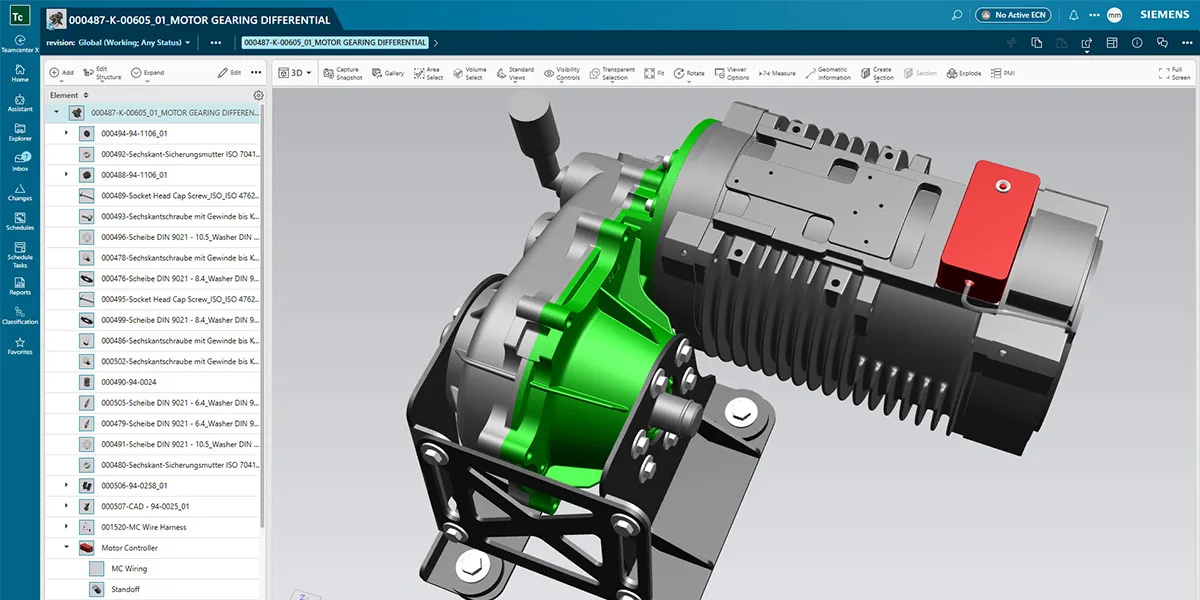 NX + Teamcenter · Gearbox Structure
NX CAM & Tecnomatix
NX CAM Manufacturing Software
NX CAM programs CNC machines directly from the NX design model, so toolpaths update when engineering releases a change instead of being rebuilt from a translated file. It covers 2.5-axis to 5-axis milling, turning, mill-turn, wire EDM, additive and hybrid manufacturing, and robotic machining.
Feature-based machining automates programming of common features, G-code-driven machine simulation catches collisions before the first chip, and postprocessors are built for your actual machines. For plant-level planning, Tecnomatix simulates production lines, robotics and assembly processes to optimize strategies and accelerate time to market.
- 2.5- to 5-Axis Milling, Turning and Mill-Turn Programming
- Integrated G-Code-Driven Machine Simulation and Verification
- Templates and Feature-Based Machining for Consistent Programs
- Tecnomatix for Production Line, Robotics and Assembly Simulation
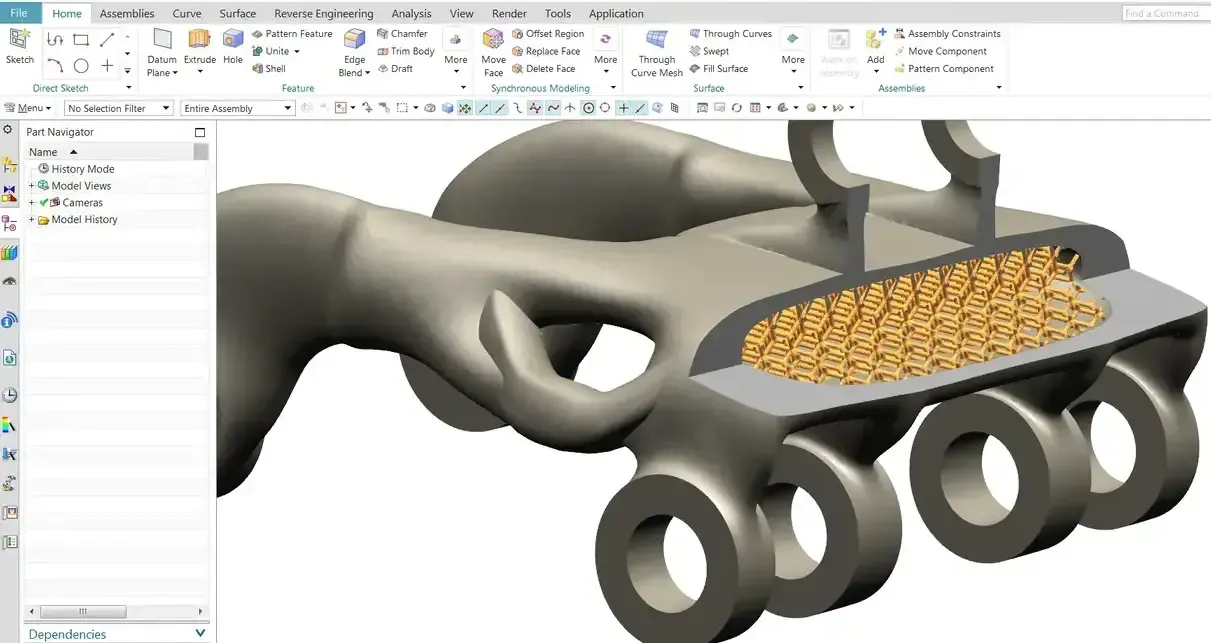 NX CAM · Programming Review
Mendix
Mendix Low-Code Platform
Mendix is Siemens’ low-code platform for building web and mobile applications with visual models instead of hand-written code. Engineering and operations teams use it to replace spreadsheets, paper forms and email approvals with governed internal apps, digitizing operational workflows quickly.
Because Mendix is part of Siemens Xcelerator, apps can connect to Teamcenter, manufacturing systems and enterprise data: a shop-floor inspection app, a supplier portal or an engineering change-request tracker. TrueInsight helps you scope the first app and connect it to the data your teams already rely on.
- Visual, Model-Driven Development for Web and Mobile Apps
- Digitize Inspections, Approvals and Shop-Floor Workflows
- Connect Apps to Teamcenter and Enterprise Data
- Cloud or On-Premises Deployment
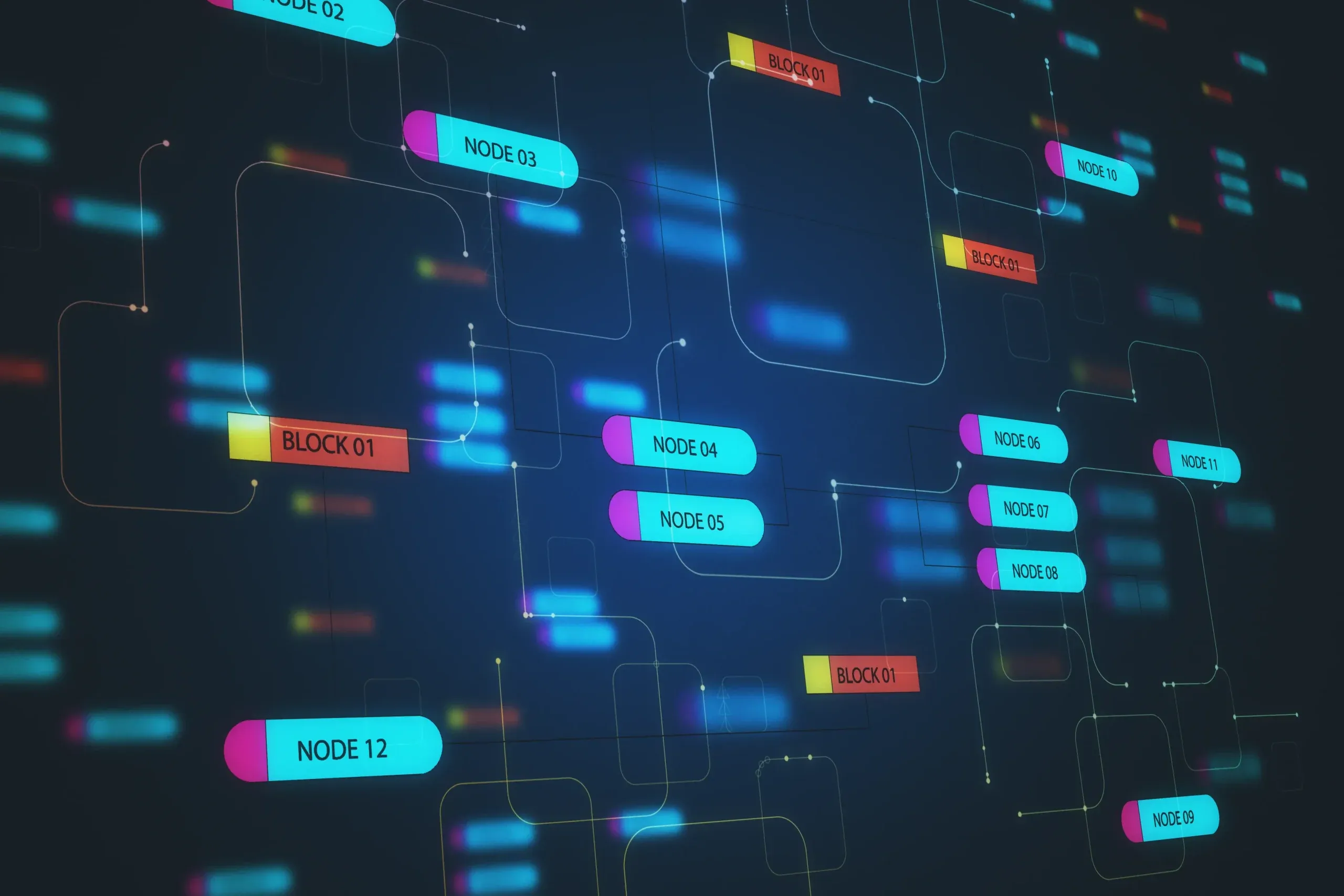 Mendix · Workflow App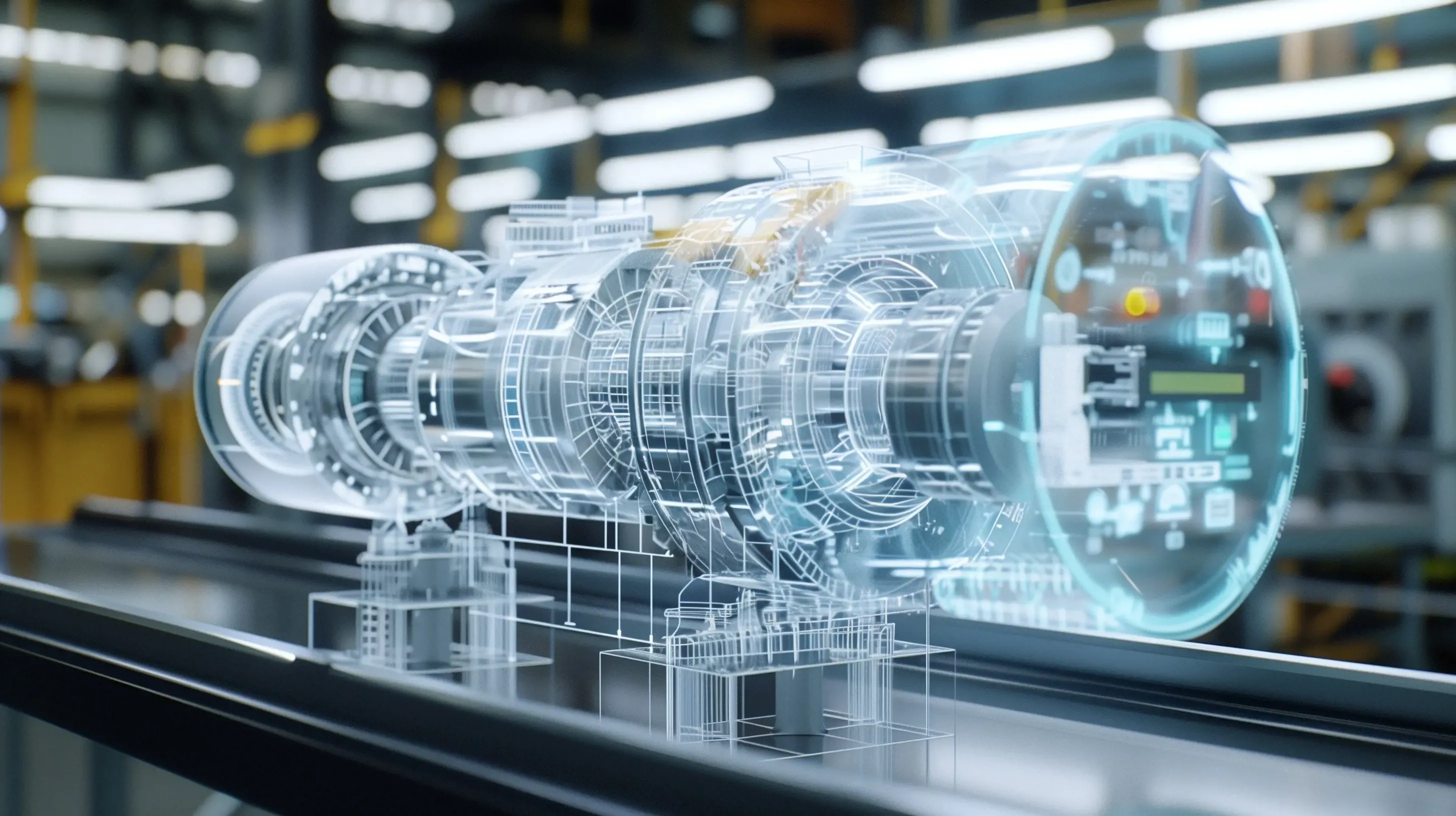
Digital Twin & Digital Thread
One Digital Thread From Concept to Production
Siemens connects CAD, simulation, manufacturing and lifecycle data, so a design change flows through analysis, toolpaths and documentation instead of being re-entered at every handoff.
Applications
Siemens Software in Real Engineering Programs
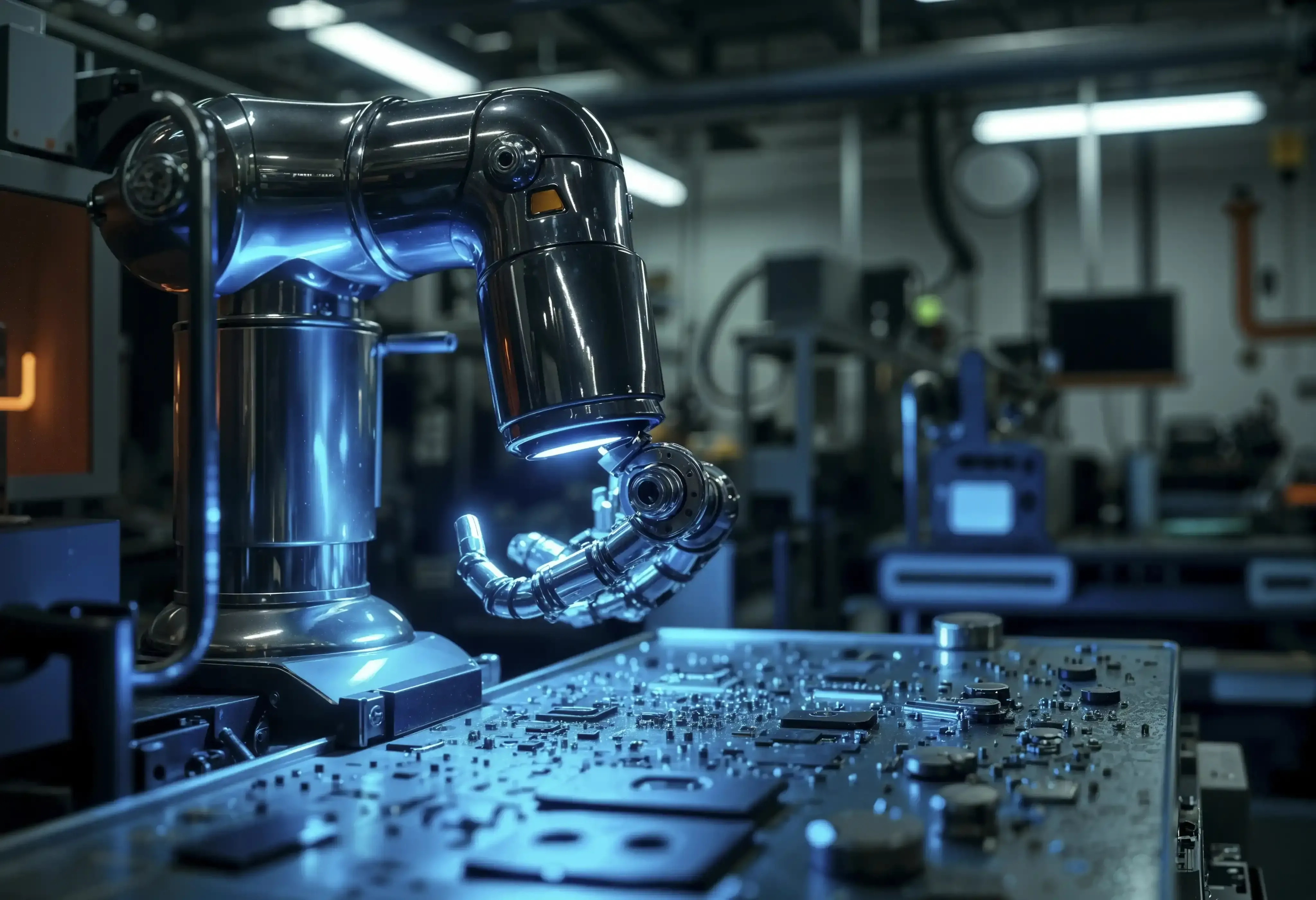
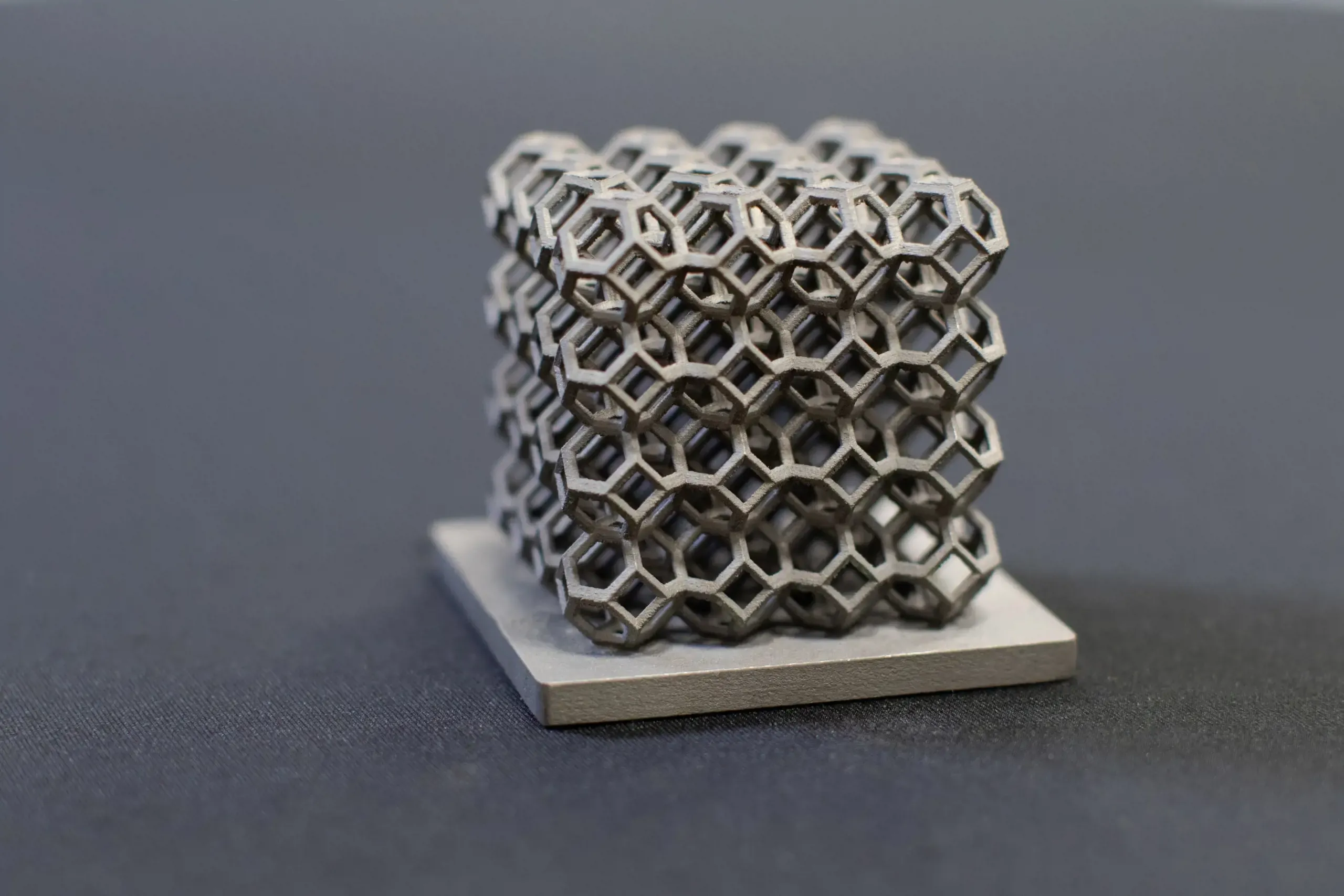
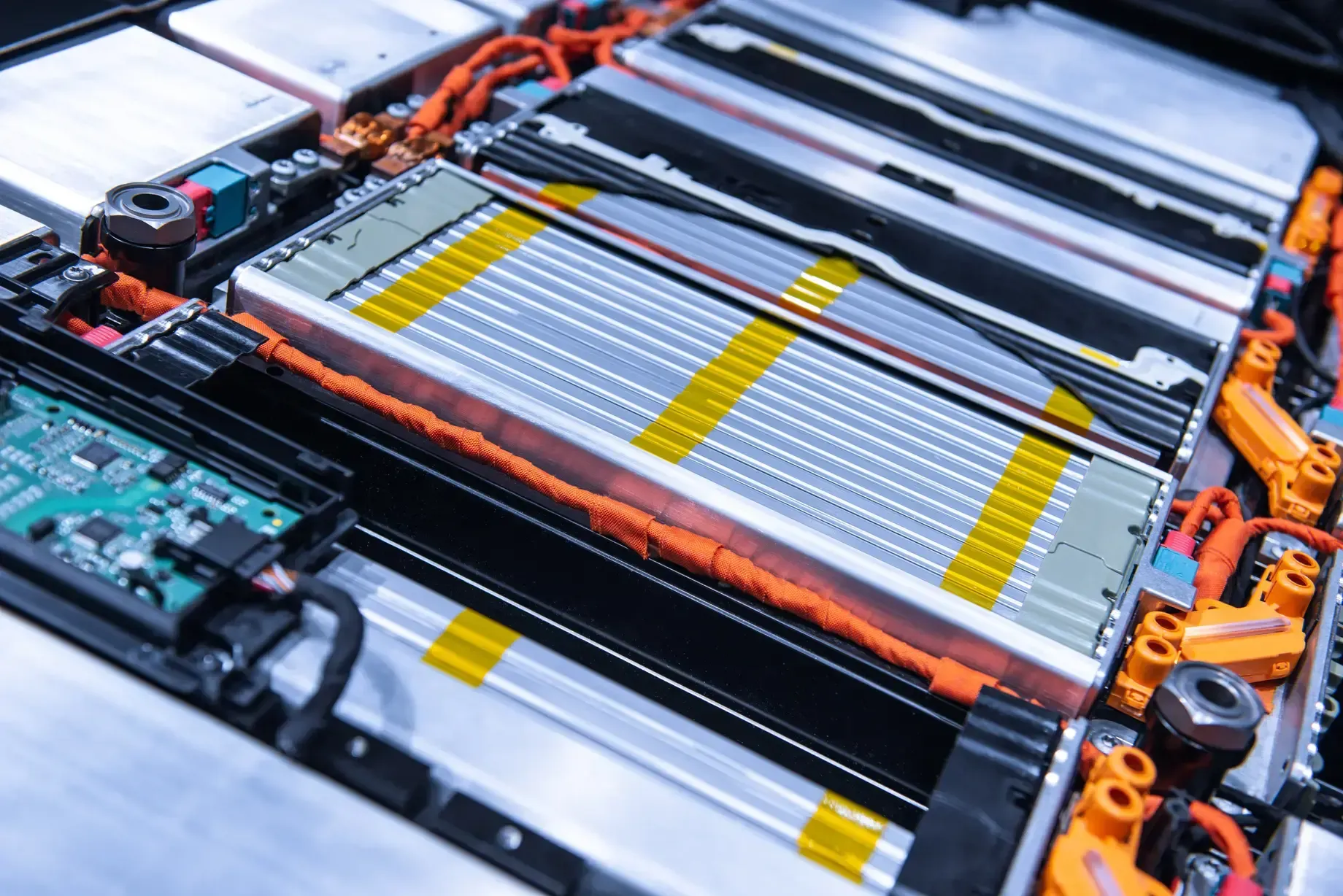
From machined gears and additive lattices to vehicle aerodynamics and electronics cooling, Siemens tools carry products from the first sketch to the shop floor.
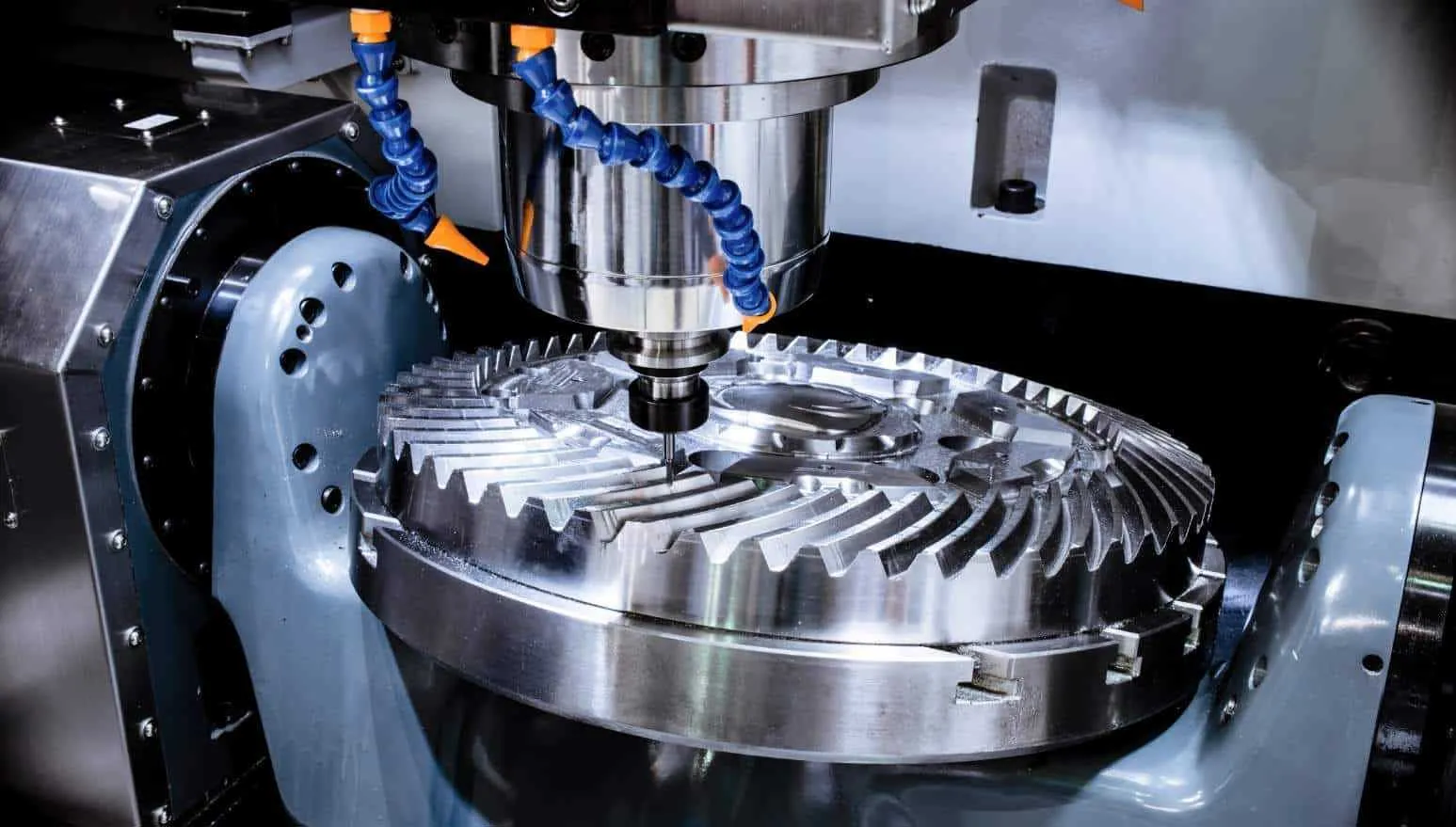
Licensing & Support
Siemens Licensing and Support From TrueInsight
TrueInsight supports Siemens customers well beyond procurement. We help you choose the right modules and license model, deploy with practical standards and keep workflows moving when deadlines hit.
- License Guidance for Desktop, Floating, Subscription and SaaS Options Such as NX X and Teamcenter X
- Installation, License Server Setup and Upgrade Planning
- Onboarding and Training Built Around Your Own Parts and Workflows
- Fast Answers From Application Engineers Instead of Ticket Queues
- Phased Rollouts That Add Tools Without Replacing What Already Works
Read more about Siemens licensing and support, see how Siemens software pricing works, or explore our engineering services and training.
Get Siemens Software Pricing
Tell us what you design and we’ll recommend the right Siemens modules and license model.
Thanks, Your Request Is In
An application engineer will follow up with next steps.
Implementation
Faster Implementations and Dedicated Support
Most teams adopt Siemens tools in phases. This is the sequence we use to help engineering teams deploy, configure and scale Siemens software without disrupting active programs.
Pilot a Target Workflow
Start with one real workflow, such as a part family, a CAM program or a change process, and prove the value on your own data.
Set Minimal Standards
Agree on templates, naming and what stays the source of truth before the tools spread across teams and sites.
Train on Your Use Case
Hands-on sessions use your parts and assemblies, so engineers learn the commands they will use every day.
Scale and Measure
Roll out to more users, products and sites while measuring time saved and rework reduced at each step.
- Siemens and Altair software solutions under one partner
- 160+
- Year NX, Solid Edge and Teamcenter joined Siemens with the acquisition of UGS
- 2007
- Siemens portfolios we sell and support: NX, Solid Edge, Teamcenter, Simcenter and Mendix
- 5
FAQ
Frequently Asked Questions About Siemens Software
What Is Siemens PLM Software?
Siemens PLM Software is the former name of Siemens Digital Industries Software, the Siemens business that develops engineering and manufacturing software. Today the term usually means the whole portfolio: NX and Solid Edge for CAD, Simcenter for simulation, NX CAM and Tecnomatix for manufacturing, Teamcenter for product lifecycle management and Mendix for low-code apps.
Is Siemens Digital Industries Software the Same as Siemens PLM?
Yes. Siemens PLM Software was renamed Siemens Digital Industries Software in 2019. The products, support channels and partner network stayed the same; the new name reflects a portfolio that now reaches beyond PLM into electronics design, manufacturing operations and low-code development.
What Is Siemens Software?
Siemens makes software for both factory automation and product engineering. Automation tools such as TIA Portal program PLCs and drives. The Digital Industries Software portfolio, which TrueInsight sells and supports, is used to design, simulate, manufacture and manage products. If you are evaluating NX, Solid Edge, Simcenter, Teamcenter or Mendix, you are in the right place.
Can We Adopt Siemens Tools Without Replacing Everything?
Yes. Most teams roll out in phases, for example adding Simcenter or Teamcenter alongside existing CAD, or moving one product line to NX first. We map integration points early and agree on what stays the source of truth, so new tools add value without disrupting active programs.
When Does Teamcenter Become Necessary?
When file-based processes create bottlenecks in revisions, collaboration and traceability, especially across multiple teams, products, sites or suppliers. If engineers spend time hunting for the latest revision or rebuilding BOMs by hand, it is time to look at Teamcenter PLM.
STAR-CCM+ vs FloEFD: How Do We Pick?
It depends on complexity, coupling needs and where CFD lives in your process. FloEFD runs inside your CAD system and suits design engineers who need fast flow and thermal answers while they iterate. Simcenter STAR-CCM+ is a specialist multiphysics environment for complex, coupled problems. We recommend the best fit after reviewing your workflow.
Do You Provide Siemens Licensing and Support?
Yes. As an authorized Siemens channel partner, TrueInsight guides selection and licensing based on your agreement model, then provides installation help, onboarding and technical support to accelerate adoption. Learn about Siemens licensing and support.
What Does a Successful Siemens Rollout Look Like?
Pilot a target workflow, set minimal standards and templates, train on your own use case, then scale while measuring time saved and rework reduced. Teams that follow this sequence typically see value on real projects within weeks instead of waiting for a big-bang deployment.
Related Pages
Explore the Siemens Software Portfolio
CAE Software FinderCompare 39 Altair and Siemens tools by challengeGet Started
Ready to Build Your Siemens Software Stack?
Tell us what you design and how you build it. We’ll recommend the right mix of NX, Solid Edge, Simcenter and Teamcenter, with licensing sized to your team.
- Authorized Siemens & Altair Partner
- Expert Engineering Support
- Licensing Sized to Your Team