Free 15-Minute Live Demo
Book a Free Simulation Software Demo
Discover how Siemens and Altair platforms help teams design, simulate and deliver better products faster, in a live session with an application engineer built around your parts and questions.
- Live, 15-Minute Walkthrough With an Application Engineer
- Built Around Your Part, Assembly or Workflow
- Time for Your Technical and Licensing Questions
- Free for Engineering Teams
Authorized Channel PartnerSiemens & Altair software
Request a Free Demo
Fill out the form to get a free, 15-minute presentation and see Siemens and Altair software in action.
Thanks, Your Request Is In
An application engineer will follow up with next steps.
Products We Demo
See Siemens and Altair Software in Action
Pick a product or describe the problem, and we will show the workflow that fits: CAD, CAM, PLM, structural FEA or CFD.
Not Sure Which Tool? Use the Solution Finder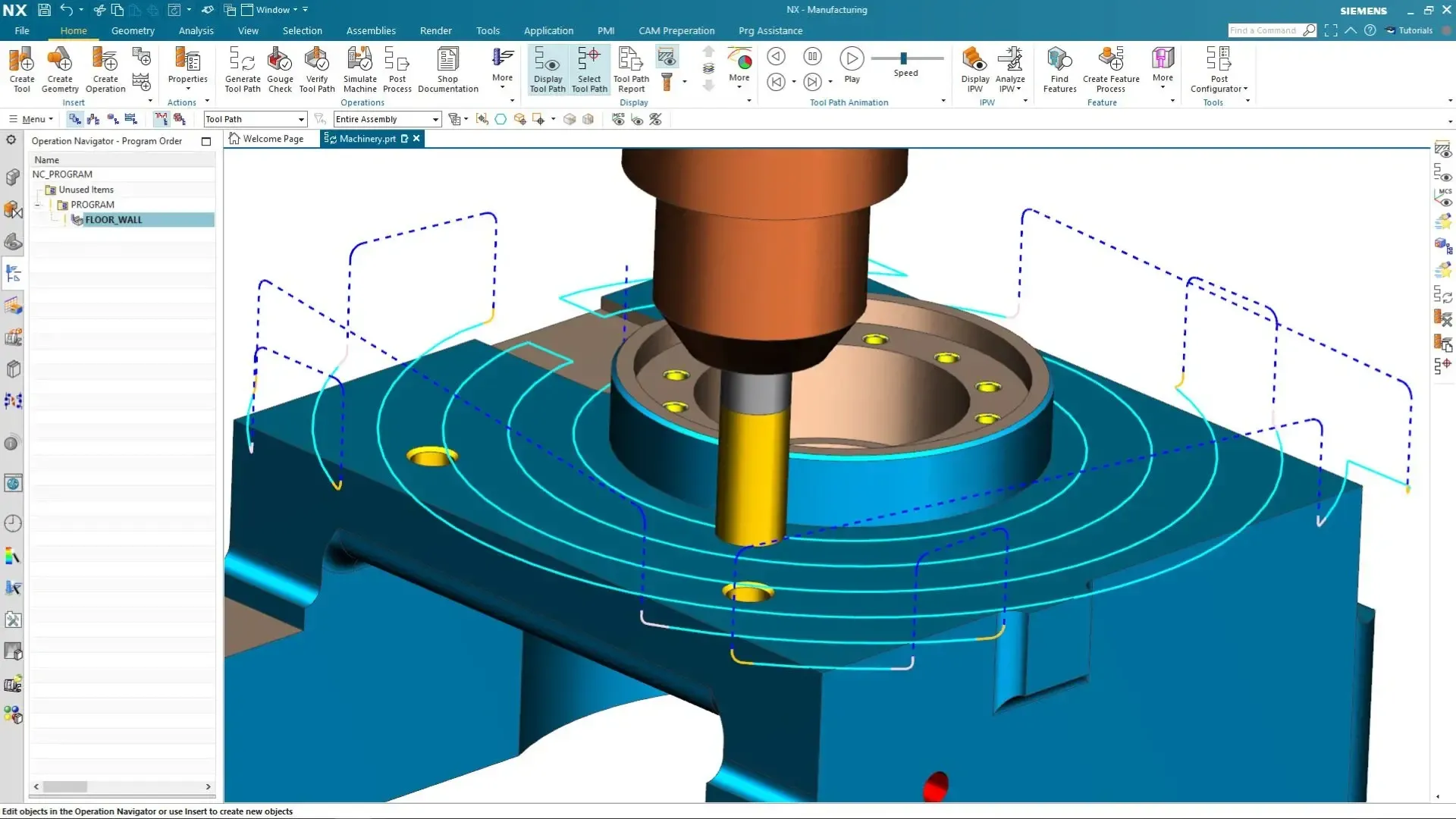
Siemens · CAD/CAM/CAE
Siemens NX
Integrated modeling, NX CAM toolpaths and simulation on one model, for complex product development.
Explore Siemens NX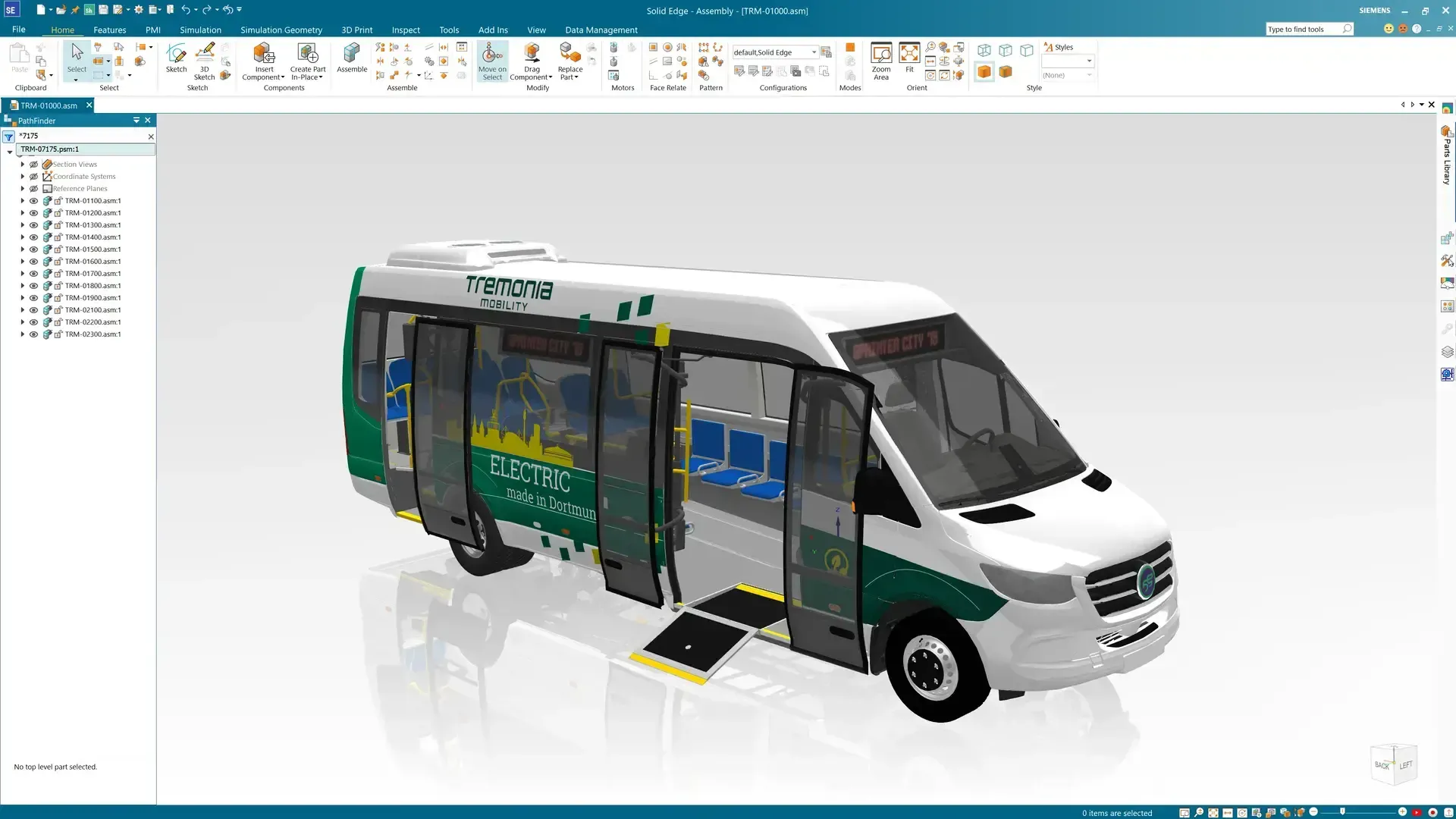
Siemens · 3D CAD
Solid Edge
Synchronous modeling, large assemblies, sheet metal and drawings for mechanical design teams.
Explore Solid Edge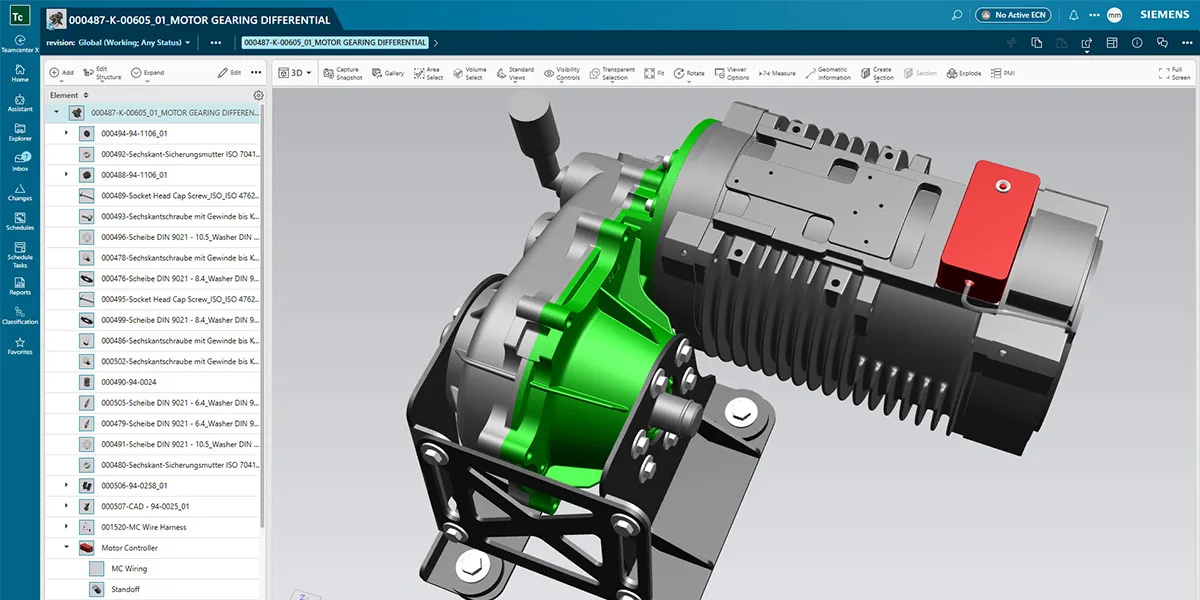
Siemens · PLM
Teamcenter
CAD data, BOMs, revisions, change and workflows managed in one digital thread.
Explore Teamcenter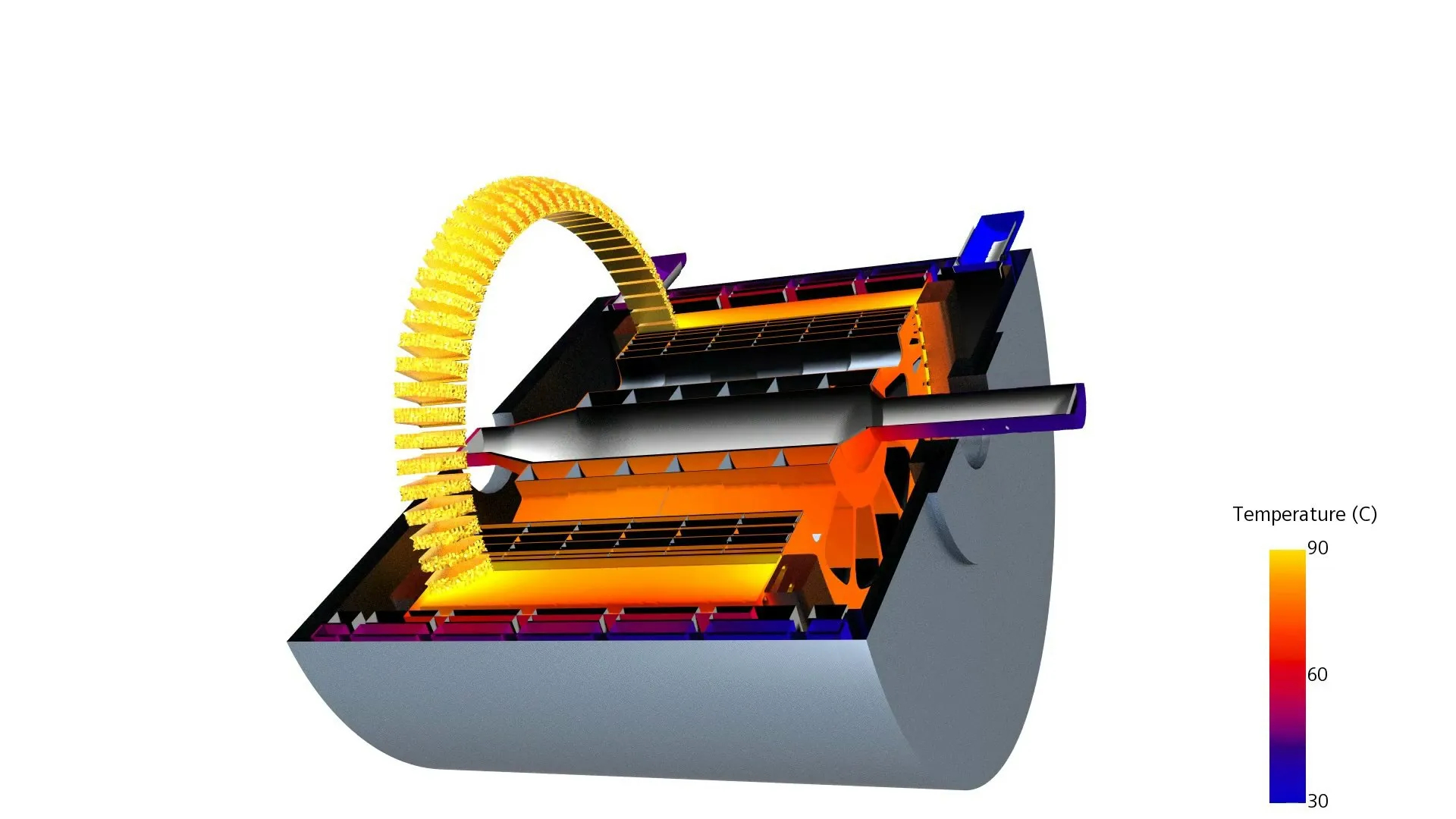
Siemens · CFD
Simcenter STAR-CCM+
Multiphysics CFD for aerodynamics, thermal management and battery cooling.
Explore STAR-CCM+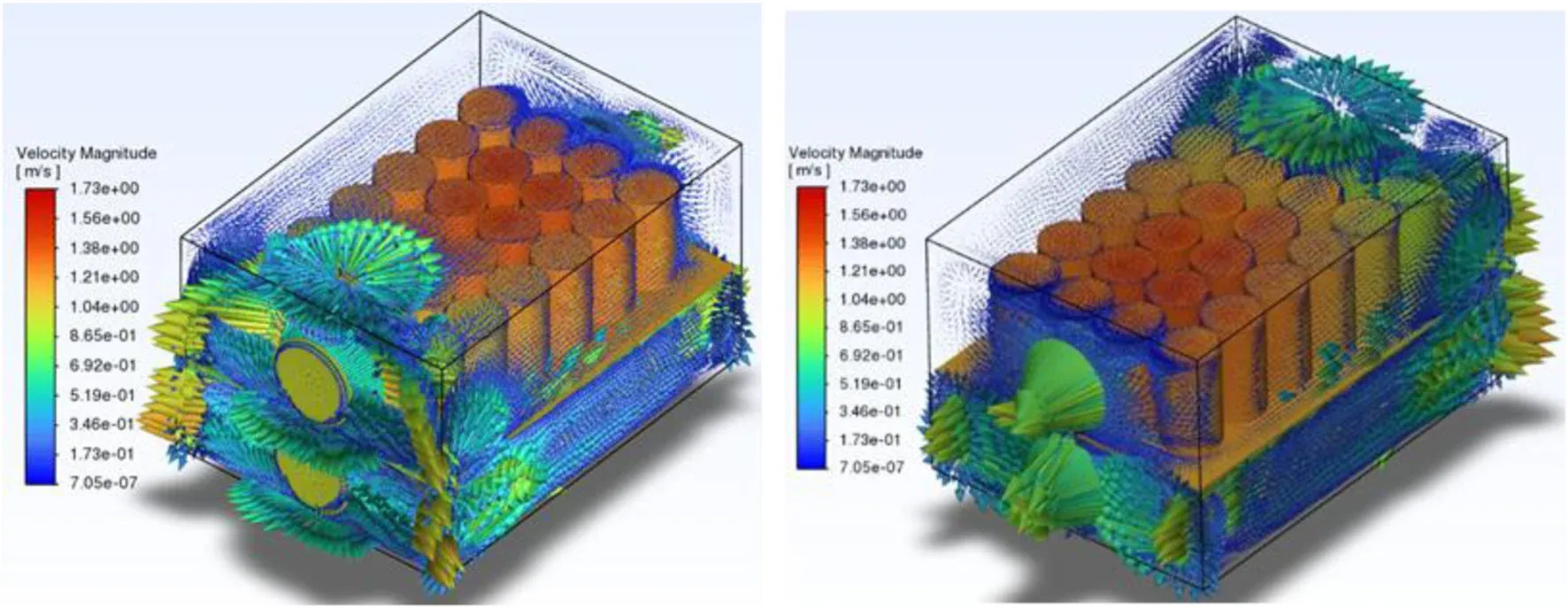
Siemens · Simulation
Simcenter Portfolio
CAD-embedded CFD with FloEFD, Simcenter 3D FEA, system simulation and test.
Explore Simcenter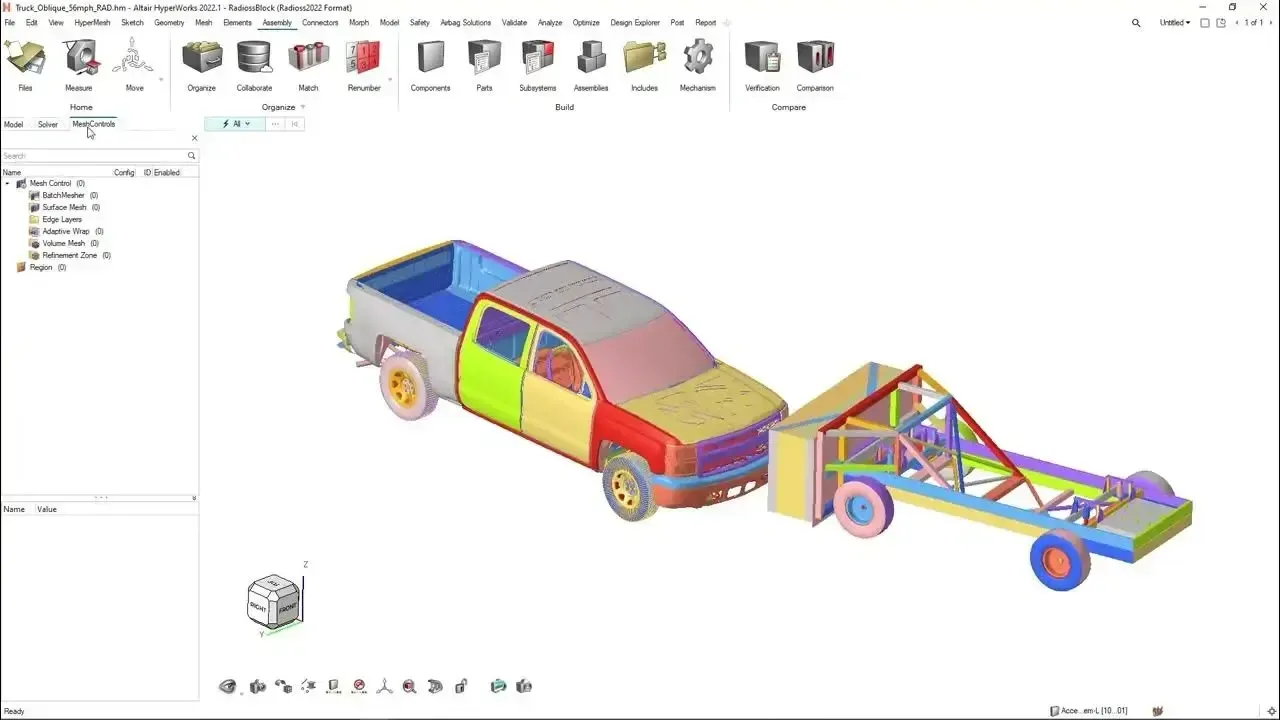
Altair · CAE Platform
Altair HyperWorks
FEA, optimization and crash with HyperMesh, OptiStruct, SimSolid and Radioss on one license.
Explore HyperWorks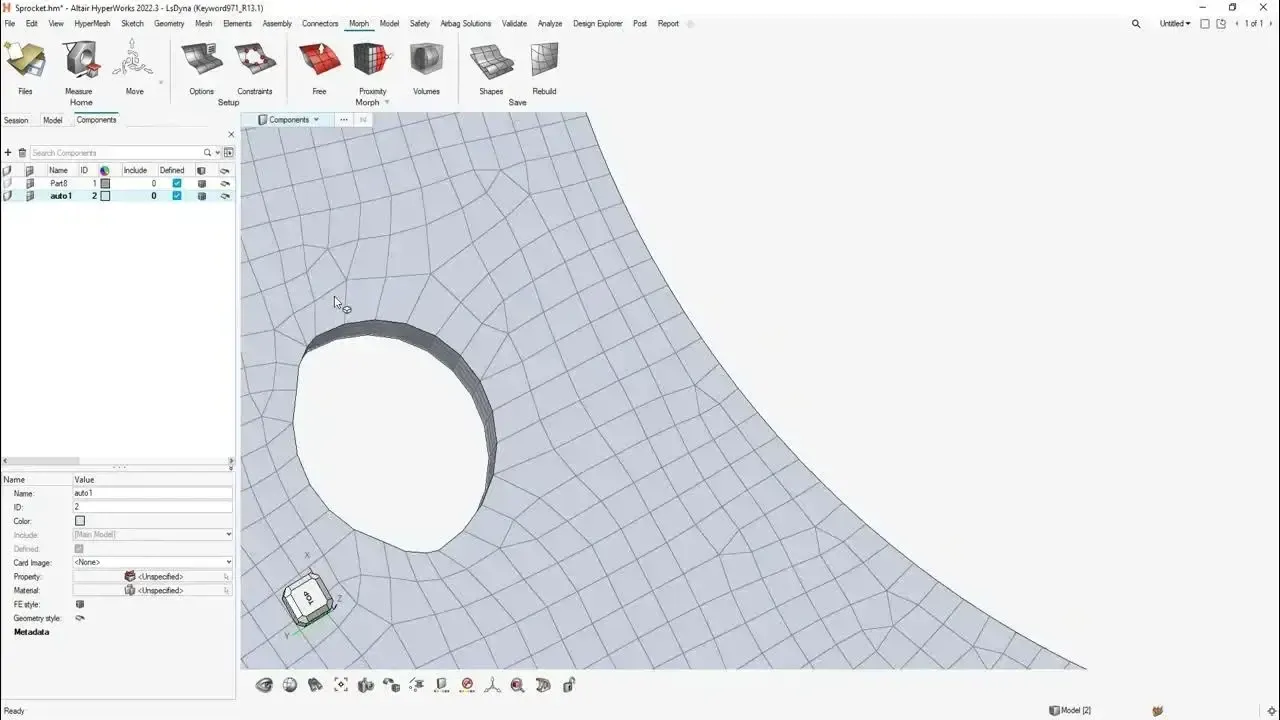
Altair · Meshing
Altair HyperMesh
High-quality meshing, geometry cleanup and model setup for large, complex assemblies.
Explore HyperMesh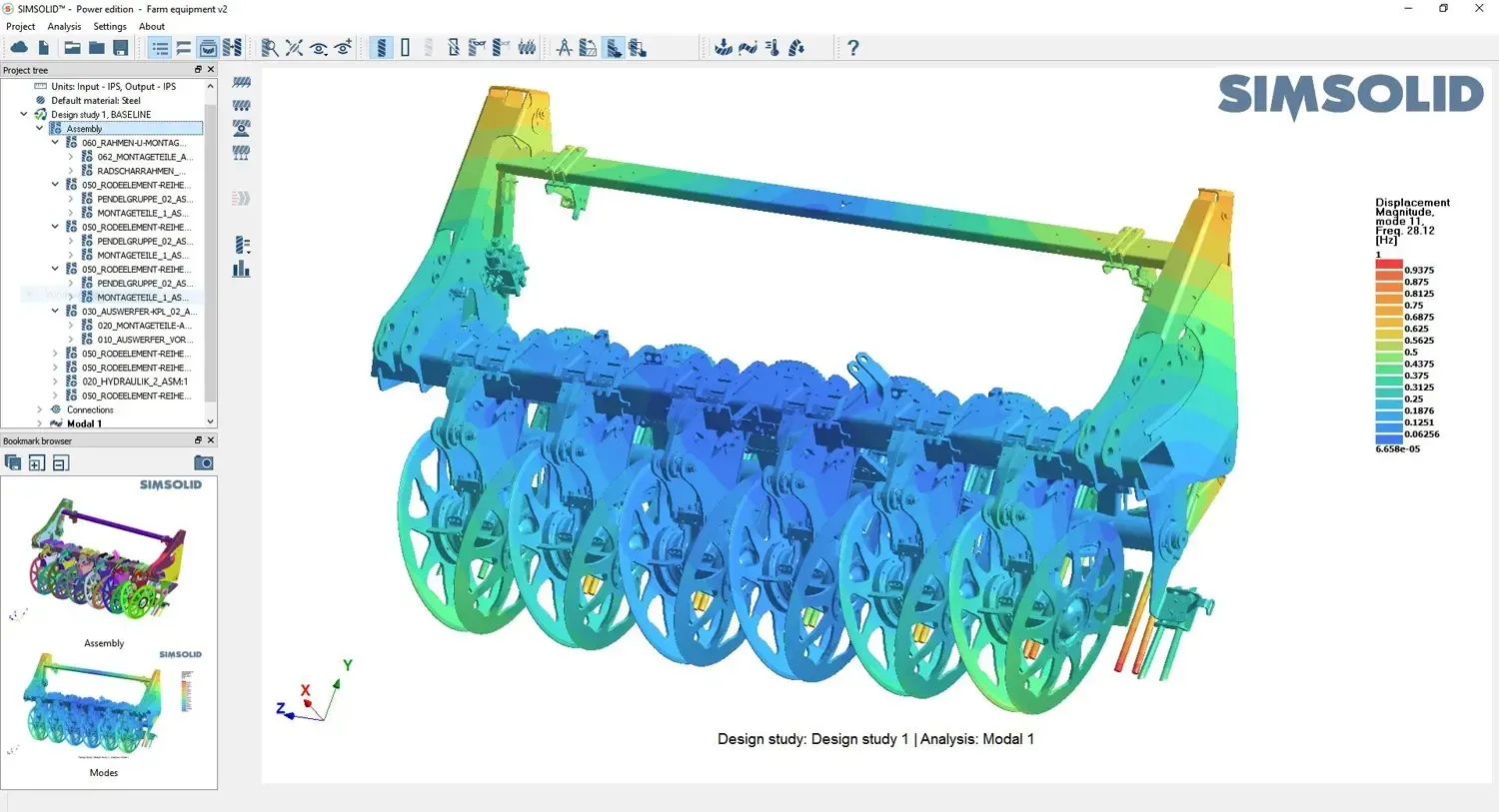
Altair · Meshless FEA
Altair SimSolid
Structural analysis directly on full CAD assemblies, with no defeaturing or meshing.
SimSolid DetailsTailored to Your Workflow
Demos Built Around Your Engineering Problem
Generic slideware can’t tell you whether a tool fits. We align every demo to what you build and what you need to validate, so the 15 minutes answer real engineering questions.
Bring one representative part or assembly, your goals for accuracy and turnaround time, and the outputs you need to trust. New to simulation? Read FEA vs CFD or SimSolid vs HyperMesh before your session.
- A Representative Part or Assembly From Your Product
- Your Accuracy and Turnaround-Time Goals
- The Results and Outputs Your Team Needs to Trust
- Your Current CAD, CAE and Data Management Tools
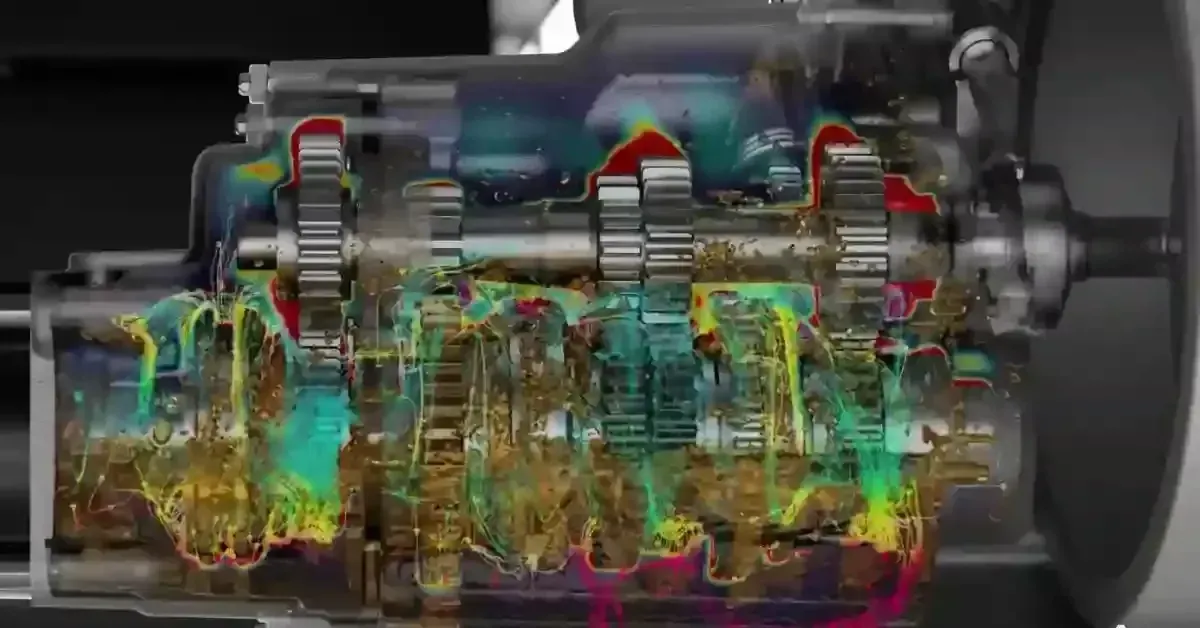 Live Session · Your Geometry
How It Works
What to Expect in Your Demo
A short, focused session with an application engineer, not a sales script. Here is how it works from request to next steps.
Request Your Demo
Tell us which software you are evaluating and what you want to see. Add notes about your parts, physics or workflow.
We Confirm the Focus
An application engineer follows up to schedule a time and, if useful, collect a sample model.
Your Live 15-Minute Session
See the workflows that matter to you, run live, with time for technical and licensing questions.
Next Steps on Your Terms
Go deeper with a free 30-day trial, a pilot on your parts or a quote sized to your team.
Who It’s For
Who Should Request a Demo
Demos work best for teams with a real design or simulation question, whether you are buying your first seat or standardizing across sites.
Engineering Teams
Evaluating new CAD, CAE or PLM tools, adding capacity, or replacing an existing design or simulation platform.
Product Designers
Who want to test ideas earlier with CAD-embedded simulation instead of waiting on a specialist or a prototype.
Simulation Specialists
Comparing solvers, meshing workflows and licensing for structural FEA, CFD and multiphysics work.
Manufacturing Engineers
Checking NX CAM toolpaths, casting, molding or additive workflows before tooling is committed.
Engineering Leaders
Building a business case to improve product development processes, data management and time to market.
Startups & Small Teams
Exploring startup packages and first-time adoption pricing alongside the right-sized toolset.
Compare Options
Demo vs Free Trial: Which Is Right for You?
Short on time or still shortlisting? Start with a demo. Ready to test the software on your own projects? Go straight to a guided trial.
| Consideration | Live Demo | Free Trial |
|---|---|---|
| Time Required | About 15 minutes, live | Typically 30 days, at your own pace |
| Who Drives | An application engineer runs the software | Your engineers work hands-on |
| Your Own Models | Yes, bring a representative part or assembly | Yes, test on your real projects |
| Setup | None, just join the session | Installation on your workstation, with our help |
| Best For | Shortlisting tools and quick technical questions | Validating fit, performance and workflow before buying |
| Cost | Free | Free |
| Typical Next Step | A free trial, a pilot or a quote | Licensing options, bundles or startup programs |
Why Companies Choose TrueInsight
Engineering Expertise That Drives Better Product Development
Engineering teams rely on TrueInsight to implement powerful software solutions and streamline their product development workflows.
TrueInsight combines certified engineering expertise with industry-leading platforms from Siemens and Altair. Our application engineers bring deep experience in CAD, simulation and product lifecycle management, guiding teams through evaluation, implementation and optimization. Beyond licensing, we support implementation, configuration and training so your team adopts the technology efficiently. Every engineering environment is different, which is why we tailor solutions to yours.
- Authorized Siemens and Altair Channel Partner
- Application Engineers Who Use These Tools on Real Projects Every Day
- Implementation, Training and Engineering Services
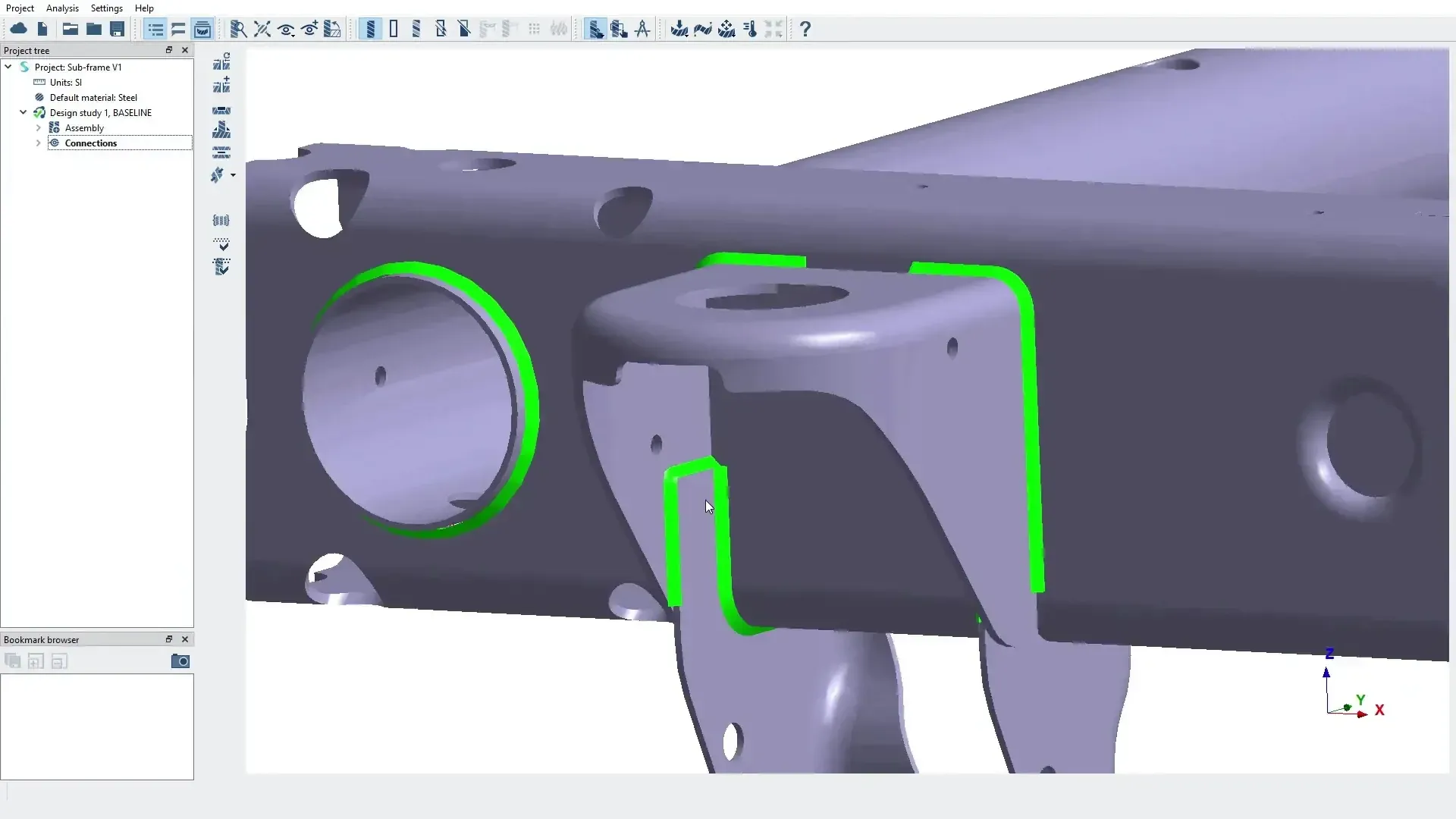 Application Engineering
FAQ
Frequently Asked Questions About Software Demos
Is the Demo Really Free?
Yes. The demo is completely free and lasts approximately 15 minutes. It is designed to show how the software works and how it can fit your engineering workflows.
Who Should Request a Demo?
Engineering teams, product designers, simulation specialists and companies looking to improve their product development processes, whether you are evaluating your first CAE tool or replacing an existing platform.
How Long Does a Software Demo Take?
The standard demo is a focused, 15-minute live session with time for questions. If you need a deeper technical evaluation afterward, we can schedule a follow-up or set up a guided free trial.
Can the Demo Use Our Own CAD Models?
Yes. Bring one representative part or assembly, your goals for accuracy and turnaround time, and the outputs you need to trust. We will align the demo to that workflow. If the geometry is confidential, a similar non-sensitive part works just as well.
What Is the Difference Between a Demo and a Free Trial?
A demo is a live session where an application engineer shows the software working on problems like yours. A free trial gives your engineers hands-on access, typically for 30 days, with installation help from our team. Many teams start with a demo, then move to a trial.
What Software Solutions Does TrueInsight Provide?
We provide advanced engineering software solutions including CAD, simulation, PLM and low-code platforms from Siemens and Altair, such as Siemens NX, Teamcenter, Simcenter STAR-CCM+ and Altair HyperWorks.
Do You Provide Implementation Support?
Yes. Our engineers help companies evaluate, implement and integrate the software into their existing engineering processes, with installation, training and engineering services when you need extra capacity.
Can the Software Integrate With Our Current Tools?
Most platforms support integration with common engineering tools and enterprise systems to ensure a seamless workflow. For example, Simcenter FloEFD runs inside NX, Solid Edge, CATIA V5 and Creo, and Teamcenter manages CAD data, BOMs and change across teams. Bring your current toolchain to the demo and we will show how it fits.
How Quickly Can We Start Using the Software?
Depending on the platform and your requirements, deployment can happen quickly after evaluation and licensing. Our team handles installation, license setup and onboarding so your engineers become productive sooner.
Transform Your Engineering Workflow
See the Software in Action
Schedule a free 15-minute session with one of our application engineers and discover how these tools can improve your design and engineering workflows.
- Authorized Siemens & Altair Partner
- Expert Engineering Support
- Licensing Sized to Your Team