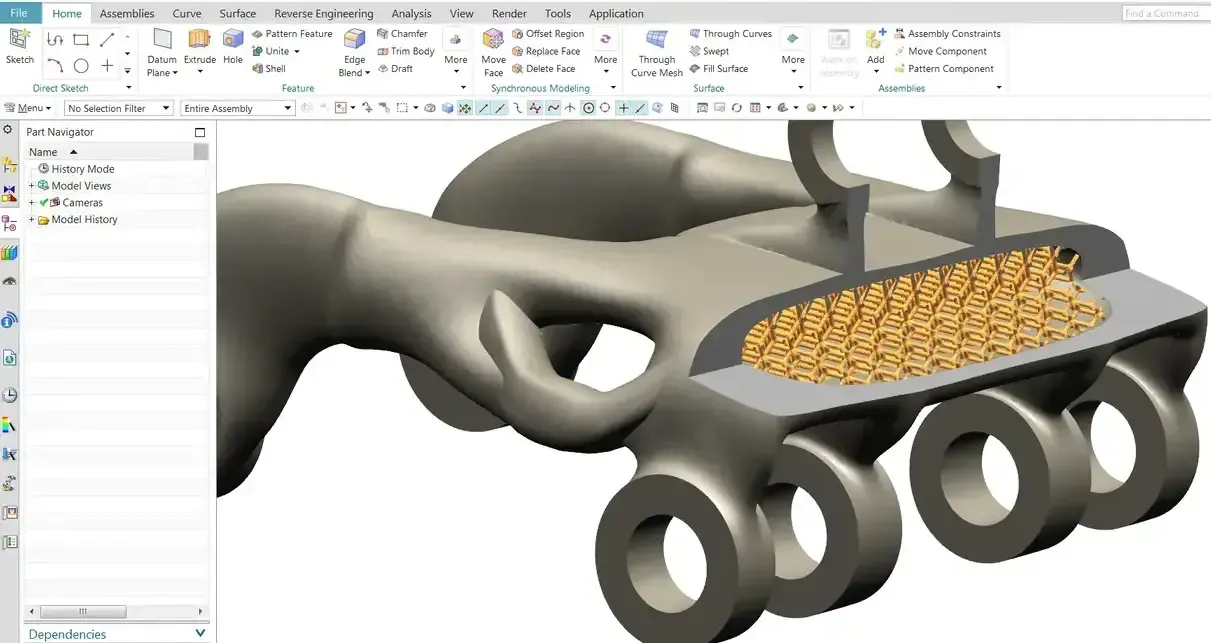
Design and Drafting
EntryBest for Part and assembly modeling with production drawings
- Part and Assembly Modeling
- Synchronous and Ordered Modeling
- 2D Drafting and Detailing
- Import and Edit Data From Other CAD Systems
Siemens Solid Edge · 3D CAD
Design, validate and prepare products for production faster, with synchronous technology that edits native and imported models directly instead of rebuilding feature trees.
 Solid Edge · Machine Assembly
Overview
Siemens Solid Edge is professional 3D CAD software for engineers and design teams who need fast, flexible and reliable product development tools. Teams use it to model parts and assemblies, produce production drawings, validate designs with simulation and prepare models for manufacturing.
Solid Edge combines intuitive modeling workflows with Synchronous Technology, which allows rapid design changes without the limitations of traditional history-based CAD. It is built on the same Parasolid geometry kernel as Siemens NX, opens and edits data from other CAD systems, and scales from a single designer to multi-site teams with built-in data management or Teamcenter.
With the 2026 release, Siemens brands the product Designcenter Solid Edge, and the cloud version Designcenter X Solid Edge. Same software, same file formats, new name, plus features shared with NX now that both live in the Designcenter family.
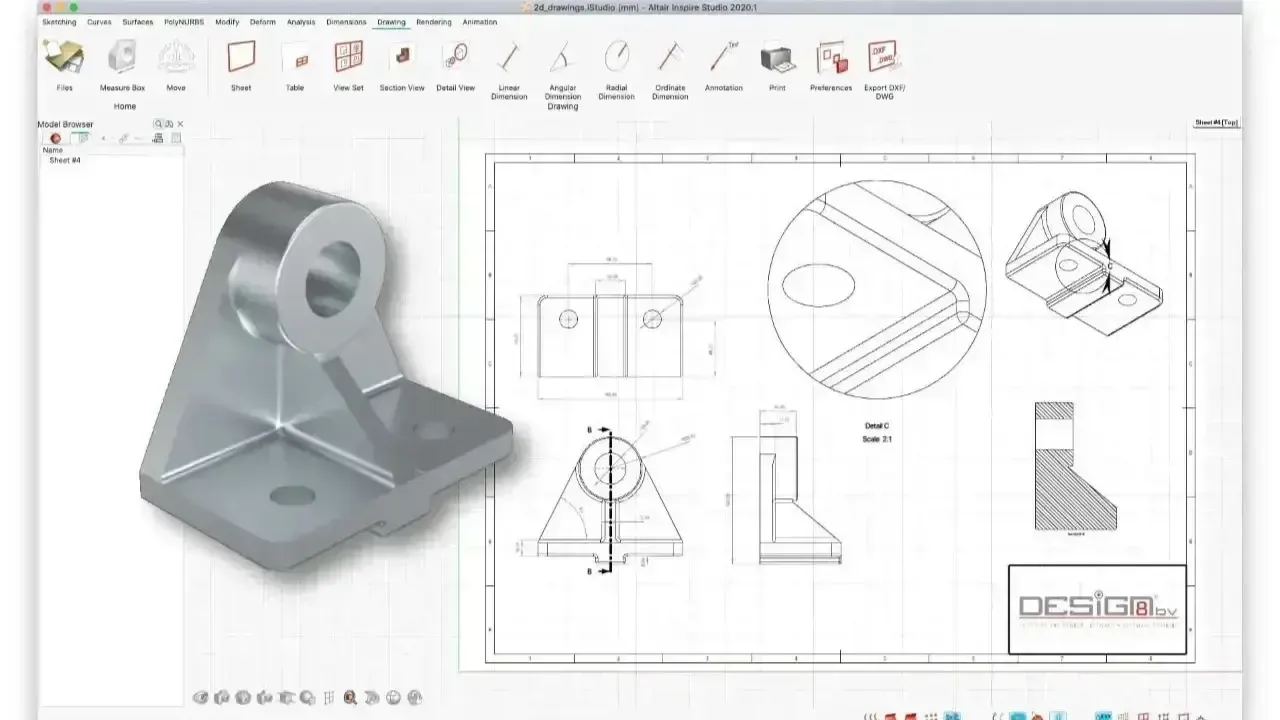 Production Drawings · Review
Synchronous Technology
Synchronous Technology is Solid Edge’s hybrid modeling approach. It combines the speed and flexibility of direct modeling with the control of parametric design, so you push, pull and modify geometry right on the model while relationships, constraints and design intent are preserved.
Because edits don’t replay a feature history, late-stage changes don’t trigger rebuild failures, and imported STEP or Parasolid models can be edited as easily as native files. When you need strict, sequence-driven control, ordered (history-based) features live in the same part, so every designer can use the approach that fits the job.
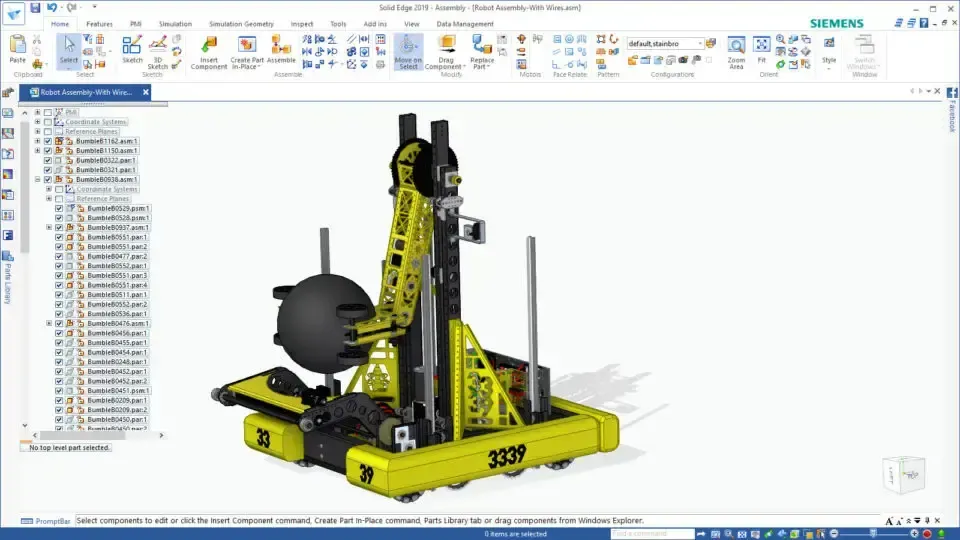 Solid Edge · Robot Assembly
Why Choose Solid Edge
Engineering-ready features for multi-discipline product development, enhanced with expert implementation and support from TrueInsight.
Beyond parts and assemblies, Solid Edge includes sheet metal, surface modeling, frame and weldment design, plus piping and wiring, so digital prototypes closely reflect the real product.
Integrate mechanical and electrical design workflows, from wire harnesses and cable routing to electrical schematics, in one product model.
Validate structural, thermal and motion performance directly within Solid Edge, reducing design risk and costly rework early in the development cycle.
Move from CAD to CAM with CNC toolpath generation and prepare parts for additive manufacturing, so every design is production-ready.
Combine parametric, direct and synchronous modeling to handle late-stage changes and imported CAD data without rebuilding models from scratch.
Access and share design data securely and keep projects moving with cloud-connected workflows, ideal for distributed engineering teams.
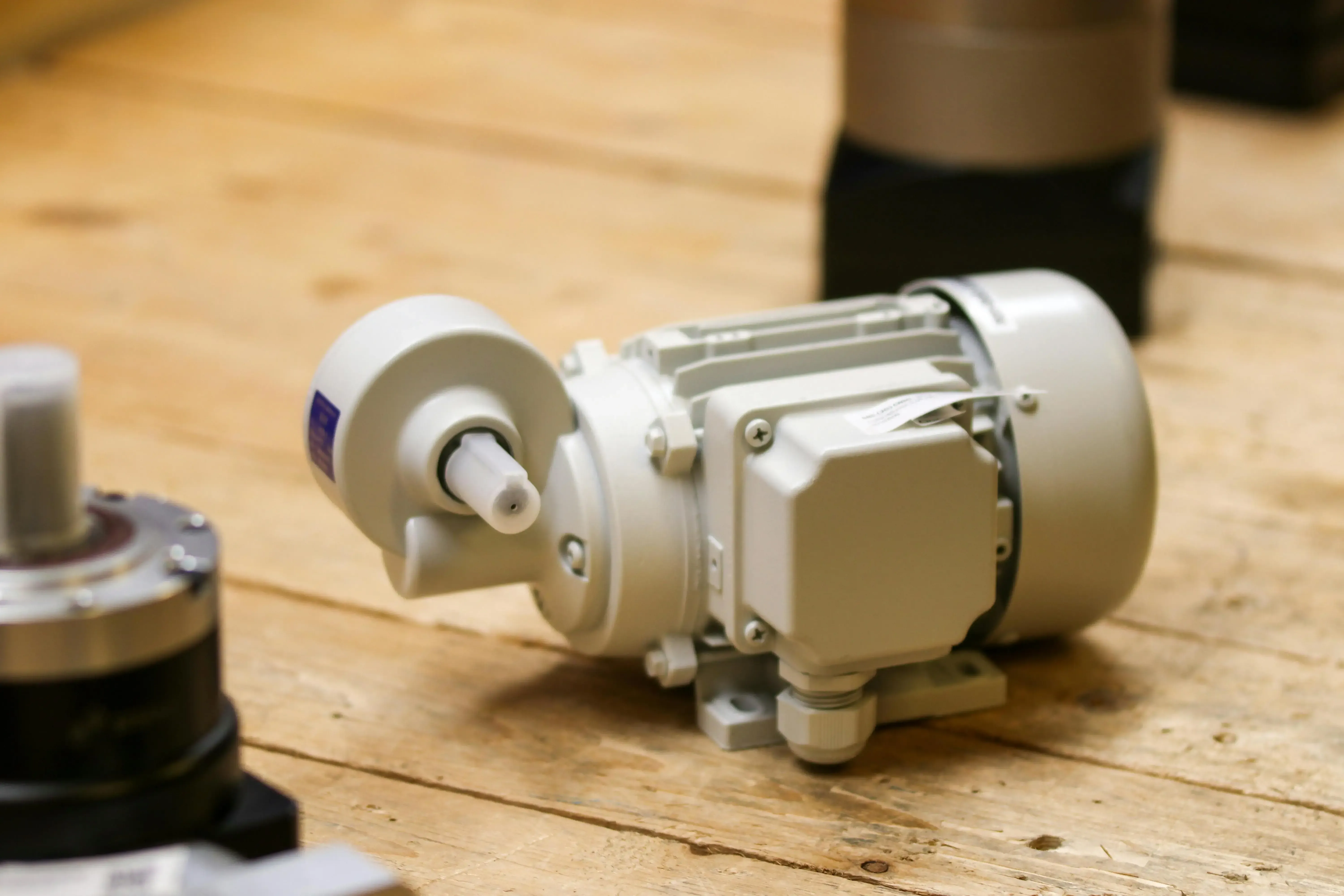
Professional CAD Without Enterprise Overhead
Solid Edge gives small and mid-sized teams powerful 3D CAD without the complexity of large PLM systems, from part modeling and sheet metal to frames, weldments, piping and surfacing.
Editions & Pricing
Solid Edge is sold in four commercial tiers that build on each other. Start with the tier that matches your work today and add modules or move up as your products get more complex.
Best for Part and assembly modeling with production drawings
Best for Complete mechanical and sheet metal design
Everything in Design and Drafting, plus:
Best for Product design with surfacing and visualization
Everything in Foundation, plus:
Best for Multidisciplinary machine and product design
Everything in Classic, plus:
Edition contents change between releases, and add-ons such as simulation, CAM Pro, electrical design, data management and FloEFD for CFD can be combined with any tier. Value-based licensing tokens, expanded in Solid Edge 2026, also unlock occasional-use tools like simulation, generative design, CFD, piping, electrical routing and inspection without a dedicated seat. We confirm the exact module list in your quote.
Free Options
Siemens offers several no-cost ways to use Solid Edge. Each one has a specific purpose and license, so pick the option that matches how you will actually use the software.
A free version of Solid Edge for makers, CAD enthusiasts and design challenge competitors. It is for personal use only and may not be used for commercial purposes. Its files can’t be opened in commercial Solid Edge, and 2D drawings are watermarked.
Free for active students to learn 3D CAD and complete coursework. It is meant for academic work, not commercial projects; educators can ask about Siemens’ university licenses.
A free, standalone 2D drafting application for drawings, layouts and diagrams, useful for teams moving off legacy 2D tools before they adopt 3D.
Evaluating Solid Edge for business use? Request a guided trial through TrueInsight with installation help and a kickoff session on your own parts.
Request a Solid Edge Free TrialPlanning to turn a hobby project into a product? Community and Student Edition files are meant for non-commercial use, so move to a commercial license before you design anything you will sell, since Community Edition files can’t be opened in commercial Solid Edge. We can help you choose the right commercial tier and keep your models moving.
Comparison
Both are mature, Parasolid-based mechanical CAD systems used by the same kinds of teams. The biggest differences are how they handle change, what comes built in and where each one leads as you grow.
| Criteria | Solid Edge | SolidWorks |
|---|---|---|
| Developer | Siemens Digital Industries Software | Dassault Systèmes |
| Geometry kernel | Parasolid | Parasolid |
| Modeling approach | Synchronous and ordered (history-based) modeling in the same part | History-based feature tree, with direct editing tools |
| Editing imported CAD | Edit STEP and Parasolid faces directly, with Live Rules preserving intent | Feature recognition or direct edits on imported bodies |
| CAM | Solid Edge CAM Pro, built on NX CAM technology | SolidWorks CAM, powered by CAMWorks |
| Simulation | Built-in structural, thermal and motion; FloEFD for CFD | SolidWorks Simulation and Flow Simulation add-ins |
| Data management | Built-in Solid Edge data management or Teamcenter | SolidWorks PDM or the 3DEXPERIENCE platform |
| Free non-commercial option | Community Edition for hobbyists and makers | Low-cost Makers subscription |
| Growth path | NX, Teamcenter and Simcenter | CATIA and the 3DEXPERIENCE platform |
Teams that edit a lot of imported or legacy data, make frequent late-stage changes or want a CAM and PLM path shared with NX tend to favor Solid Edge. Synchronous edits don’t replay a feature tree, so a change late in the program doesn’t cascade into rebuild errors.
Teams deeply invested in the SolidWorks add-in ecosystem may prefer to stay. The fastest way to decide is a side-by-side test: book a Solid Edge demo and bring a part that’s painful to change today.
Siemens CAD
Solid Edge and NX share the Parasolid kernel and synchronous technology, and both connect to Teamcenter and Simcenter. The difference is scope: mainstream mechanical design versus enterprise-scale, integrated CAD/CAM/CAE.
Because both run on Parasolid, geometry moves between them cleanly, and many companies use both: NX for advanced programs and manufacturing, Solid Edge for mainstream design. Read how simulation users get more from Solid Edge and NX.
Solid Edge 2026
Solid Edge 2026 brought AI-assisted assembly, automatic drawings, a sheet metal overhaul and a new name, Designcenter Solid Edge. The biggest wins land on tedious work rather than the parts of the job engineers enjoy.
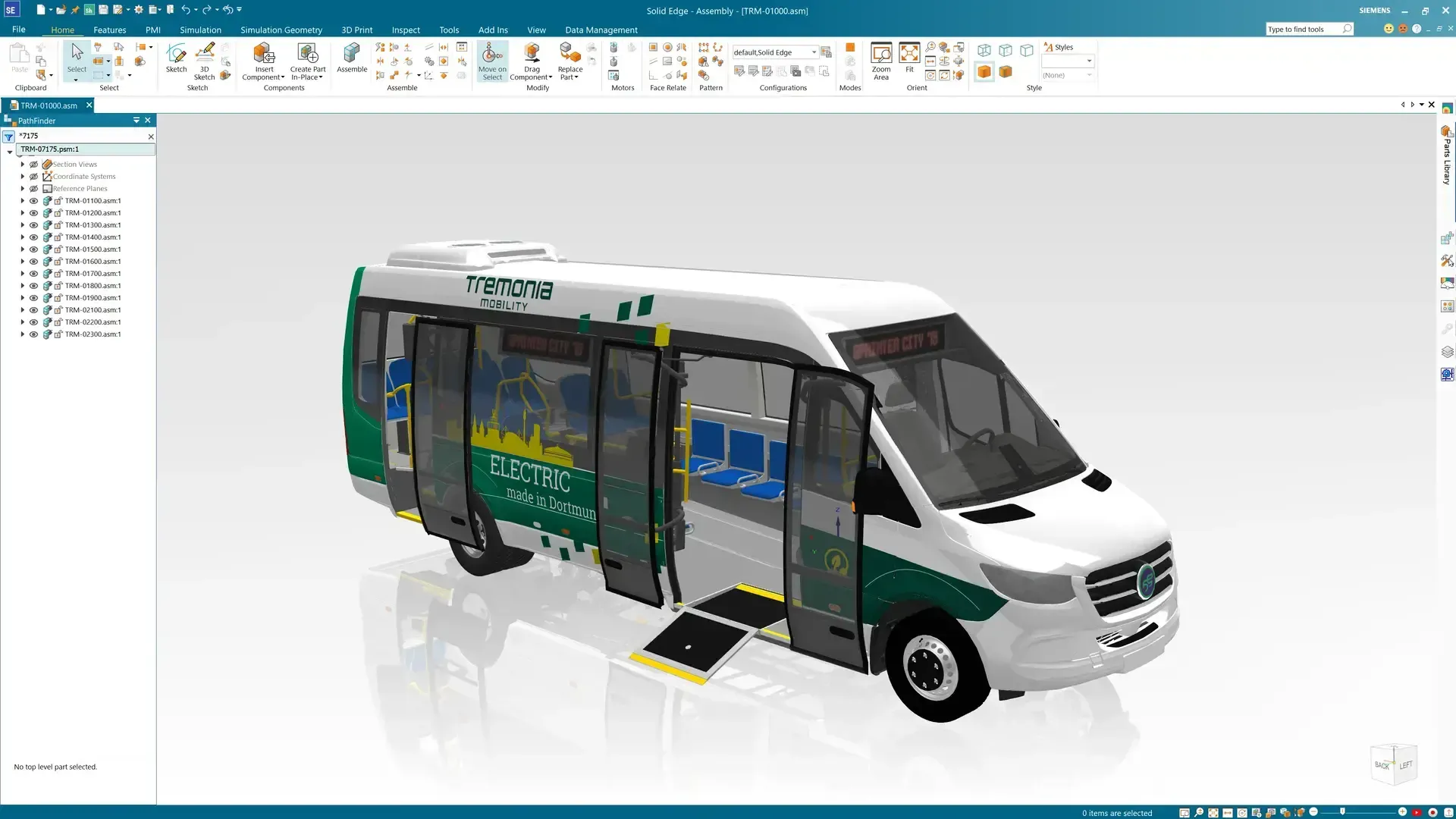 Solid Edge · Vehicle Assembly
Applications
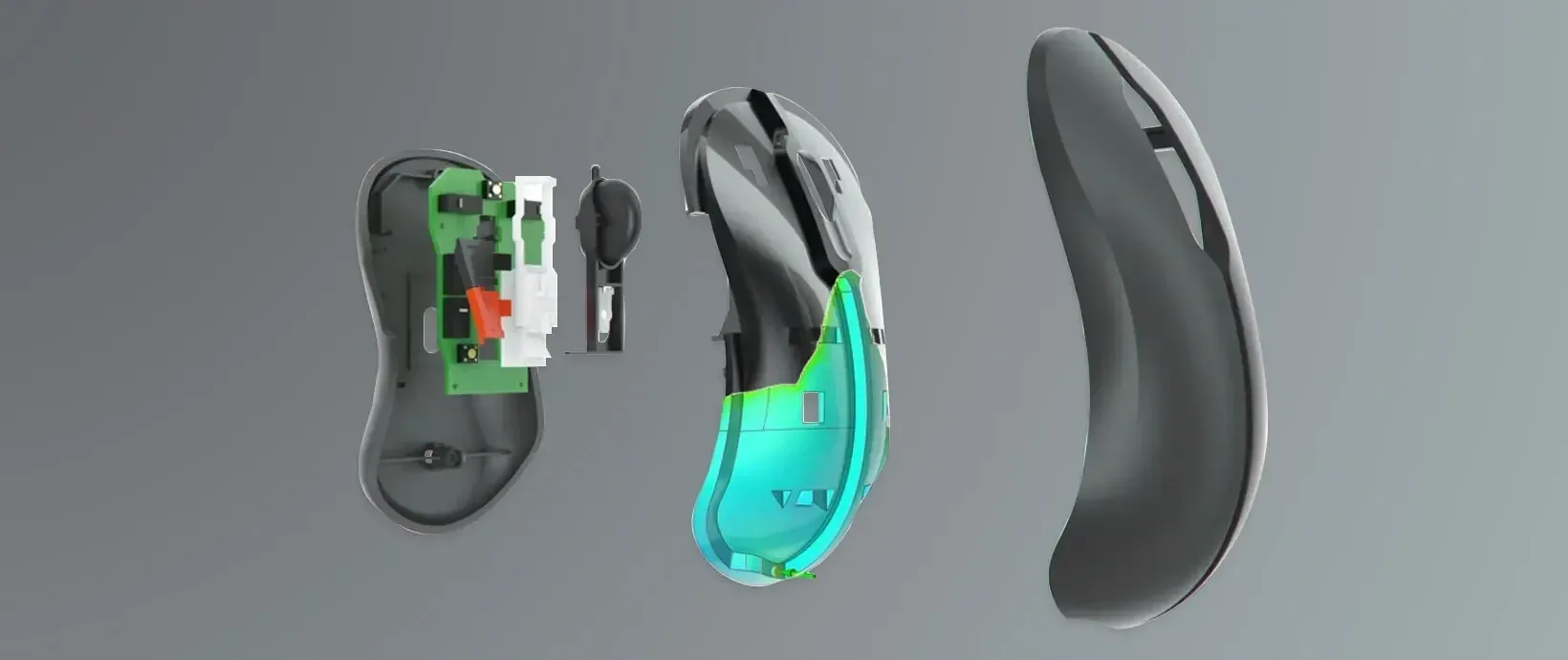
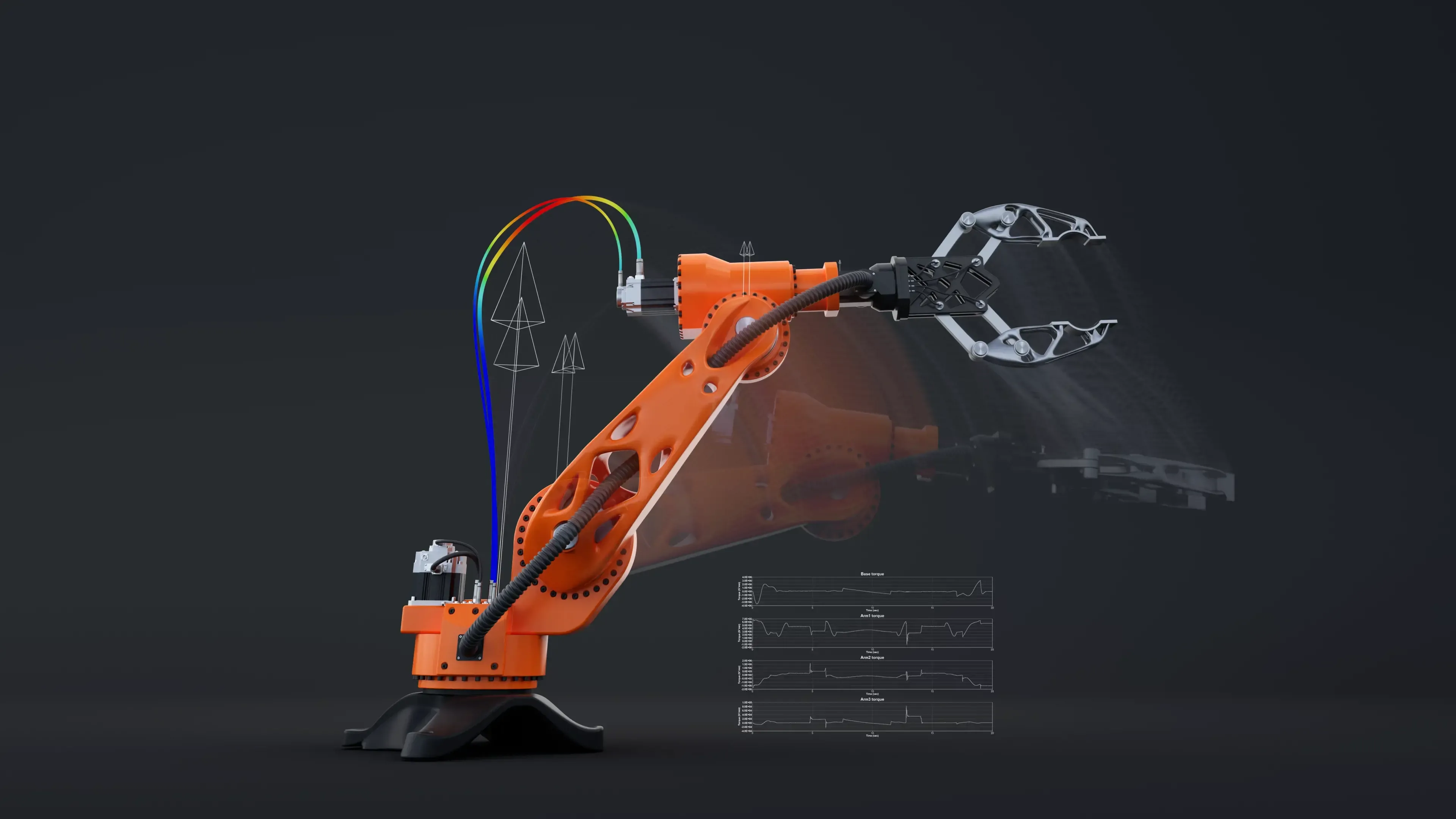
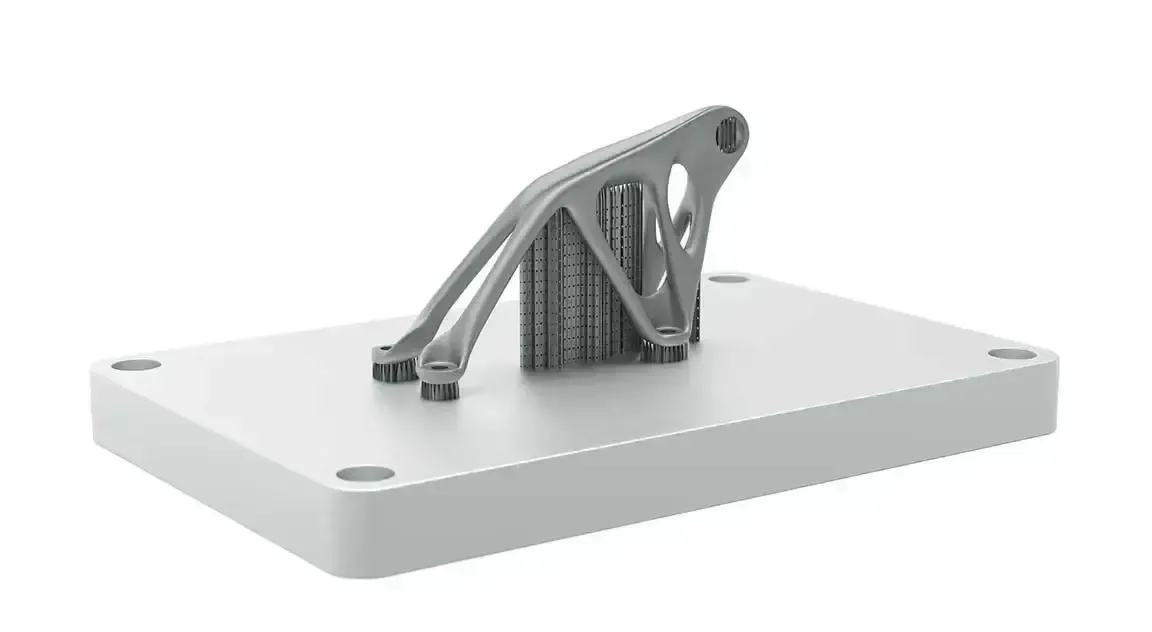
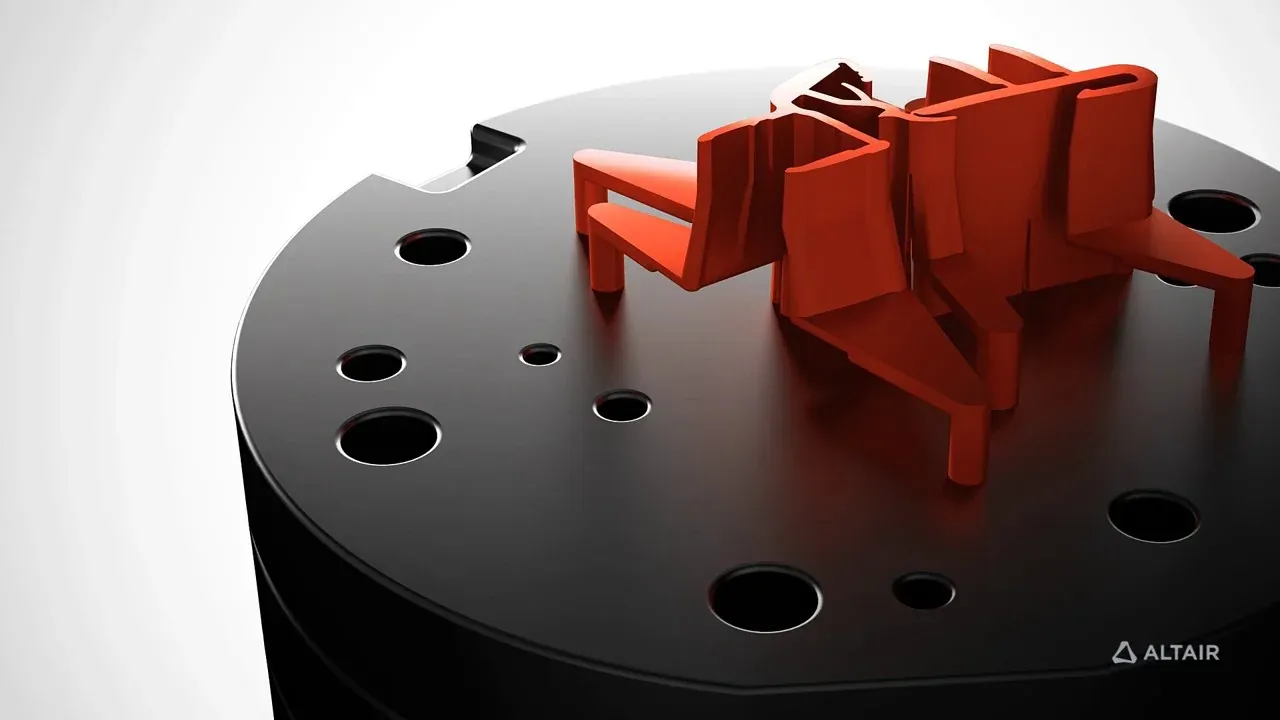
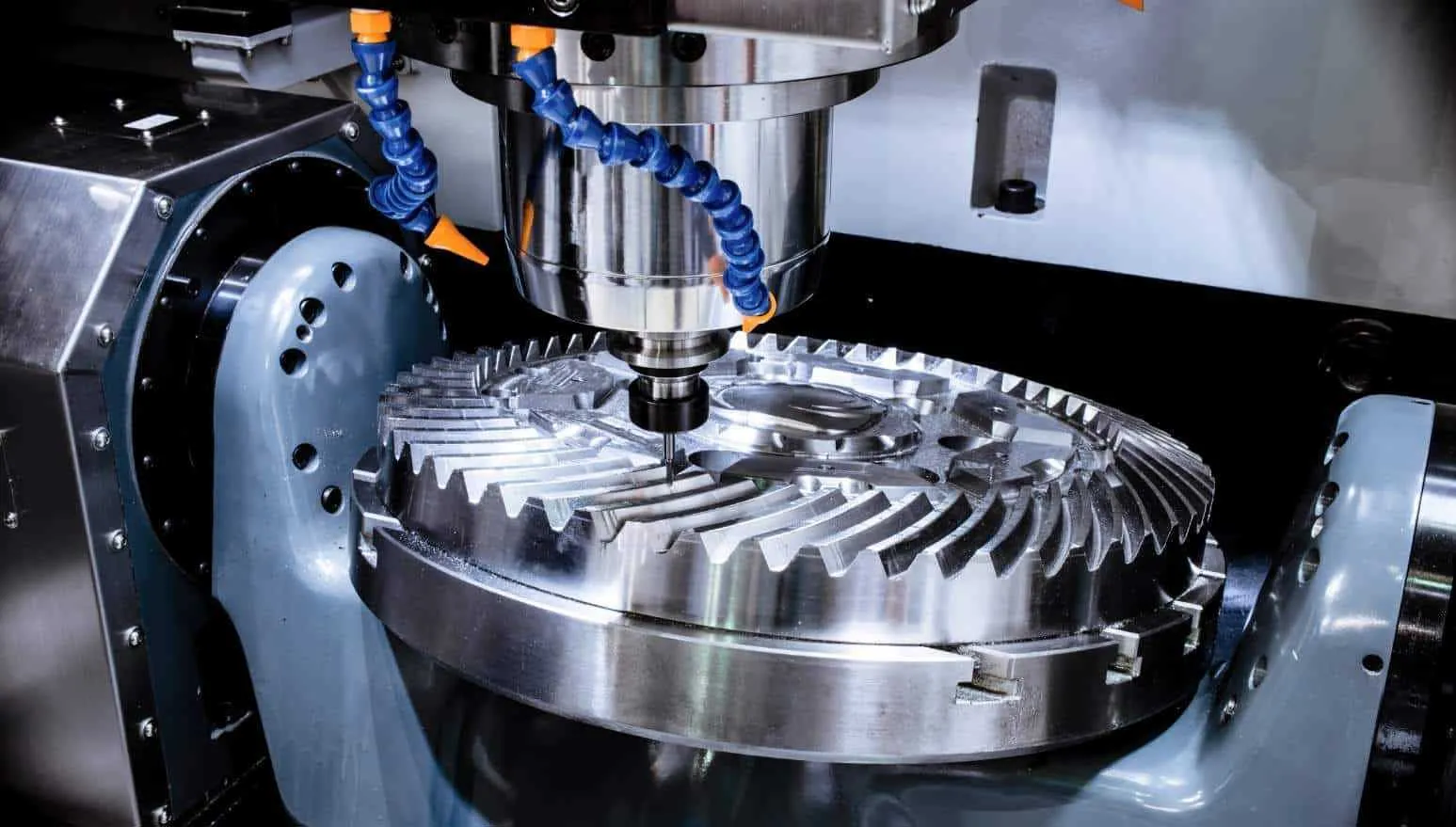
From power tools and maker robots to factory automation, machined parts and printed brackets, Solid Edge takes mechanical products from concept to the shop floor.

Pricing
Solid Edge pricing depends on the edition, add-on modules, license type and number of seats. We build a quote around how your team actually designs, so you don’t pay for tiers or modules you won’t use.
Compare Solid Edge pricing with other Siemens options, request a Solid Edge free trial, or book a Solid Edge demo on your own parts.
Tell us about your team and we’ll recommend the right edition and options.
Thanks, Your Request Is In
An application engineer will follow up with next steps.
Expert Support Beyond the Software
Our engineering-focused specialists help design teams unlock real value from Solid Edge: optimizing modeling workflows, accelerating design changes and applying best practices across the entire product development lifecycle.
We work alongside your engineers to reduce rework, improve design quality and shorten time to market, from installation and licensing to templates, drafting standards and migration from AutoCAD, SolidWorks or Inventor. See Solid Edge licensing and support or our CAD training and engineering services.
 Onboarding · Real Projects
FAQ
Solid Edge is Siemens’ professional 3D CAD software for mechanical design. It combines ordered (history-based) and synchronous modeling for parts, assemblies, sheet metal and drawings, with built-in simulation, CAM and data management options. Starting with the 2026 release, Siemens brands it Designcenter Solid Edge.
Engineers use Solid Edge to design parts and assemblies, create production drawings, validate designs with structural, thermal and motion simulation, and prepare models for CNC machining and 3D printing. It is widely used for machinery, industrial equipment, sheet metal products, frames, weldments, piping and consumer products.
Commercial use of Solid Edge requires a paid license, but Siemens offers free options: Community Edition for hobbyists and makers (non-commercial use only), a free Student Edition for learning, and the free Solid Edge 2D Drafting application. Businesses can evaluate the full product with a Solid Edge free trial.
Cost depends on the edition (Design and Drafting, Foundation, Classic or Premium), add-on modules, license type and the number of seats. Siemens does not publish one price for every configuration. Request Solid Edge pricing and we’ll send a proposal sized to your team.
It depends on your work. Solid Edge’s synchronous technology makes late-stage changes and edits to imported data faster, CAM Pro is built on NX CAM technology, and there is a clear growth path to NX and Teamcenter. SolidWorks has a large user community and add-in ecosystem. The best test is a side-by-side trial on your own models.
Both are Siemens CAD systems built on Parasolid with synchronous technology. Solid Edge targets mainstream mechanical design for small and mid-sized teams, while Siemens NX adds advanced surfacing, very large assembly management, integrated NX CAM and Simcenter 3D for complex, enterprise-scale products.
Synchronous Technology is Solid Edge’s hybrid modeling approach that combines direct modeling flexibility with parametric control. Engineers edit geometry instantly, without rebuilding feature histories, which makes it ideal for late-stage changes and imported CAD data.
Yes. Solid Edge is built to manage large assemblies and complex products, with performance tools that let engineers work smoothly even with thousands of components. Built-in data management or Teamcenter keeps revisions under control as assemblies grow.
Related Pages
Get Started
Get a guided commercial trial, a live demo on your own parts or a quote for the edition that fits your team.
Tell us a little about your work and an application engineer will help you find the right setup for your team.
Thanks, Your Request Is In
An application engineer will follow up with next steps.