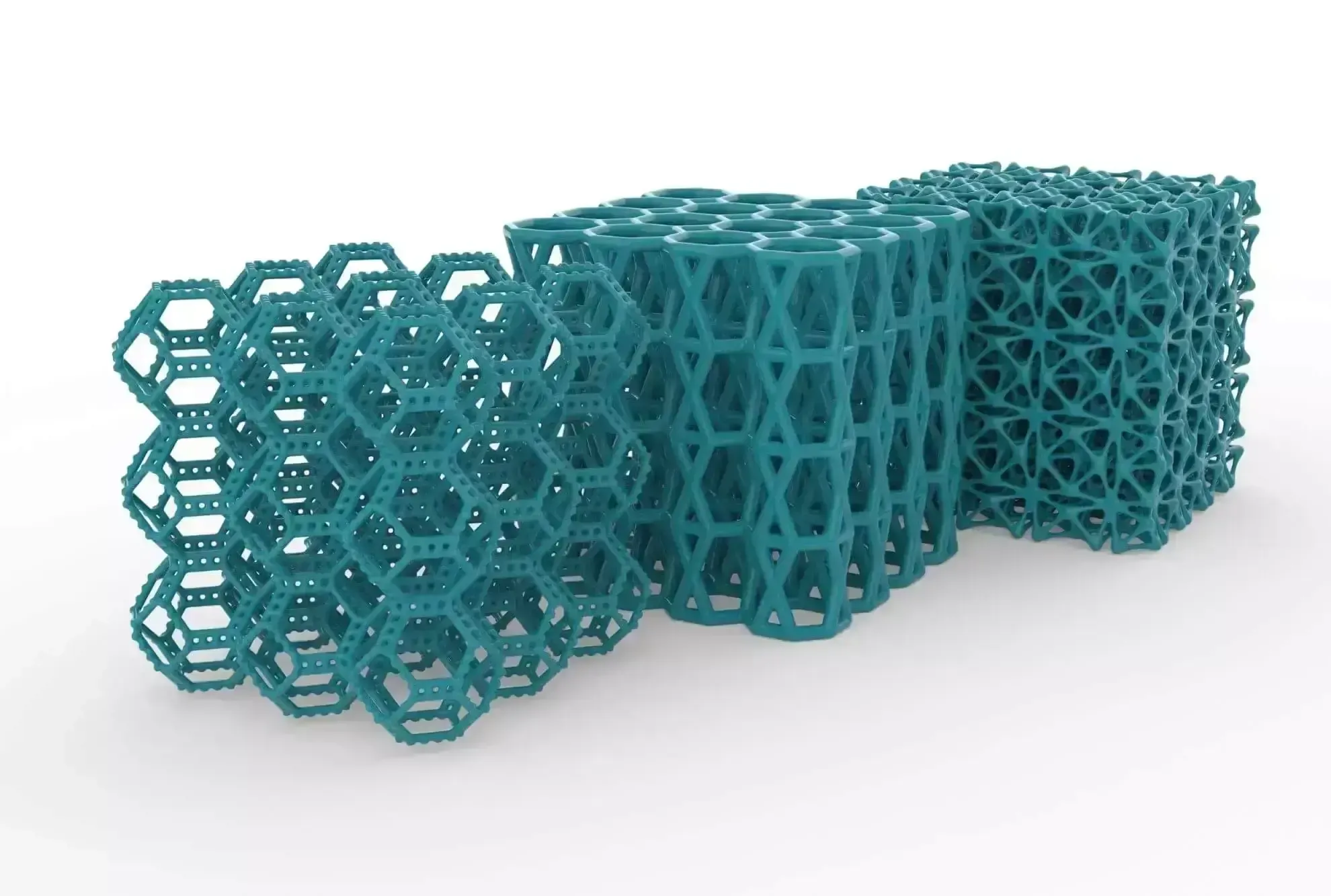
Structural Optimization Guide
Topology Optimization Software
Topology optimization software finds the most efficient material layout for a part from its design space, loads and constraints. See how the method works, how it compares to generative design and which Altair tools run it, with help from TrueInsight’s application engineers.
Topology Optimization Explained
What Is Topology Optimization?
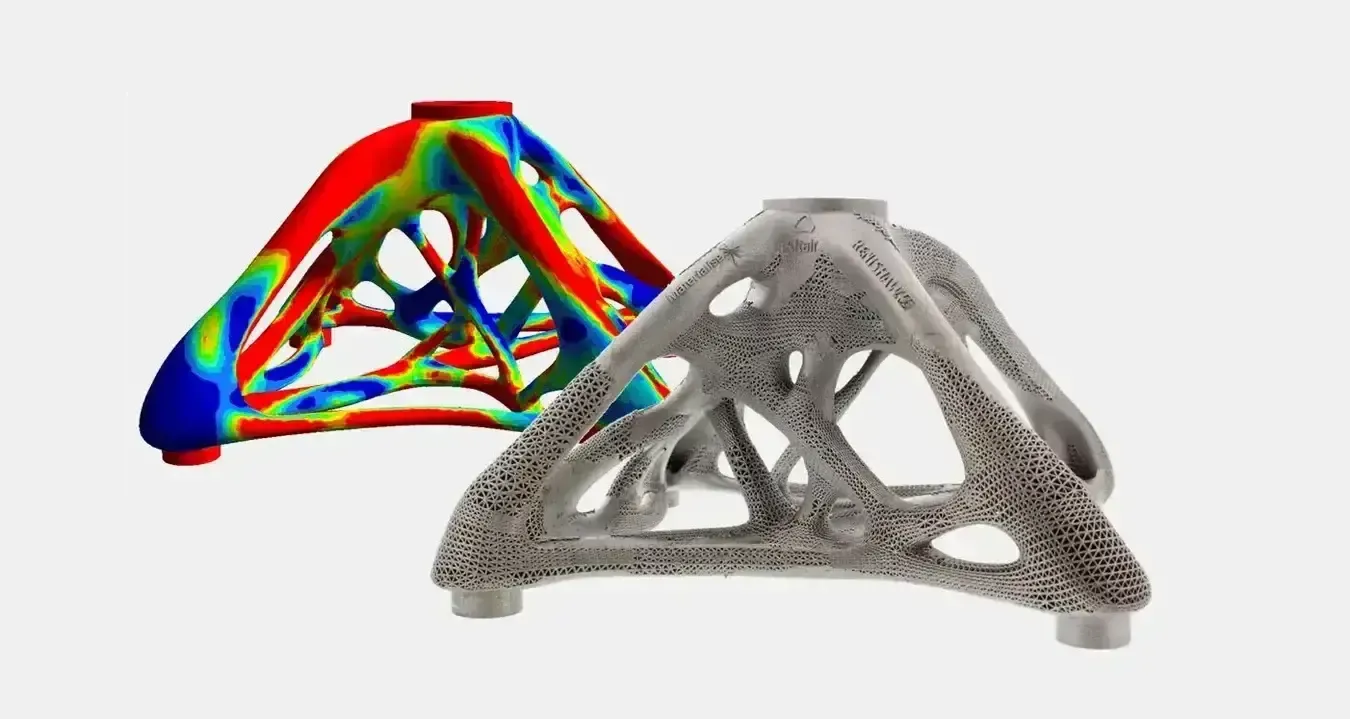
Topology optimization is a simulation-driven method that makes the size, shape and material layout of a part as efficient as possible within a given design space. Topology optimization software takes the geometry, loads, supports, materials and connections you define and keeps material only where it carries load.
It predicts performance with the finite element method (FEM), so the optimized layout already respects stiffness, strength or frequency targets. Used at the start of a design rather than at the end, it means fewer last-minute changes and a quicker time to market. Engineers then interpret the result, rebuild it as manufacturable geometry and validate it with structural analysis software.
- Lighter Parts That Still Meet Stiffness and Strength Targets
- Load Paths Revealed Before Detailed CAD
- Fewer Late Design Changes and Prototype Loops
- Concepts Shaped for 3D Printing, Casting and Forging
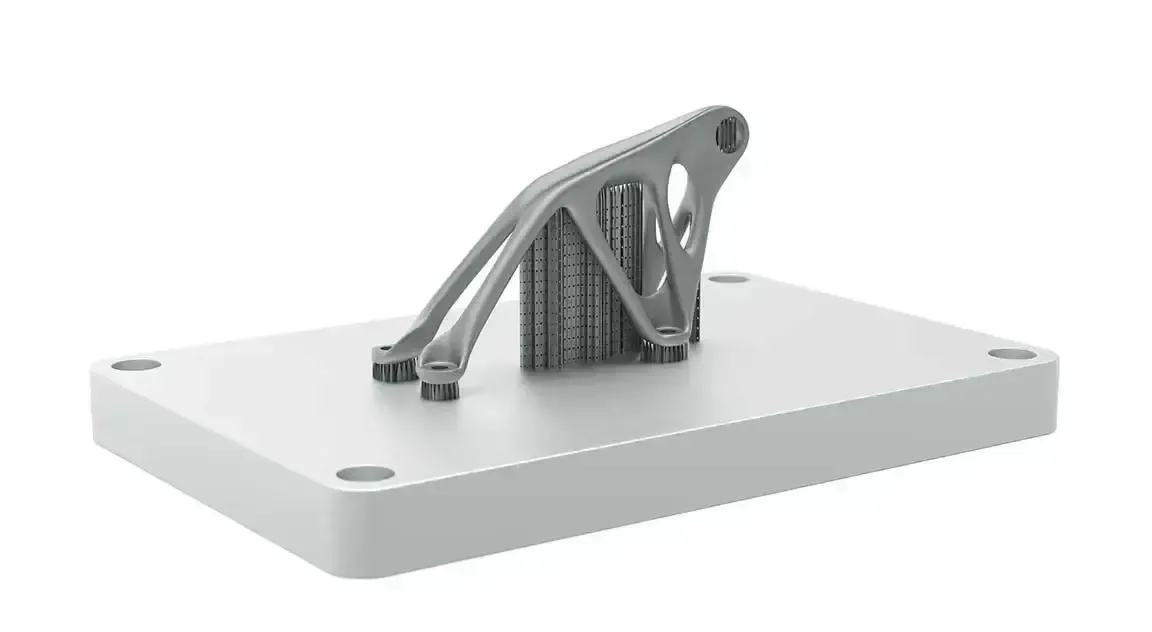 Optimized Bracket · Build Plate
How It Works
How Topology Optimization Works, Step by Step
Every topology study follows the same path, whether a designer runs it in Inspire or an analyst runs it in OptiStruct.
Define the Design Space
Mark the volume the part may occupy and keep the regions that must stay, such as mounting faces, bolt bosses and clearance zones, out of the optimization.
Apply Loads and Supports
Add the forces, torques, pressures, accelerations and supports the part sees in service, grouped into load cases.
Set the Objective and Constraints
Choose the goal, typically maximum stiffness or minimum mass, and the targets the result must meet, such as a mass limit or a minimum natural frequency.
Add Manufacturing Constraints
Apply symmetry, draw direction, overhang angle, member size or extrusion controls so the concept can actually be made.
Interpret and Rebuild the Geometry
Turn the optimized material layout into smooth, editable geometry, for example with PolyNURBS in Inspire, or rebuild it in your CAD system.
Validate the Final Design
Run structural analysis on the rebuilt part to confirm stress, deflection and frequencies, then refine sizes and shapes where needed.
Manufacturing Constraints
Constraints That Make Optimized Parts Buildable
An unconstrained optimization can return shapes no process can make. Manufacturing constraints steer the result toward 3D printing, casting, forging or extrusion from the first run.
Symmetry
Forces a symmetric layout about one or more planes, so the concept stays balanced and simpler to tool.
Draw Direction
Keeps material removable along a single or split die direction, with no undercuts, so cast, molded and forged parts can leave the tool.
Overhang Angle
Limits unsupported overhangs for additive manufacturing, reducing the support structures a 3D printed part needs.
Minimum Member Size
Sets the thinnest member the optimizer may create, so ribs and struts are thick enough to cast, machine or print.
Extrusion
Holds a constant cross-section along a direction, so the result can be produced as an extruded profile.
Cavity Avoidance
Prevents enclosed internal voids that a casting or forging process cannot produce.
Choosing a Method
Topology Optimization vs Generative Design
Generative design is the newer of the two methods, and it is built on the foundation of topology optimization. Topology optimization looks for the single best material layout for one set of loads, constraints and design space, which keeps the design process streamlined and focused on the specification.
Generative design produces several alternatives instead of one, and it can weigh a wider range of specifications than engineering performance alone. Altair Inspire combines geometry modeling, generative design and manufacturing simulation, while OptiStruct runs topology, topography, size and shape optimization inside its FEA solver.
 Powder Bed Fusion · Hinge Arm
| Question | Topology Optimization | Generative Design |
|---|---|---|
| What does it return? | One optimal material layout for the given design space, loads and constraints | Several design alternatives to compare and choose from |
| What drives it? | Engineering targets such as stiffness, mass and frequency, plus manufacturing constraints | A wider set of specifications, not only engineering performance |
| How established is it? | The established method that generative design is built on | A newer approach based on topology optimization |
| When should you use it? | When you need the most efficient layout for a known set of requirements | When you want to explore and compare options early in a concept |
| Which Altair tools run it? | OptiStruct, Inspire and Inspire Structures | Altair Inspire, alongside its geometry modeling and manufacturing simulation |
Optimization Tools
Altair Topology Optimization Software
All four tools run on one Altair Units license. Start with the one that matches who runs the study and how far along the design is.
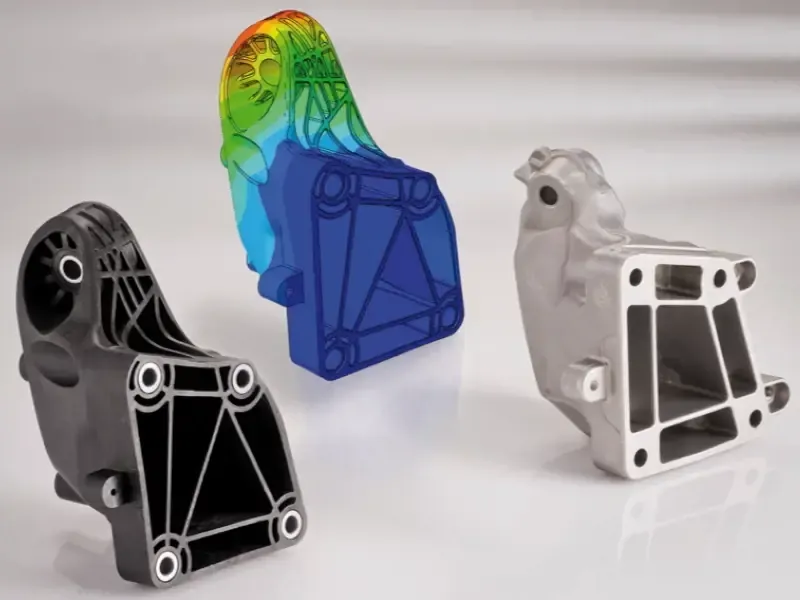
FEA Solver and Optimization
Altair OptiStruct
Topology, topography, size, shape, free-size and lattice optimization built into the FEA solver, on the same model used for analysis.
Explore OptiStruct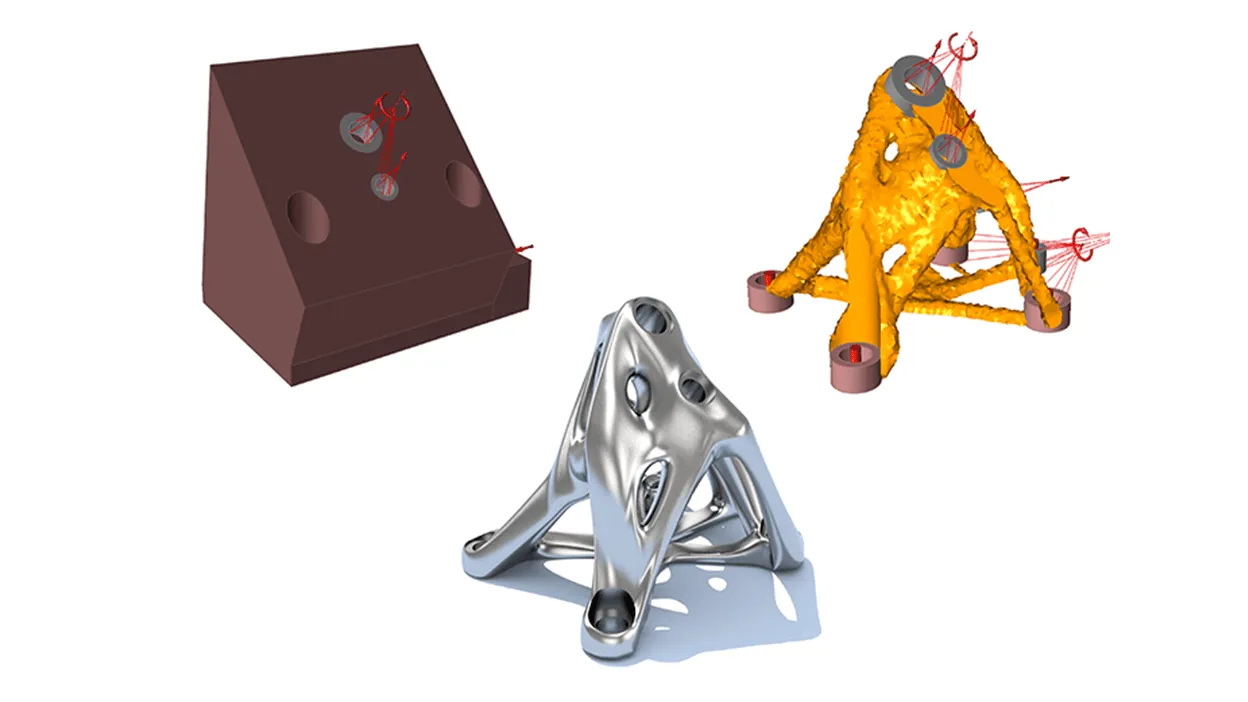
Simulation-Driven Design
Altair Inspire
Topology, topography and gauge optimization in a CAD-like environment, with PolyNURBS modeling and manufacturing simulation.
Explore Inspire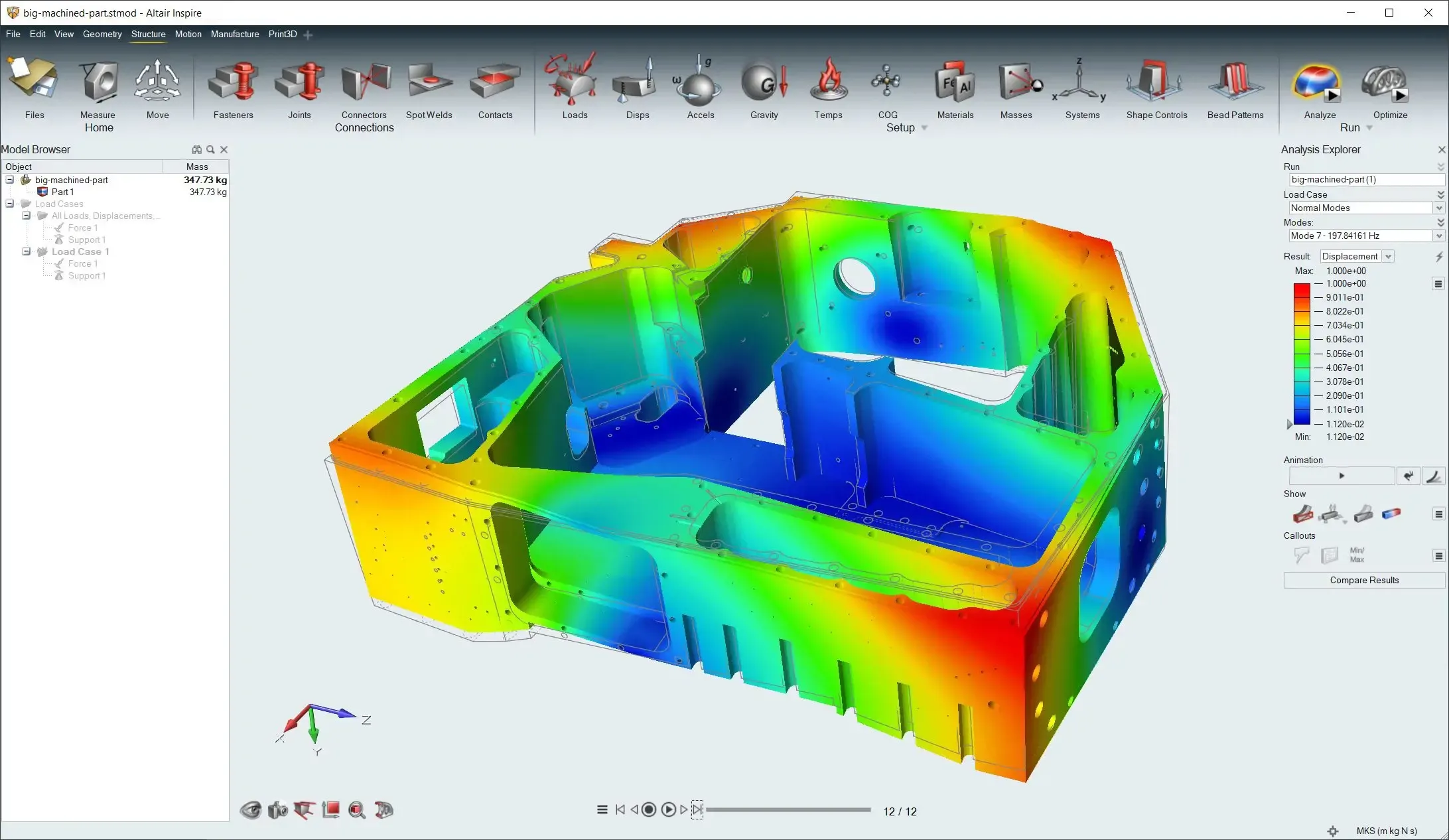
Structural Setup in Inspire
Altair Inspire Structures
Linear static, normal modes and buckling analysis plus topology, topography and gauge optimization, solved with SimSolid or OptiStruct.
Explore Inspire Structures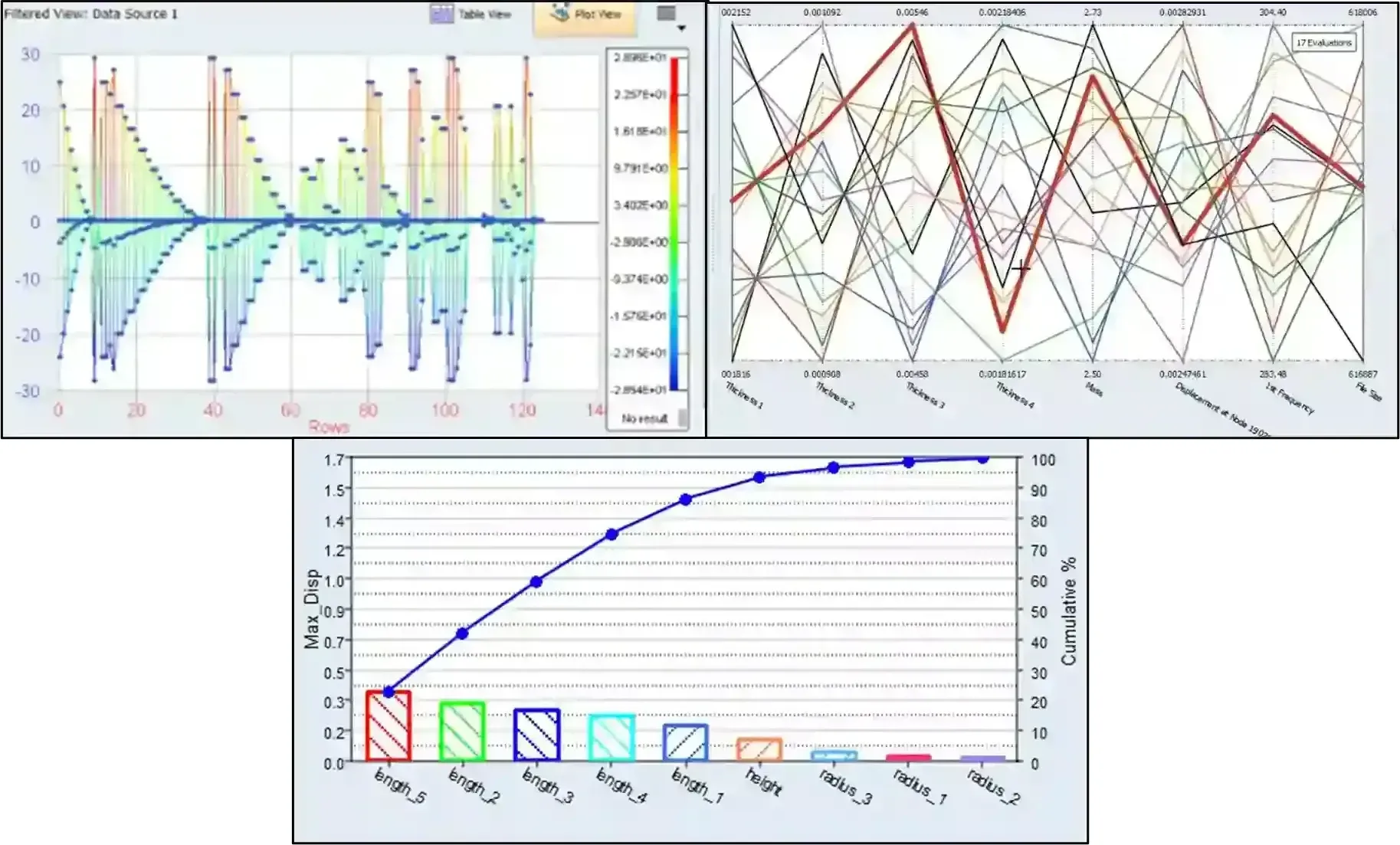
Parametric Follow-Up
Altair HyperStudy
DOE, sensitivity studies and multi-objective optimization that tune the parameters of a rebuilt design, with results from many solvers.
Explore HyperStudyNot sure where to start? The Solution Finder lists every tool for reducing weight, and Altair Units licensing lets one pool run all four.
Customer Success
Topology Optimization Customer Stories
How engineering teams put OptiStruct and Inspire to work on real parts and structures.
All Case Studies
FAQ
Topology Optimization FAQ
What Is Topology Optimization?
Topology optimization is a simulation-driven method that finds the most efficient material layout for a part within a defined design space. Given geometry, loads, supports, materials and performance targets, it uses the finite element method to keep material where it carries load and remove it where it does not, producing a lightweight concept that engineers then refine for manufacturing.
What Is Topology Optimization Software Used For?
To design lighter, stiffer and more efficient parts early in development. Engineers use it to find load paths before detailed CAD, take weight out of brackets, housings and structures, and create concepts shaped for 3D printing, casting or forging. Because it runs at the start of a design, it reduces last-minute changes and shortens time to market.
How Does Topology Optimization Work?
You define the design space, apply loads and supports, set an objective such as maximum stiffness or minimum mass, and add manufacturing constraints. The software solves the model with finite element analysis and redistributes material until it converges on an efficient layout. Engineers then interpret the result, rebuild it as smooth geometry and validate the final design. The six steps above walk through the process.
What Is the Difference Between Topology Optimization and Generative Design?
Generative design is built on topology optimization. Topology optimization returns one optimal layout for a given set of loads, constraints and design space. Generative design produces several alternatives and can weigh specifications beyond engineering performance, so teams compare options before choosing one. See the comparison above.
What Manufacturing Constraints Can I Apply?
Common constraints include symmetry, draw direction, overhang angle for additive manufacturing, minimum member size, extrusion and cavity avoidance. Inspire 2026.1 can also use porosity results from Inspire Cast as a constraint, so the optimizer builds in support where casting voids are expected. Read what’s new in Inspire 2026.1.
Which Altair Software Does Topology Optimization?
OptiStruct runs topology, topography, size, shape, free-size and lattice optimization inside its FEA solver. Altair Inspire brings topology, topography and gauge optimization to designers, and Inspire Structures sets up those studies with SimSolid or OptiStruct. HyperStudy handles parametric DOE and multi-objective follow-up studies. One Altair Units license runs all four.
What Is the Difference Between Topology, Topography, Size and Shape Optimization?
Topology optimization finds the material layout of a concept. Topography optimization adds bead patterns to stamped and sheet-metal parts. Size optimization tunes parameters such as thicknesses (gauge optimization in Inspire), and shape optimization adjusts the boundaries of an existing design. Topology comes first; the others refine the design that follows.
Is Topology Optimization Only for 3D Printed Parts?
No. Additive manufacturing can build the organic shapes topology optimization produces, but manufacturing constraints such as draw direction, extrusion and minimum member size adapt the result to casting, forging, extrusion and other processes.
Are OptiStruct and Inspire Now Simcenter Products?
Yes. Siemens acquired Altair, and with the June 2026 Simcenter release former Altair products joined the Simcenter family, so OptiStruct, Inspire and HyperStudy also carry Simcenter names. TrueInsight licenses and supports them under either name.
How Do I Get Started With Topology Optimization?
Start a free Inspire trial or book an optimization demo on one of your own parts. If you’d rather have the study done for you, our FEA consulting and training services cover topology optimization, and Altair pricing explains how Altair Units are sized.
Related Pages
More Structural Simulation Resources
Structural Analysis SoftwareEvery Altair structural tool and analysis type in one place- Altair OptiStructFEA solver with topology, size and shape optimization
- Altair InspireSimulation-driven design for concept optimization
- Altair Inspire StructuresStructural analysis and optimization inside Inspire
- Altair HyperStudyDOE and multi-objective design optimization
- Altair SimSolidMeshless analysis to check optimized designs
Get Started
Ready to Take Weight Out of Your Next Design?
Tell us about the part, its loads and how it will be made. An optimization engineer will recommend the right tool and help you set up your first study.
- Authorized Siemens & Altair Partner
- Expert Engineering Support
- Licensing Sized to Your Team