Altair SimLab · CAD-Integrated Multiphysics
Altair SimLab Multiphysics Simulation
A process-driven environment for structural, thermal, flow and electromagnetic analysis on complex CAD assemblies, with automated meshing, reusable templates and models that stay linked to CAD. Now part of Siemens as Simcenter SimLab, licensed and supported by TrueInsight.
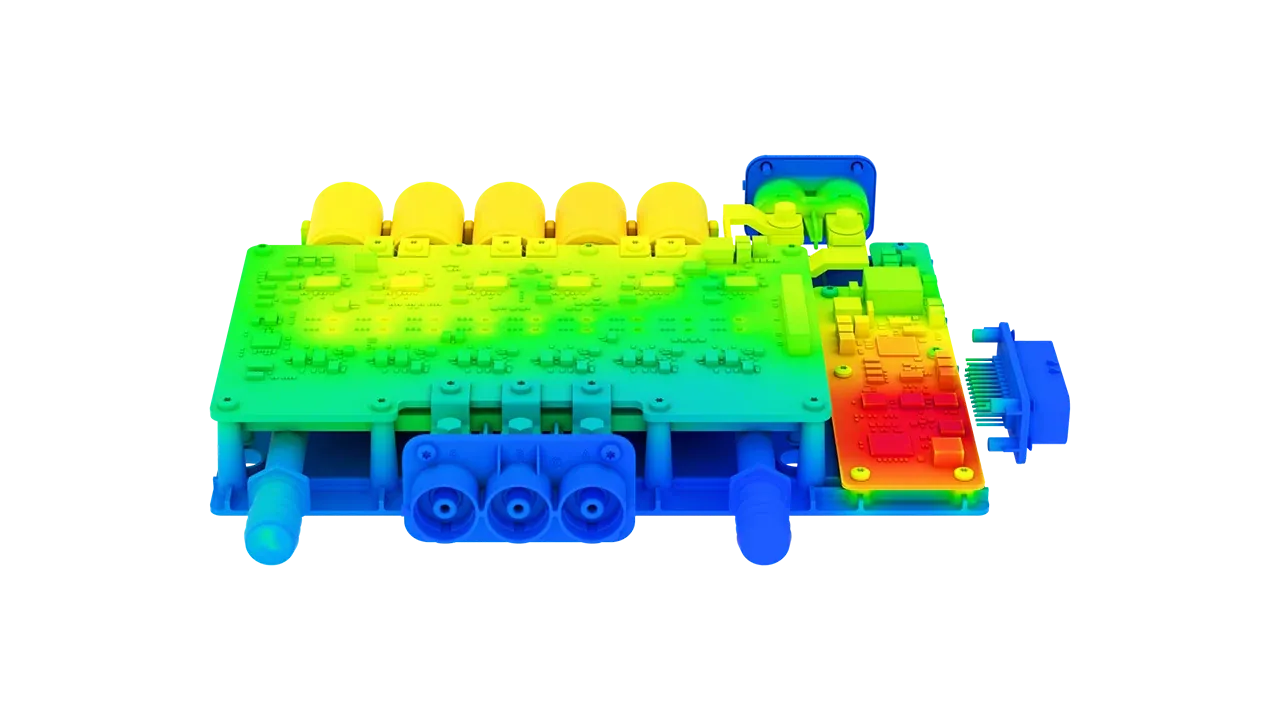 SimLab · Inverter Thermal
Overview
What Is Altair SimLab?
Altair SimLab is a process-driven multiphysics simulation environment that accelerates analysis across structural, thermal, electromagnetic and fluid domains. Designed for complex assemblies, it cuts the time spent building finite element models and interpreting results, with a powerful automated mesher and bi-directional connectivity with SOLIDWORKS and other CAD tools.
SimLab is part of Altair HyperWorks and prepares models for the solvers in the Altair suite, including OptiStruct. With the June 2026 Simcenter release, former Altair products joined the Siemens Simcenter family, so SimLab now also carries the Simcenter SimLab name. TrueInsight licenses and supports it under either name.
- Process-Driven Workflows From Model Build to Review
- Bi-Directional CAD Connectivity With SOLIDWORKS
- Structural, Thermal, Flow and Electromagnetic Physics
- Automated Meshing and Reusable Templates
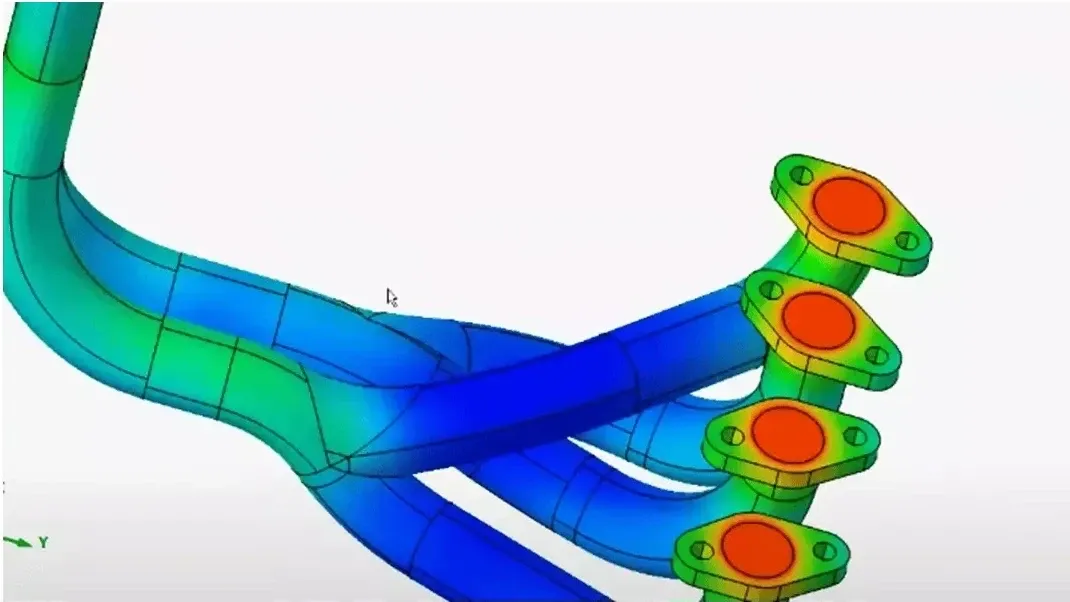 SimLab · Manifold Thermal
Key Capabilities
From CAD to Multiphysics Results in One Workflow
SimLab eliminates manual tasks like solid meshing, model setup, solver execution and post-processing, and keeps every model tied to the geometry it came from, so results stay consistent and repeatable.
Process-Driven Workflows
Guided workflows take each model through build, setup, run and review, so results are consistent and repeatable across engineers, products and design cycles.
CAD Associativity and Direct Updates
Simulation models stay connected to CAD, so geometry modifications, part variants and assembly updates sync without a complete rebuild.
Automated Meshing and Model Build
Intelligent feature recognition and a powerful automated mesher reduce manual steps without sacrificing control over the model.
Reusable Automation Templates
Save a proven setup once and reuse it, so every engineer builds models the same way and new hires start from your best practice.
DOE and Design Optimization
Compare design variants in the same environment as the model, so the strongest direction is clear before the design is frozen.
Solver Compatibility
One easy-to-use interface prepares and analyzes simulations across different solvers, so teams can switch tools without rebuilding the workflow.
Electronics
PCB, Electronic Packaging and 3D IC Analysis
SimLab provides workflows for PCB-level mechanical, thermal and fatigue evaluations that start directly from ECAD: detailed, homogenized and hybrid PCB modeling, trace mapping and material property automation, and thermo-mechanical warpage and shock analysis.
For chips and 3D ICs, SimLab works within the Simcenter Electronic System Design solution, where engineers explore chiplet layouts, analyze power and cooling performance and spot thermal hotspots early in the design phase. Electronics cooling covers air and liquid cooling, Joule heating, conduction and convection.
- ECAD-to-Simulation Workflows for PCBs
- Detailed, Homogenized and Hybrid PCB Models
- Thermo-Mechanical Warpage and Shock Analysis
- Air and Liquid Cooling With Joule Heating
 PCB · Normal Modes
Multiphysics
Structural, Thermal, Flow and EM Analysis in One Environment
When product performance depends on interacting physics, SimLab evaluates coupled behavior without switching tools for each discipline. Linear and nonlinear structural, thermal and CFD analyses run locally or in the cloud, with dedicated thermal and flow workflows for cooling and heat transfer.
- Linear and Nonlinear Structural Analysis
- Thermal Analysis With Conduction and Convection
- CFD for Air and Liquid Cooling
- Low and High Frequency Electromagnetics
- NVH and Particle-Based Simulation
Not sure which analysis your problem needs? Read FEA vs CFD: what’s the difference.
Automation
Automated Design Studies and Reusable Templates
SimLab’s built-in automation simplifies setup for design of experiments (DOE) and optimization tasks, with monitoring of results and convergence to accelerate early-stage design. Instead of running isolated cases, engineers evaluate sensitivities and track performance trade-offs across design options.
Reusable templates capture your organization’s meshing rules, boundary condition patterns and reporting steps, and template catalogs such as the electric motor slot templates shown here support automated e-motor design. Macros and scripts run repeat studies more efficiently.
- Design of Experiments and Optimization Tasks
- Results and Convergence Monitoring
- Template Catalogs for E-Motor Design
- Macros and Scripts for Repeatable Studies
 E-Motor · Slot Templates
Customer Success
SimLab Customer Stories
How engineering teams use SimLab to cut model conversion time, speed up large-model analysis and develop new e-motor designs.
All Case Studies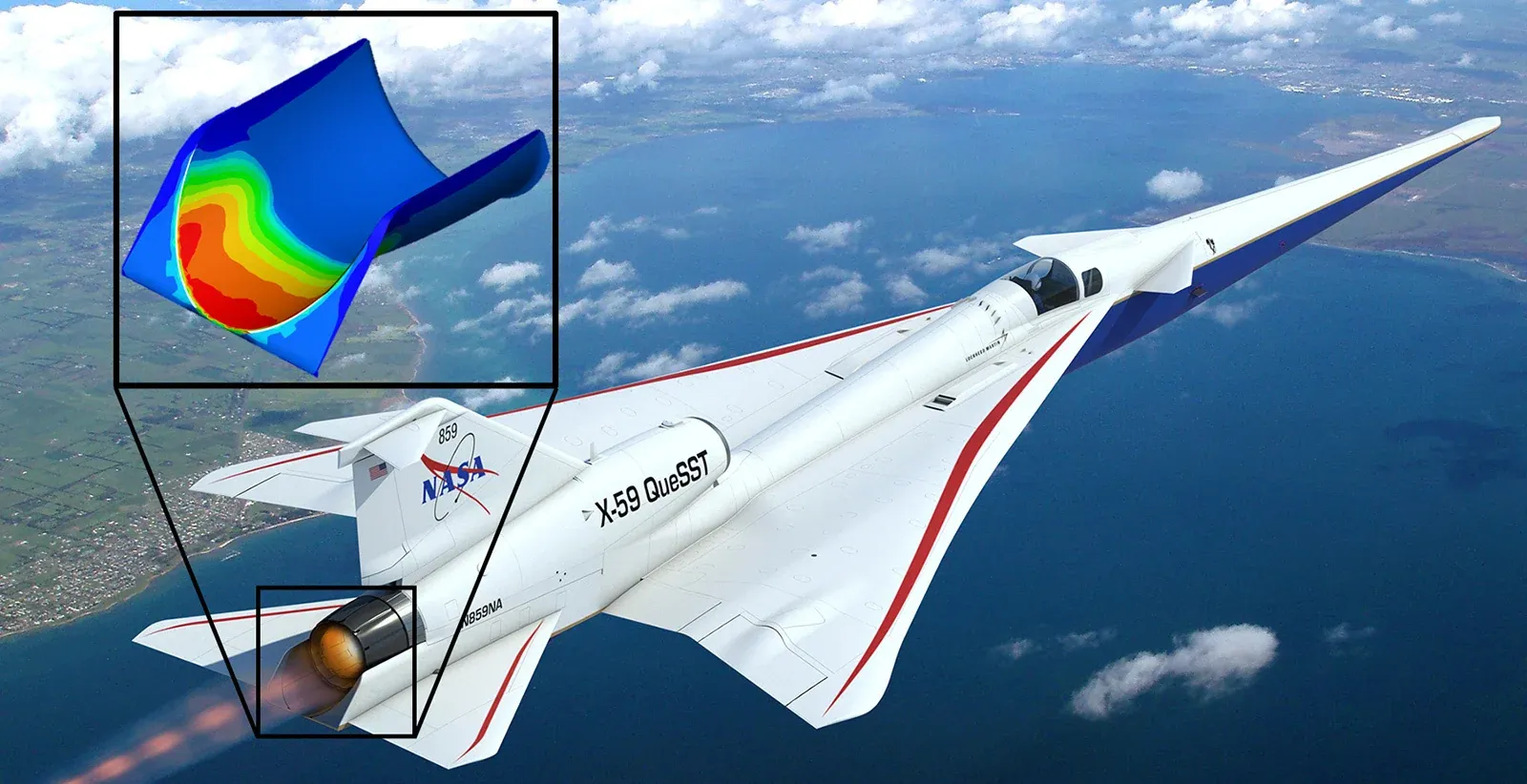
Faster Structural and Shock Analysis
Large-model analysis cut from up to 24 hours to 3 hours
Read the Story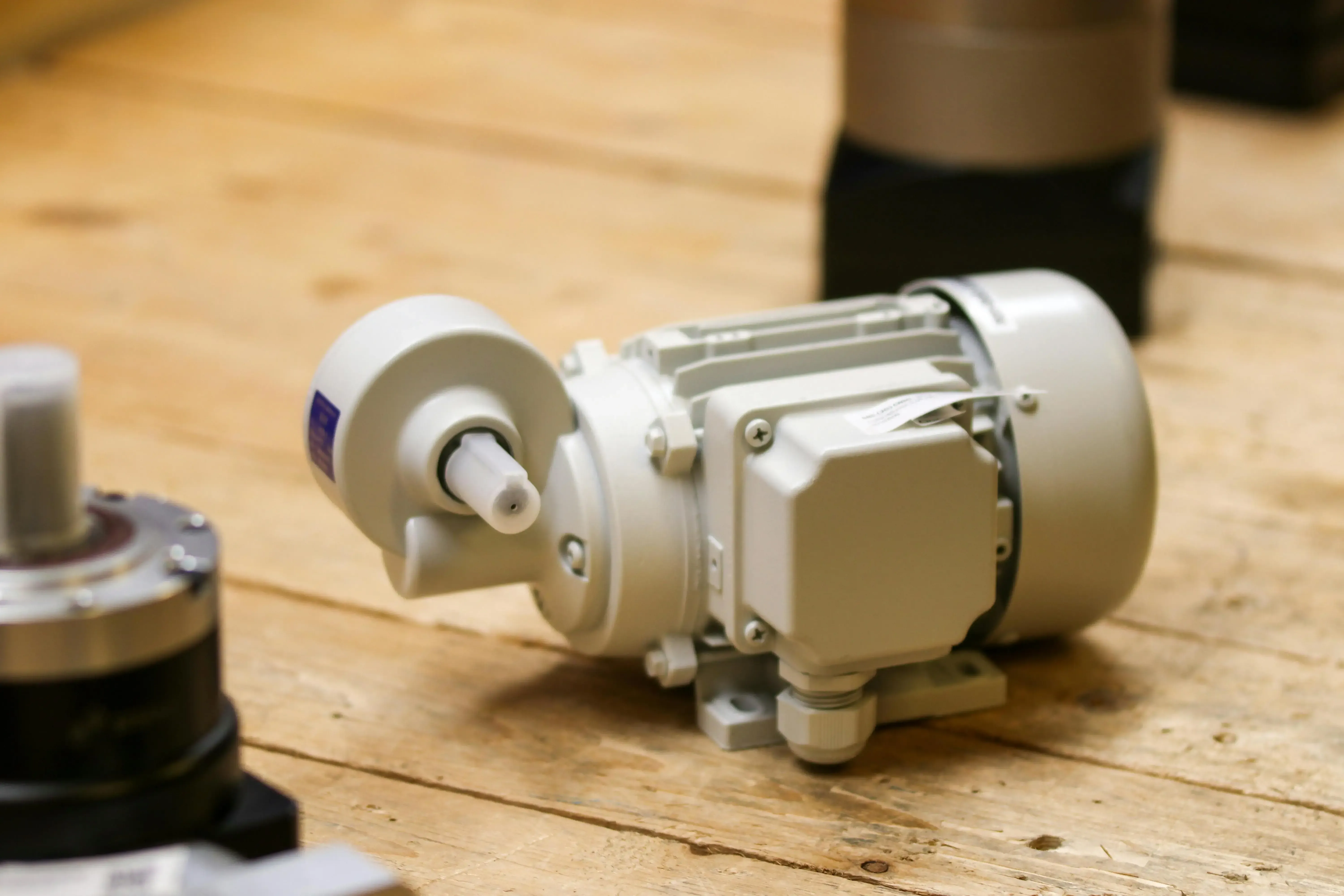
Electric Motor Design With FluxMotor and Flux
More than 50% fewer prototypes
Read the StoryAltair has also published SimLab stories from BMW Motorrad, which automated crankshaft modeling, and the University of Texas at Arlington, whose Formula SAE team designed an adjustable pedal box with SimLab and OptiStruct.
Licensing & Pricing
SimLab Price and Altair Units Licensing
TrueInsight licenses SimLab through Altair Units, a pooled subscription that also runs OptiStruct, HyperMesh, SimSolid, Radioss and the rest of the Altair portfolio, so there is no fixed per-seat list price.
Your SimLab cost depends on how many engineers build and run models at the same time and which other applications draw from the same pool. We size a proposal from your workflows instead of quoting a list price.
- Annual Subscription Sized to Your Concurrent Users
- The Same Units Also Run OptiStruct, HyperMesh and SimSolid
- Startup, Academic and Competitive-Replacement Programs Available
- Installation, License Server Setup and Onboarding Included
Read more about Altair licensing and support or how engineering software pricing works across Altair and Siemens.
Get SimLab Pricing
Tell us which physics you simulate and how many engineers build models. We’ll size an Altair Units proposal.
Thanks, Your Request Is In
An application engineer will follow up with next steps.
Training & Services
SimLab Training and Engineering Support
TrueInsight is an official Altair channel partner that helps teams get value from SimLab faster, with license guidance, onboarding, workflow standardization and practical troubleshooting.
We help you evaluate fit and guide implementation with real engineering context, so your team spends more time on engineering decisions and less time wrestling with setup. Need the analysis done for you? Our FEA consulting and training services can run the study.
- Time-Saving Tips From Geometry Simplification to Solution Templates
- Using Groups, Macros and Scripts to Automate Studies
- Accessing the CFD Post-Processors in SimLab
Guides and Articles
- How to Use the Auto Contact Tool in Simcenter SimLabAutomatic contact detection for assemblies.
- FEA vs CFD: What’s the Difference?Which analysis your problem needs.
- Altair OptiStructStructural analysis and optimization solver.
- Structural Analysis SoftwareEvery Altair structural tool in one place.
From the Blog
Multiphysics Simulation Articles
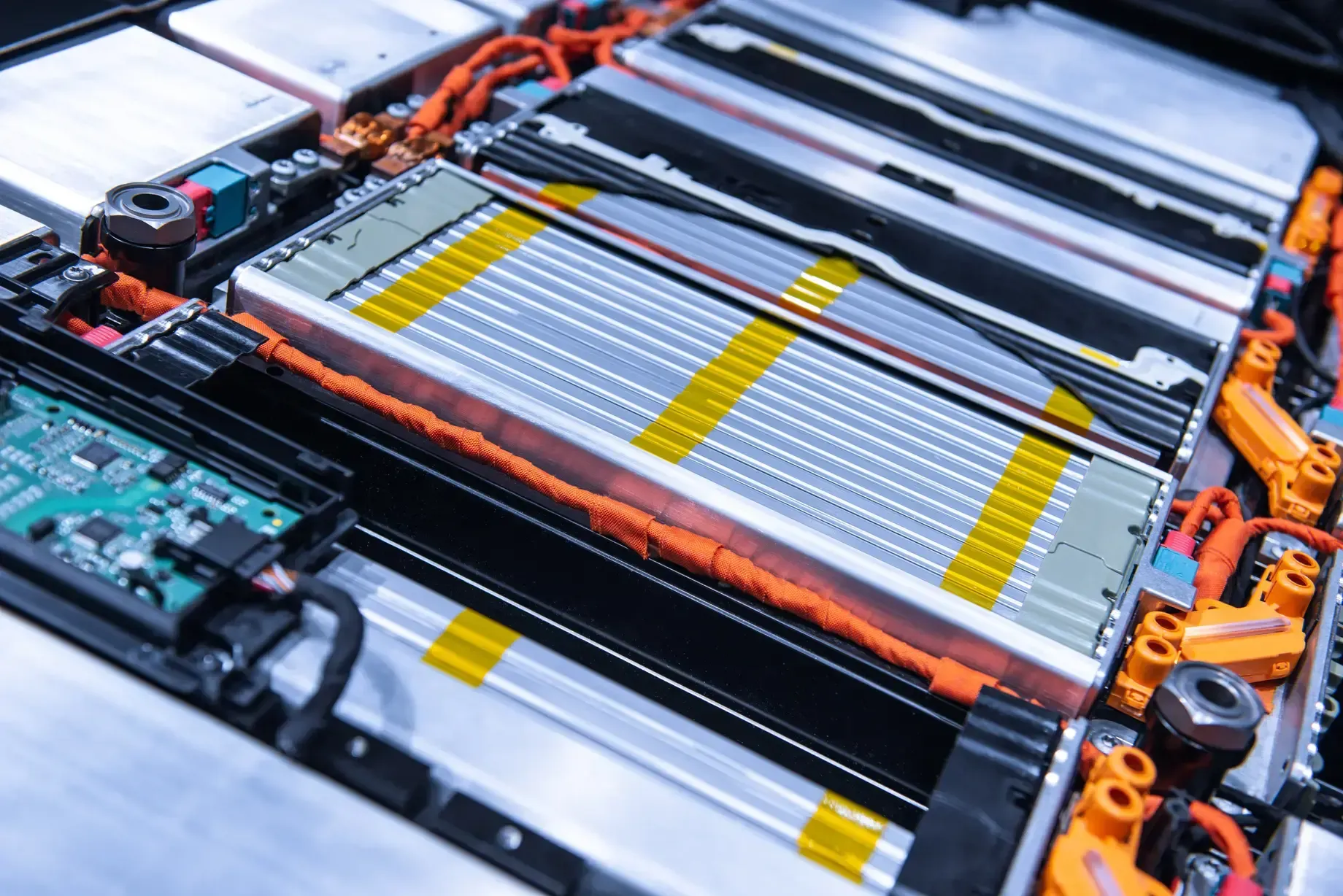
Battery Simulation 101: Thermal, Structural and EM Analysis for EV Battery Packs
How to simulate EV battery packs across thermal, structural, and EM physics using Altair tools.
Read Article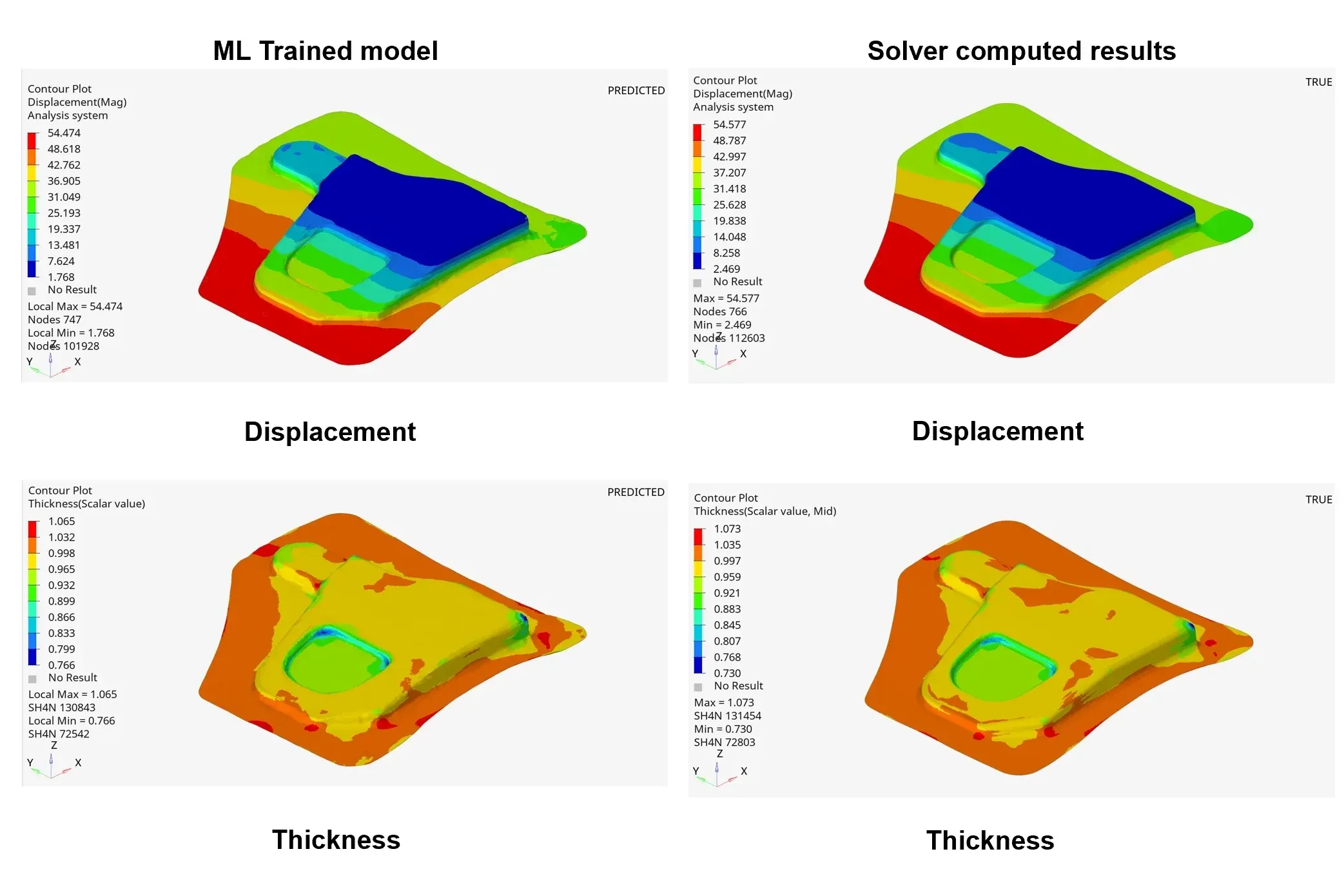
Simcenter PhysicsAI: AI-Powered Design Exploration Comes to STAR-CCM+
Siemens announces that Simcenter PhysicsAI is now available for users to predict CFD models using AI technology.
Read Article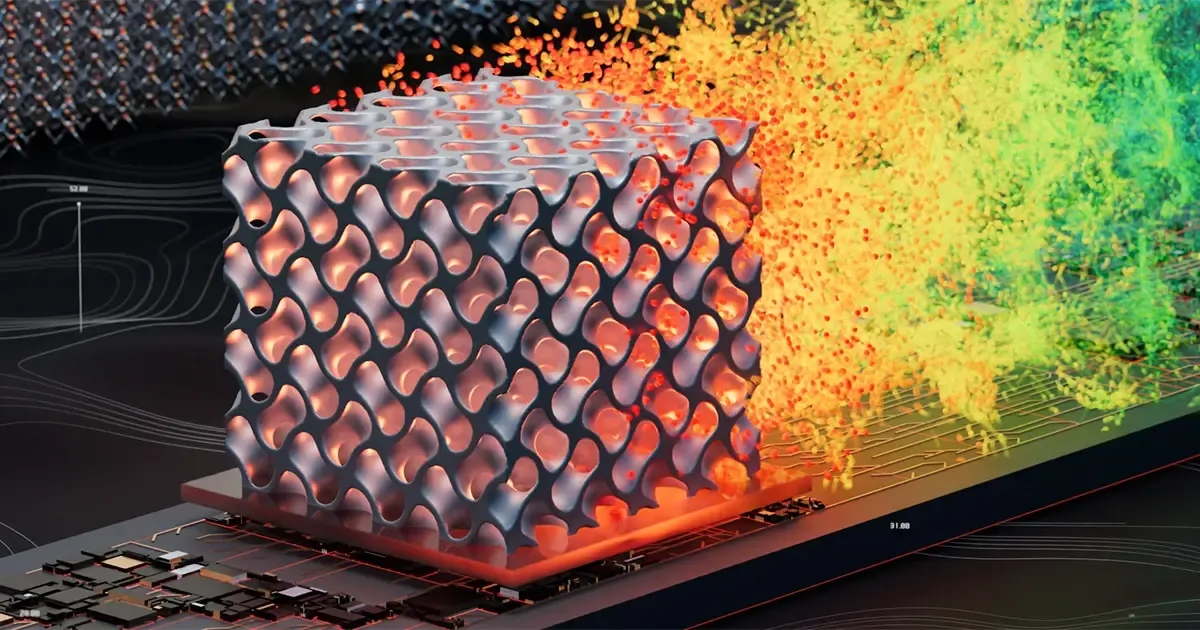
Getting to Know Siemens Simcenter FloEFD
Siemens FloEFD is a CAD-embedded CFD solution that is powerful for many applications. See why users choose it.
Read ArticleFAQ
Frequently Asked Questions About Altair SimLab
What Is Altair SimLab Used For?
SimLab is used for multiphysics simulation workflows from CAD to results, covering structural, thermal, electromagnetic and fluid problems, especially on complex assemblies. Common applications include PCB and electronic packaging, electronics cooling, chip and 3D IC thermal analysis, and e-motor design.
Is SimLab CAD-Integrated?
Yes. SimLab keeps simulation models associated with CAD, with bi-directional connectivity with SOLIDWORKS and other CAD tools, so geometry modifications, part variants and assembly updates sync without rebuilding the model.
Does SimLab Support Automation and Repeatable Workflows?
Yes. Feature recognition, guided workflows and reusable automation templates are central to SimLab, along with built-in design of experiments and optimization tasks, groups, macros and scripts.
Can SimLab Help With Electronics Cooling and Thermal Management?
Yes. SimLab covers air and liquid cooling, Joule heating, conduction and convection and system-level approaches, plus PCB-level thermal, mechanical and fatigue evaluations and early hotspot detection for chips and 3D ICs.
Can SimLab Run Across Different Solvers?
Yes. SimLab uses one interface to prepare and analyze simulations across different solvers, including Altair solvers such as OptiStruct, so teams can switch tools without rebuilding the entire workflow.
Can SimLab Run Simulations in the Cloud?
Yes. Linear and nonlinear structural, thermal and computational fluid dynamics analyses can run locally or in the cloud.
Is SimLab Part of HyperWorks?
Yes. SimLab is part of Altair HyperWorks, alongside HyperMesh, OptiStruct, SimSolid and PhysicsAI. All of them run on the same Altair Units license.
Is SimLab Now Simcenter SimLab?
Yes. Siemens acquired Altair, and with the June 2026 Simcenter release former Altair products joined the Simcenter family, so SimLab also carries the Simcenter SimLab name. It is the same multiphysics environment, and TrueInsight licenses and supports it under either name.
How Much Does SimLab Cost?
SimLab is licensed through Altair Units, so there is no fixed per-seat list price. The cost depends on how many engineers build and run models at the same time and which other Altair applications share the pool. Request SimLab pricing and we’ll size a proposal to your team.
How Does TrueInsight Support SimLab Users?
TrueInsight is an official Altair channel partner. We help teams evaluate fit, then support licensing, onboarding, workflow standardization and practical troubleshooting, so engineers spend more time on design decisions and less on setup.
Get Started
Ready to Take the Next Step With SimLab?
Whether you’re validating a CAD-to-results workflow, automating repeat studies or adding multiphysics, our engineers will help you get reliable results quickly.
- Authorized Siemens & Altair Partner
- Expert Engineering Support
- Licensing Sized to Your Team