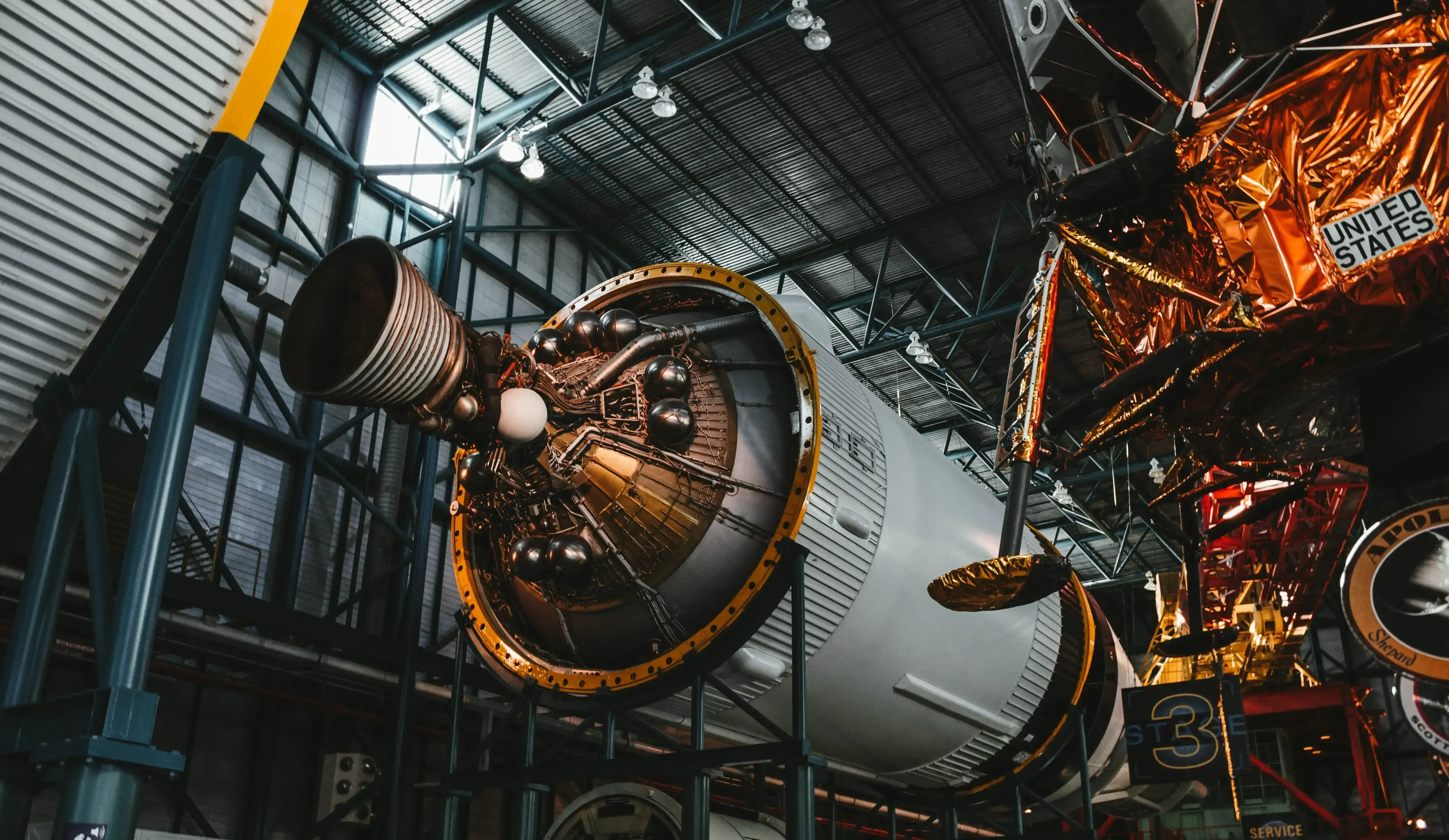
Siemens Simcenter · Simulation and Test
Siemens Simcenter Simulation Software
Predict how products perform across fluids, structures, systems and test with one connected Siemens portfolio, licensed, implemented and supported by TrueInsight.
Overview
What Is Simcenter?
Siemens Simcenter is a portfolio of simulation and test software that predicts how products will perform before they are built. It brings computational fluid dynamics (CFD), finite element analysis (FEA), system simulation, physical testing and design exploration together, so engineers evaluate airflow, stress, temperature and system behavior with one connected set of tools.
Engineering simulation uses physics-based models to predict how products behave under real operating conditions. Instead of relying on costly physical prototypes, engineers validate performance digitally and catch overheating, vibration, airflow and structural problems early. Simcenter is part of Siemens Xcelerator and connects to NX CAD and Teamcenter PLM, which makes simulation part of the digital thread rather than a side project.
- CFD With Simcenter STAR-CCM+ and CAD-Embedded Simcenter FloEFD
- Structural FEA With Simcenter 3D and the Simcenter Nastran Solver
- System Simulation With Amesim and Physical Test With Testlab
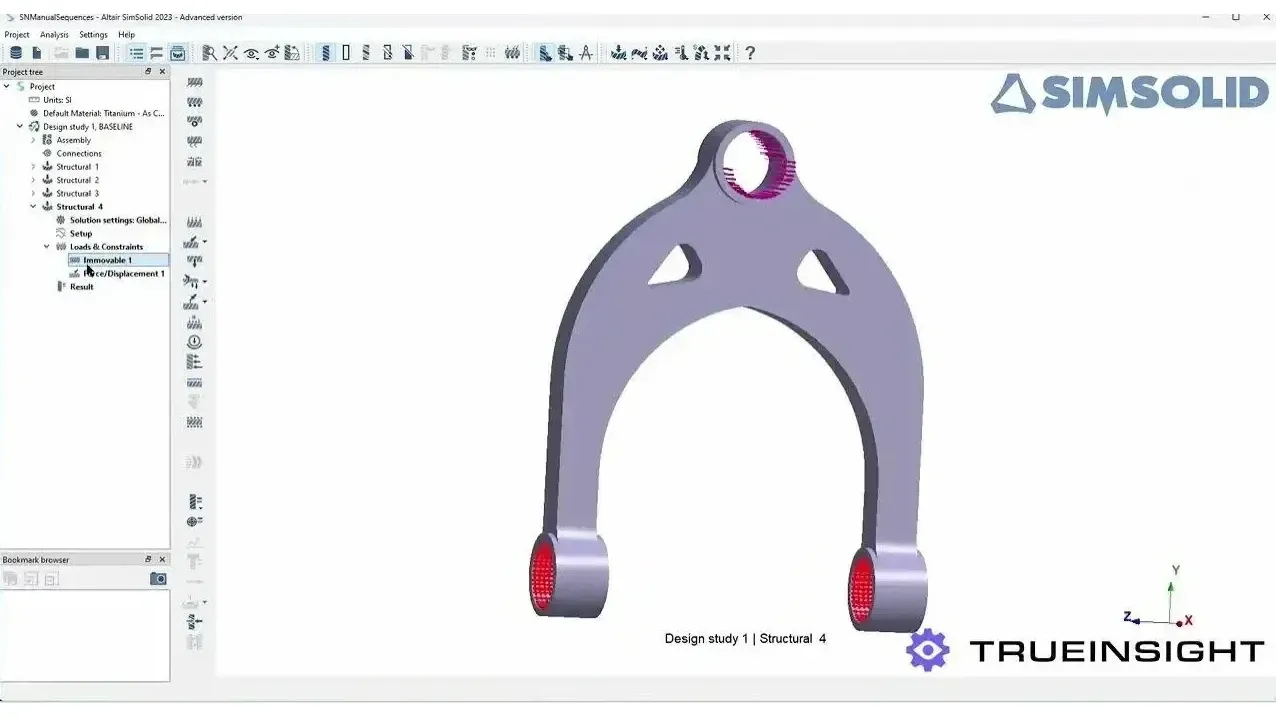
- Former Altair Tools Such as HyperMesh and SimSolid, Now Under the Simcenter Brand
 Simulation Meets the Physical Part
Engineering Benefits
Validate Designs Digitally, Then Prove Them Physically
Evaluate performance, validate designs and reduce physical testing across the product development lifecycle.
Integrated Multiphysics Simulation
Analyze structural, thermal, fluid and motion behavior together, and see how effects interact, such as heat driving deformation or airflow exciting vibration.
Predictive Product Validation
Find overheating, stress concentrations, vibration and instability during design, which cuts prototypes, shortens development cycles and improves reliability.
Connected Engineering Workflow
Link simulation to CAD, PLM and test so designs are re-evaluated quickly, results are correlated with real test data and teams share one engineering model.
The Portfolio
The Simcenter Portfolio at a Glance
From CAD-embedded CFD for designers to high-fidelity multiphysics, structural FEA, system models and test, Simcenter covers the full validation chain.
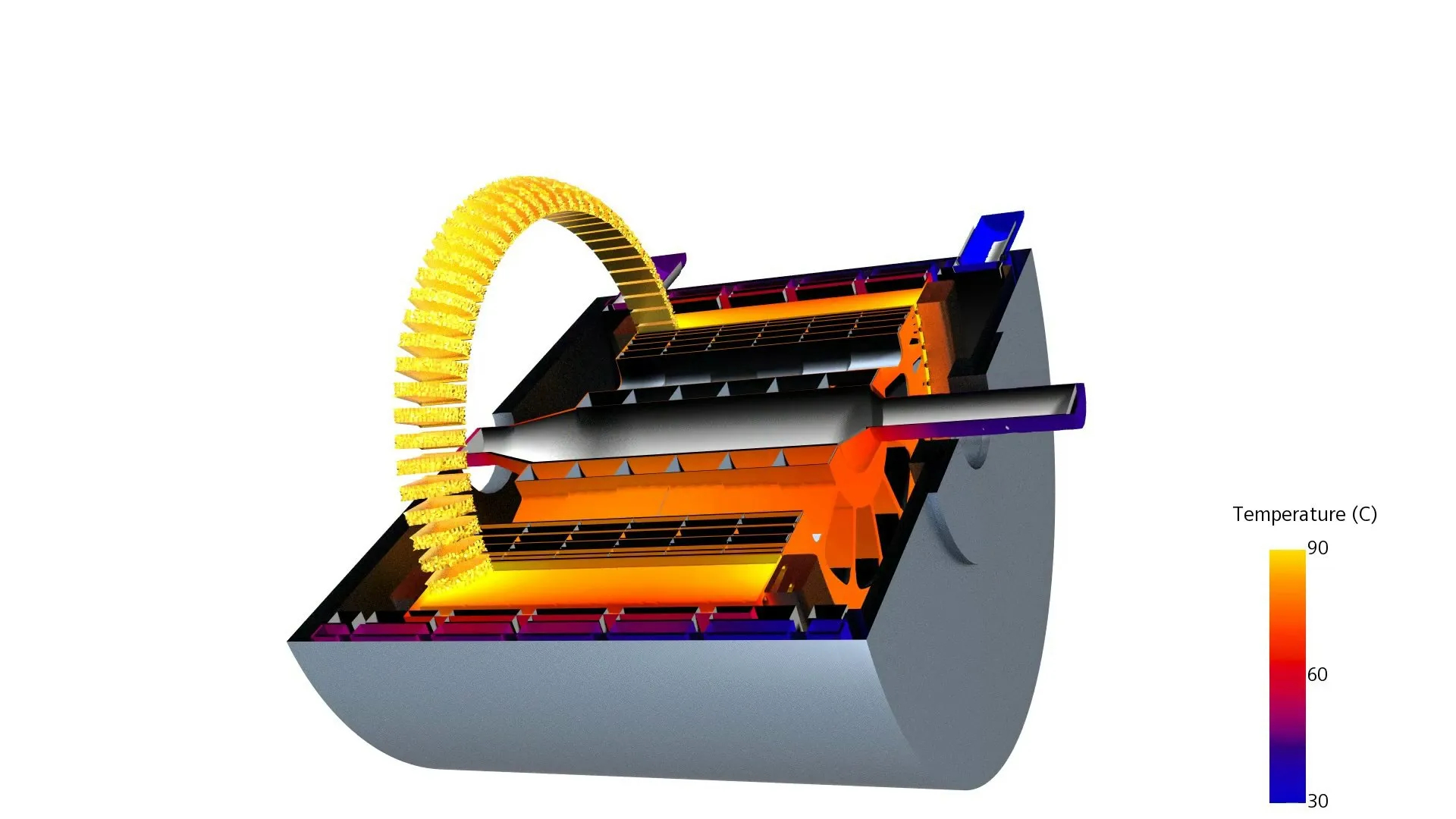
Multiphysics CFD
Simcenter STAR-CCM+
Fluid flow, heat transfer, multiphase and coupled physics in one environment, from workstation to HPC.
Explore STAR-CCM+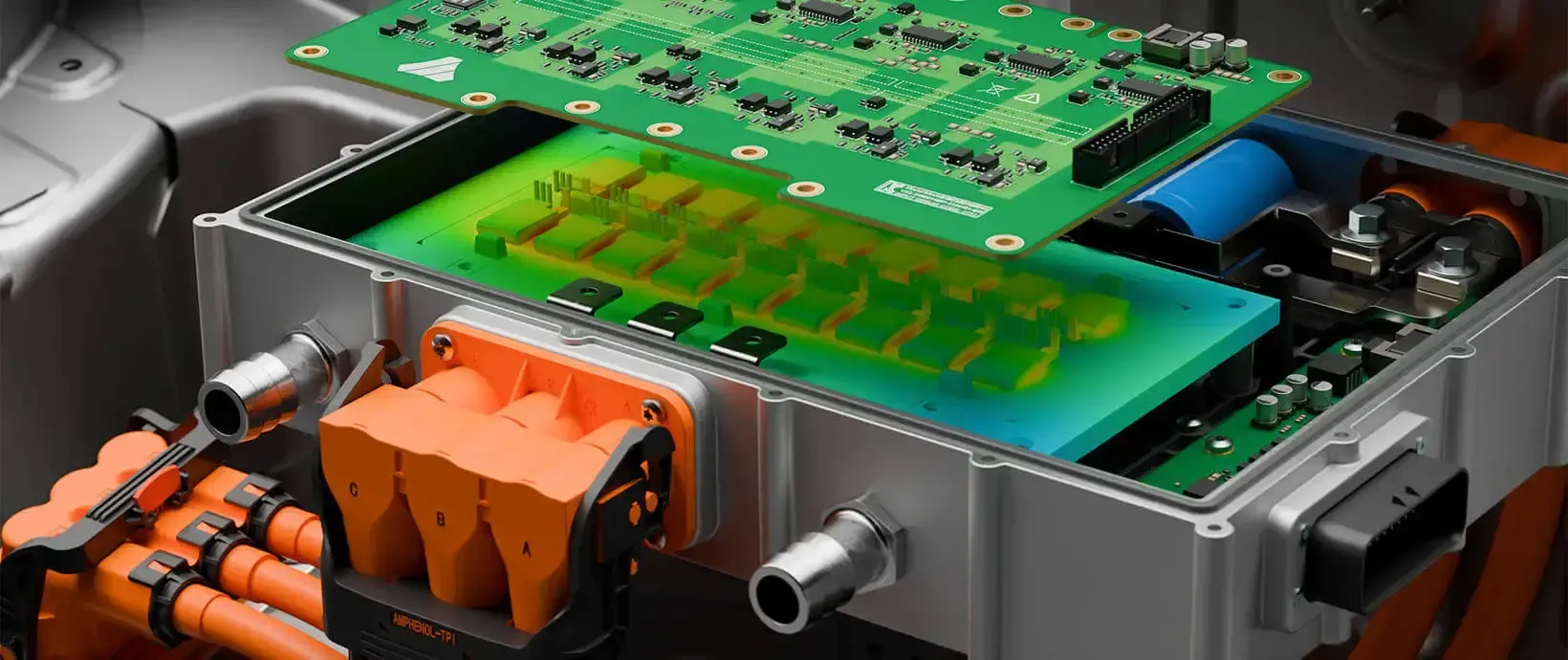
CAD-Embedded CFD
Simcenter FloEFD
Flow and thermal analysis inside NX, Solid Edge, CATIA V5 and Creo, built for design engineers.
FloEFD Details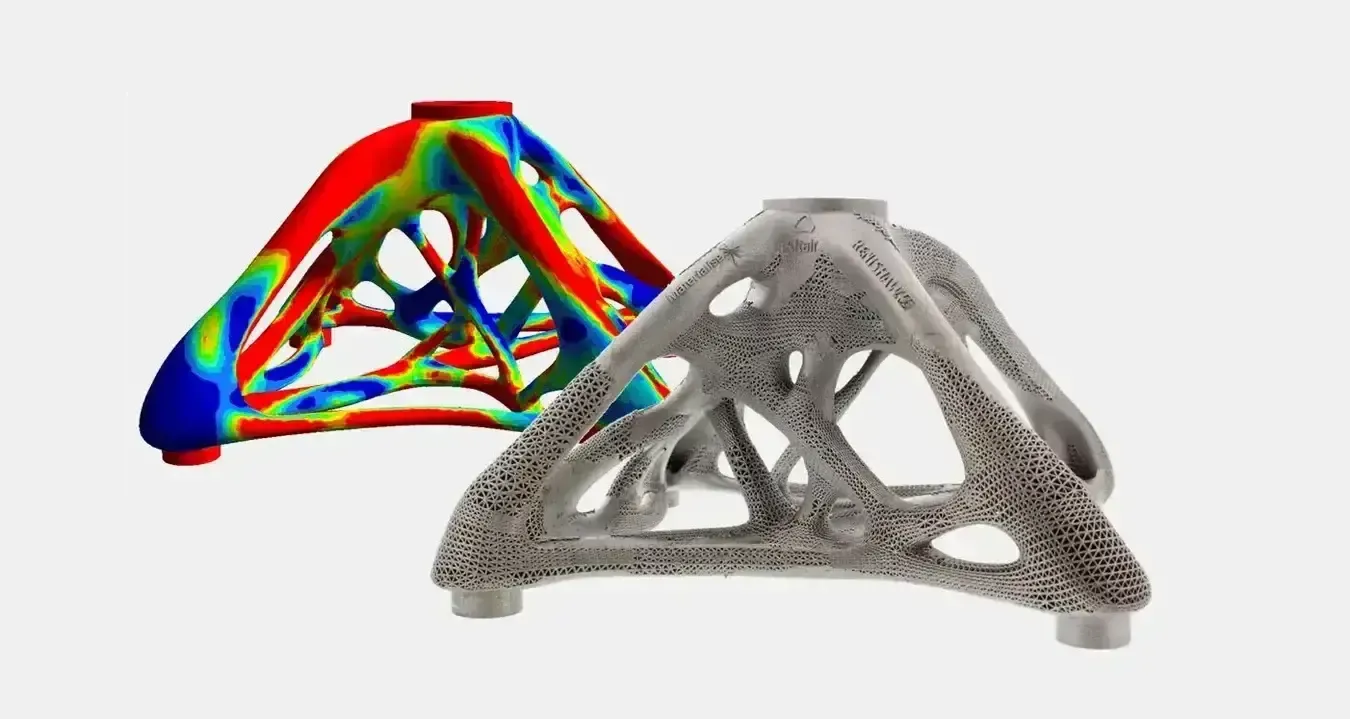
Structural FEA
Simcenter 3D and Nastran
Pre- and post-processing, structures, dynamics, acoustics and durability on the Simcenter Nastran solver.
Simcenter 3D Details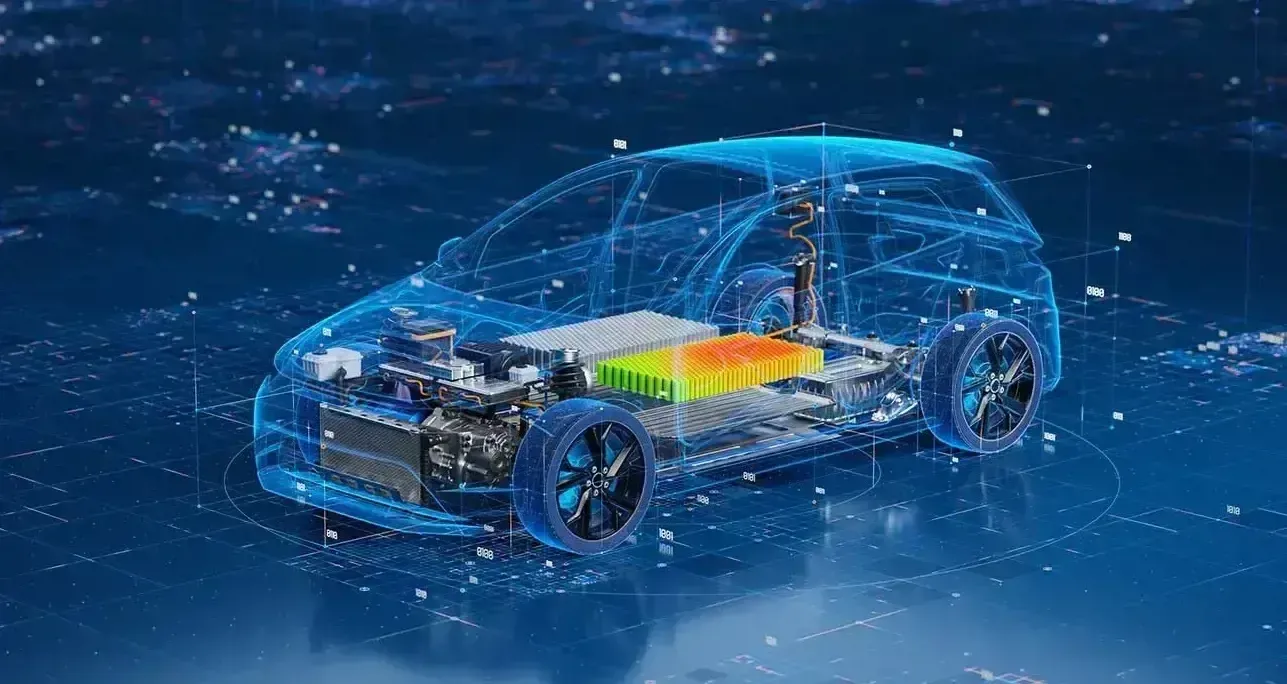
System Simulation
Simcenter Amesim
1D multi-domain models of fluid, thermal, electrical and mechanical systems for architecture and controls.
Amesim Details
Test and Measurement
Simcenter Testlab
Noise, vibration, acoustics and durability testing, correlated with simulation for a validated digital twin.
Testlab Details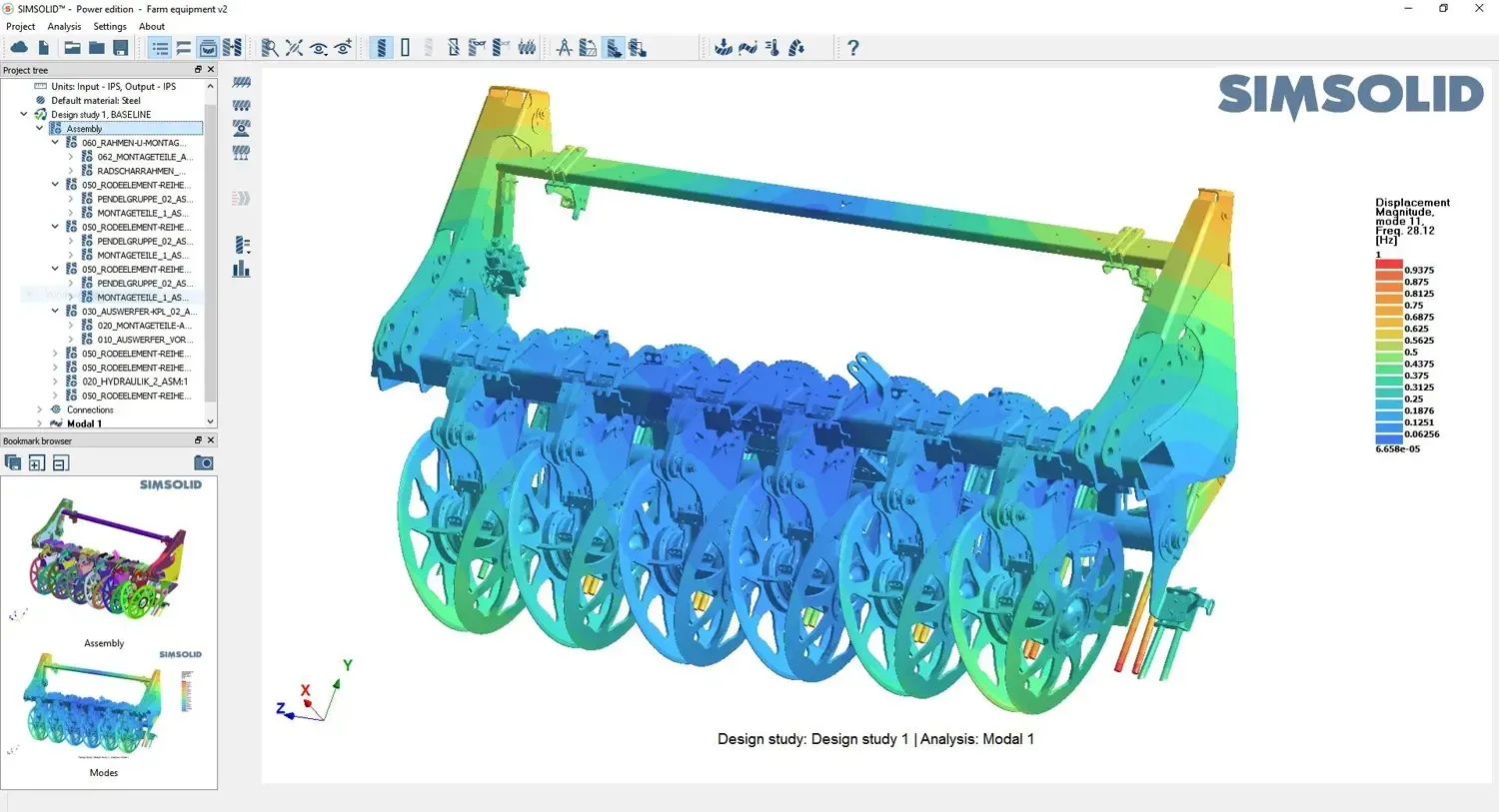
Former Altair Tools
Simcenter HyperMesh and SimSolid
Industry-standard meshing and meshless structural analysis, now part of the Simcenter portfolio.
See the ToolsCapabilities
Key Capabilities of Siemens Simcenter
Advanced simulation tools to analyze real-world product behavior across fluid, structural, thermal and system-level performance.
Computational Fluid Dynamics
Analyze airflow, heat transfer and pressure distribution in complex systems, including aerodynamics, electronics cooling, internal flows and thermal management.
Structural Analysis and FEA
Predict stress, deformation and fatigue under real operating conditions to validate structural integrity, safety margins and durability.
Thermal Simulation
Evaluate temperature distribution and overheating risk, and design efficient cooling strategies for high-power products.
Multibody and Motion Simulation
Simulate mechanisms such as gears and suspensions to understand kinematics, vibration and load transfer through moving assemblies.
System Simulation and Digital Twin
Model interactions between mechanical, electrical and control systems for performance prediction, control validation and operational optimization.
Design Optimization
Explore design alternatives automatically with parametric and topology optimization and Simcenter HEEDS, cutting the number of physical prototypes.
Simcenter STAR-CCM+
Simcenter STAR-CCM+ for CFD
Simcenter STAR-CCM+ is Siemens’ flagship multiphysics CFD software. It handles fluid flow, heat transfer, multiphase and reacting flow, solid mechanics and electromagnetics in one integrated environment, with automated polyhedral meshing and built-in design exploration.
Choose it when the physics is demanding: turbulence that needs LES or DES, free-surface and particle flows, rotating machinery, battery thermal runaway or fully coupled fluid-structure interaction. Get the full picture on our Simcenter STAR-CCM+ CFD software page.
- Automated Polyhedral, Trimmed and Prism-Layer Meshing
- Validated RANS, LES and DES Turbulence and Multiphase Models
- Scales From a Workstation to HPC Clusters and GPUs
- Simcenter PhysicsAI for AI-Predicted CFD Results
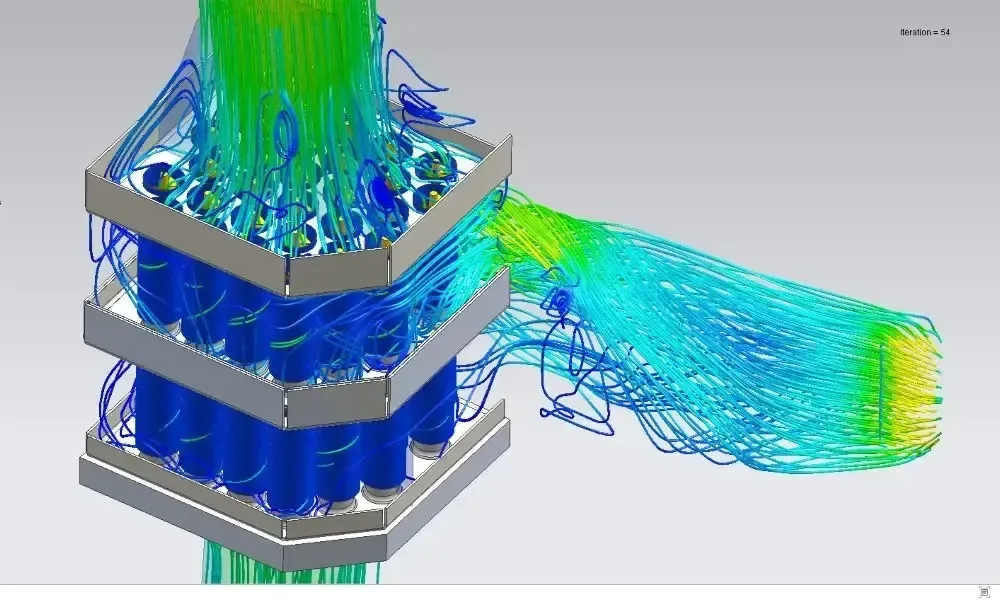
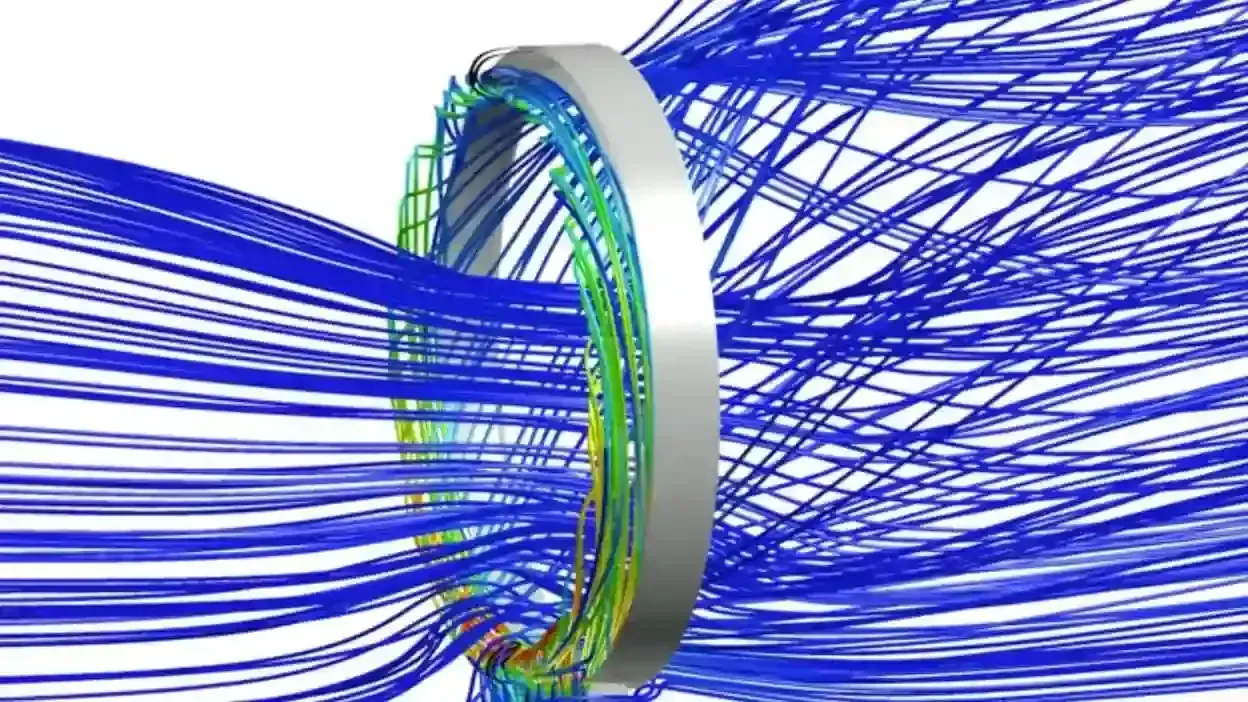 Internal Flow · Streamlines
Simcenter FloEFD
Simcenter FloEFD for CAD-Embedded CFD
Simcenter FloEFD runs fluid flow and heat transfer simulation directly inside Siemens NX, Solid Edge, CATIA V5 and Creo, so design engineers test ideas on native CAD without geometry cleanup, export or re-meshing.
CAD-Embedded CFD
What Is Simcenter FloEFD?
FloEFD is a computational fluid dynamics (CFD) solution embedded in leading CAD tools. Instead of exporting geometry, rebuilding setups and handing models to a dedicated analyst, engineers define materials, apply power loads, simulate airflow and evaluate temperatures inside the CAD workflow they already use.
Because the simulation understands the CAD model and its structure, design intent maps directly to analysis intent and studies stay synchronized with design changes. That is why FloEFD usually wins on time to first answer. Our blog post Getting to Know Siemens Simcenter FloEFD walks through the workflow with examples.
- Runs Inside NX, Solid Edge, CATIA V5 and Creo
- No Geometry Cleanup, Translation or Data Loss
- Guided Setup That Design Engineers Can Standardize
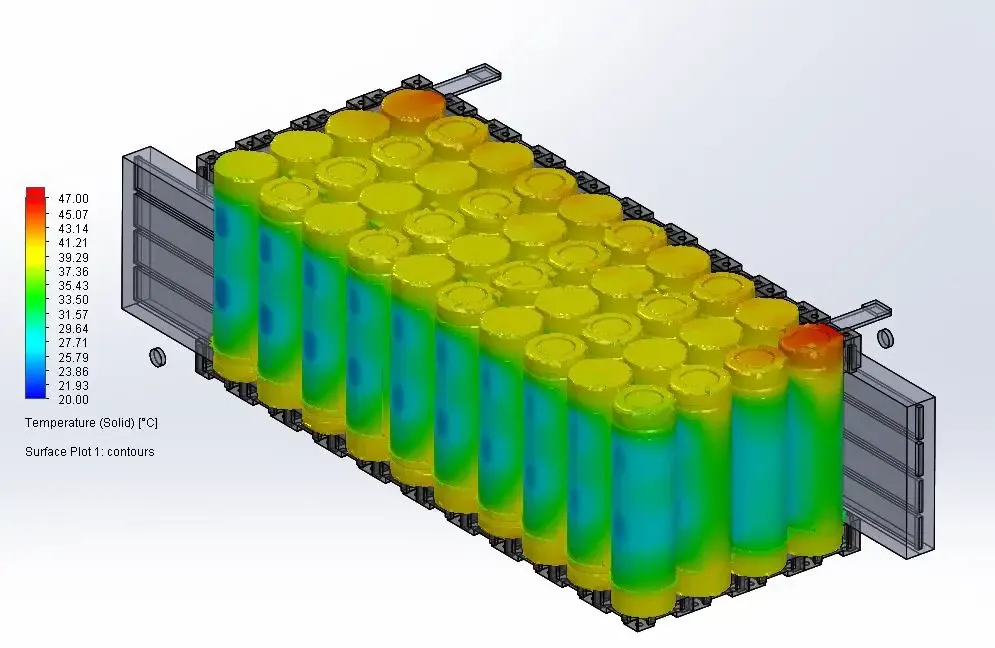 FloEFD · Battery Pack Temperature
Why Engineers Choose Simcenter FloEFD
Fewer Handoffs, Less Geometry Pain
The slow steps before the solve, such as simplifying geometry, fixing gaps and overlaps, defining fluid volumes and rebuilding boundary conditions after every revision, largely disappear.
Approachable for Non-Specialists
A guided wizard prompts for key physics choices (internal or external, steady or transient, incompressible or compressible), and studies are easy to standardize with templates.
Automated Cartesian Meshing
FloEFD overlays a Cartesian mesh on native geometry, resolves solid-fluid intersections automatically and refines adaptively during the solve.
Conjugate Heat Transfer
Conduction in solids and convection in fluids are solved together in one coupled model, with no manual guessing of heat transfer coefficients.
Electronics Cooling
Model PCBs, semiconductors, heat sinks, fans and enclosures with built-in material libraries, compact thermal models and component power inputs.
Radiation Modeling
Surface-to-surface radiation with gray-body assumptions and configurable emissivity for enclosures, lighting and high-temperature parts.
Rotating Components
Robust rotating-region modeling for pumps, fans, turbines and compressors, plus fan curves so the solver finds the real operating point.
Cavitation and Multiphysics
Combine flow and heat transfer with radiation, rotation and cavitation in one CAD-based environment.
Fast Without Cutting Corners
Automatic near-wall resolution and compact modeling techniques balance accuracy, solve time and stability on everyday design questions.
Electronics Cooling
Where FloEFD Pays for Itself
Thermal problems are painful to guess your way through: small geometry changes can have big effects on airflow and heat transfer. FloEFD maps directly to the questions product and thermal teams ask every week.
For enclosures, power electronics, battery packs, consumer devices and industrial controls, where thermal risk drives the design, FloEFD can pay for itself by helping you avoid a single late-stage redesign. Dedicated electronics thermal teams can also consider Simcenter Flotherm, and we’ll help you choose.
- Where Are the Hot Spots and Recirculation Zones?
- Do We Need a Bigger Heat Sink, a Better Thermal Interface Material or a Better Airflow Path?
- What Happens If We Change the Vent Pattern or Rotate the Fan?
- How Sensitive Is the Design to Ambient Temperature?
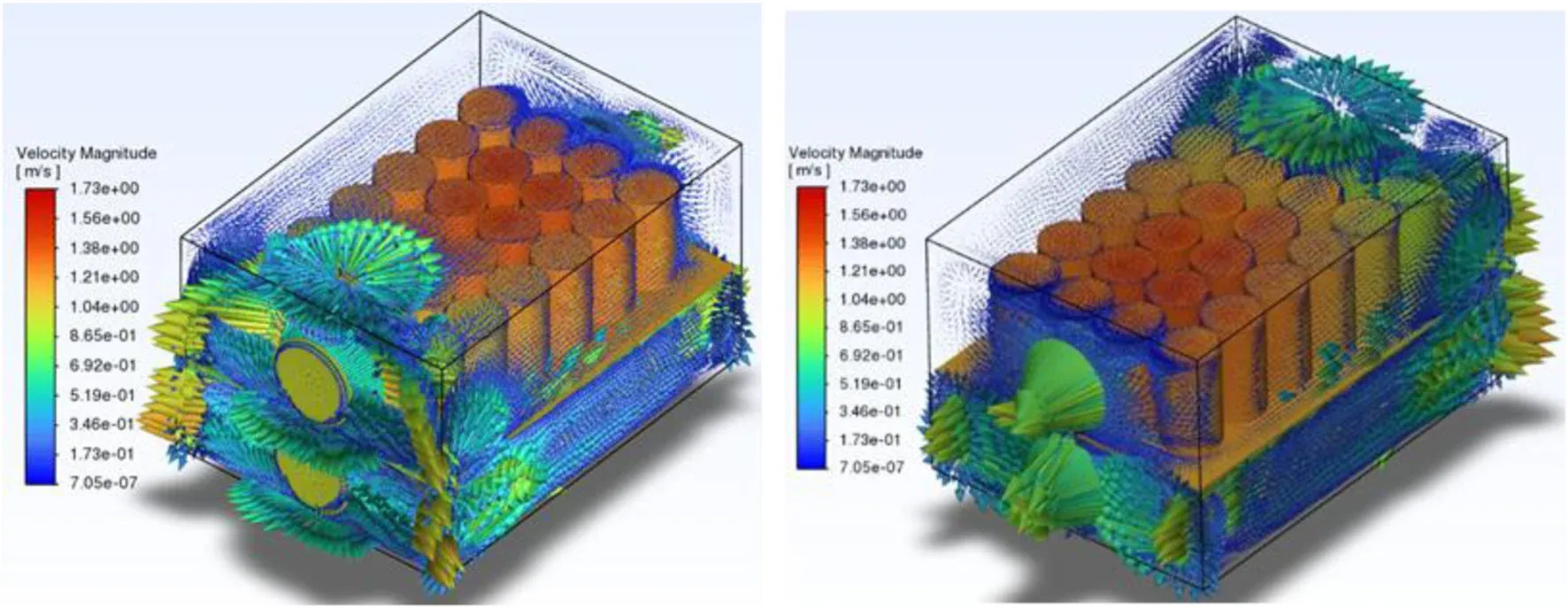 Design Engineer · Enclosure Thermal
FloEFD vs STAR-CCM+
Should We Choose STAR-CCM+ or FloEFD?
It depends on the physics, the validation rigor you need and how specialized your team is. FloEFD lowers friction with less prep, fewer handoffs and faster iteration. STAR-CCM+ is the better fit for scale-resolving turbulence (LES, DES), extreme multiphysics coupling, manual meshing control for turbomachinery, or VOF and surface-tension multiphase.
Many teams use both: FloEFD for frequent design iteration and STAR-CCM+ for final validation. In practice, the best CFD tool is the one your team runs often enough to change outcomes.
| Consideration | Simcenter FloEFD | Simcenter STAR-CCM+ |
|---|---|---|
| Primary User | Design and product engineers | CFD specialists and analysis teams |
| Where It Runs | Inside NX, Solid Edge, CATIA V5 and Creo | Standalone integrated environment that imports CAD |
| Meshing | Automatic Cartesian mesh with adaptive refinement | Polyhedral, trimmed, prism-layer and overset meshing with full control |
| Turbulence | Engineering turbulence modeling for design-stage studies | RANS, LES, DES and hybrid scale-resolving models |
| Multiphase | Cavitation and common design-stage effects | VOF free surface, Eulerian, Lagrangian, DEM and surface tension |
| Multiphysics Coupling | Flow, heat transfer, radiation and rotation | CFD coupled with solid mechanics, electromagnetics, electrochemistry and more |
| Best For | Early, frequent design iteration and electronics cooling | Complex physics, validation rigor and high-fidelity sign-off |
FloEFD Questions
Simcenter FloEFD Questions, Answered
FloEFD was built for design engineers, not CFD specialists. Here is what teams ask most before they start.
How Is FloEFD Different From Traditional CFD Software?
Traditional CFD tools need geometry exported, cleaned and re-meshed in a separate application. FloEFD runs inside NX, Solid Edge, CATIA V5 and Creo, so it works on the native model and eliminates translation, cleanup and re-meshing. Setup is faster and simulations can run far more often during design.
What Types of Simulations Can FloEFD Perform?
Fluid flow, heat transfer, conjugate heat transfer, radiation, rotating machinery, cavitation and electronics cooling. Typical outputs include airflow paths, temperatures and hot spots, pressure losses and cooling efficiency, all directly in CAD.
Can FloEFD Be Used for Electronics Cooling Analysis?
Yes, it is one of its strongest use cases. FloEFD models PCBs, heat sinks, enclosures, fans and semiconductors, with built-in material libraries and compact thermal models that help engineers evaluate cooling strategies early and improve reliability.
Does TrueInsight Support Simcenter FloEFD?
Yes. TrueInsight provides FloEFD workflow setup, best-practice guidance, training and application support, from model setup and boundary conditions to parametric studies and result interpretation. Talk to a FloEFD expert.
Structural FEA
Simcenter 3D and Simcenter Nastran for FEA
Simcenter 3D is Siemens’ integrated CAE environment for structures, dynamics, acoustics, thermal, motion and composites. Built on the same platform as NX, it edits and defeatures CAD geometry directly, meshes it and keeps the analysis model associative to the design, so updates flow through without rebuilding.
Simcenter Nastran, formerly NX Nastran, is the finite element solver behind it. It covers linear and nonlinear statics, normal modes, buckling, dynamic response, heat transfer, rotor dynamics and optimization, and Nastran is a long-established standard in aerospace and automotive structural analysis.
- Associative CAD-to-Mesh Workflow on the NX Platform
- Linear, Nonlinear, Dynamics, Acoustics and Durability Analysis
- Simcenter Nastran Solver, Formerly NX Nastran
- Motion and Composites in the Same Environment
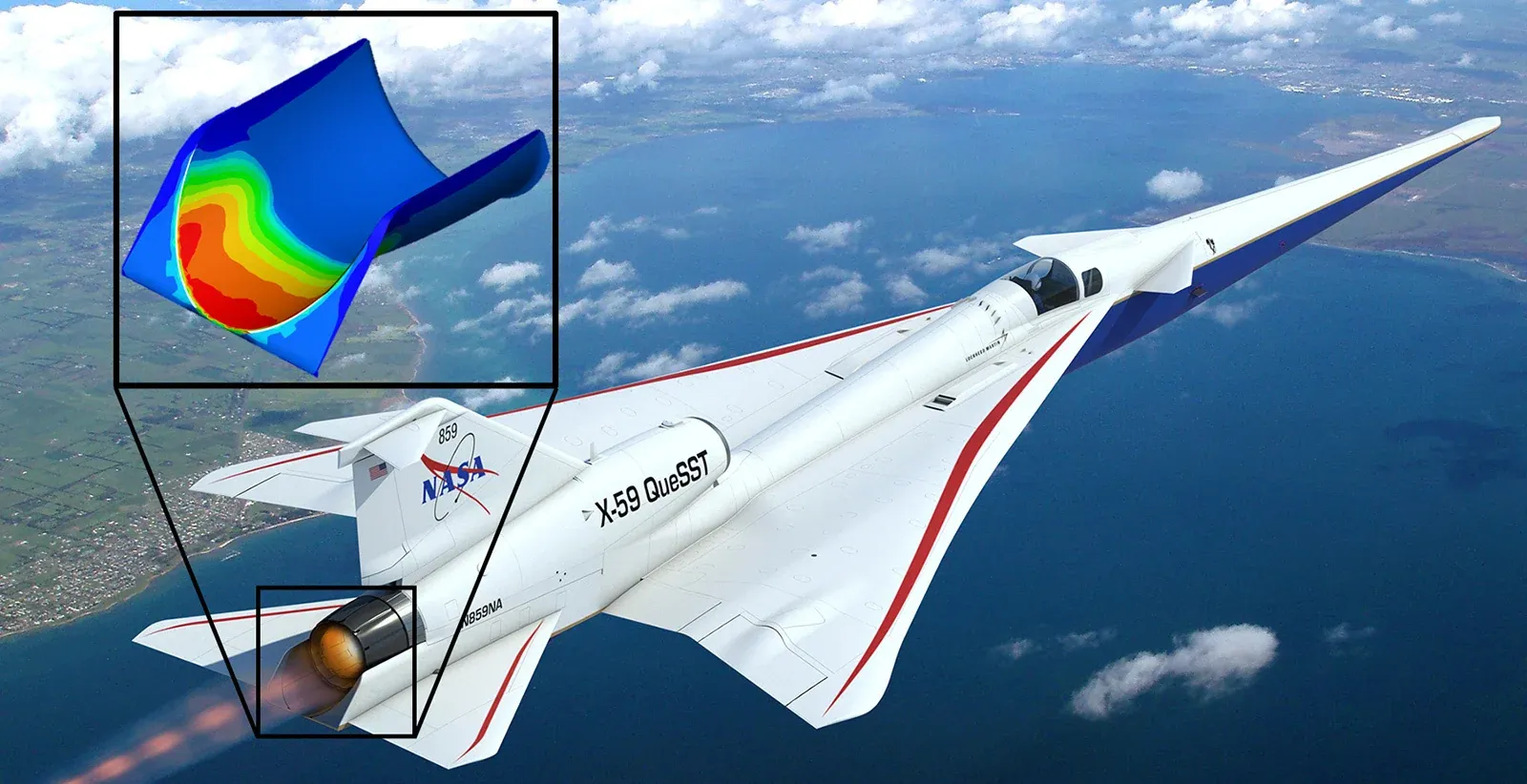 Airframe Structure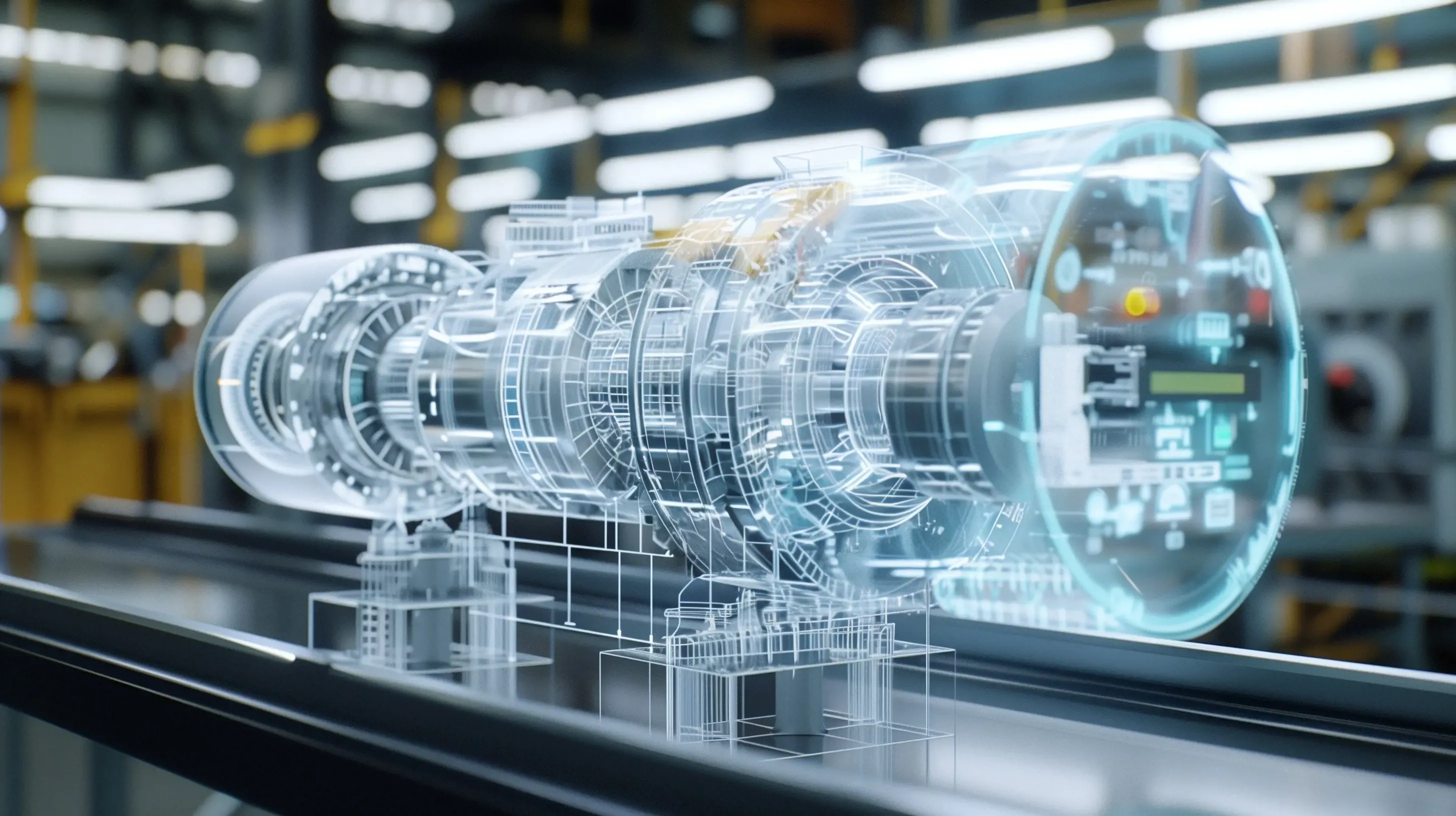
Digital Twin
Close the Loop Between Simulation and Test
Simcenter connects 3D simulation, system models and physical test data, so every prototype refines the digital twin instead of starting from scratch.
Simcenter Amesim
Simcenter Amesim for System Simulation
Simcenter Amesim is a 1D system simulation tool for mechatronic systems. Engineers assemble library components for hydraulics, pneumatics, thermal, electrical and mechanical systems to predict how a whole system performs long before detailed 3D geometry exists.
Use it to size components, balance energy flows and validate control strategies for powertrains, vehicle thermal management, aircraft systems and industrial machinery. Amesim models also become fast system-level digital twins that run alongside 3D simulation and controls software.
- Multi-Domain Libraries for Fluid, Thermal, Electrical and Mechanical Systems
- Early Architecture Studies and Component Sizing
- Control Validation and Model-Based Systems Engineering
- Co-Simulation With Controls Tools Through FMI
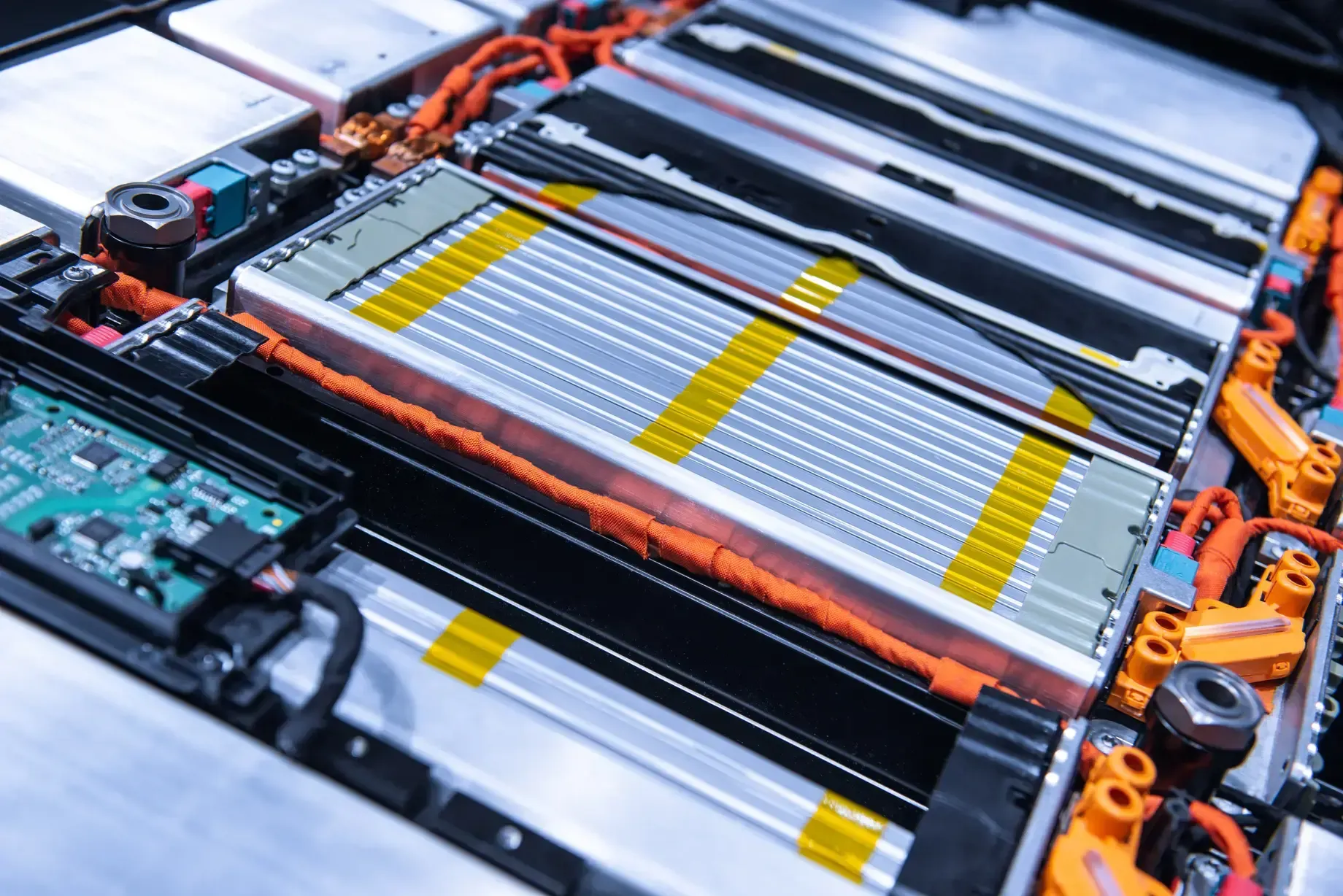 Vehicle Energy Management
Simcenter Testlab
Simcenter Testlab for Test and Measurement
Simcenter Testlab is Siemens’ integrated software for test data acquisition and analysis, covering noise and vibration (NVH), acoustics, durability, rotating machinery and structural dynamics testing such as modal analysis.
Paired with Simcenter SCADAS data acquisition hardware, Testlab feeds real measurements back into simulation: test data is used to correlate and update models, closing the loop between virtual and physical validation.
- NVH, Acoustics and Durability Testing
- Modal and Structural Dynamics Analysis
- Correlation Between Test Data and Simulation Models
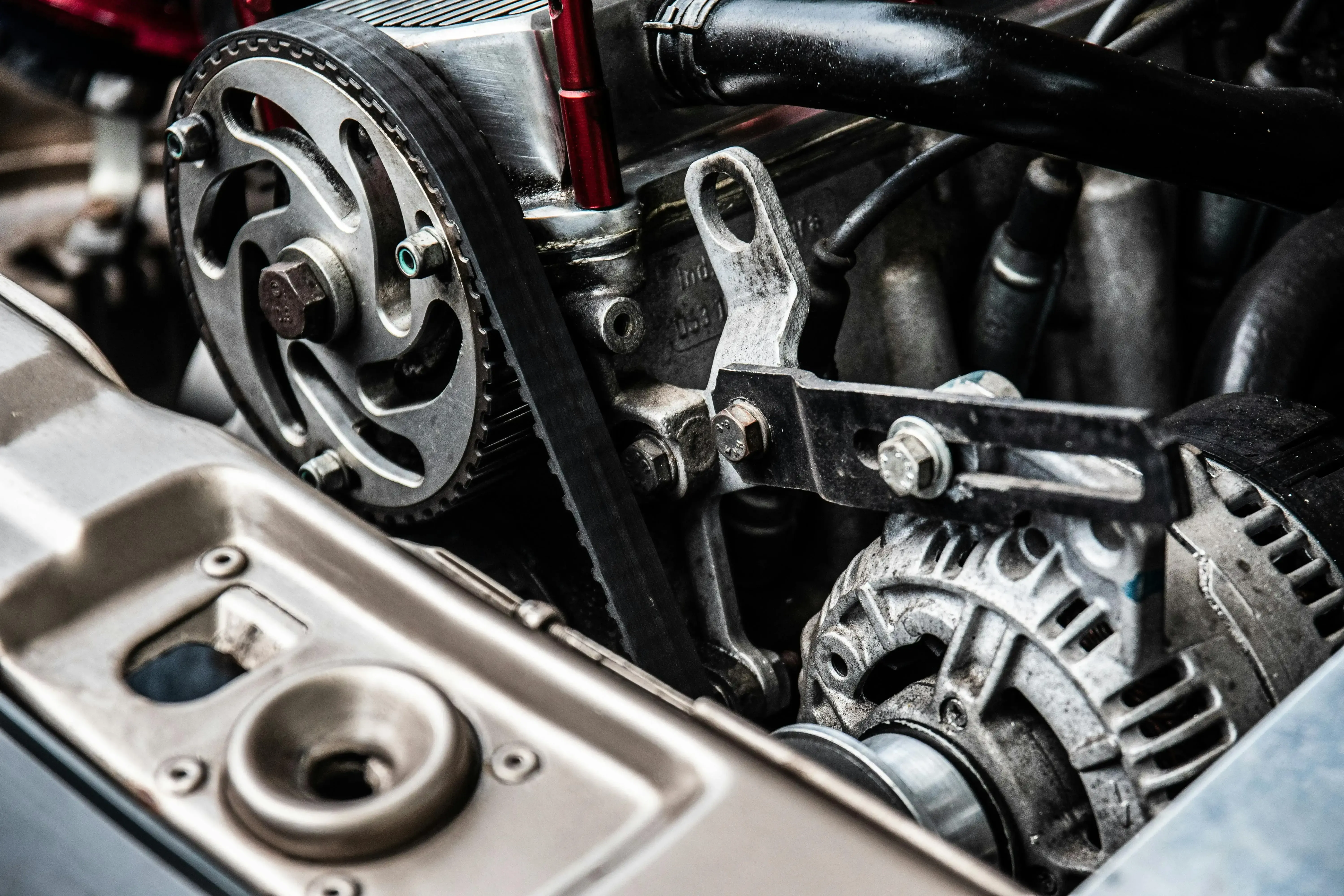 Vehicle NVH · Acoustics
Cloud Licensing
Simcenter X Cloud Licensing
Simcenter X is Simcenter delivered as software as a service on Siemens Xcelerator: subscription access to Simcenter simulation with cloud-based collaboration, without license servers or upfront infrastructure.
It lets smaller teams adopt advanced simulation quickly and lets larger teams scale access as projects change. Packages determine which tools you can use, so the key decision is matching a package to your physics and workload, which is where we help.
- Cloud-Delivered Access With Siemens-Managed Updates
- Packages Sized to Different Simulation Needs
- Subscription Terms That Can Grow With Your Projects
- Guidance From TrueInsight on Package Fit and Onboarding
Choose Simcenter X When
- You Don’t Want to Run License Servers or Simulation Infrastructure
- Your Team Is New to Simulation and Wants a Fast Start
- Users Are Spread Across Sites or Work Remotely
Choose On-Premises When
- You Run Your Own HPC Cluster or Have Strict Data Rules
- You Need Specific Products, Add-Ons or License Types
- Simulation Is Already Embedded in Your IT Landscape
Altair Is Now Part of Siemens
Former Altair Tools Now Under the Simcenter Brand
Siemens completed its acquisition of Altair in 2025, and much of the Altair simulation portfolio now carries the Simcenter name. TrueInsight has supported these tools for years as an Altair channel partner, so you keep continuity on licensing, training and support.
Altair HyperWorksSimcenter HyperMesh
FEA and CFD pre-processing for clean, high-quality meshes on large, complex assemblies.
Explore HyperMeshSimcenter SimSolid
Meshless structural analysis directly on native CAD assemblies, including Solid Edge and NX geometry.
SimSolid With Siemens CADSimcenter HyperStudy
Design of experiments, optimization and stochastic studies that drive almost any solver.
HyperStudy TutorialSimcenter Feko
High-frequency electromagnetics for antennas, antenna placement, EMC and scattering studies.
Feko DetailsSimcenter SimLab
Process-oriented simulation with automated contact detection and multiphysics workflows.
SimLab Auto Contact GuideAltair HyperWorks Platform
OptiStruct, Radioss and the wider HyperWorks portfolio for structural analysis and optimization.
Explore HyperWorksApplications
Simcenter in Real Engineering Programs
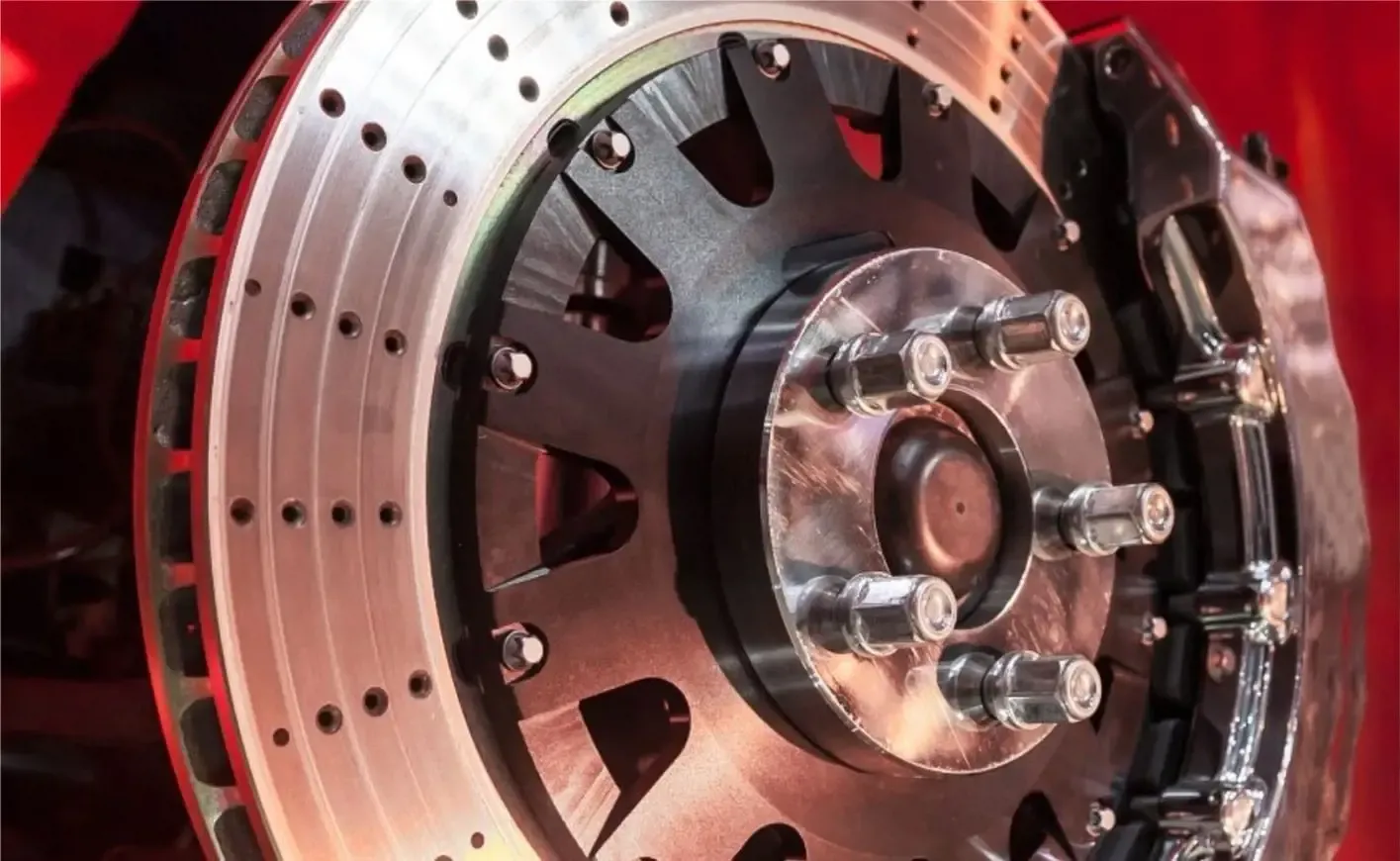
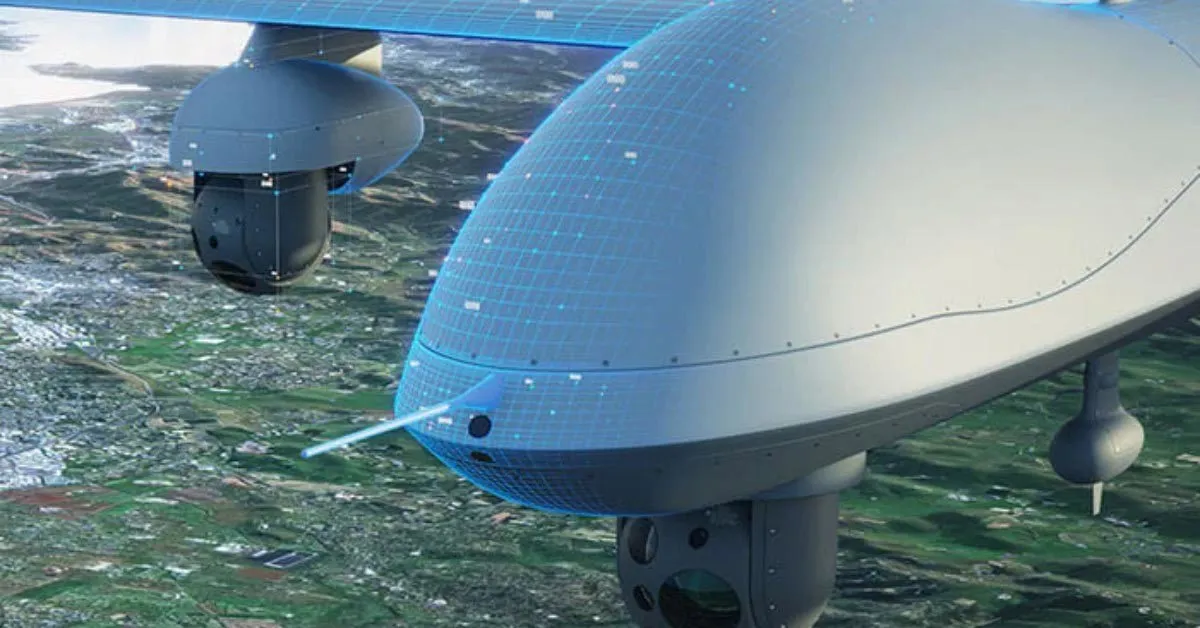
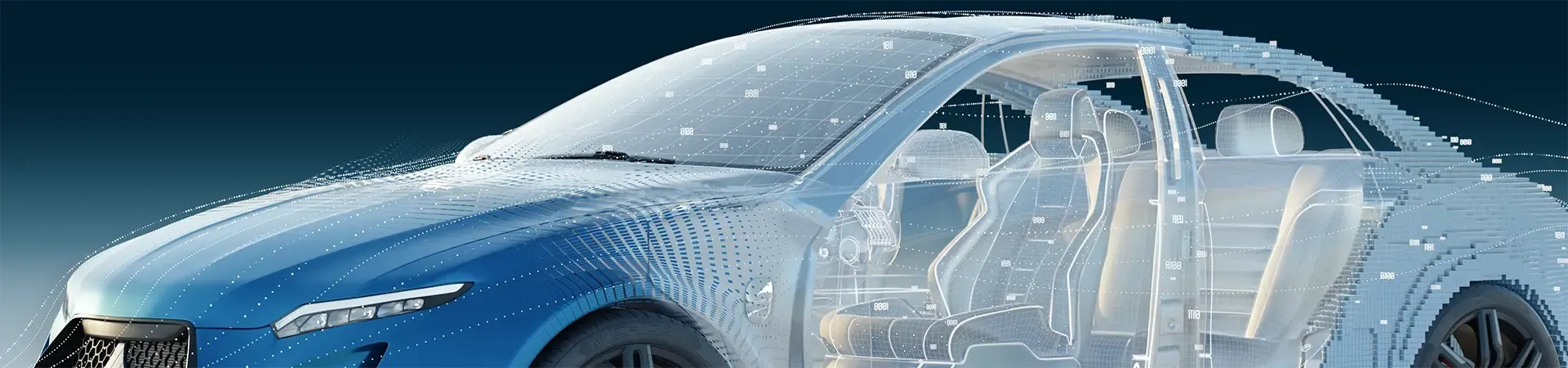
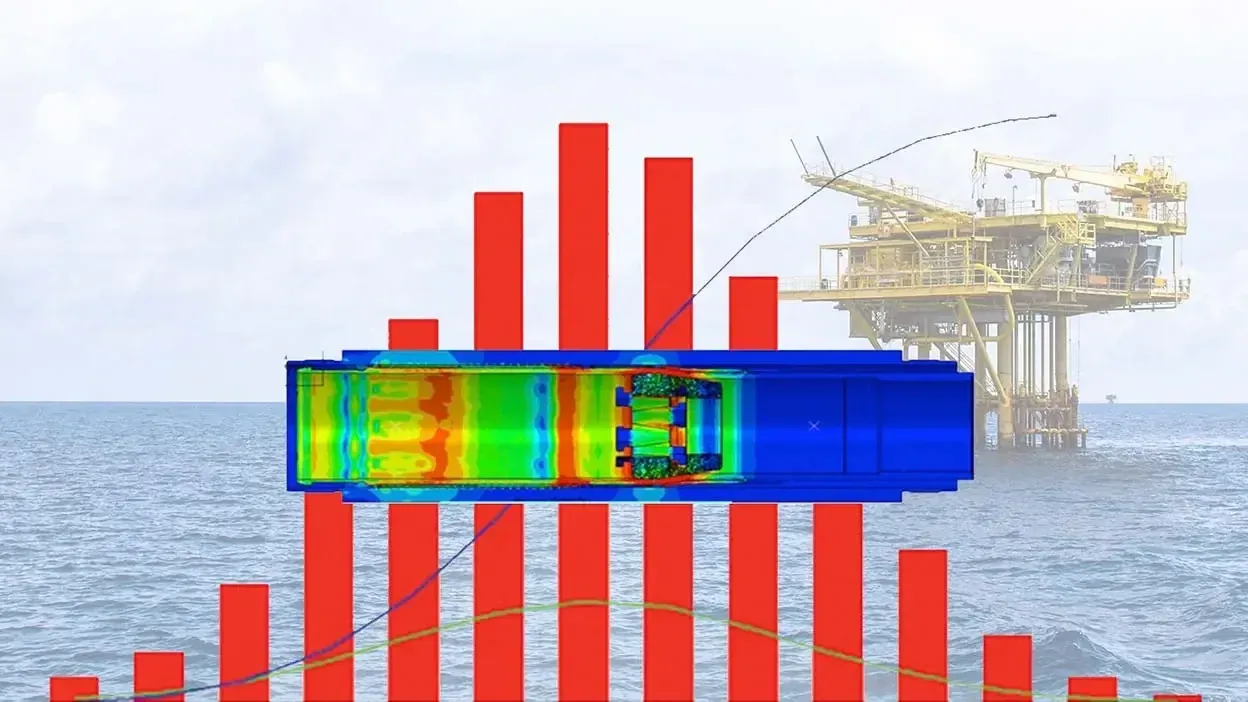
From vehicle digital twins and naval hydrodynamics to battery cooling, brake thermal loads and antenna integration, Simcenter is used wherever performance has to be proven before hardware exists.


Pricing, Trials & Support
Simcenter Pricing, Trials and Support
Simcenter pricing depends on which tools and physics you need, how many engineers run them, how much compute you use and whether you deploy on-premises or through Simcenter X. We size a proposal around your workload, not a list price.
- Subscription and License-Term Options for Each Simcenter Product
- Flexible Compute Licensing, Such as Power Sessions and Power on Demand for STAR-CCM+
- Guided Free Trials of STAR-CCM+ and FloEFD With Setup Help
- Installation, License Setup, Onboarding and Training From TrueInsight
Pricing STAR-CCM+ specifically? See STAR-CCM+ pricing and licensing. For renewals and license questions, visit support and licensing, or start a Simcenter free trial.
Get Simcenter Pricing
Tell us which physics you simulate and how your team works, and we’ll recommend the right Simcenter tools and licenses.
Thanks, Your Request Is In
An application engineer will follow up with next steps.
Implementation & Support
Expert Support Beyond the Software
Simulation tools need the right setup, modeling strategy and validation process to deliver reliable results. TrueInsight helps teams implement Simcenter, build accurate models and interpret results for real engineering decisions.
Our specialists handle installation, workflow configuration, training and advanced simulation support, so simulation becomes a routine part of product development. Need extra capacity? Our CFD and FEA consulting services can run the analysis for you.
- Installation and License Setup
- Workflow Configuration and Templates
- Training on Your Own Models
- Ongoing Application Engineering Support
 Application Engineering
From the Blog
Simcenter Tutorials and Guides
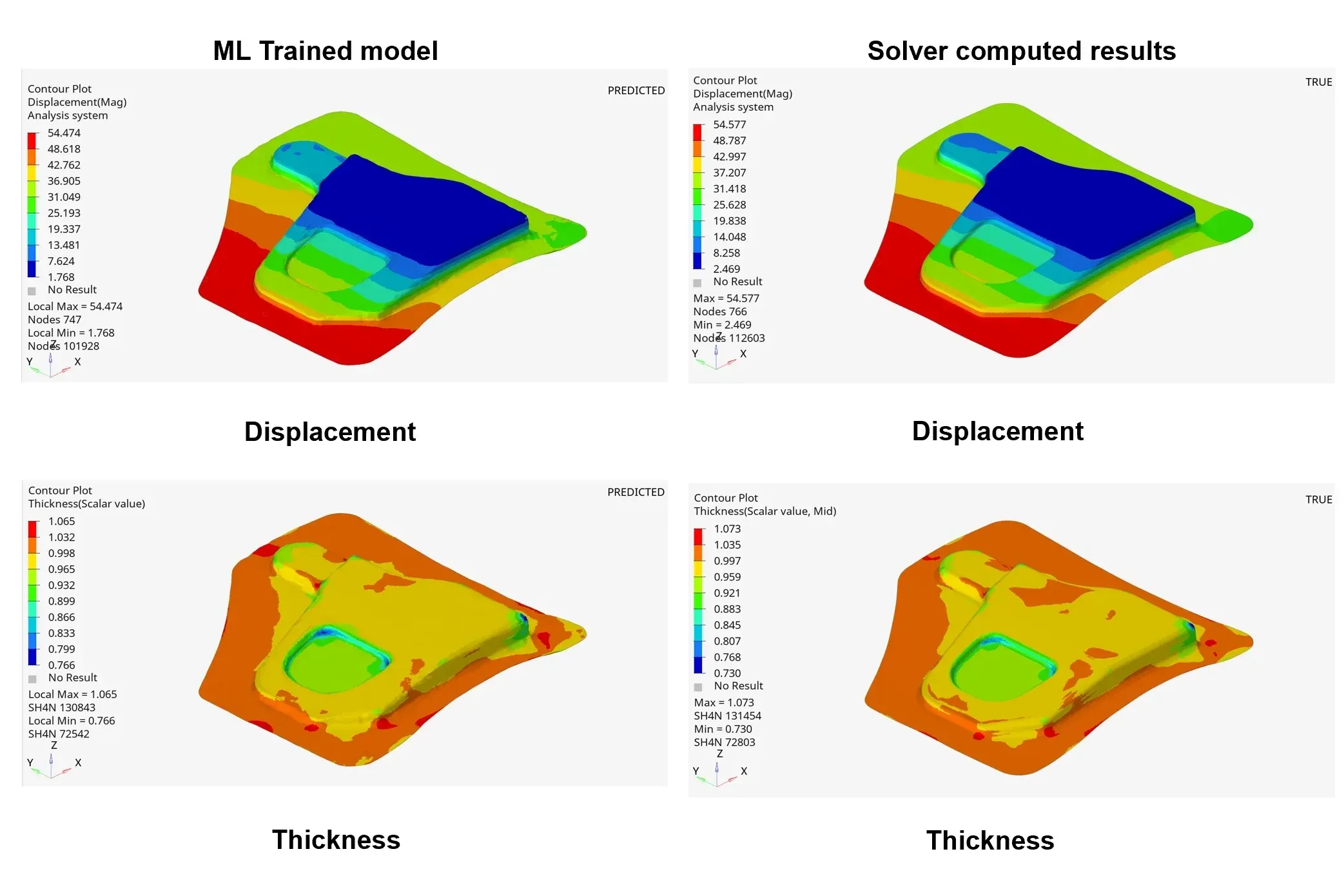
Simcenter PhysicsAI: AI-Powered Design Exploration Comes to STAR-CCM+
Siemens announces that Simcenter PhysicsAI is now available for users to predict CFD models using AI technology.
Read Article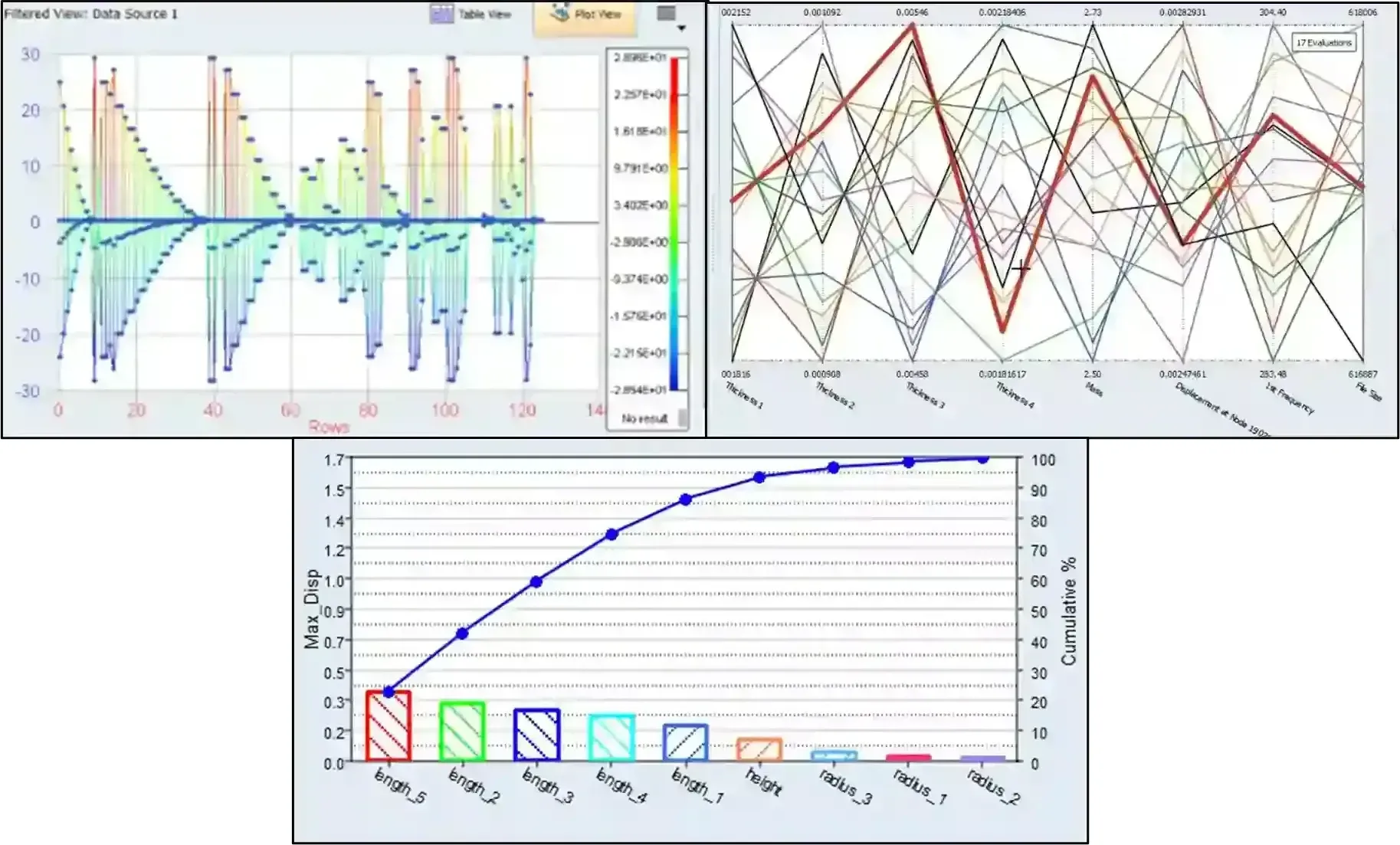
Leveraging Simcenter HyperStudy & PSIM Part 2: From Integration to Optimization
Check out part 2 in this series, where we take the coupled PSIM and HyperStudy model from DOE to optimization.
Read Article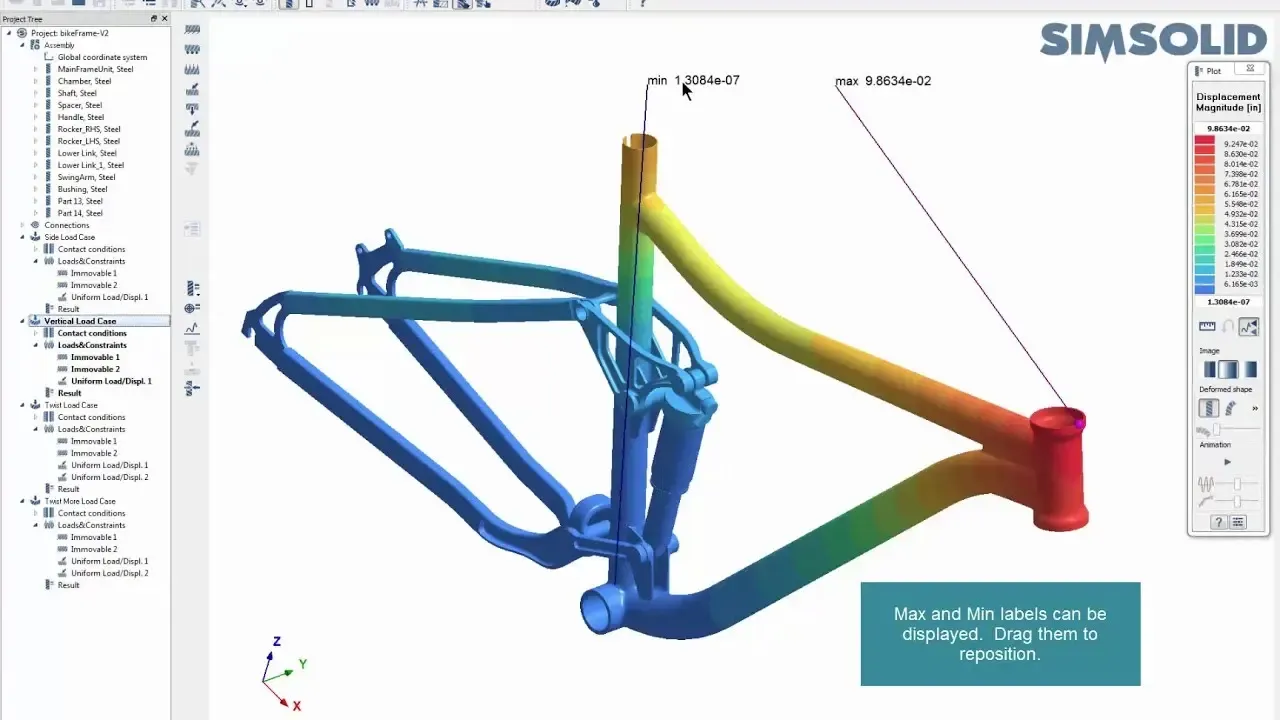
How Tight Should Your Connection Tolerances Be in Simcenter SimSolid?
In this post we show how to take advantage of the ability to work with imperfect geometry and optimize tolerances/gaps.
Read ArticleFAQ
Frequently Asked Questions About Siemens Simcenter
What Is Simcenter?
Simcenter is Siemens’ portfolio of simulation and test software. It combines CFD (Simcenter STAR-CCM+ and Simcenter FloEFD), structural FEA (Simcenter 3D and Simcenter Nastran), system simulation (Simcenter Amesim), physical testing (Simcenter Testlab) and design exploration (Simcenter HEEDS).
Engineering teams use Simcenter to predict product performance before manufacturing, analyzing airflow, structural stress, temperature and system behavior with physics-based models instead of relying only on physical prototypes.
What Is Simcenter 3D?
Simcenter 3D is Siemens’ integrated CAE environment for structural, dynamics, acoustics, thermal, motion and composites simulation. It is built on the same platform as NX, so it can edit and defeature CAD geometry directly and keep analysis models associative to the design. Simcenter Nastran is its primary structural solver.
Is NX Nastran the Same as Simcenter Nastran?
Yes. Siemens renamed NX Nastran to Simcenter Nastran, and it continues as the same finite element solver for linear and nonlinear statics, normal modes, buckling, dynamic response, heat transfer, rotor dynamics and optimization.
Should We Choose STAR-CCM+ or FloEFD?
It depends on complexity, coupling needs and where CFD lives in your process. FloEFD suits design engineers who want fast, frequent flow and thermal answers inside CAD. STAR-CCM+ suits specialist teams solving complex physics such as LES, multiphase or fully coupled multiphysics, and is often used for final validation.
Many teams use both. Compare them in our FloEFD vs STAR-CCM+ table or read Getting to Know Siemens Simcenter FloEFD.
What Is Simcenter X and Who Is It For?
Simcenter X is Simcenter delivered as software as a service on Siemens Xcelerator. It suits teams that want subscription access to Simcenter simulation with cloud-based collaboration and without managing license servers or infrastructure, from smaller companies adopting simulation for the first time to larger groups that want to scale access as projects change.
How Does Simcenter X Licensing Work?
Simcenter X is a cloud subscription covering Simcenter STAR-CCM+, Simcenter 3D, Femap, Amesim and HEEDS. Named-user licenses cover pre- and post-processing, floating tokens enable solvers and advanced features on demand, and credits pay for Siemens-managed cloud HPC. Licensing runs through Siemens’ cloud rather than an on-premises license server, so we map the tools and tokens to your physics before you buy. Ask us about Simcenter X pricing.
What CFD Solver Is Included in Simcenter X?
Simcenter X packages are built from the same Simcenter applications you would license on-premises, so CFD capability comes from Simcenter tools such as STAR-CCM+ rather than a separate cloud-only solver. Which solvers a subscription unlocks depends on the package and add-ons, so we confirm coverage against your physics before you commit.
What Is the Difference Between CFD and FEA?
CFD (computational fluid dynamics) analyzes airflow, liquid flow, heat transfer and aerodynamics. FEA (finite element analysis) evaluates structural stress, deformation, vibration and fatigue. Both are often used together, for example to map heat from a CFD run onto a structural model. Read FEA vs CFD: what’s the difference.
Do Companies Still Need Physical Prototypes If They Use Simulation?
Yes, but far fewer. Simulation validates designs digitally first, so physical prototypes are used mainly for final verification instead of trial and error. That shortens development time and lowers cost, and test data from tools like Simcenter Testlab makes the simulation models even more accurate.
Which Industries Use Engineering Simulation?
Aerospace and defense, automotive and EV, electronics, energy, heavy machinery, industrial equipment, marine and consumer products. Any product that experiences forces, heat, airflow or motion benefits from simulation-driven design.
Is Simulation Software Only for Large Companies?
No. Many small and mid-sized engineering teams adopt simulation to reduce redesign cycles, avoid manufacturing mistakes and accelerate development without expanding physical testing. CAD-embedded tools such as FloEFD and subscription options such as Simcenter X lower the barrier to entry.
How Long Does It Take to Implement Simcenter?
Initial setup is quick, but effective adoption depends on workflow integration and training. With guided implementation, teams typically run useful simulations within weeks and then improve model accuracy progressively.
Related Pages
More Siemens PLM Software
Siemens PLM SoftwareNX, Solid Edge, Teamcenter and Simcenter from one partnerGet Started
Ready to Put Simcenter to Work?
Get a guided STAR-CCM+ or FloEFD trial, a live demo on your own geometry or a Simcenter proposal sized to your team.
- Authorized Siemens & Altair Partner
- Expert Engineering Support
- Licensing Sized to Your Team