Free 30-Day Guided Trial
Start Your Free Engineering Software Trial
Explore industry-leading CAD and simulation tools from Siemens and Altair and see how they can accelerate your design and engineering workflows, with setup help from our engineers.
- Hands-On Access to Core Design and Simulation Capabilities
- Installation, Activation and Kickoff Help From Our Engineers
- Test on Your Own Models and Workflows
- Guided Setup on Your Workstation

Authorized Channel PartnerSiemens & Altair software
Request Your Free 30-Day Trial
Start your free 30-day trial by completing the form.
Thanks, Your Request Is In
An application engineer will follow up with next steps.
Trial Software
Choose Your Free Trial Software
Explore industry-leading engineering software with a free trial. Not sure which one fits? Describe your CAD environment and use case in the form and we will recommend one.
Compare Tools in the Solution FinderSiemens NX, Solid Edge and Simcenter Trials
Start a Siemens NX free trial for integrated CAD, CAM and CAE, try Solid Edge for mainstream 3D CAD, or evaluate CFD with STAR-CCM+ and FloEFD. Background reading: Siemens NX vs CATIA and getting to know FloEFD.
CAD · CAM · CAE
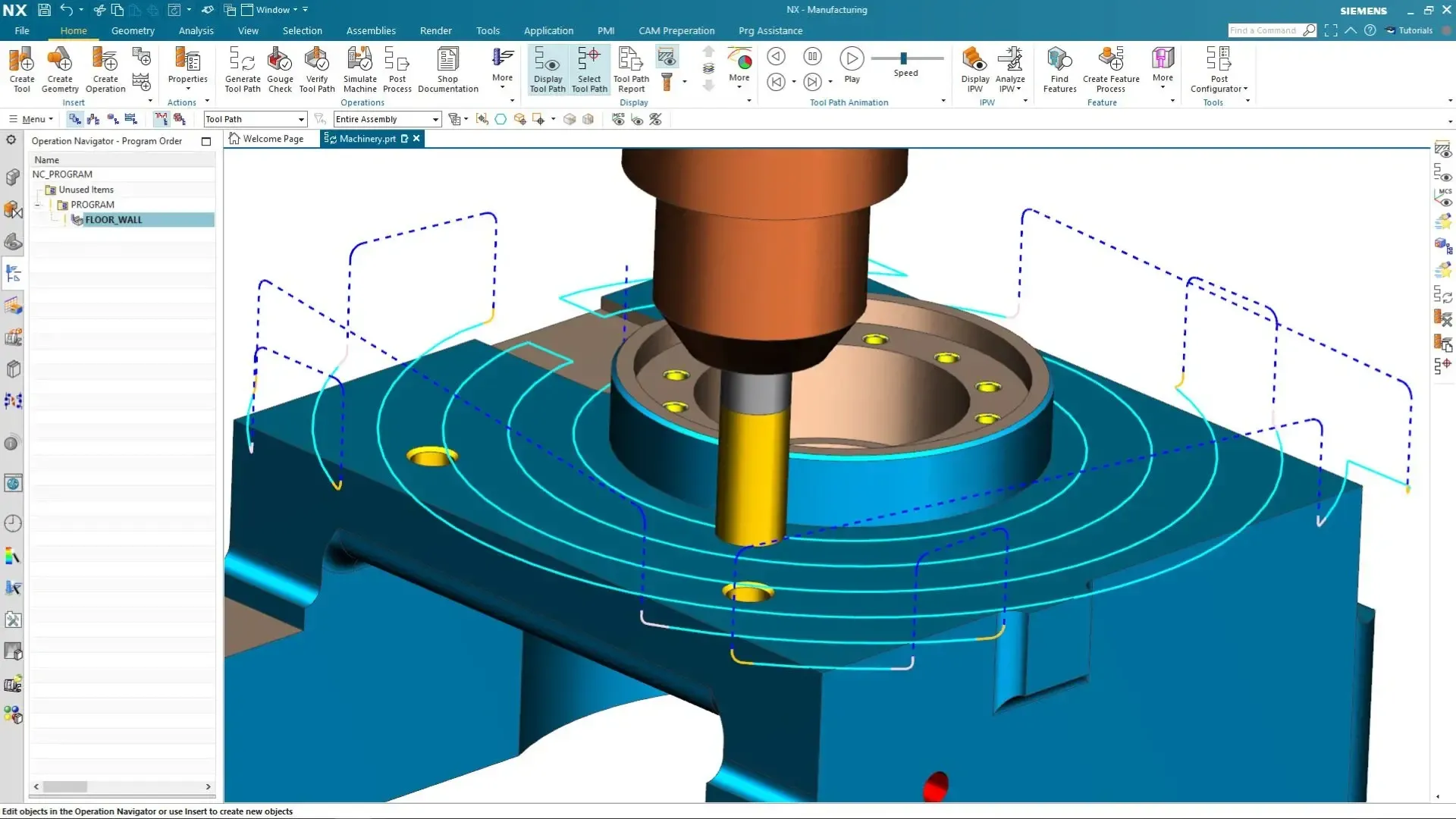
Siemens NX
An advanced integrated solution for computer-aided design, manufacturing and engineering, from modeling to NX CAM toolpaths.
Explore Siemens NX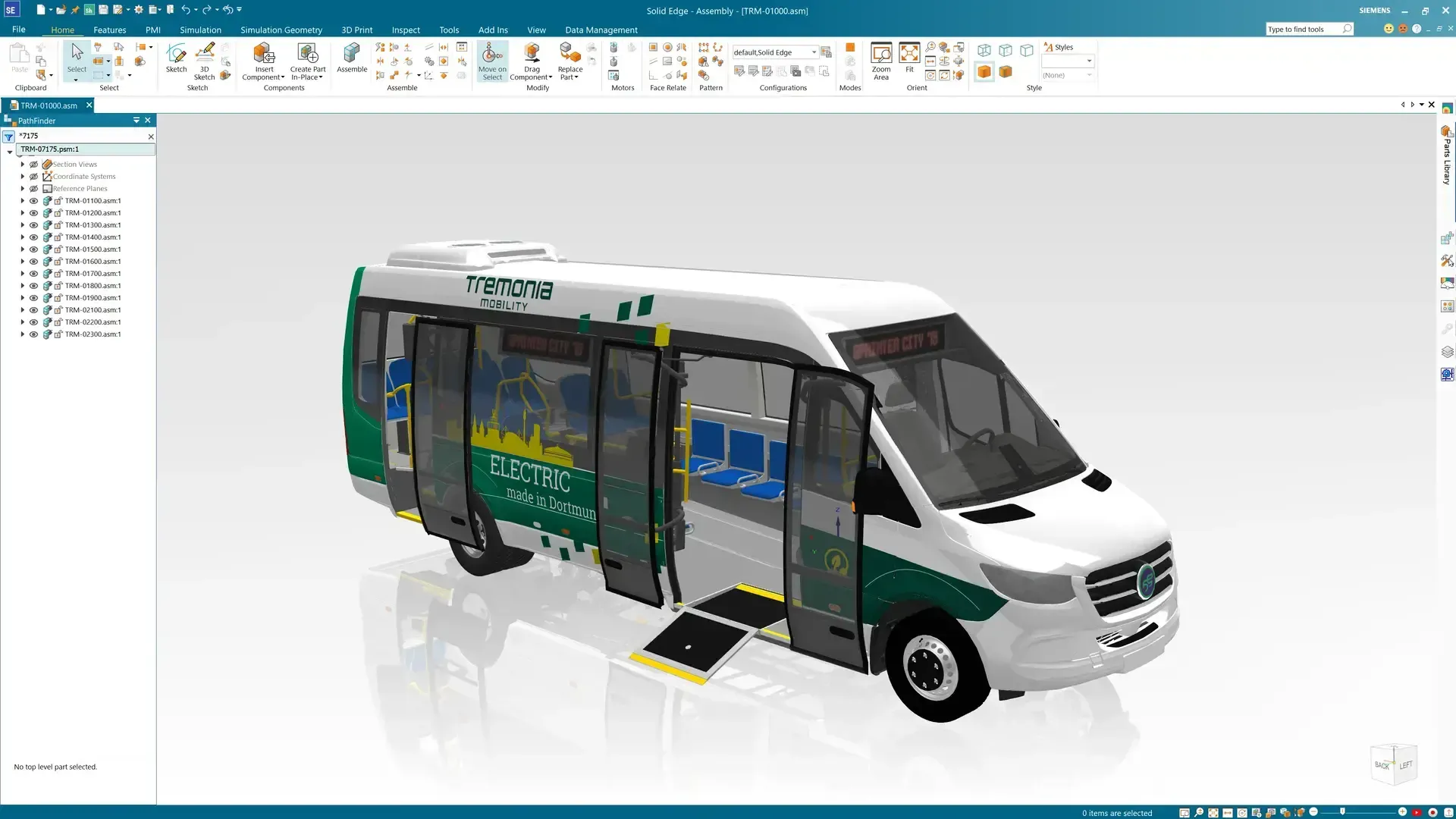
3D CAD
Solid Edge
Fast 3D CAD with synchronous technology for mechanical design, large assemblies, sheet metal and drafting.
Explore Solid Edge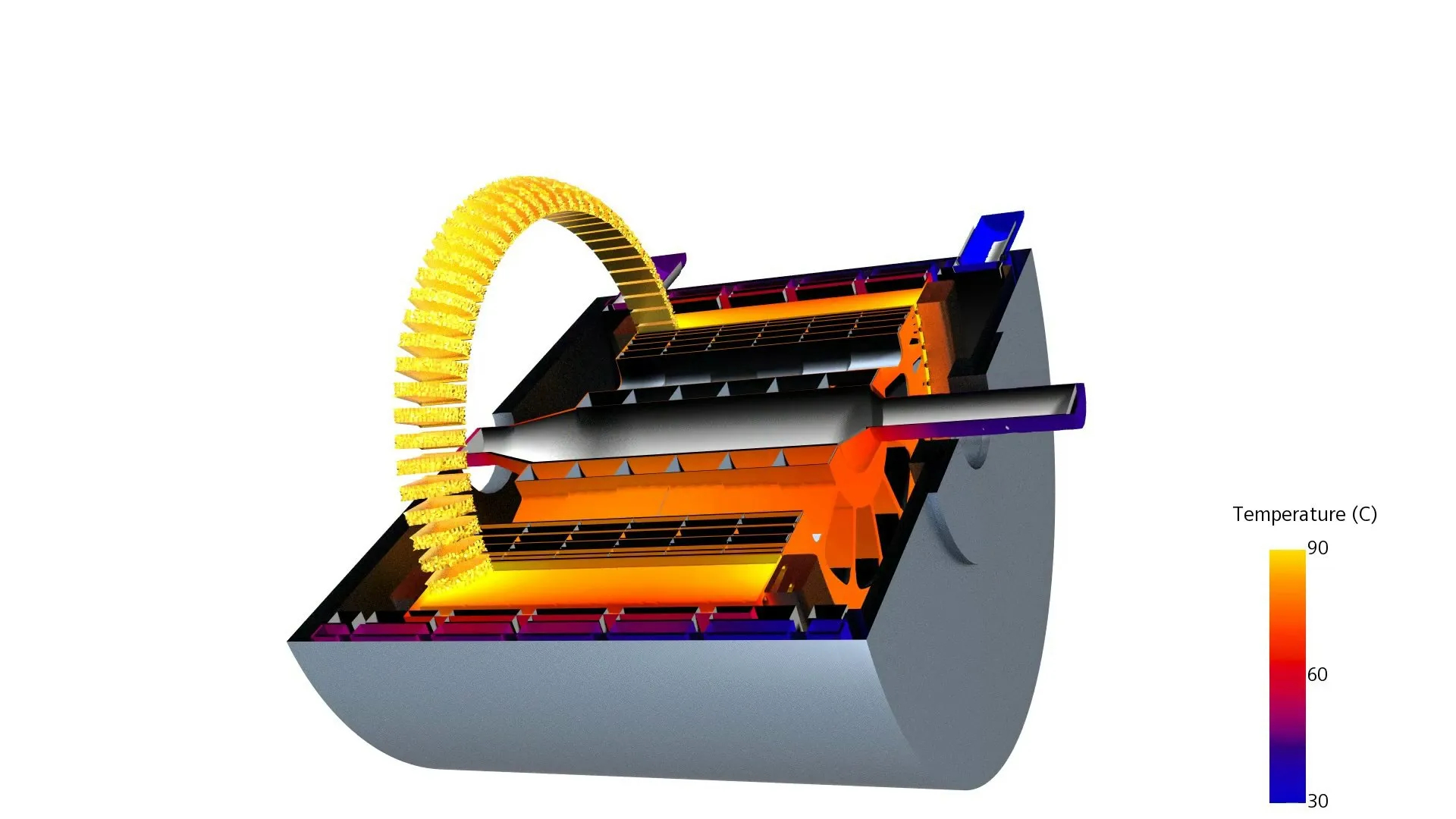
Multiphysics CFD
Simcenter STAR-CCM+
CFD and multiphysics simulation that helps engineers test and optimize products faster and more accurately.
Explore STAR-CCM+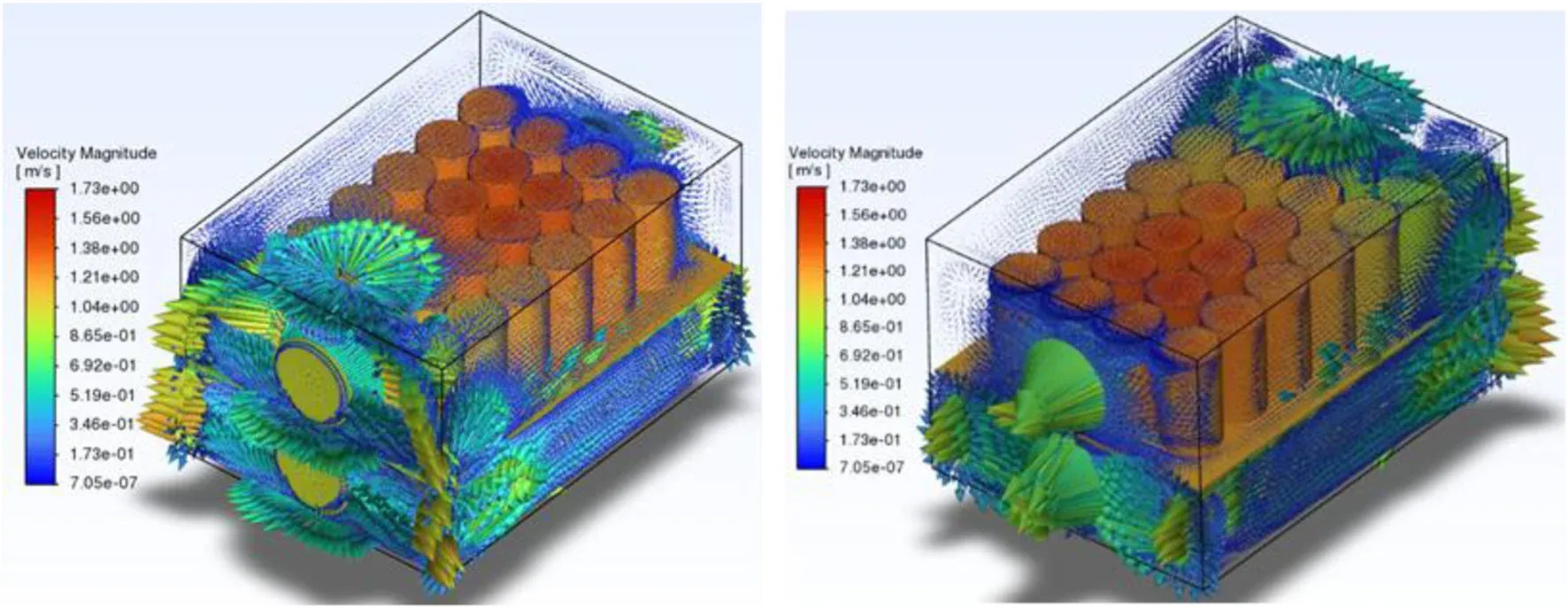
CAD-Embedded CFD
Simcenter FloEFD
CFD embedded directly inside leading CAD tools like Siemens NX, CATIA V5, Creo and Solid Edge.
Explore FloEFDAltair HyperWorks, SimSolid and Inspire Trials
Trial HyperWorks for meshing, solving and optimization, SimSolid for meshless analysis on full assemblies, or Inspire for simulation-driven design. All three run on Altair Units licensing. See SimSolid vs HyperMesh.
CAE Platform
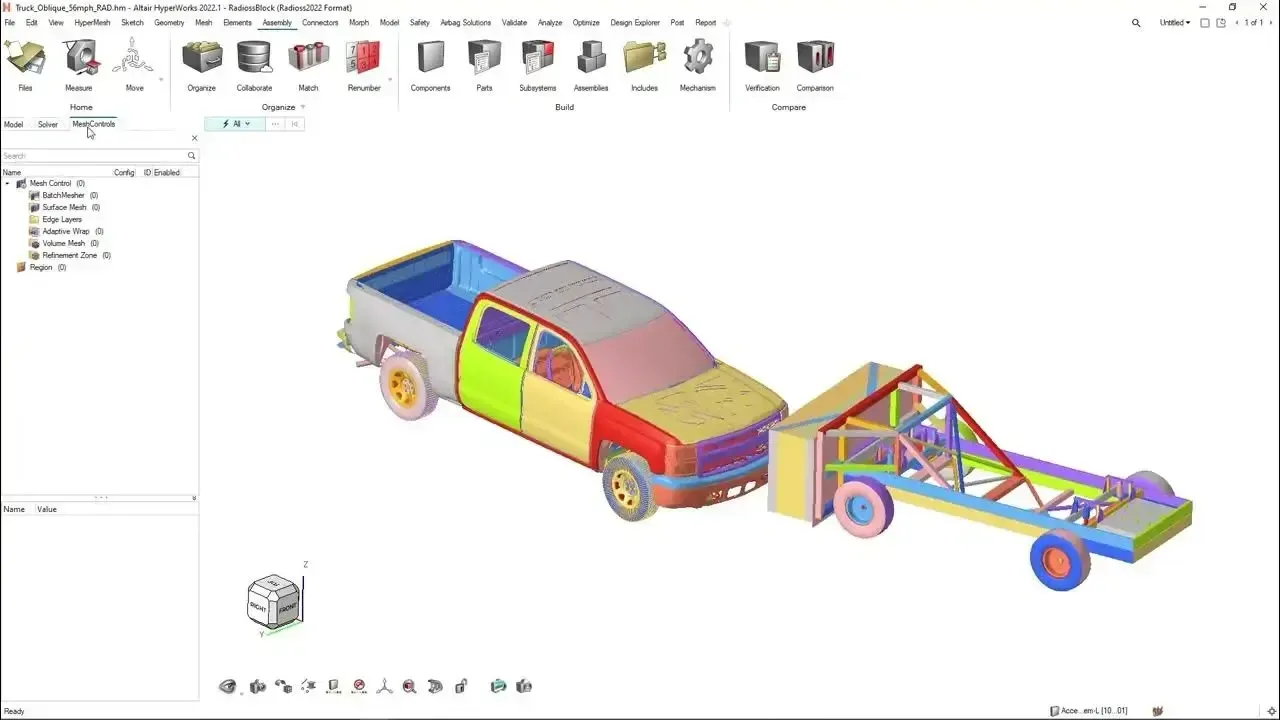
Altair HyperWorks
A comprehensive computer-aided engineering platform uniting HyperMesh, OptiStruct, SimSolid and Radioss.
Explore HyperWorks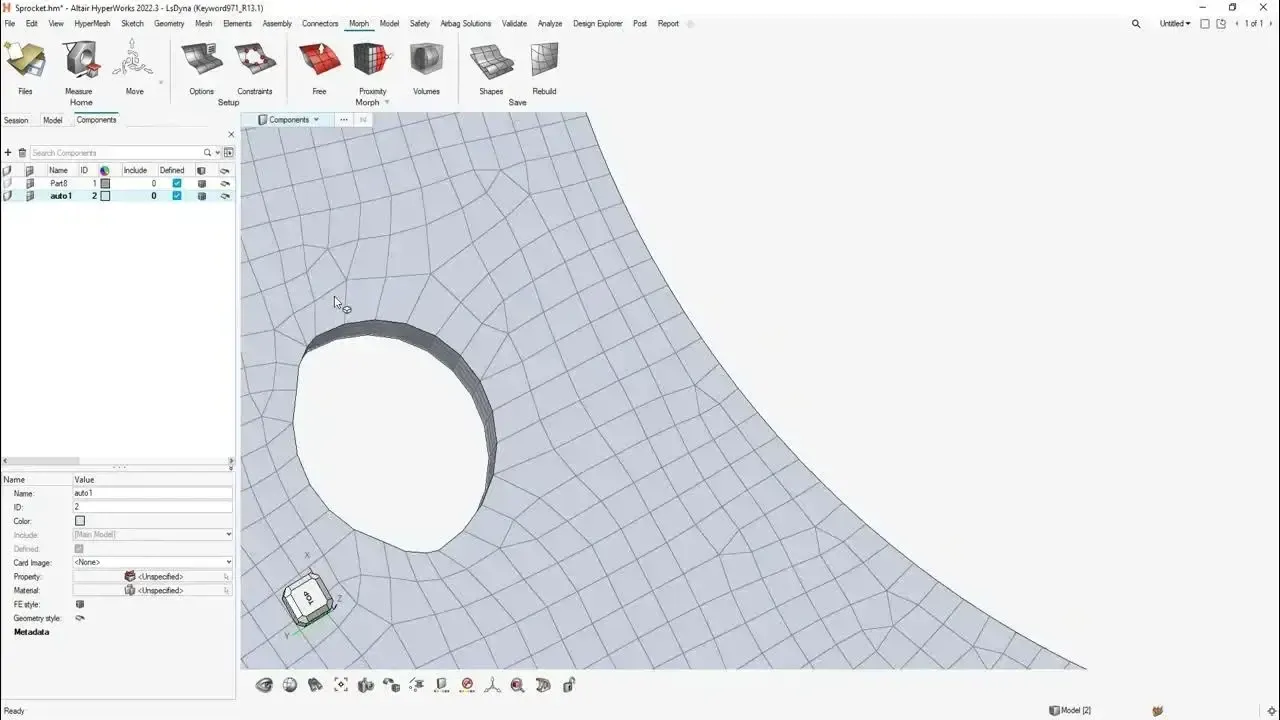
FEA Pre-Processing
Altair HyperMesh
High-quality meshing, geometry cleanup and model setup for accurate finite element analysis.
Explore HyperMesh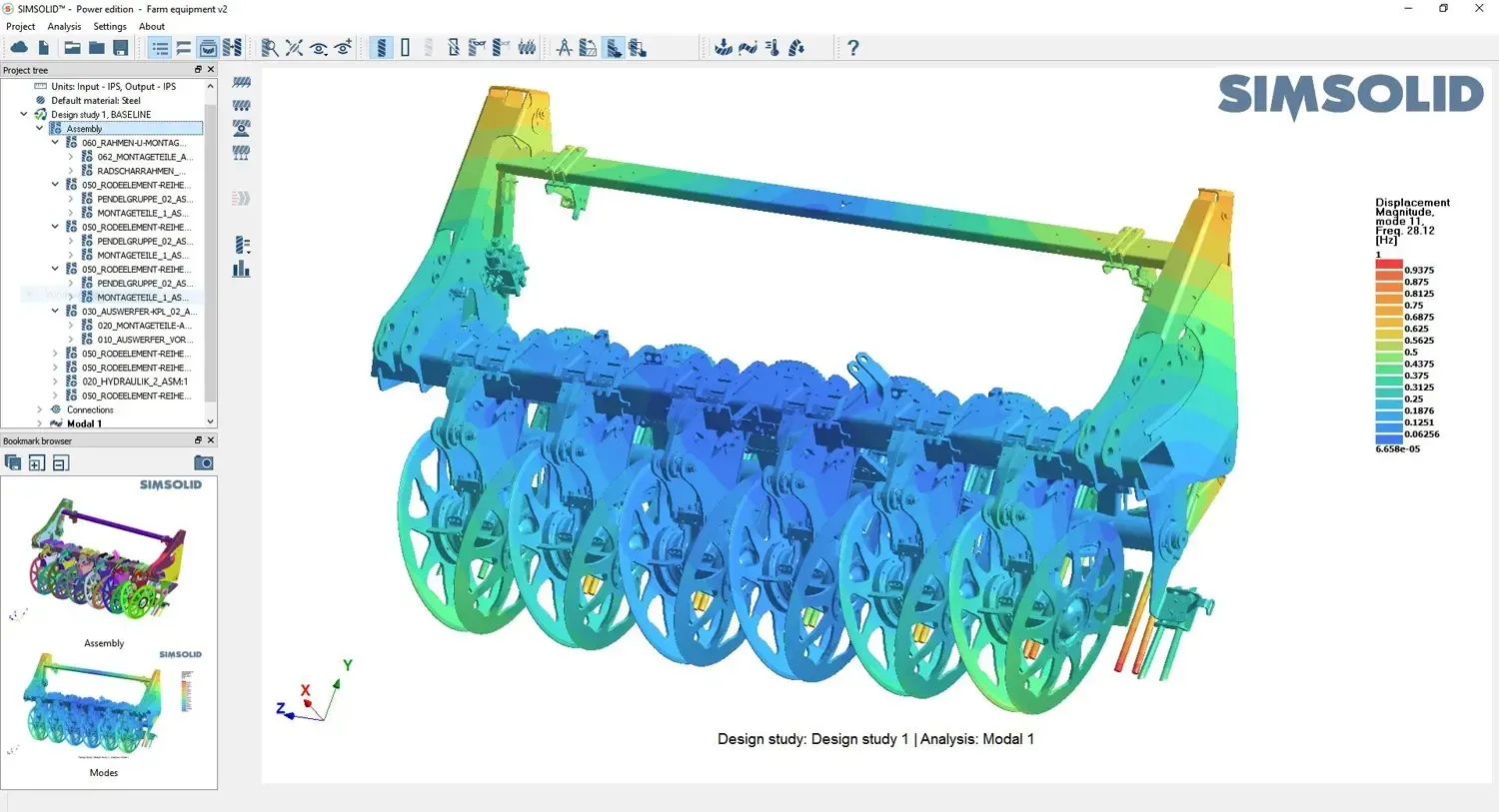
Meshless FEA
Altair SimSolid
Structural simulation directly on original, unsimplified CAD assemblies, without creating a mesh.
SimSolid Details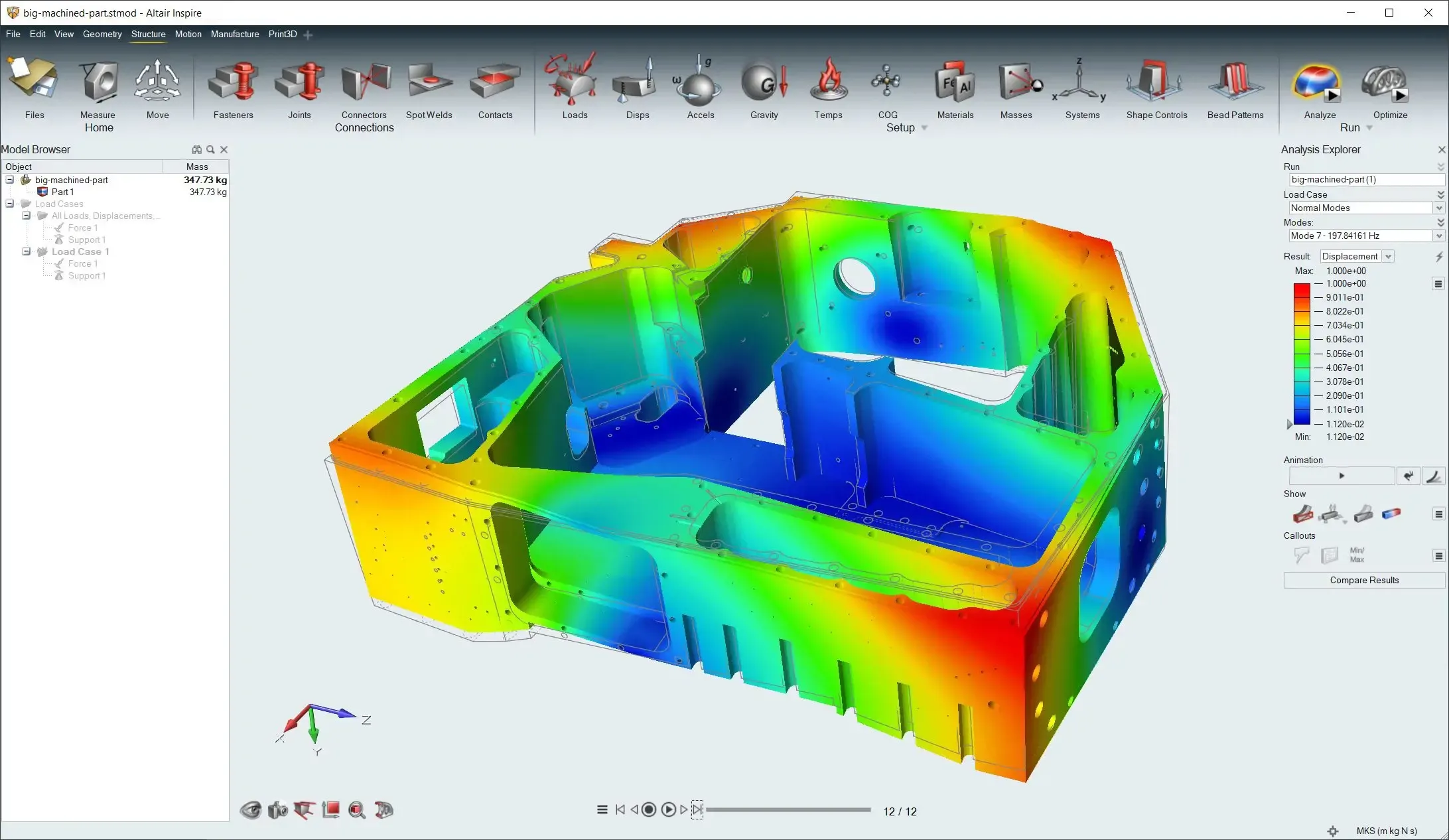
Simulation-Driven Design
Altair Inspire
Create, optimize and evaluate designs in a virtual environment, with topology optimization and fast structural checks.
Inspire DetailsWhat You Get
What’s Included in Your 30-Day Trial
A trial is only useful if it runs on your workstation and your problems. That is why every TrueInsight trial comes with real engineering help.
Time-Limited Trial License
Temporary access to the software you select so you can evaluate core design and simulation capabilities before purchasing. Most trials run 30 days.
Installation & Activation Help
Our engineers help install the software and activate the trial license so you spend the trial engineering, not troubleshooting.
Kickoff Session
A short kickoff call aligns the trial with your goals and walks through first steps on your own models.
Support During the Trial
TrueInsight engineers assist with setup and initial workflows to help you get the most from your evaluation.
Workflow Recommendations
Guidance on the right tool for your CAD environment, simulation needs and industry, including when to mesh and when not to.
Tutorials and Guides
Step-by-step articles on the TrueInsight blog and the resources hub to get productive faster.
Before You Install
System Requirements and Setup Help
System requirements vary by product. Our team can help verify compatibility with your current workstation before starting the trial, so nothing stalls on day one.
Large assemblies, CFD meshes and transient runs reward more cores and memory, while CAD-embedded tools like FloEFD and SimSolid need a supported CAD version. Licensing Altair software? Follow our auth code licensing walkthrough.
- Operating System and Version Support for the Product You Choose
- CPU Cores, Memory and Free Disk Space for Your Model Sizes
- Certified Graphics Card and Driver for 3D CAD Work
- Network and License-Server Access, If Your Company Uses One
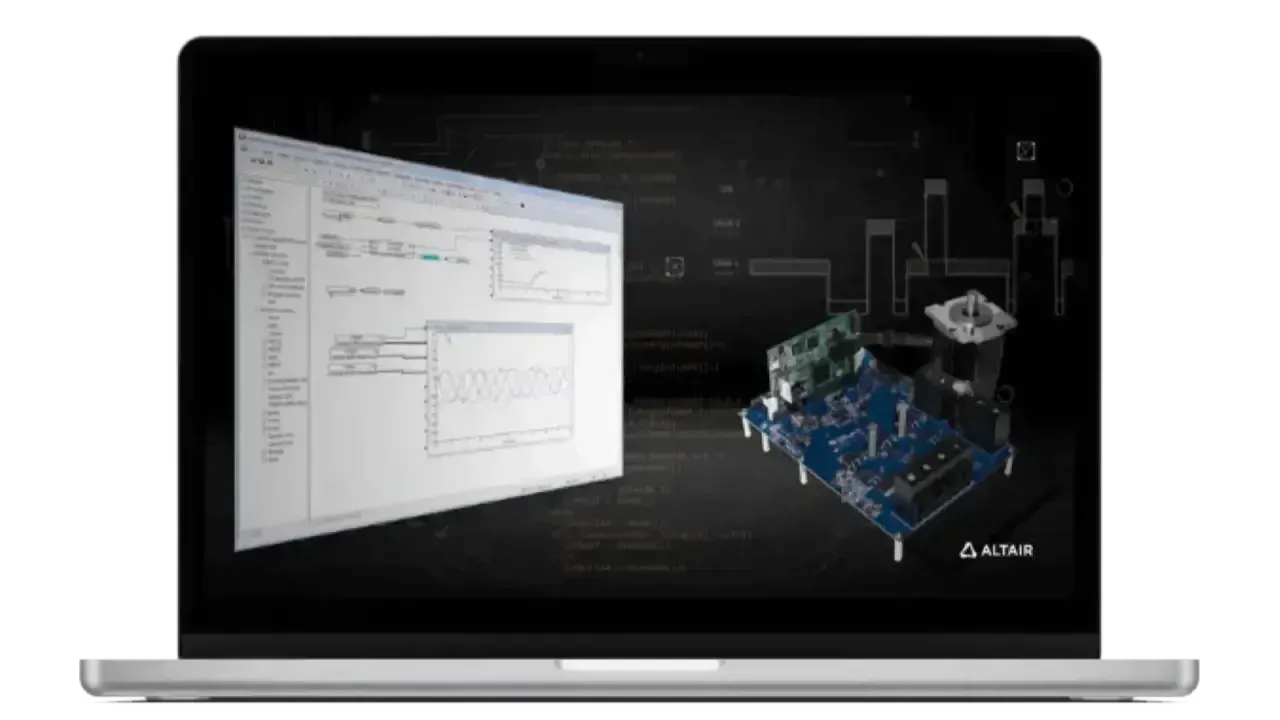 Workstation Check · Setup
How It Works
How the Free Trial Works
From request to results in four steps, with an application engineer alongside you the whole way.
Request Your Trial
Complete the form with the software you want to evaluate and a few words about your CAD environment and use case.
Confirm Fit and Requirements
An application engineer follows up to confirm the right product and check your workstation.
Install and Kick Off
We help install the software, activate the trial license and walk through first steps on your own models.
Evaluate for 30 Days
Test real workflows with support from our engineers, then review results and licensing options together.
After the Trial
Licensing Options, Bundles and Startup Programs
After the trial period, our team can help you evaluate licensing options, bundles or startup programs that best match your needs, with no pressure to decide on the last day.
Siemens and Altair offer migration programs, startup packages and first-time adoption pricing through authorized partners. See how engineering software pricing works, or ask about Altair Units and NX licensing.
- Altair Units Licensing That Unlocks the Whole HyperWorks Portfolio
- Startup and Small-Team Packages, Including Aerospace Startup Programs
- Competitive Replacement of an Existing CAD or Simulation Platform
- First-Time Implementation Pricing With Onboarding Included
 Licensing · Onboarding
FAQ
Free Trial FAQs
Trial length, student and community editions, system requirements and what happens next.
What Does the Free Trial Include?
The free trial provides temporary access to selected engineering software, allowing you to evaluate core design and simulation capabilities before purchasing a license. It includes installation and activation help, a kickoff session and support from TrueInsight engineers.
How Long Does the Free Trial Last?
Most trials provide 30 days of access, depending on the software selected. If your evaluation needs a little more time, talk to your TrueInsight contact before the trial ends.
Is Siemens NX Free?
No. Siemens NX is commercial software licensed through Siemens and authorized partners such as TrueInsight. Companies can evaluate NX at no cost with a free trial, and Siemens offers separate student software for academic use. See Siemens NX for editions and licensing.
Is Siemens NX Free for Students?
Yes, for learning. Siemens’ free Designcenter Student Edition includes NX CAD, CAM and CAE tools on a one-year license for students, educators and lifelong learners aged 15 and up; it is not for commercial work. Commercial projects require a commercial NX license, which TrueInsight provides along with commercial trials.
Is Solid Edge Free?
Solid Edge is commercial CAD software, but Siemens offers free editions for specific uses: a Student Edition for students and a Community Edition for makers and hobbyists working on non-commercial projects. For business use, start with a free trial through TrueInsight and see Solid Edge licensing options.
How Do I Get Siemens NX for Free?
Businesses can evaluate NX at no cost with a free trial: request it with the form on this page and our engineers will help with installation and setup. Students and lifelong learners can use the free Designcenter Student Edition, which includes NX. For ongoing commercial use, NX requires a paid license, and startup and first-time programs can lower the cost.
Is There Free FEA Software I Can Try?
Yes. You can trial Altair HyperWorks, SimSolid or Inspire for structural FEA at no cost through TrueInsight. Altair also offers student editions for academic learning. Not sure which fits? Read SimSolid vs HyperMesh.
Do I Need a Powerful Workstation to Run the Software?
System requirements vary by product. Our team can help verify compatibility with your current workstation before starting the trial, including operating system, memory, graphics and license access.
Can I Get Technical Support During the Trial?
Yes. TrueInsight engineers can assist with installation, setup and initial workflows to help you get the most from your trial.
Which Software Should I Choose?
If you’re unsure which tool best fits your workflow, our engineering team can recommend the right solution based on your CAD environment, simulation needs and industry. You can also compare tools in the Solution Finder or read FEA vs CFD.
What Happens After the Trial Ends?
After the trial period, our team can help you evaluate licensing options, bundles or startup programs that best match your needs. See engineering software pricing for how quotes work.
Get Started
Request Your Free Engineering Software Trial
Explore industry-leading CAD and simulation tools from Siemens and Altair. Test the software used by engineering teams worldwide for design, simulation and product development.
- Authorized Siemens & Altair Partner
- Expert Engineering Support
- Licensing Sized to Your Team